
Ask Habibi
Open Ask Habibi from the sidebar. The initial setup lets you choose a local model server or a supported hosted provider.
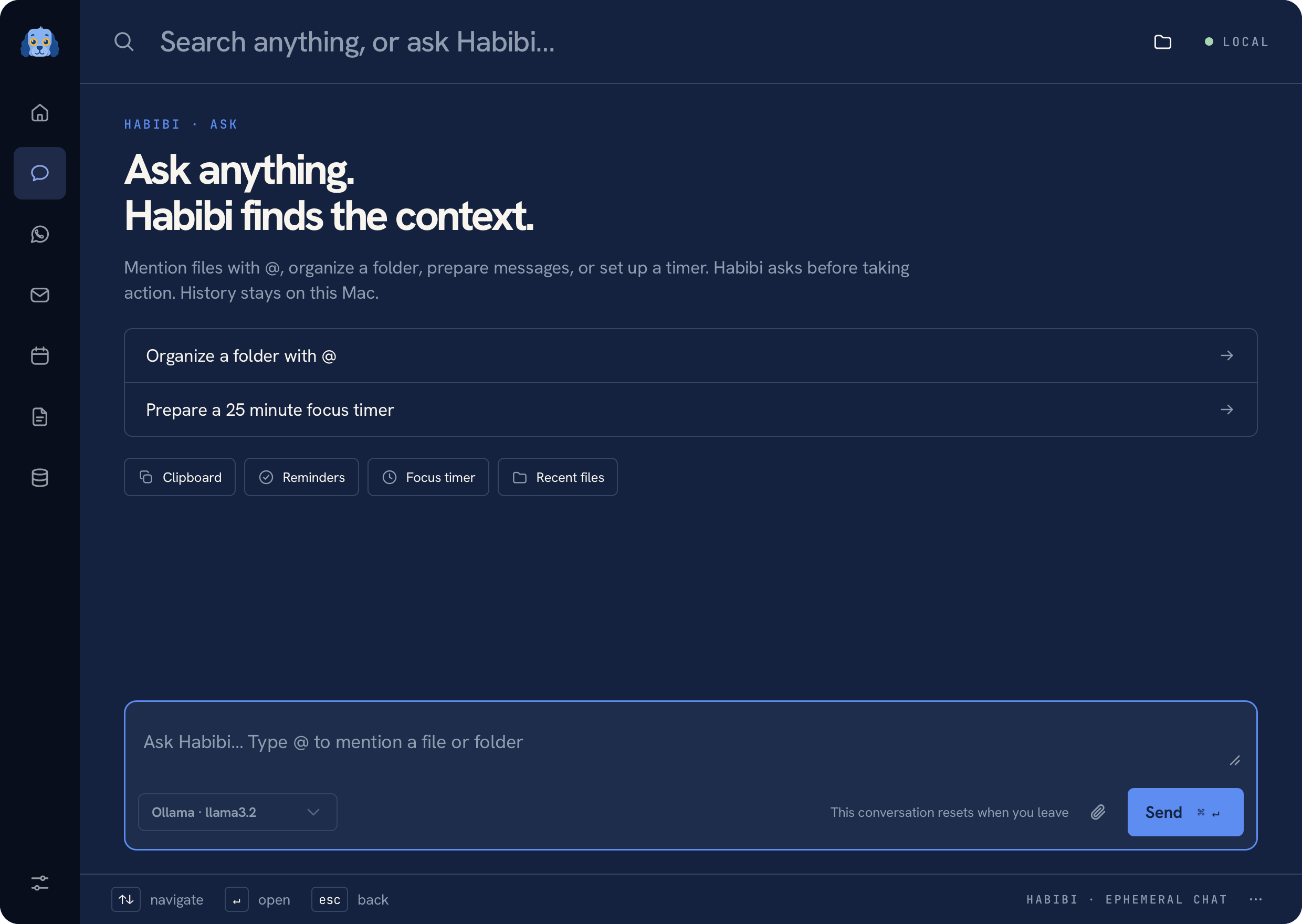 Ask Habibi with a fictional conversation
Choose a provider#
| Provider | Connection |
|---|---|
| Ollama | Local server, normally on 127.0.0.1:11434 |
| LM Studio | Local OpenAI-compatible server, normally on 127.0.0.1:1234/v1 |
| OpenAI | Your own API key and supported model |
| Anthropic | Your own API key and supported model |
| Google Gemini | Your own API key and supported model |
Start a local model server before selecting it, or supply your hosted provider's key in the setup UI. Hosted keys are saved through the macOS Keychain helper. Manage the selected provider and model from Settings → Connected services.
Files and daily utilities#
Type @ to select files or folders, then ask Habibi to prepare a rename,
organization, compression, or PDF plan. Timer, reminder, clipboard, and recent-file
controls also appear directly in the conversation. Use the shortcuts
on the Ask welcome screen to open them. See Files, with Habibi
for the demo, sharing controls, cleanup opt-in, and tested workflows.
Submit useful context#
Write a request in the composer, then use its send action or ⌘ Enter. Attach files or paste an image when that context is needed. The selected provider receives the request and the context included for that submission. For hosted providers, this data leaves your Mac.
Habibi can route a request into a connected capability, prepare a draft, or answer directly. Every AI-selected action waits for your explicit confirmation, including opening an app or website and running a search. A model-generated plan never grants approval. Compression and converted previews, file changes, messages, and calendar writes retain their specific review steps.
Try the interactive file workflow to see how selection, cancellation, confirmation, and Undo work before using your own files.
Conversation scope#
The Ask workspace is an ephemeral conversation. Use Notes when you want to keep a page with your own structure and stable links. See Privacy for the distinction between local storage and provider calls.
If a model cannot connect, confirm the provider, model name, local server or key in Settings. An unconfigured model does not prevent local tools from working.
Was this page helpful?