
Open Mail from the sidebar to connect Gmail or Zoho Mail. You can manage multiple connected inboxes under Mail accounts in Settings.
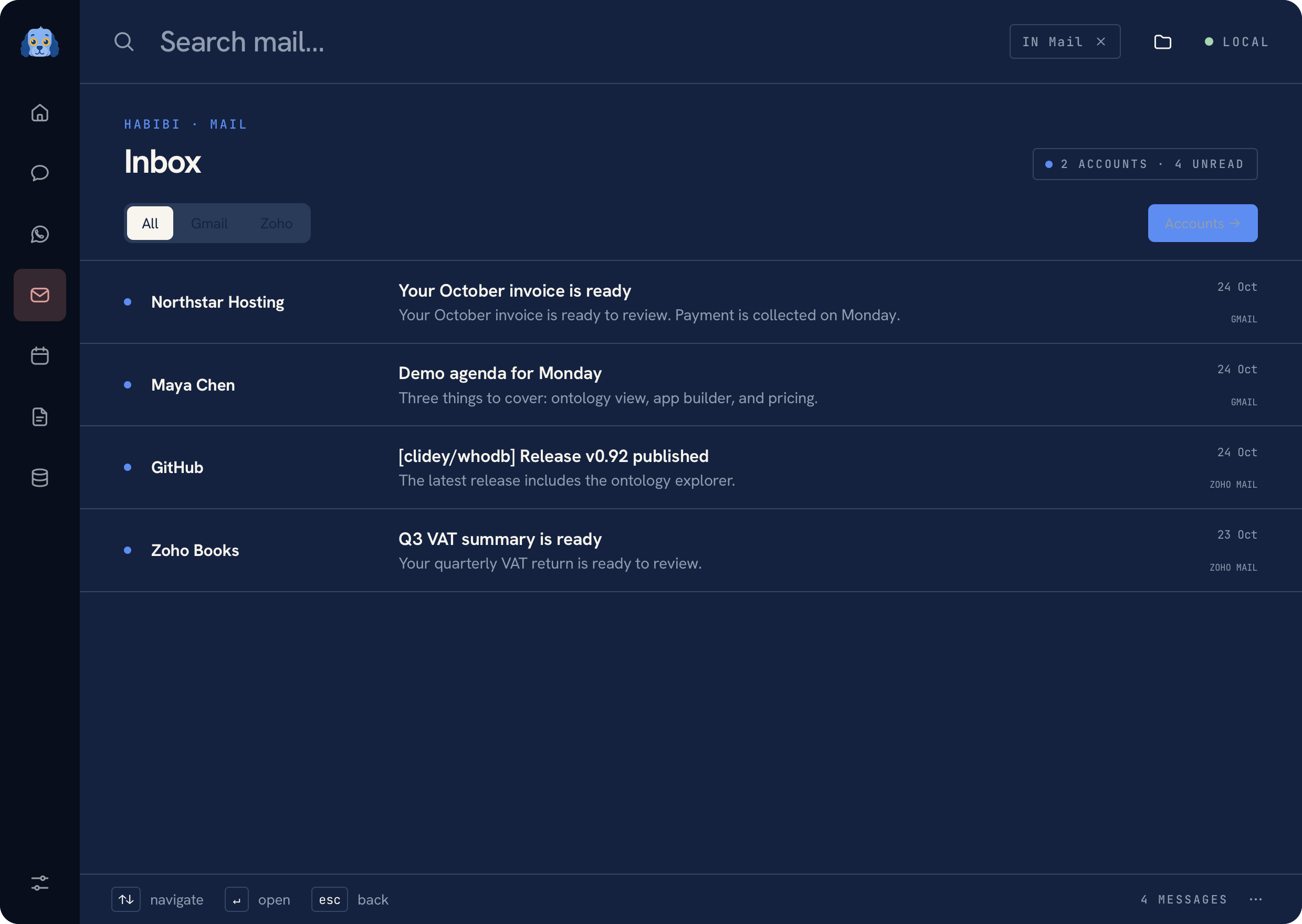 Mail inbox with fictional messages
Connect an account#
Choose a provider, enter its email address and provider-generated app password, and confirm the IMAP host shown in the setup form. The connection uses IMAP with SSL on port 993. The app password stays in macOS Keychain.
If the provider requires enabling IMAP or creating an app password, complete that setup in the provider's account settings first. Use a provider app password rather than pasting your everyday account password into a draft or chat.
Read, find, and draft#
Browse the inbox, open a thread, and search within Mail. Global launcher matches can use already loaded metadata; scoped Mail search queries the connected provider when requested. You can also open an email in its provider.
Prepare a message or reply, add recipients and attachments, and review it before sending. Attaching a file or pasting an image does not send it. The send action uses its approval flow.
Use Notes in a thread to create or open linked pages without copying the thread into your notes library.
Reconnect#
If authentication stops working, open the account settings and reconnect with a fresh app password. Removing a connection from Habibi does not delete the provider's mailbox. See Privacy for credential storage and Troubleshooting for connection checks.
Was this page helpful?