
Reminders
Type Reminders in the launcher to open inline controls in Ask Habibi. Connect Apple Reminders when macOS asks for access, then choose a list.
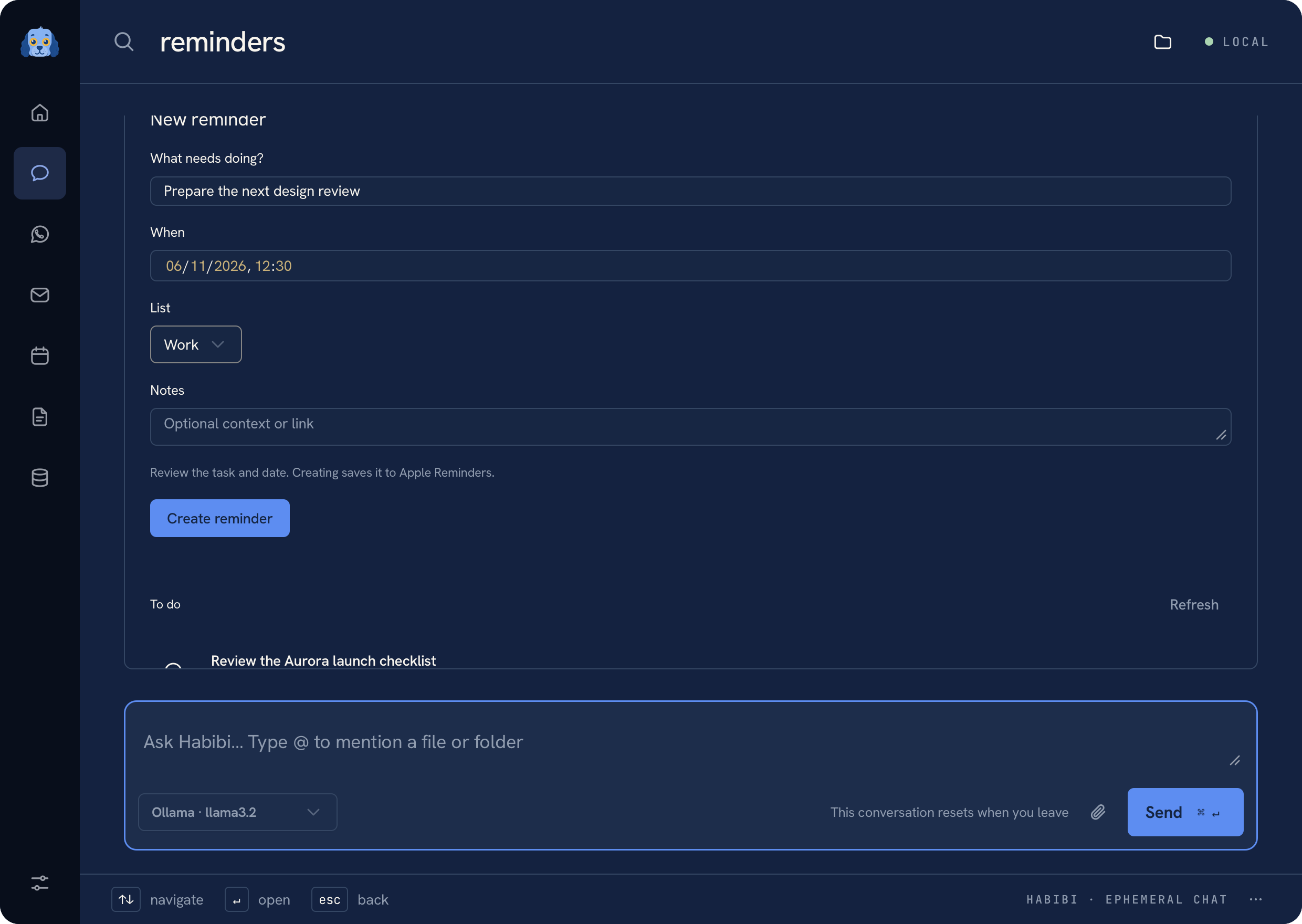 Reminders with fictional tasks and an unsaved draft
Prepare a task in plain language#
Try:
Text
Tomorrow remind me at noon to pack lunch
Remind me to call Sam in 30 minutes
With a configured model, Habibi prepares editable task text and scheduling fields in the conversation. Opening the Reminders controls does not require a model. Check the task title, due date and time, list, and notes, then choose the create action to confirm it.
A request without a date can stay unscheduled. If a phrase is ambiguous, edit the date and time in the form before creating the reminder.
Try a reminder review#
Edit the fictional title below. It stays a proposal until you confirm it. This simulation does not connect to Apple Reminders or schedule a notification.
Review a reminder
Local simulation. No notifications, running clock, or Apple Reminders access.
Remind me tomorrow at noon to pack lunch.
Due: tomorrow, 12:00 PM · List: Personal
Prepared only. Nothing has started or been saved.
Complete a reminder#
Find the task in the selected list and use its completion control. Completing a reminder is an explicit write to Apple Reminders, with the corresponding review flow. Merely opening a list does not complete anything.
Permission and sync#
Habibi uses EventKit on this Mac. If access was denied, update it in System Settings → Privacy & Security → Reminders. Available lists and synced tasks come from the accounts configured in Apple Reminders.
See Privacy for permission boundaries and Troubleshooting if a list cannot be loaded.
Was this page helpful?