Clipboard history
Type Clipboard history in the launcher, or ask “show my clipboard,” to open inline controls in Ask Habibi. Collection begins only after you enable it.
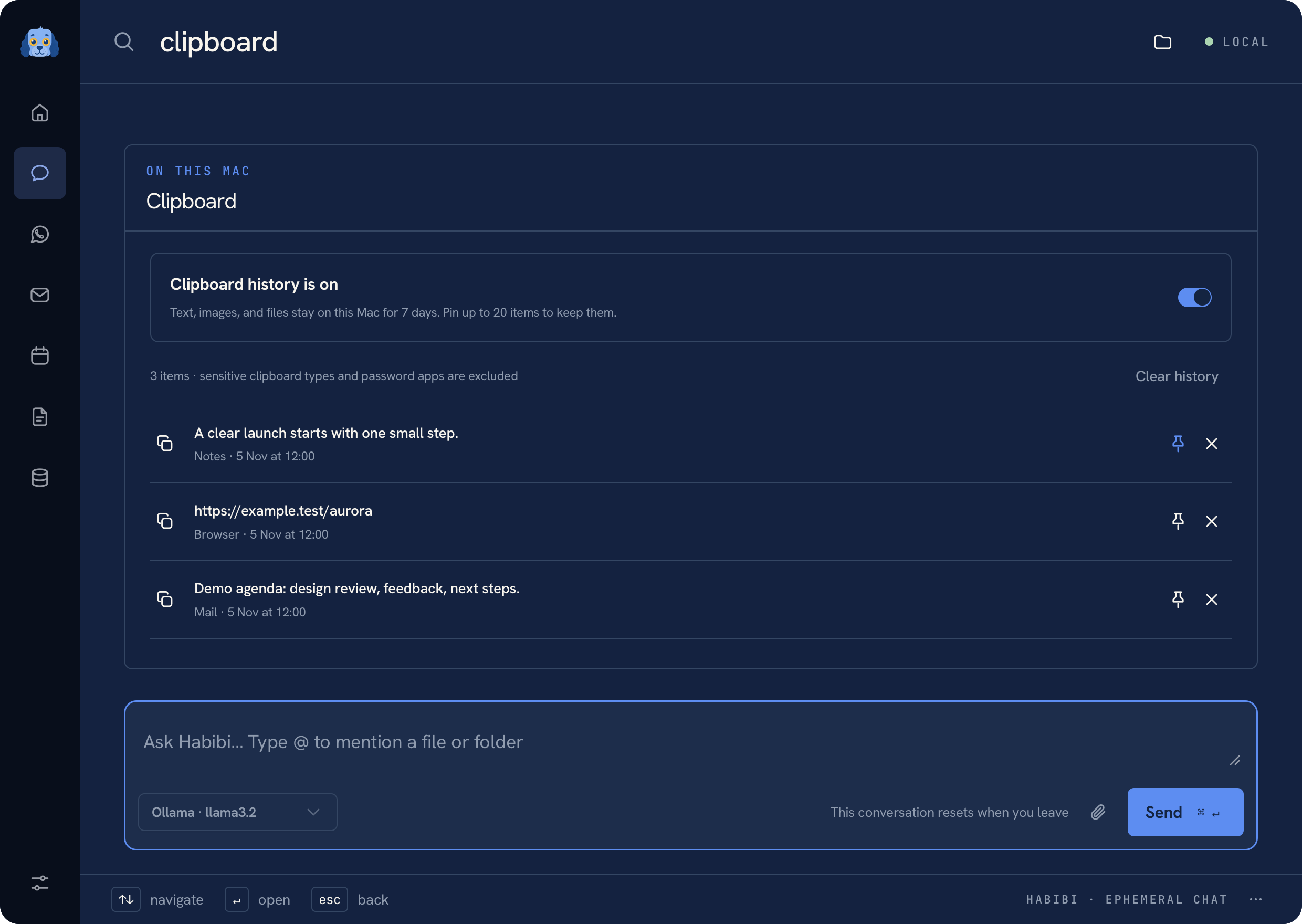 Clipboard history with fictional copied text and links
Keep useful items nearby#
The history supports text, images, and file entries. Choose an item to copy it back to the clipboard, or pin it for easy access. Search the history instead of scrolling through everything you have copied.
The local history is bounded and retains items for seven days, with pinned items handled by the history's pin controls. The collector excludes concealed or transient clipboard types and password-manager apps.
Pause or clear#
Use the inline control to pause collection when you do not want to capture new entries. Use Clear history to remove saved items. Copying an item back to the clipboard is a local action; pasting it into another app is still up to you.
Note
Clipboard history can contain sensitive text or images from your work. Manage it through the inline controls and keep local application state out of Git and shared documentation screenshots.
For files, the drag and attachment controls can help bring an item into a draft. An attachment is sent only when you explicitly send the message. See Search and files and Privacy.
Was this page helpful?