
Calendar
Open Calendar from the sidebar. Allow Calendar access when macOS prompts you. The Home briefing can then show upcoming events.
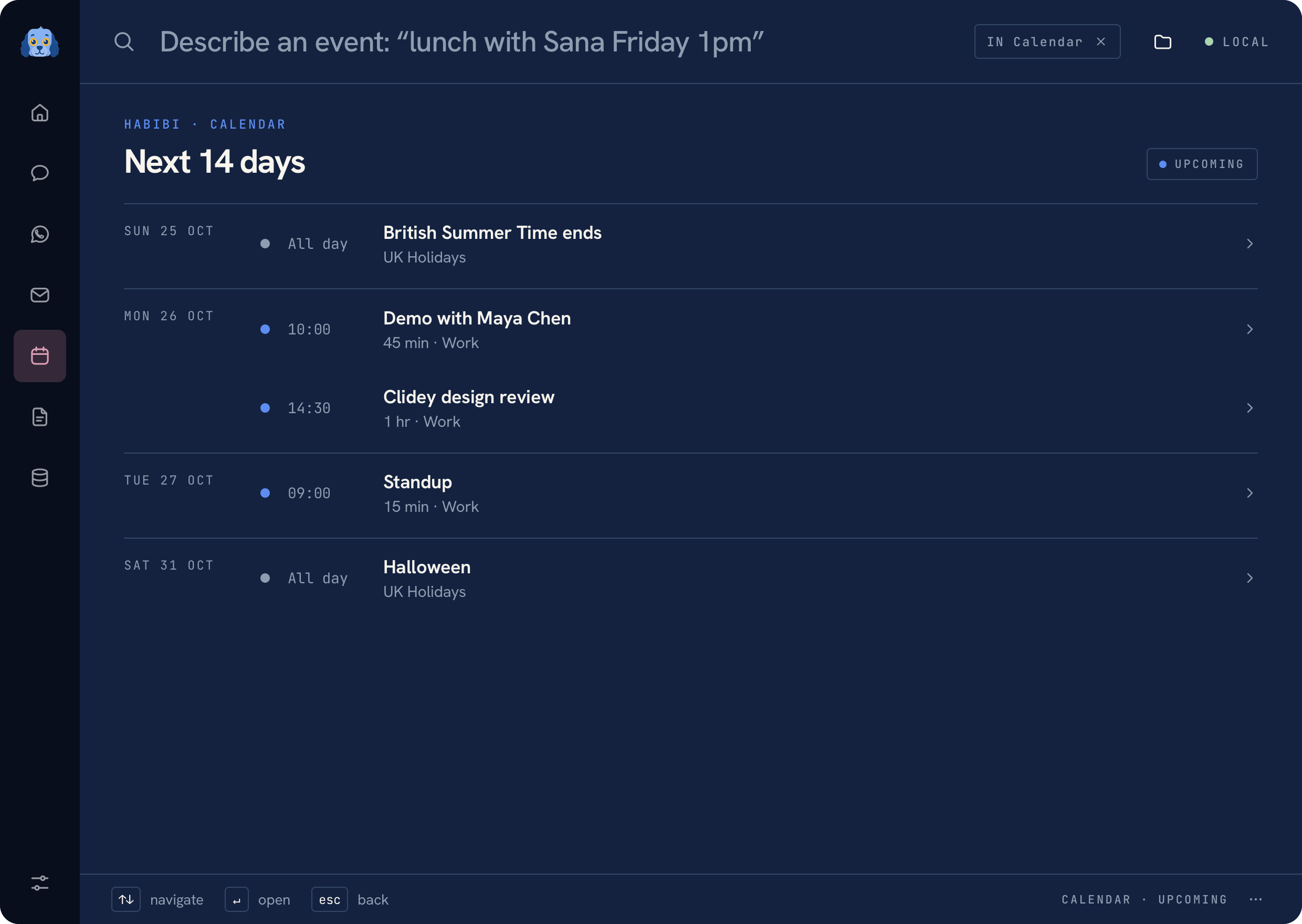 Calendar agenda using fictional events
Find upcoming events#
Use the Calendar workspace to browse your agenda. Calendar access belongs to the native app; a browser tab running the development service cannot provide the same EventKit connection.
If an expected event is missing, check that its calendar is available to Apple Calendar on this Mac and that Habibi has permission in System Settings.
Prepare an event#
Try a request such as Meeting tomorrow at 2pm. Habibi can prepare an editable
event draft from the request. Review the title, calendar, date, time, and other
fields before approving the write.
Requests to create or update an event do not bypass that review. A fresh, single-use approval is required for the Calendar write.
Adjust the Home briefing#
Use Settings → Home layout to choose whether Calendar appears on Home. Hiding that panel changes the Home layout; Calendar remains available from its workspace. See Settings and Privacy.
Was this page helpful?