
WhoDB
Open WhoDB and choose Sign in with SSO for the hosted service, or enter your instance URL. Sign-in uses the browser and returns through a temporary loopback callback.
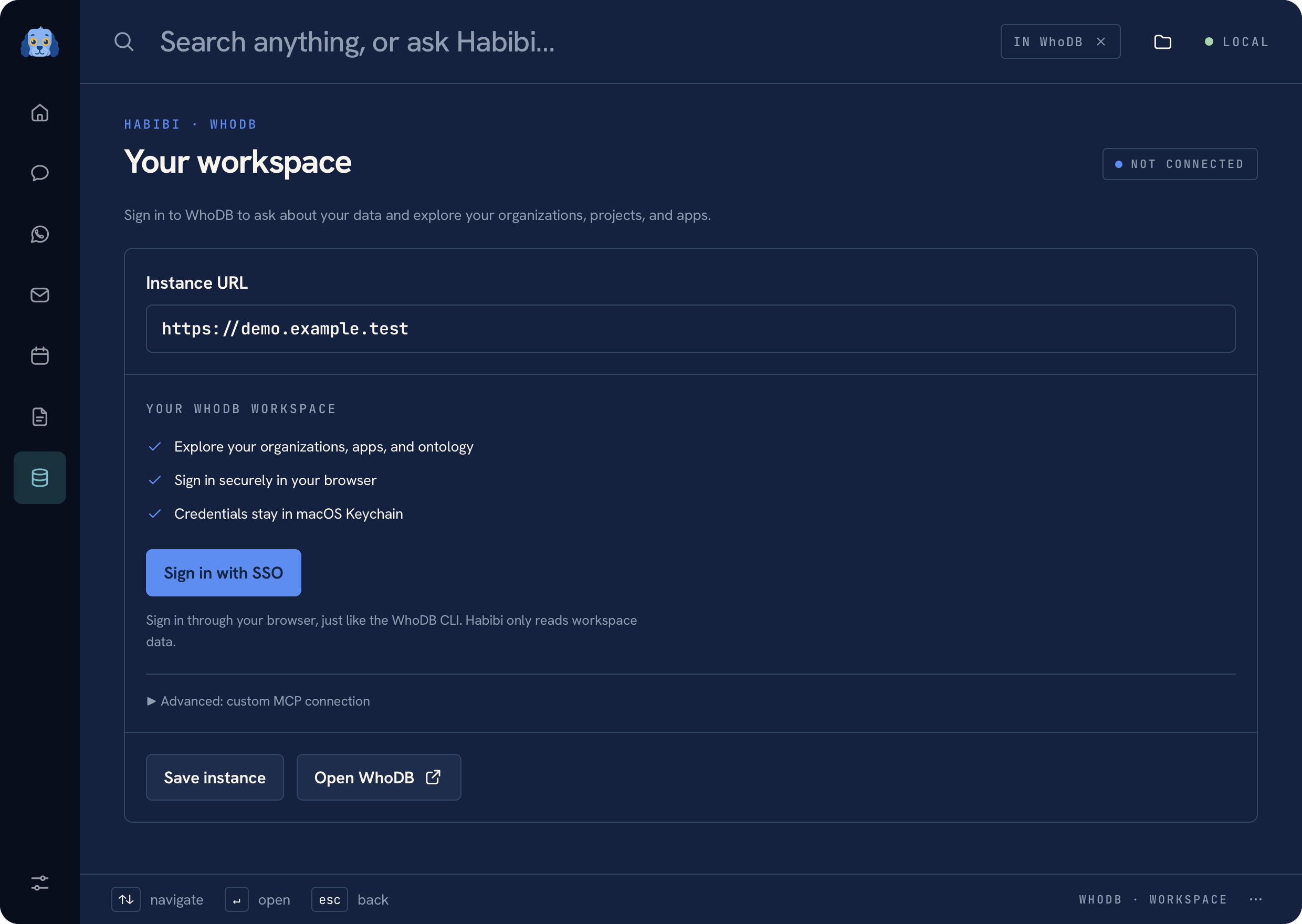 WhoDB workspace with fictional data
Select the workspace#
Choose the host, organization, and project before asking a question. The connected workspace has Ask and Apps tabs. The Apps tab exposes the available apps for the selected workspace.
Sign-in uses OIDC discovery, authorization code flow, S256 PKCE, and state validation. Session tokens are stored in macOS Keychain and refreshed when a workspace request needs them.
Ask a read-only question#
Ask about the selected workspace's data. Results can include tables, small charts, row statistics, SQL when supplied by the tool, provenance, and tool traces.
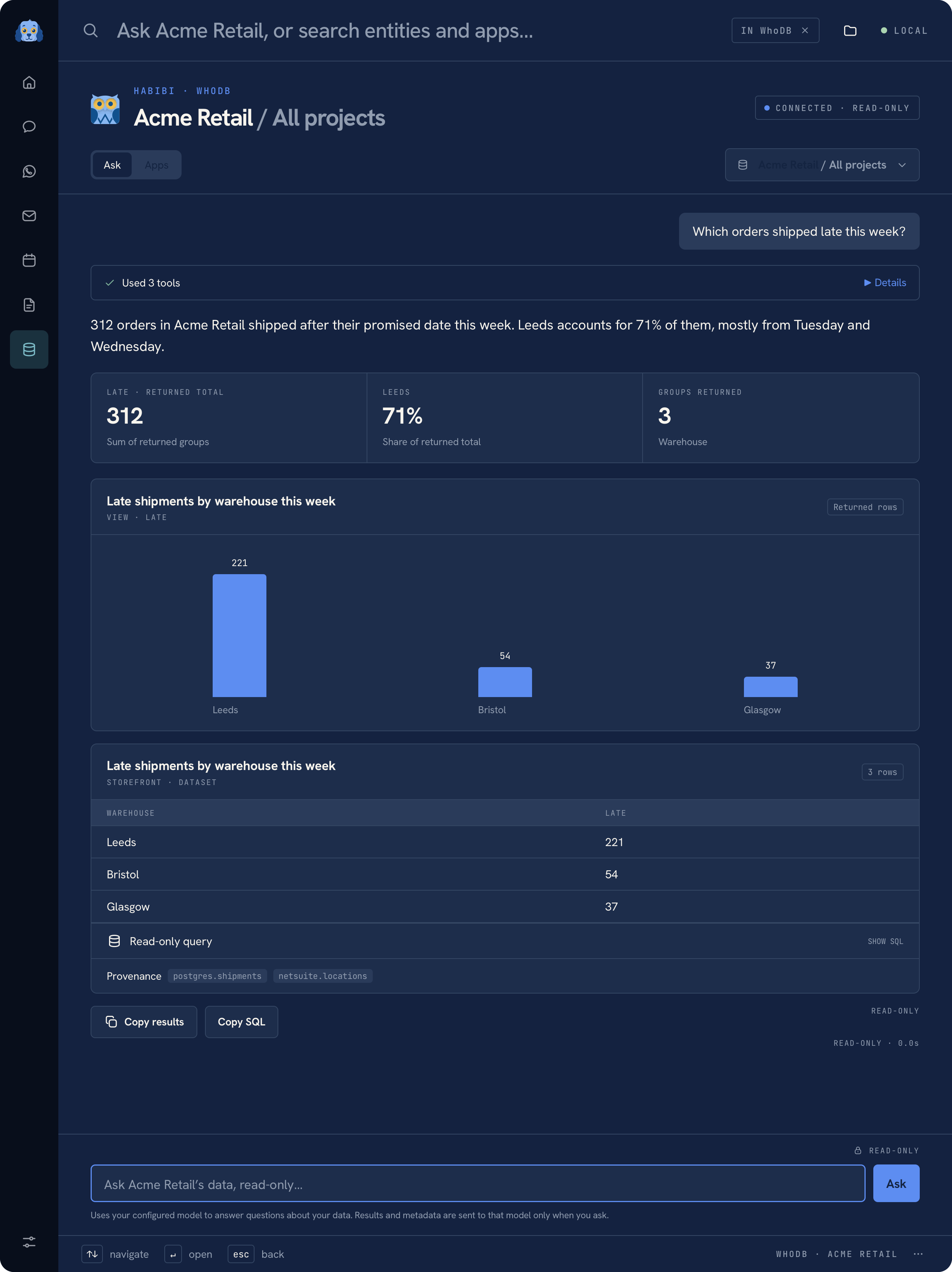 A read-only result with fictional rows
Only fixed GraphQL reads or explicitly read-only, allowlisted MCP tools can run. A model plan cannot switch the selected host, organization, or project or execute a write. Requests are bounded: returned tables have row limits, all-project requests disclose truncation, and the model loop has a step budget.
Custom MCP connection#
For an existing WhoDB CLI setup, configure the ignored local MCP state file as described in Developer architecture. Sign in with the CLI first, then select that connection in Habibi.
WhoDB connections perform work when requested; Habibi does not keep an idle WhoDB polling process. See Privacy for credential boundaries.
Was this page helpful?