
Habibi
Habibi brings search, notes, conversations, and daily tools into a native macOS launcher. Open it with ⌥ Space, type what you need, and press Enter.
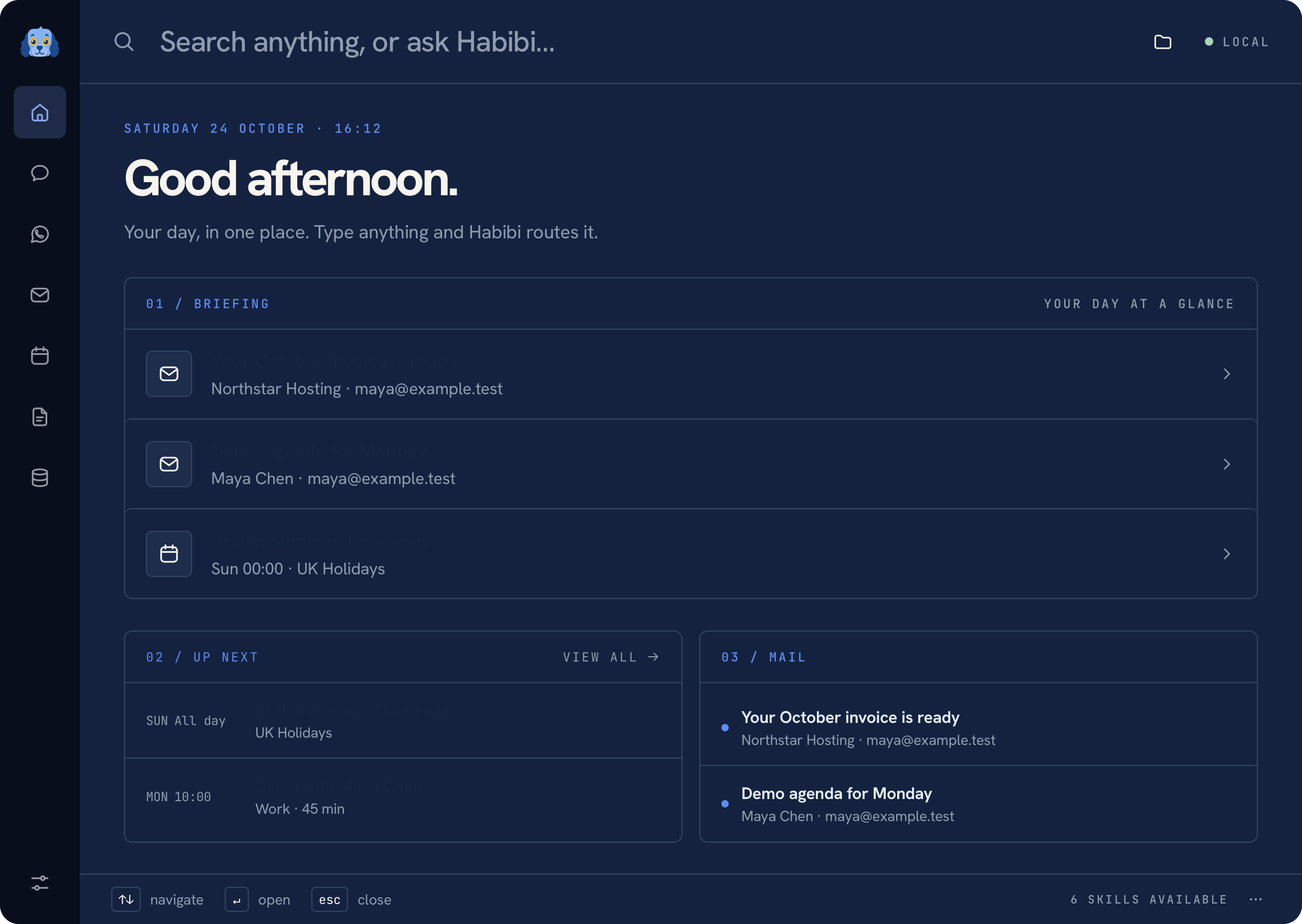 Habibi home with fictional calendar and mail data
Start with what you need#
- Find an app or file by name, or revisit something in Recent files.
- Write a note, track a reminder, start a focus timer, or read a script.
- Connect Mail, Calendar, WhatsApp, or WhoDB when you need that context.
- Configure a model to use Ask Habibi. Local models and supported hosted providers are available; everyday tools also work without a model.
Where your data goes#
Habibi runs a native host and a service bound to 127.0.0.1. Notes and local
history stay on your Mac. Connecting an online service or submitting a request
to a hosted model involves that provider. See Privacy for the details.
Note
Habibi is an open-source alpha. These guides describe the native macOS app; running the development service in a browser provides only part of the experience.
All screenshots in these docs use fictional demo data. The source is available on GitHub.
Was this page helpful?