
Open WhatsApp from the sidebar. When its optional runtime is needed, Habibi prepares the matching Apple Silicon or Intel component, verifies it through macOS, and installs it locally. Download progress appears in the setup view.
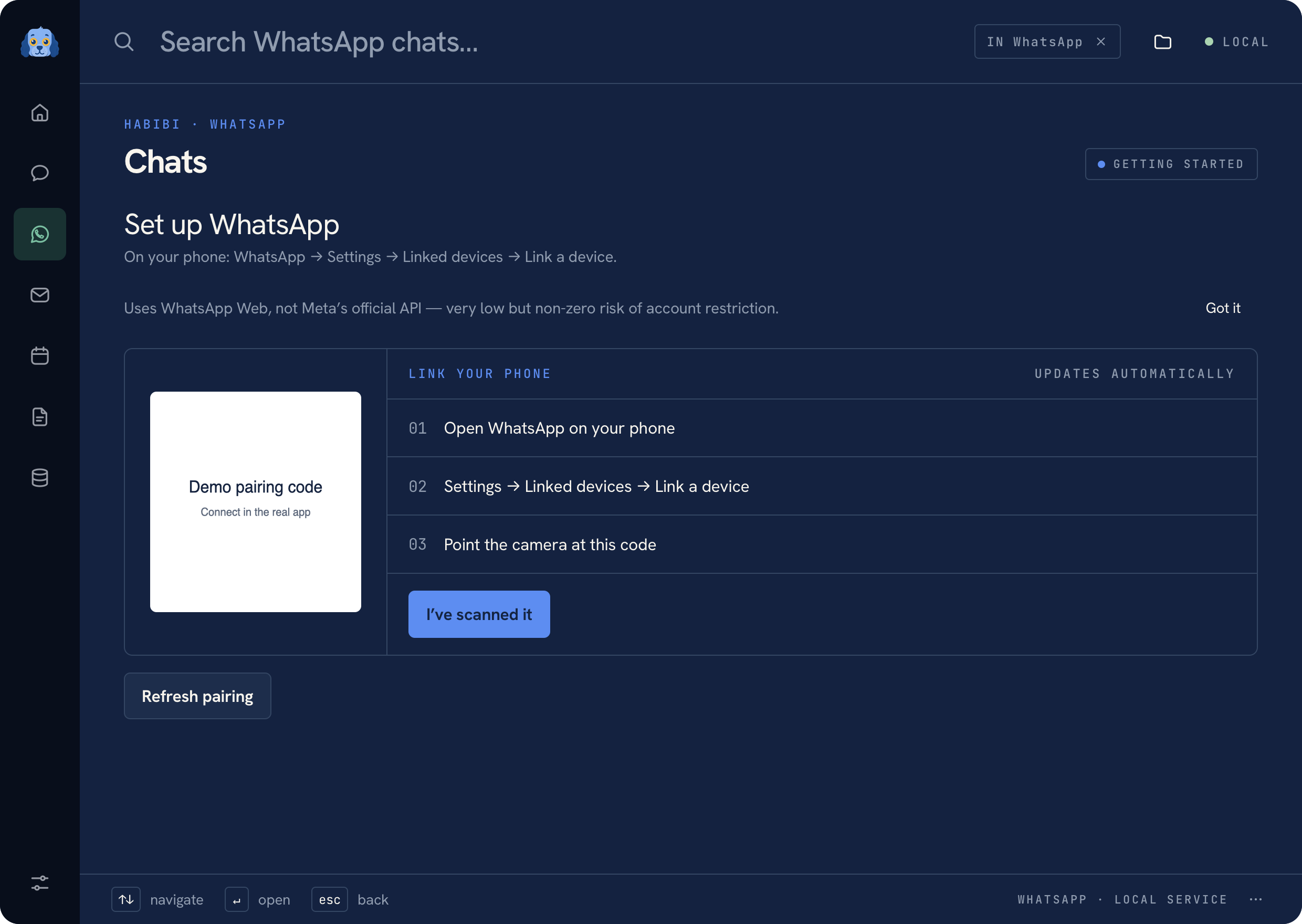 WhatsApp pairing screen with fictional setup data
Link the account#
Wait for the local component to become ready, then scan the QR code using WhatsApp on your phone. The local session persists across app restarts.
The component contains OpenWA and a private Chromium runtime. It is separate from the main app so that the launcher does not need to carry or start the browser for every local task.
Read and prepare a message#
Open a chat to read its available history. Prepare a message or attachment and review the send action before approving it. Opening a conversation, choosing a contact, attaching a file, or linking a note is not a send action.
Use Notes in a conversation to keep a linked page. The page stores a reference and label rather than sending or duplicating the chat.
Reconnect a session#
If the session has been logged out, return to setup and follow the pairing flow again. Keep the component download and verification flow open until it finishes. See Troubleshooting if it cannot prepare the runtime.
Warning
This connection uses WhatsApp Web automation rather than the official WhatsApp Business API. It is experimental and can carry a risk of account restriction.
Was this page helpful?