
Generate test data
A new table is difficult to test when it has no records. Mock data generation lets you populate a disposable development object so you can try filters, pagination, forms, and queries before loading a real dataset.
Use it with a development connection. Generated rows are written to the connected source; this is not a browser-only preview.
Open the generator#
Open the object's Data view and choose the mock data action. It appears when the source and object support generation. Set a row count and choose how existing data should be handled.
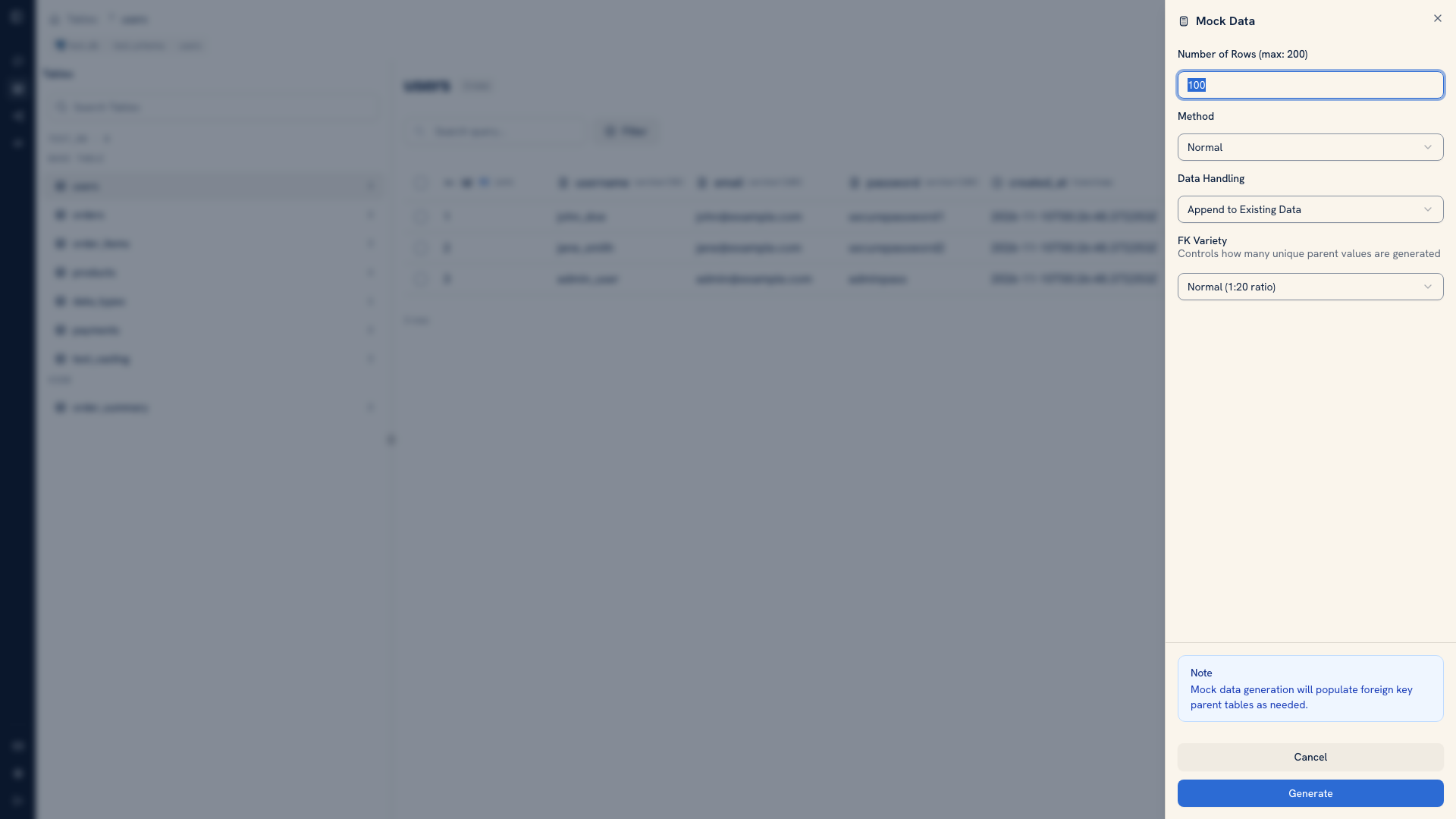 The mock data generation dialog
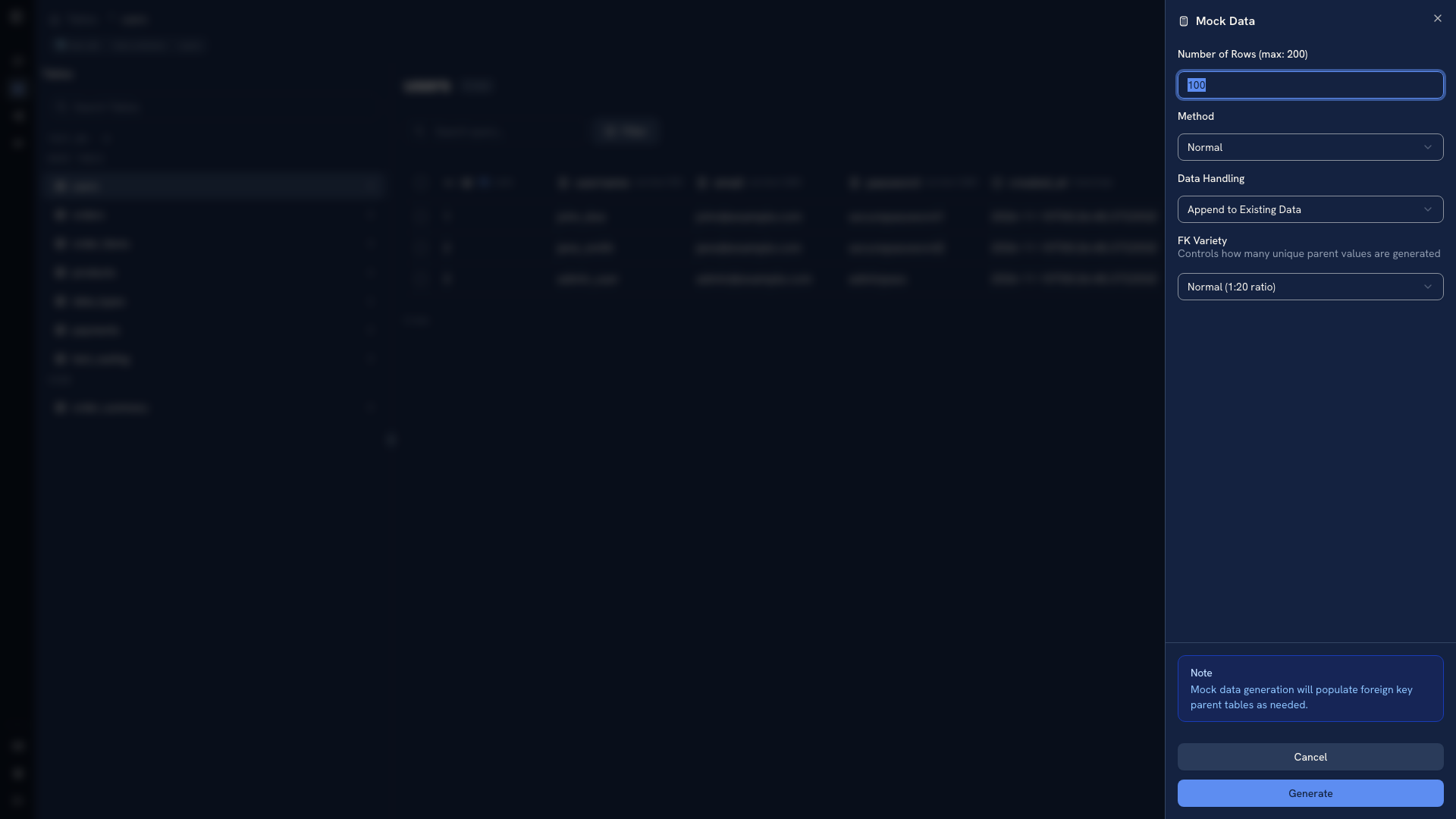 The mock data generation dialog
The interface limits a request to 200 rows. Start with a small number so you can inspect the generated values before adding more.
Choose append or overwrite#
Append keeps the current records and adds generated ones. Use it when you have fixtures that must remain, such as a few accounts with known IDs.
Overwrite replaces existing data and asks for confirmation. For relational sources, clearing an object can also clear entire tables that reference it. Use it only with a disposable dataset whose related tables can also be recreated. Check the connection and relationships before confirming.
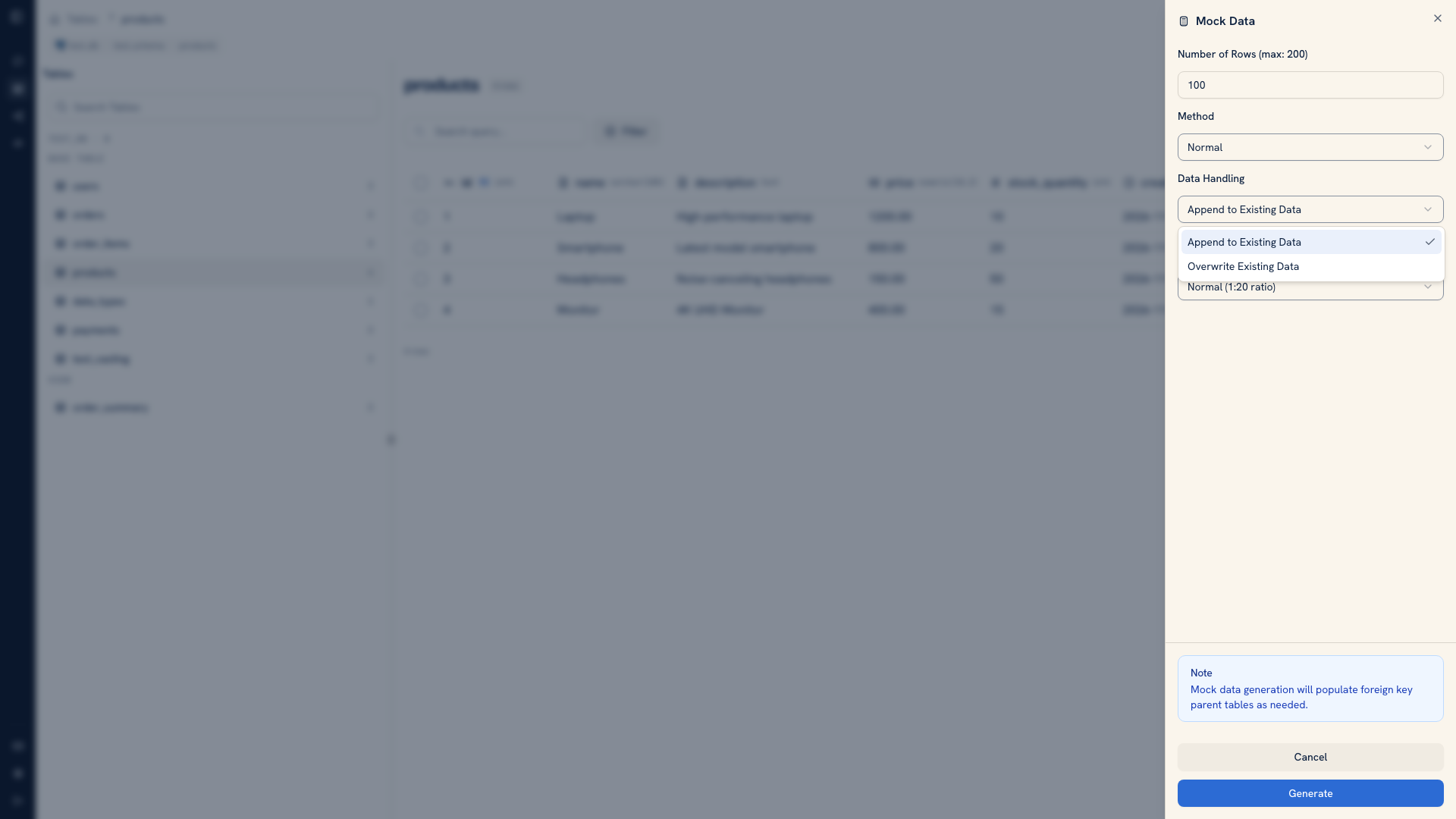 Append and overwrite choices
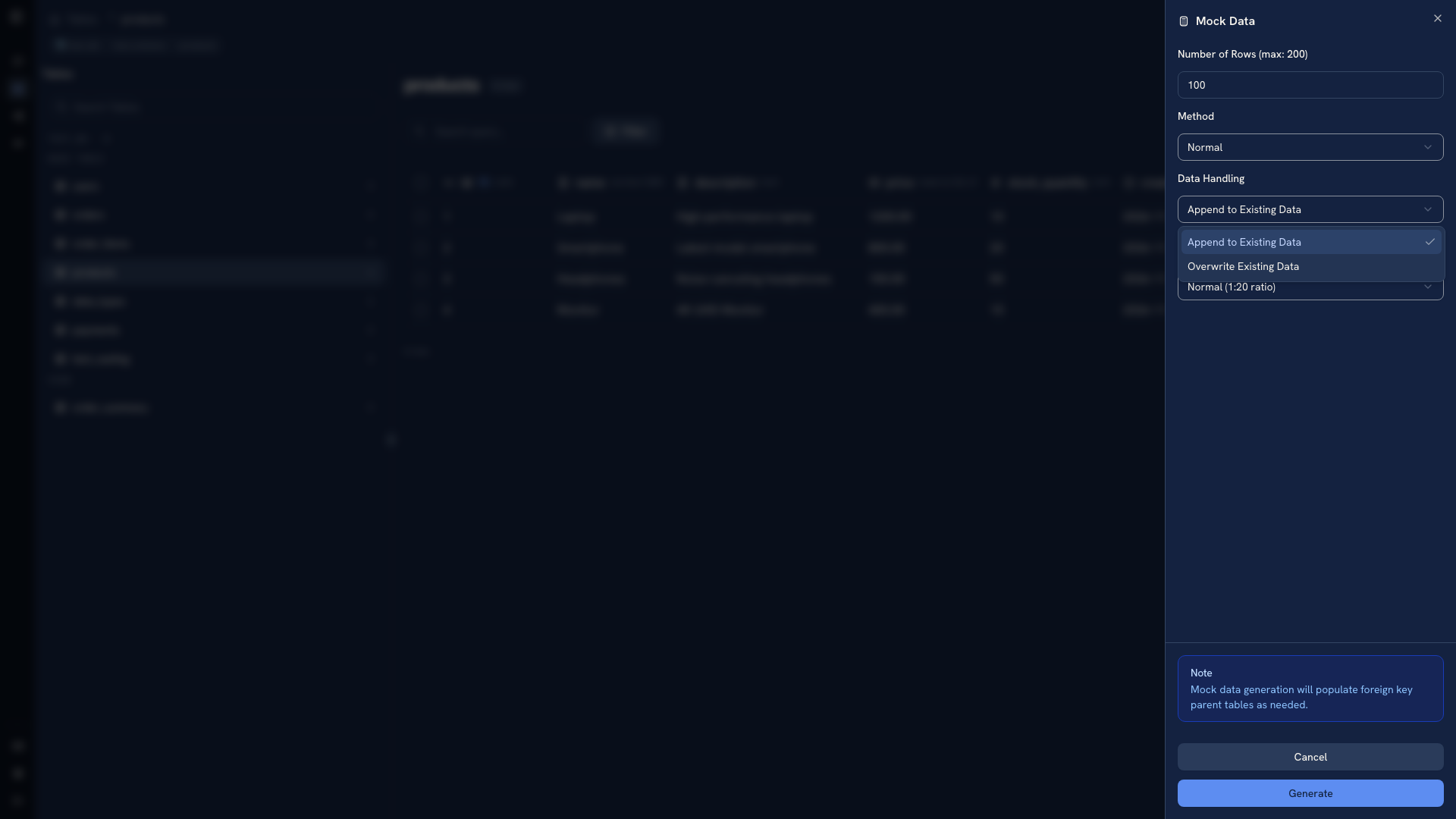 Append and overwrite choices
Generated values must still satisfy the source's types and constraints. A required value, unique key, or relationship can cause generation to fail. Read the returned error and inspect the relevant metadata in Info rather than repeatedly increasing the requested row count.
Check the result#
After generation, reload the object and inspect several records. Check fields your test depends on, such as dates, identifiers, and null values. Random-looking records are useful for exercising a UI, but a test for a specific business rule usually needs a deliberate fixture with known expected results.
Use Import when you already have such a fixture in a file.
Disable generation on an instance#
Administrators can set WHODB_DISABLE_MOCK_DATA_GENERATION on the WhoDB server:
| Value | Behavior |
|---|---|
| Unset or empty | Allow generation where supported |
* | Disable generation for every object |
| Comma-separated object names | Disable generation for the named objects |
Bash
WHODB_DISABLE_MOCK_DATA_GENERATION=users,payments
This controls the generation feature. Database permissions remain the authority for writes made through other tools, including Scratchpad. See testing workflows for a complete fixture-and-verification loop.
Was this page helpful?