
Ask your first question in Chat
Use Chat to draft a query when you know the question you want to answer but need help expressing it in SQL. This tutorial retrieves a small user list, checks the generated query, and keeps it for later use.
Before starting, connect to a development database and configure a provider and model. Use an account with read access for this exercise. Your chosen model processes the context sent to it, so follow your organization's rules for using that provider with database information.
Ask a question with a checkable answer#
Open Chat, select a provider and model, and name the table and fields you want. For the documentation's sample database, ask:
Show the first ten rows from test_schema.users ordered by id. Include only id, username, and email.
Adapt the request to your actual schema. Naming the fields avoids asking the model to return every column, and a small result makes it easier to verify the answer.
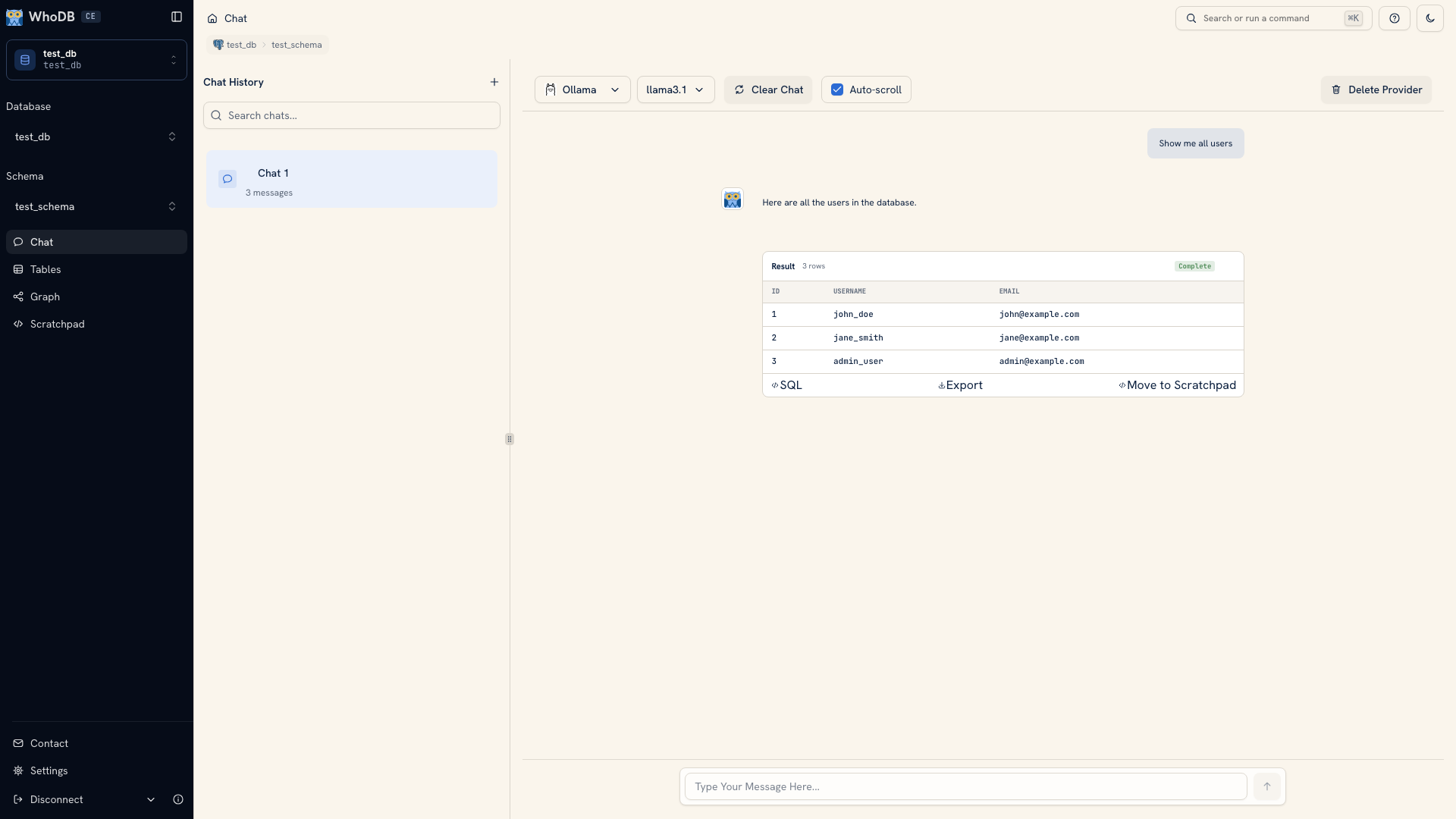 An example generated query and result
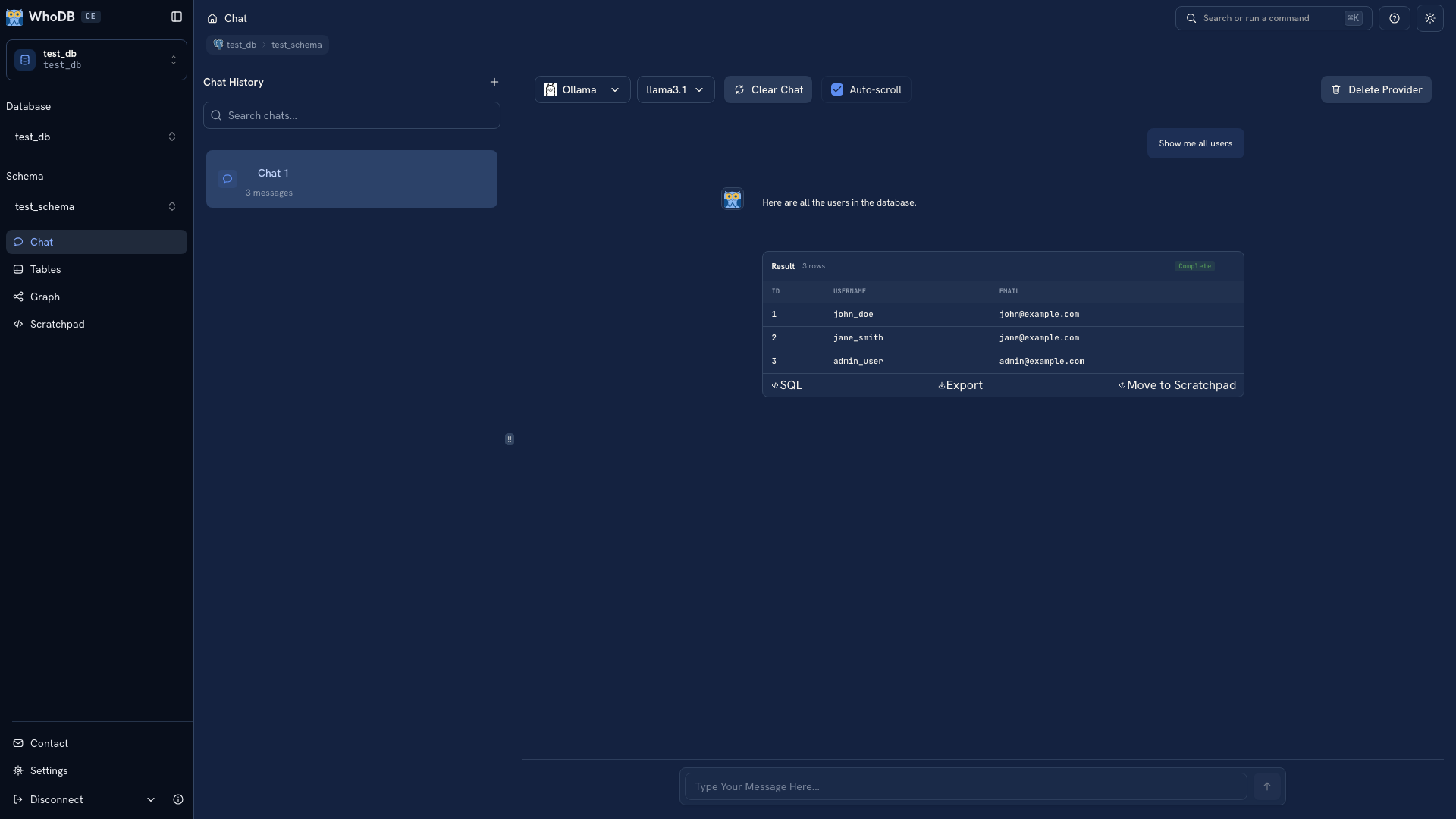 An example generated query and result
Note
The documentation's Chat screenshots use fixed demonstration responses. Your provider may generate a different query or explanation.
Read the query behind the answer#
Open the generated SQL. Check the schema, table, selected columns, ordering, and limit. Compare one or two returned records with the object's Data view. A clear explanation from the model is useful, but the query determines which records were returned.
If a field is wrong, give the model the correct name rather than repeatedly asking it to try again without new information. If execution fails, read the database error and inspect the relevant object's metadata.
Refine and keep it#
Ask a follow-up that changes one rule, such as selecting a particular user ID. Check the new SQL as well as the answer. Use Move to Scratchpad when you want to edit and rerun the query yourself.
Save the final SQL outside the browser with a short explanation of its purpose. If the model proposes an update or deletion, stop this read exercise and review how Chat changes are approved. A conversational reply alone does not replace the statement's execution approval.
Was this page helpful?