
Prepare and inspect test data
Use WhoDB to prepare a small, known fixture and check the records created by a development scenario. The setup should be easy to recreate so another person can reproduce the same result.
Create a disposable target#
Use a development database and check the selected connection before changing data. Apply the application's migrations when testing its normal schema. For an isolated experiment, create an object through the source-supported visual form or a reviewed statement in Scratchpad.
Give the fixture a clear purpose. A pagination test needs enough rows to cross a page boundary; an order test needs specific users, orders, and items with matching keys.
Load the fixture#
Import a known CSV or Excel file after reviewing the preview and field mapping. Keep the input file in the test repository. Use append or upsert according to the test's setup rules and the source's supported modes.
Use mock data for general record volume and layout cases:
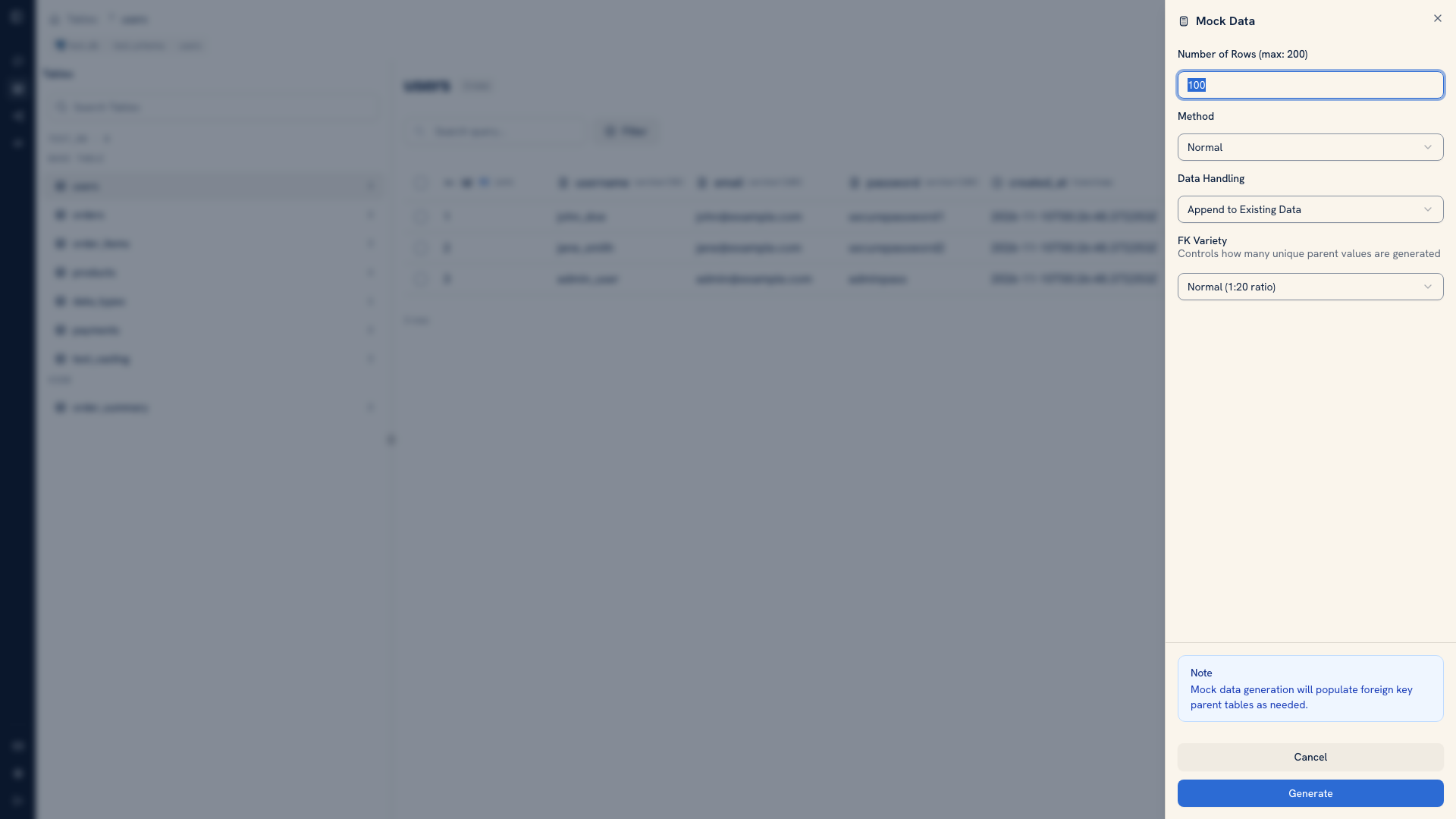 Mock data configuration for a development object
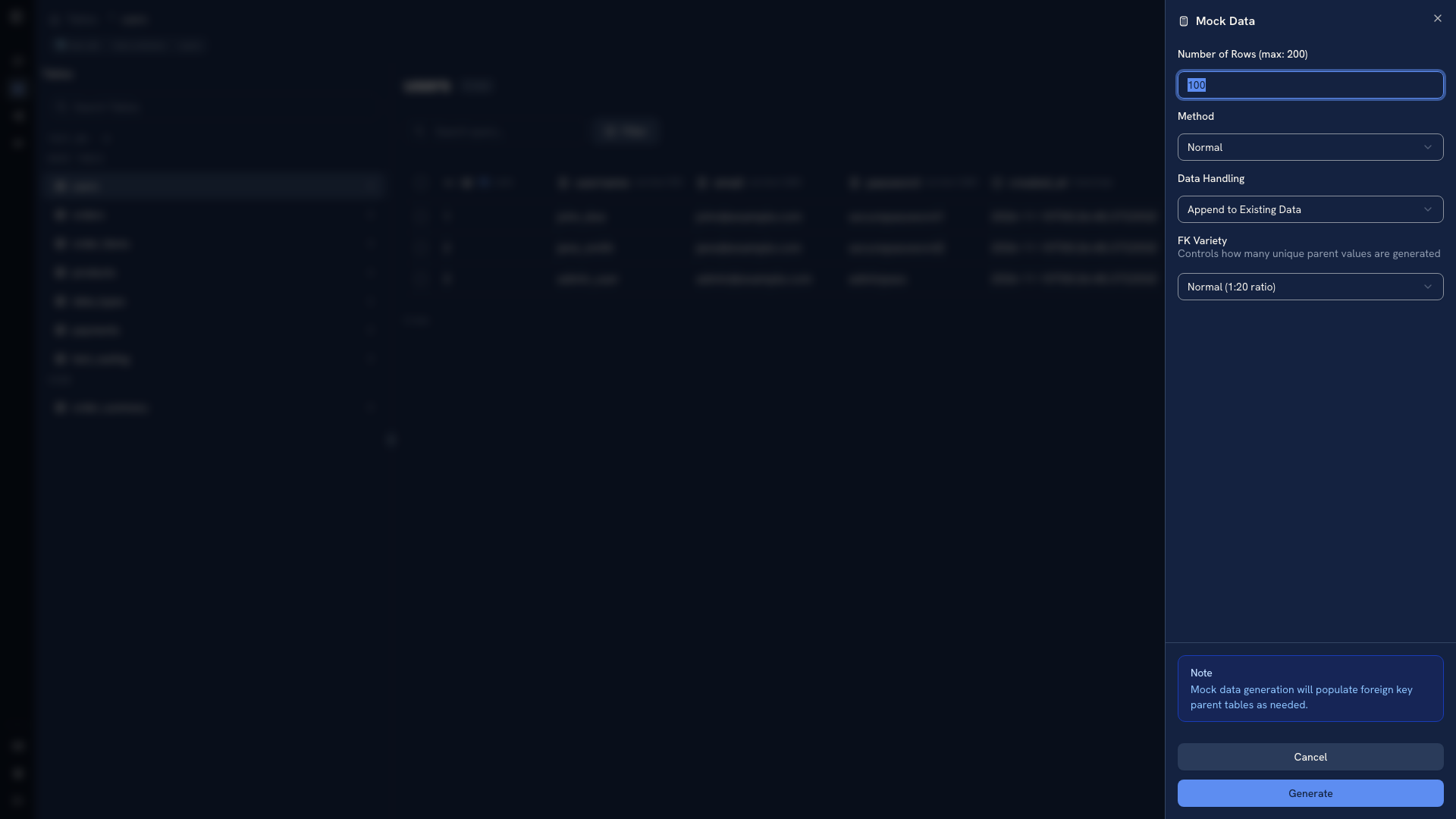 Mock data configuration for a development object
Inspect generated values before relying on them. Generated rows do not automatically satisfy the application's business rules or create every related record a scenario needs. Use explicit fixtures for those cases.
Overwrite needs particular care. For relational imports it can clear referencing tables as well as the selected table. Keep the ability to recreate the disposable database rather than treating overwrite as a way to fix an unexplained import error.
Check and retain the scenario#
Run the application action, then filter by its identifier and inspect the expected fields and related records. Save a verification query in Scratchpad while investigating, then move it into the test suite with the setup files.
Use the CLI when the inspection belongs in a repeatable terminal workflow. See QA workflows for checking both expected changes and unintended side effects.
Was this page helpful?