
Analyze related data
Use WhoDB when a report depends on several related tables and you need to check how the result was calculated. Work from a small set of records toward the aggregate, keeping the business definition beside the SQL.
Define the measure#
Before querying, decide what belongs in the result. For revenue, specify which payment states count, how refunds are handled, and which date sets the reporting period. For customer counts, decide whether inactive accounts belong in the population.
Inspect the relevant fields and keys in Info. Open Graph to check declared relationships, then inspect a small sample from each table. This avoids writing a query around a field whose meaning differs from its name.
Build and verify the aggregate#
Use separate Scratchpad cells for the sample, the join, and the summary. Check the join before aggregating: repeated parent rows can inflate totals when a parent has several children.
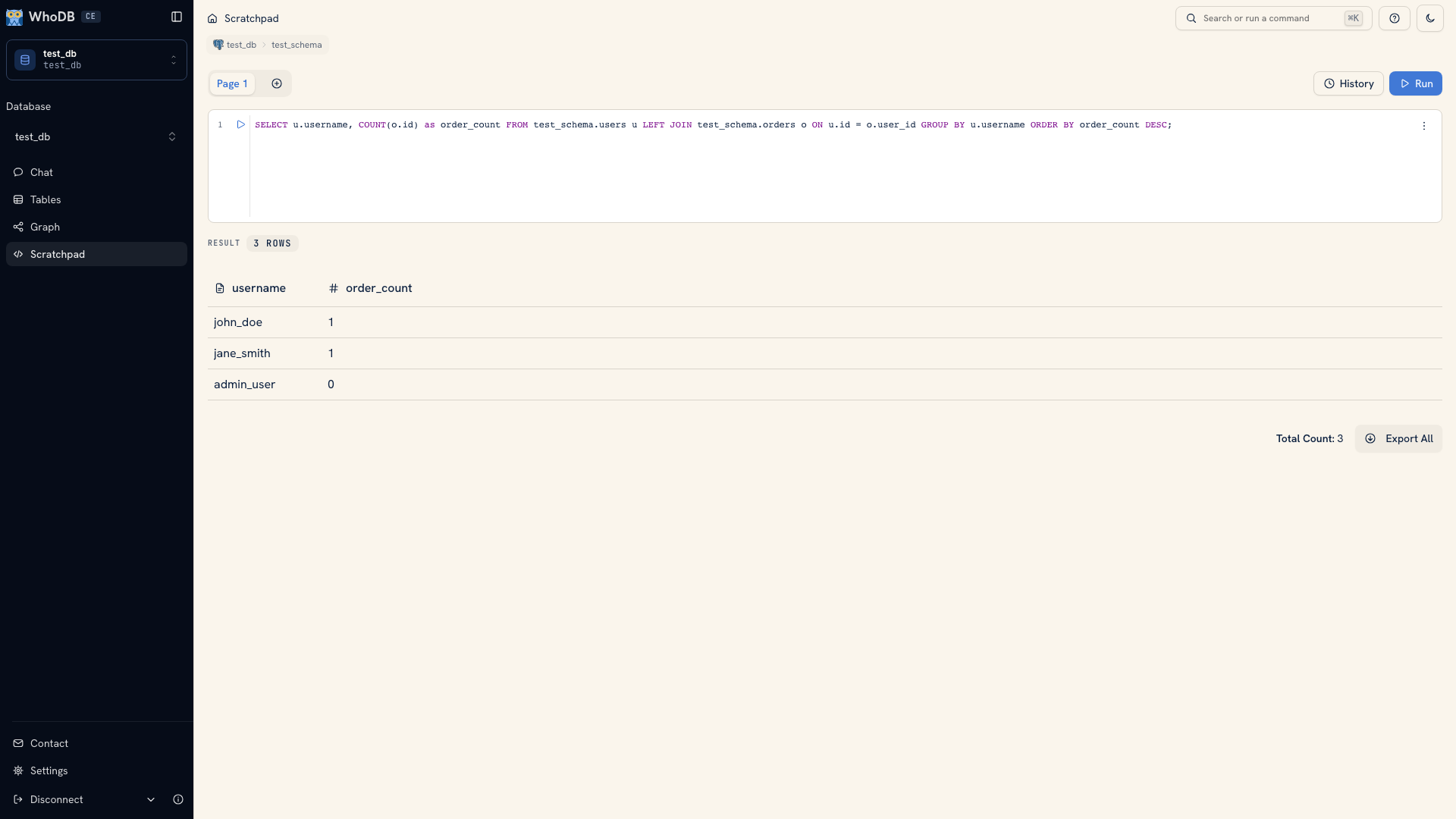 An aggregate query over related records
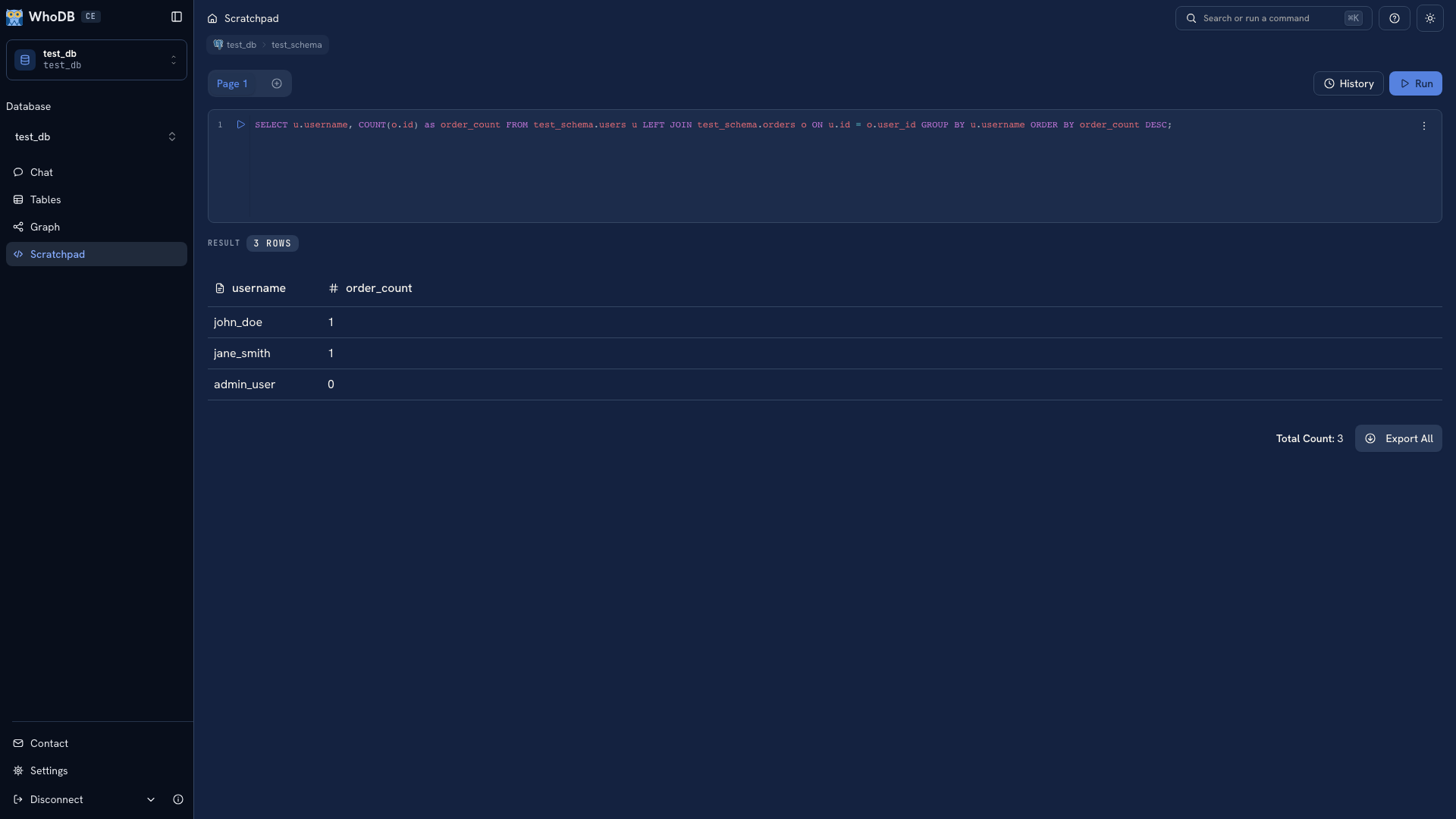 An aggregate query over related records
Compare several known records against the summary. Include a record with no related rows and one with several. If the result is surprising, return to the sample cell and inspect the records responsible for it.
Build a query one step at a time demonstrates an order count that includes users with no orders.
Share a result someone can reproduce#
Export the query result and retain its SQL, metric definition, environment, and extraction date. Inspect the downloaded file before sharing it. The recipient should be able to tell what the numbers include and when the source was read.
Tip
When the analysis becomes recurring work, use Transforms in WhoDB Platform for data preparation and Ontology for shared business entities. Choose the next step based on what your team needs to repeat.
Was this page helpful?