
Set up an AI provider
Chat needs both a provider endpoint and a selected model before it can answer a question. Choose where requests should run first: a remote provider, a local model process, or another OpenAI-compatible endpoint.
The WhoDB backend connects to that endpoint. An address that works from your browser may not be reachable from the server or container running WhoDB.
Configure built-in providers#
The backend accepts the following environment settings. Set the values in the environment that starts WhoDB, then restart the server.
| Provider | Settings |
|---|---|
| OpenAI | WHODB_OPENAI_API_KEY, optional WHODB_OPENAI_ENDPOINT and WHODB_OPENAI_NAME |
| Anthropic | WHODB_ANTHROPIC_API_KEY, optional WHODB_ANTHROPIC_ENDPOINT and WHODB_ANTHROPIC_NAME |
| Ollama | WHODB_OLLAMA_HOST, WHODB_OLLAMA_PORT, optional WHODB_OLLAMA_NAME |
| LM Studio | WHODB_LMSTUDIO_BASE_URL, optional WHODB_LMSTUDIO_API_KEY and WHODB_LMSTUDIO_NAME |
Use the provider's credentials and endpoint for your deployment. Keep API keys in your deployment's secret configuration rather than in a shared example or repository.
Provider choices and credentials can also be configured through the controls offered in the app. Open Chat and use its provider controls to select or add a provider.
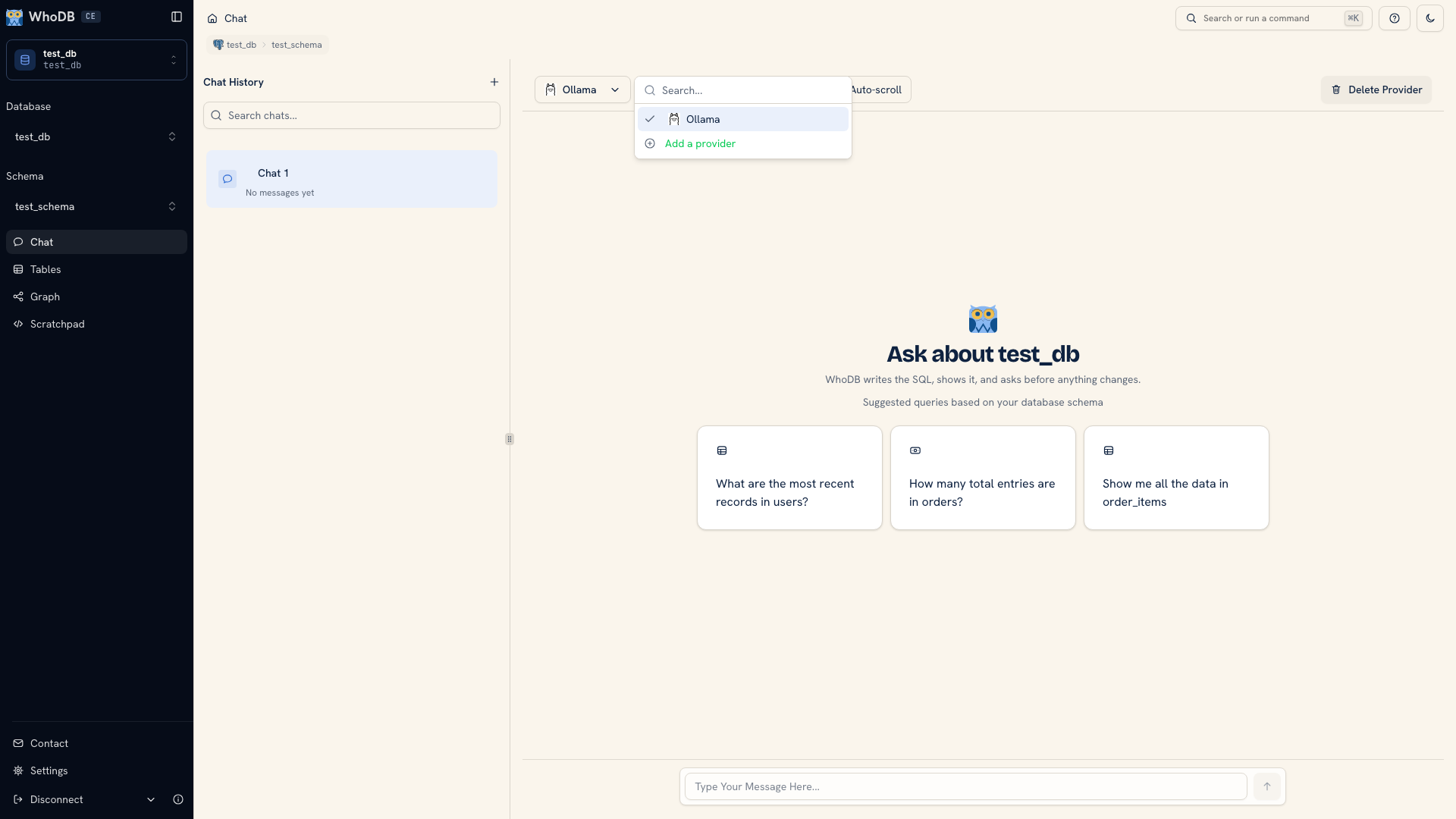 AI provider selection
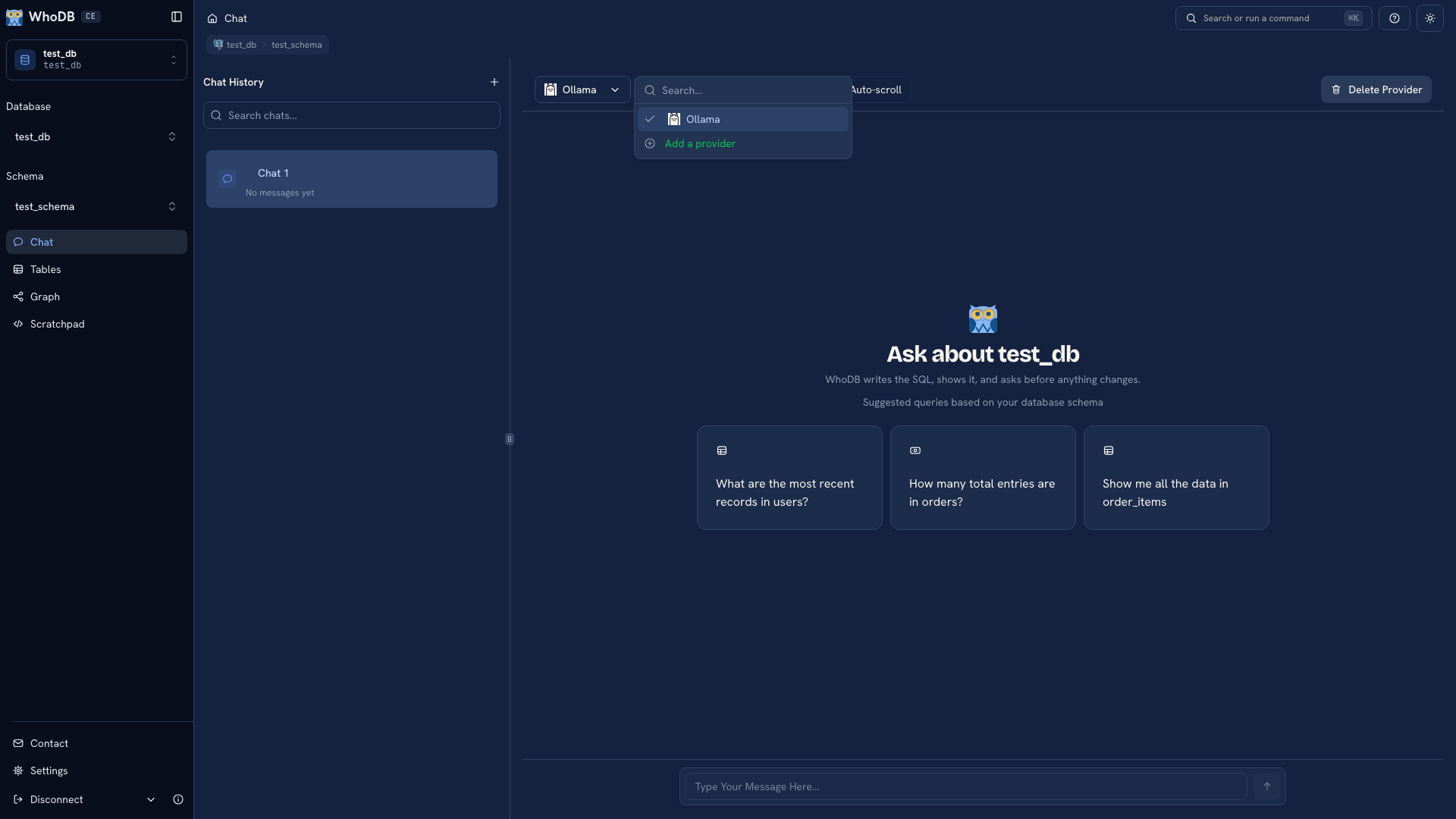 AI provider selection
Reach a local model#
The default Ollama address is localhost:11434; LM Studio's default base URL is http://localhost:1234/v1. WhoDB adjusts local addresses for supported Docker and WSL environments. Configure an explicit reachable address when your setup differs.
When WhoDB runs in a container, localhost usually refers to that container. Check where the model process listens and how the backend reaches it before changing the model name or API key. A service listening only on its own loopback interface may need a different network binding.
Add an OpenAI-compatible endpoint#
Use a distinct provider ID with the generic environment-variable pattern:
Bash
export WHODB_AI_GENERIC_LOCAL_NAME='Local inference'
export WHODB_AI_GENERIC_LOCAL_BASE_URL='http://localhost:8000/v1'
export WHODB_AI_GENERIC_LOCAL_MODELS='your-model-id'
# Set WHODB_AI_GENERIC_LOCAL_API_KEY if the endpoint needs authentication.
BASE_URL and MODELS are required. MODELS accepts a comma-separated list of identifiers supported by that endpoint. Replace the example URL and model ID with the values from your model server.
Select a model and verify#
Open Chat, choose the provider, then select an available model. Model identifiers are provider-specific; an identifier copied from a different endpoint is not a reliable choice.
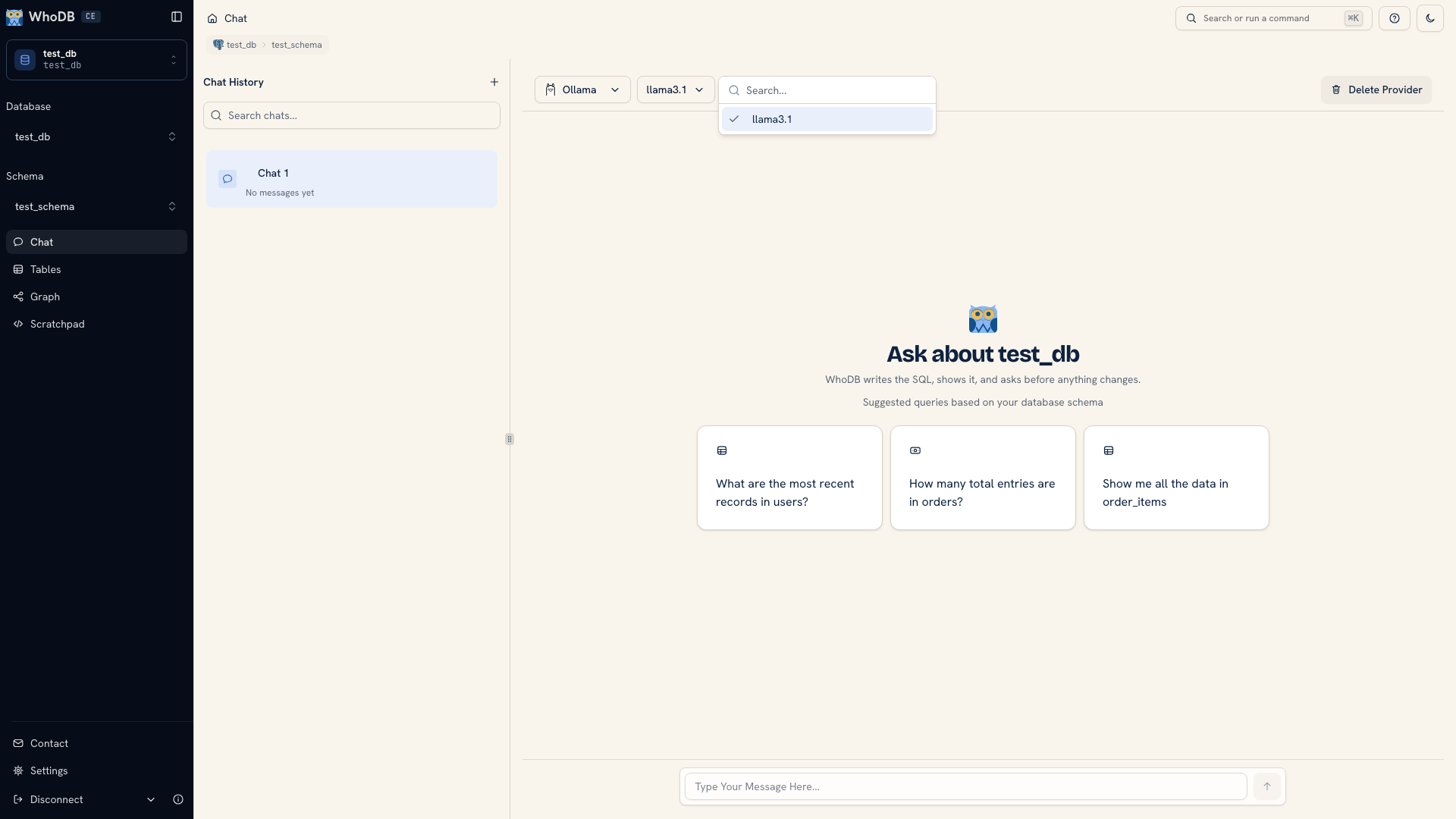 Model selection in Chat
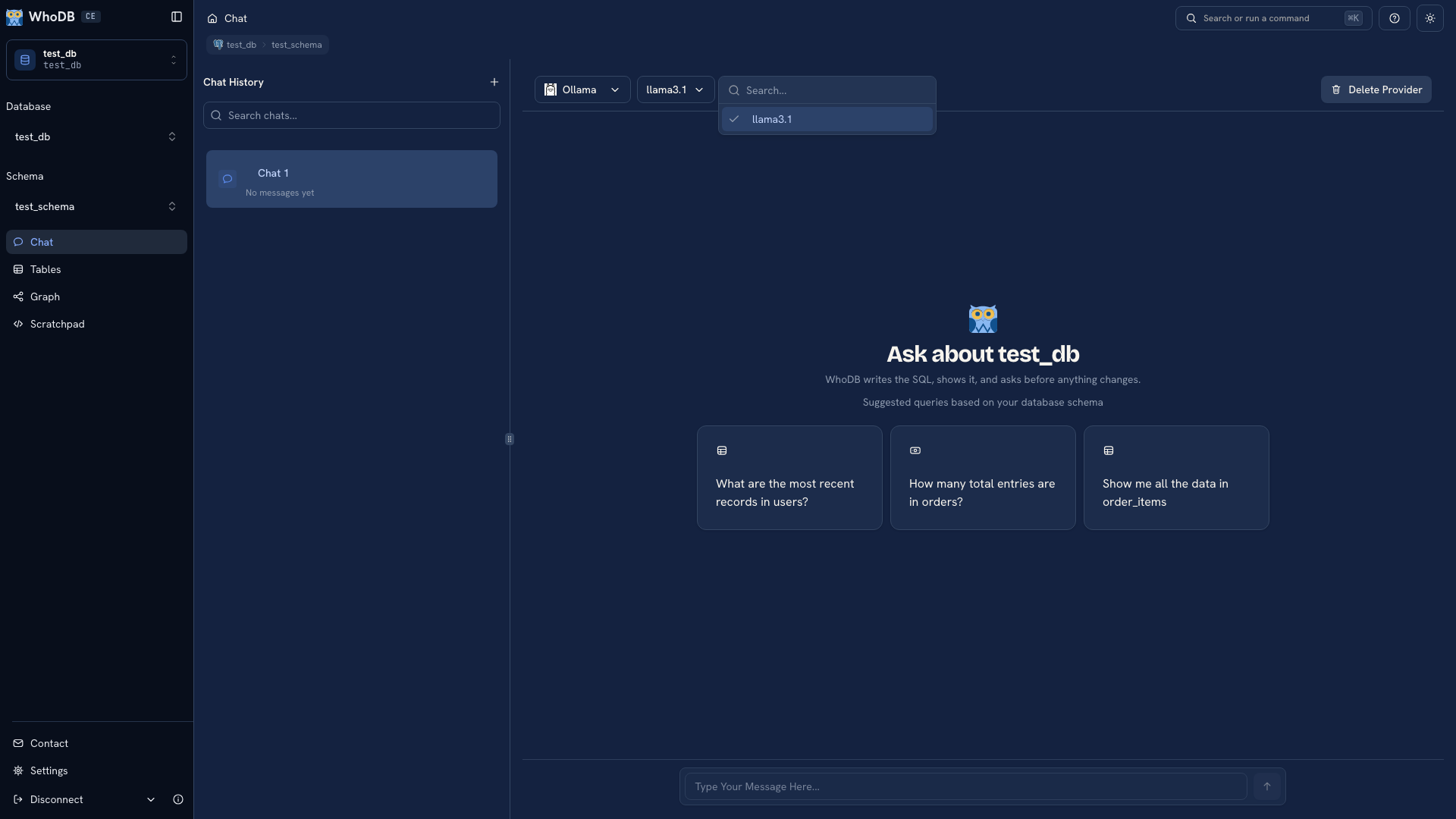 Model selection in Chat
Ask a small read question about an object you can inspect. Confirm that a response arrives, then inspect its generated query and a few returned values.
If setup fails, narrow down the failure: can the backend reach the endpoint, can it authenticate, and does the requested model exist there? See Chat troubleshooting for that sequence.
The documentation's Chat screenshots use fixed responses. They are examples of the interface, not evidence of a provider's speed, pricing, or answer quality.
Was this page helpful?