
Investigate production data
Use WhoDB to investigate a production symptom with a bounded read query and preserve evidence of what happened. Start from an incident identifier, affected record, or time interval rather than browsing the entire database.
Confirm where you are reading#
Check the active connection, database, and schema. Use a database account with read-only permissions for inspection. A connection alias helps identify the environment, but the account's actual database grants determine which operations are allowed.
Find the relevant object and inspect its fields before writing a query. Prefer known identifiers and a small result. A row limit reduces returned data; it does not guarantee that the database can answer the query cheaply.
Compare expected and actual state#
Keep the initial lookup in Scratchpad. Add a separate query for related records or a narrow time interval, then compare the fields involved in the symptom. For an order incident, that might be the order state, payment record, and associated items.
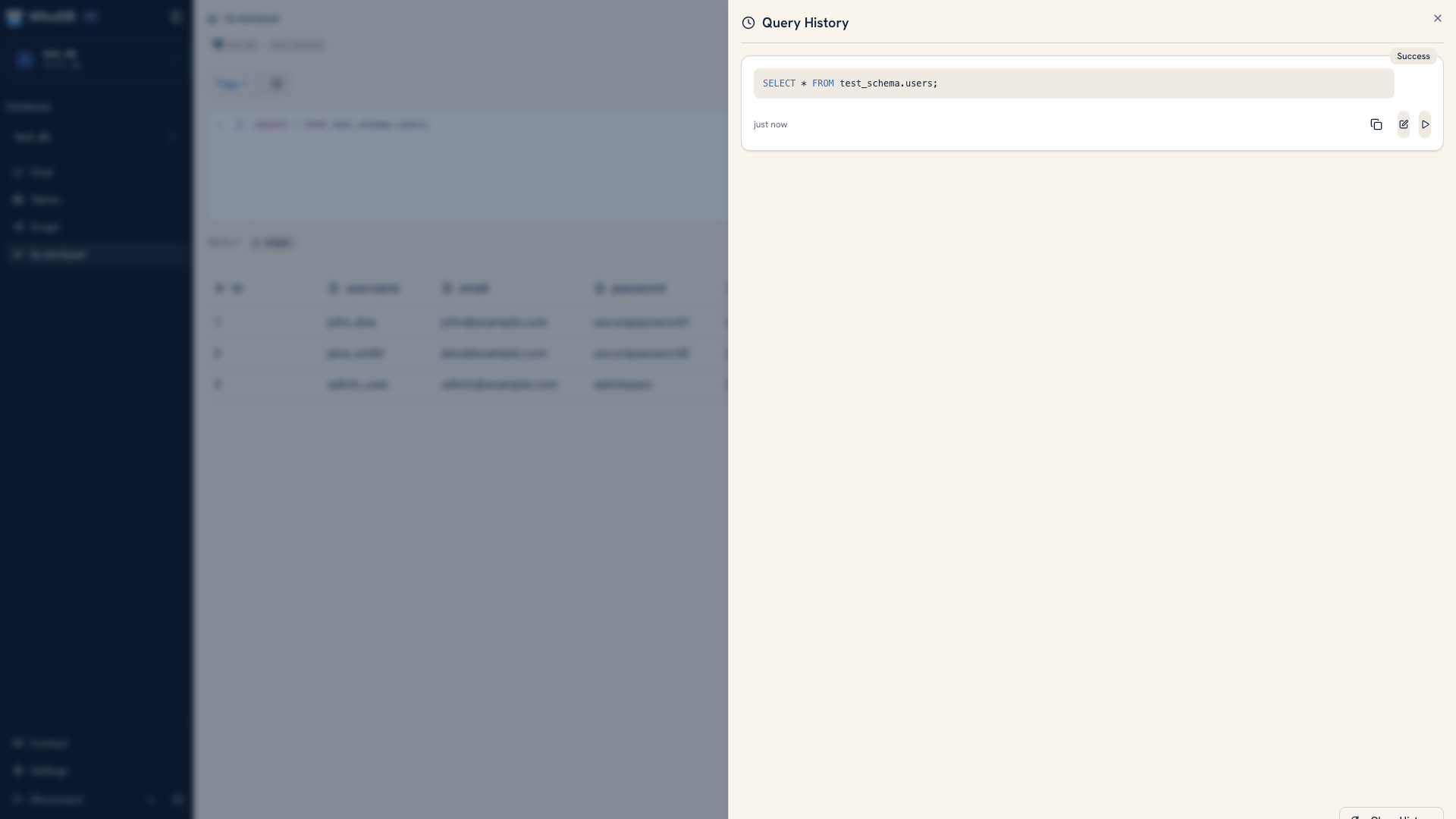 Query history for an investigation
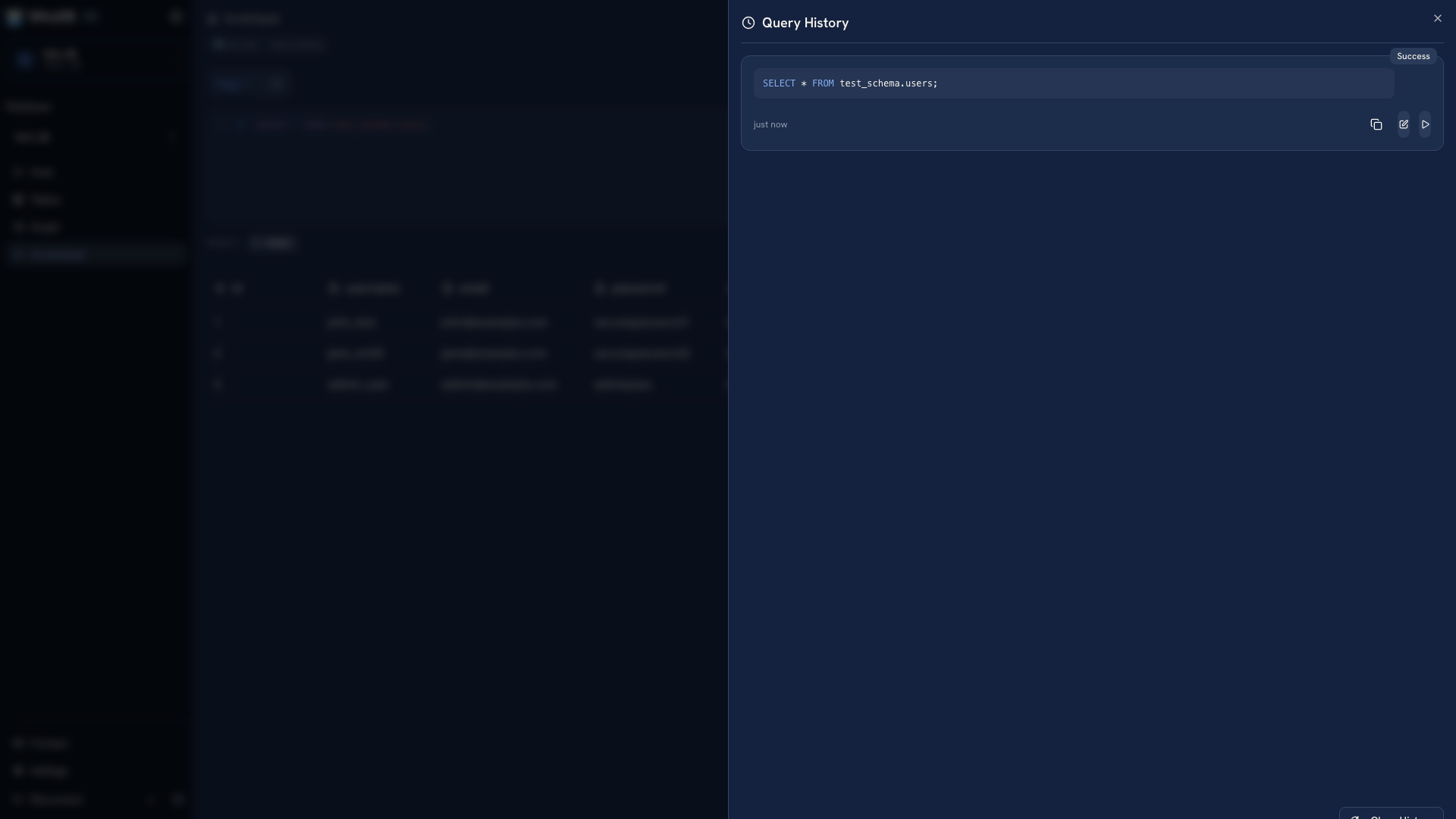 Query history for an investigation
Use history to recover an intermediate query, but save the final evidence in your incident system. Per-cell query history is a browser convenience, not a complete audit trail of database activity.
Record a useful finding#
Include the environment, observation time, exact query, and a redacted result. Explain what the evidence establishes and what remains uncertain. For example, a missing related record is an observation; the application path that failed to create it may need logs or a reproduction to establish.
Handle exports as production data and retain only the fields needed for the investigation. Use your established change and recovery process for a repair rather than experimenting with writes during inspection.
Continue with Access control, Query performance, or Backup tools.
Was this page helpful?