
Evaluate WhoDB alongside pgAdmin
If you use pgAdmin for PostgreSQL, evaluate WhoDB on the daily inspection tasks you want to change. You can connect both clients to the same development database without moving its data.
Start with a known PostgreSQL query#
Use the same database account, select the expected schema, and compare a table's fields and a small row sample. Run a familiar read query in Scratchpad. Qualify object names when several schemas contain similar tables.
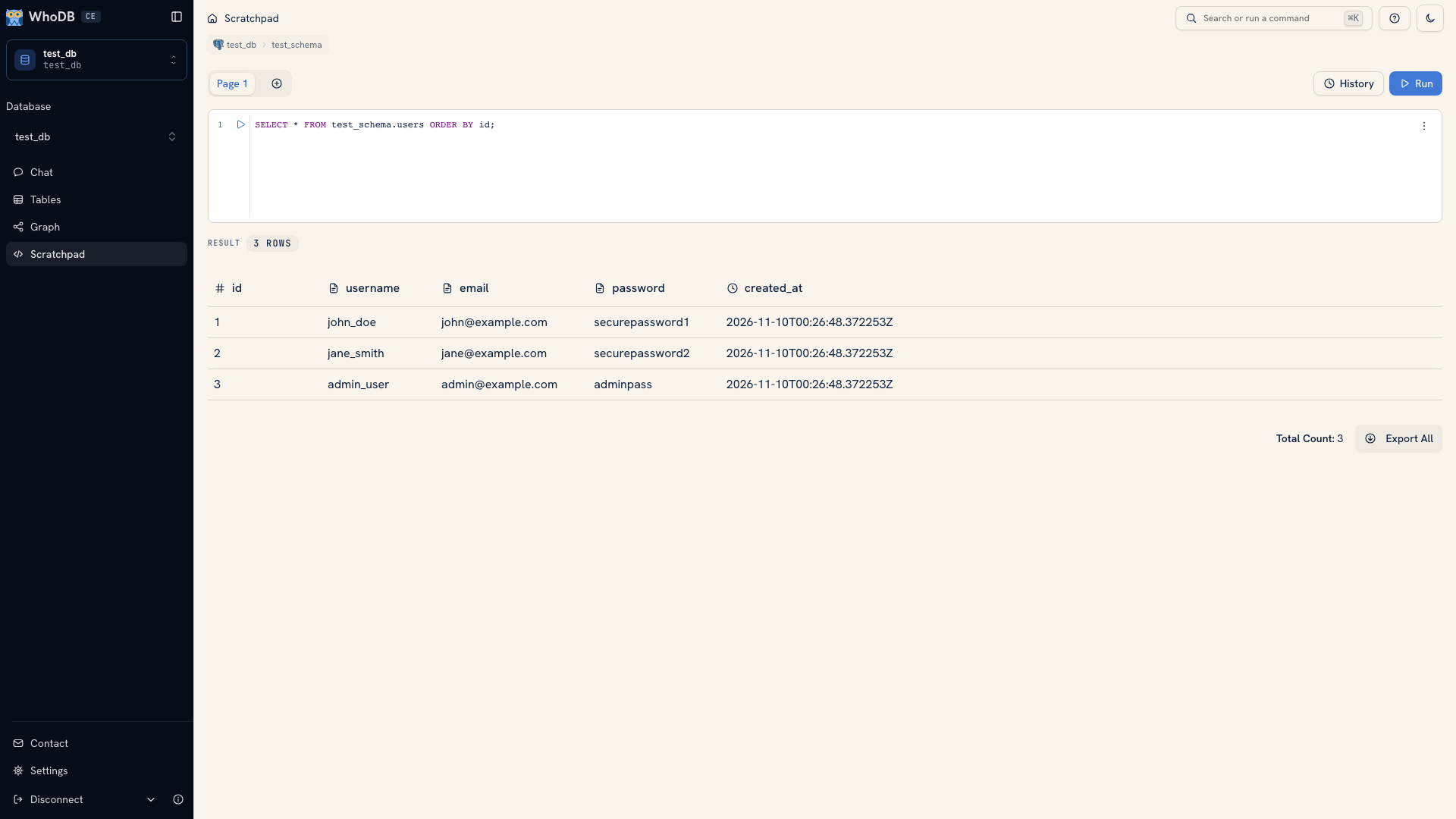 A query result in WhoDB
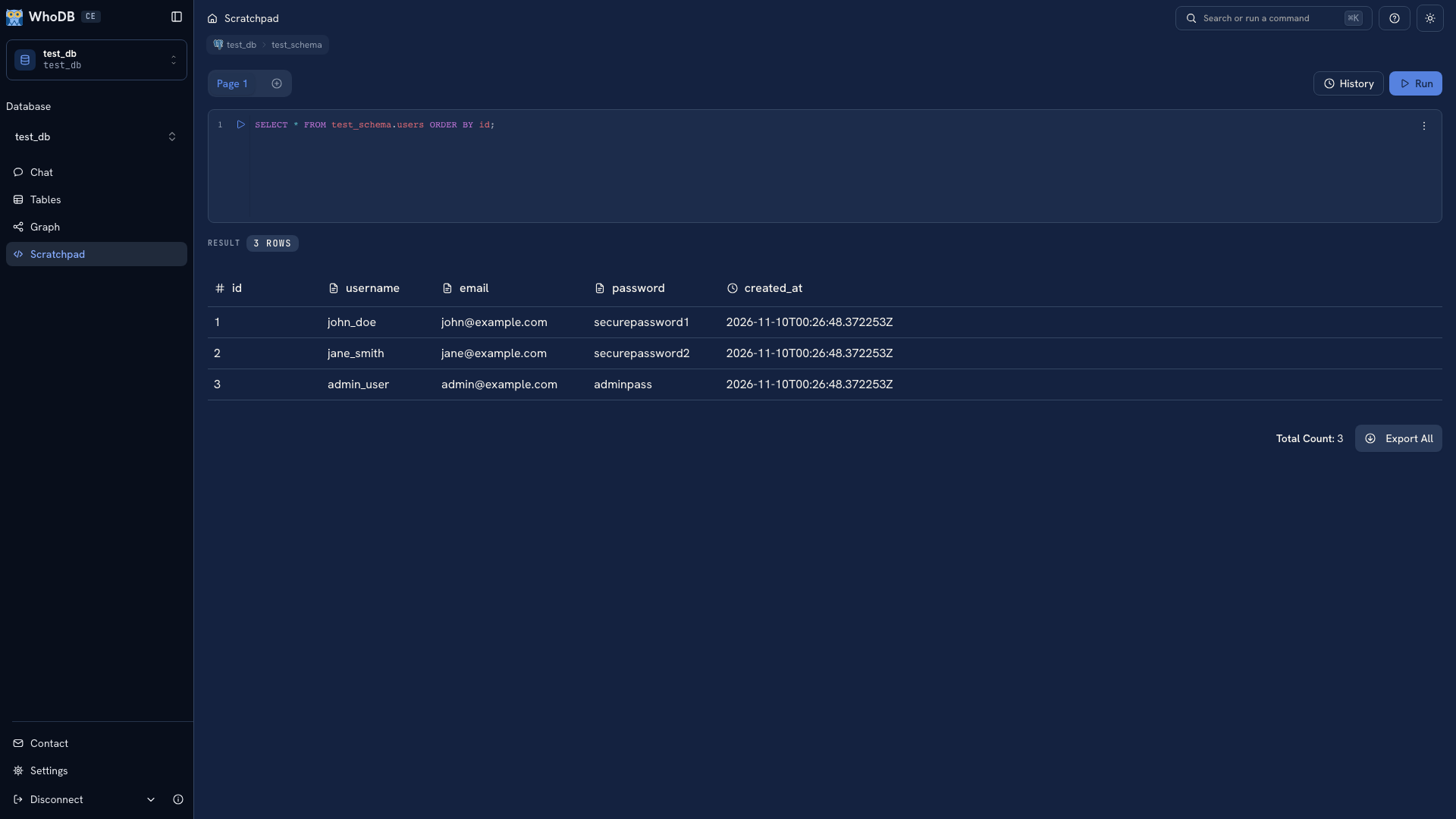 A query result in WhoDB
Keep the lookup and a related aggregate in separate cells. Check their results against the cases you already understand. Use Graph to inspect declared foreign keys and return to records through a node's Data action.
Separate inspection from administration#
List the PostgreSQL administration operations you need as well as browsing and SQL. Verify each required operation in the relevant tool rather than assuming a general database workspace covers every server task.
For complete backups and restores, follow PostgreSQL's native procedures. For a report, run a query and export its result. These produce different artifacts and should be evaluated separately.
Compare the workflows you will keep#
Check query editing, result handling, history, schema inspection, and the browser or desktop arrangement you prefer. If AI assistance matters, test the actual provider configuration and generated-query review workflow in each tool.
Use pgAdmin's current Query Tool documentation for its editor, history, output, explain, and assistant behavior. Keep SQL and migrations outside either client so the decision does not depend on browser-local state.
Follow Move a PostgreSQL workflow to WhoDB for the connection and workflow steps.
Was this page helpful?