
Sort and page through data
Sort data when the order of records matters to your question, such as finding the newest entries or the largest amounts. Use pagination to inspect the result in manageable pages rather than loading an entire table into the browser.
Sort rows#
Click a sortable column header to change the ordering. WhoDB includes that sort in the data request, so the source determines which records appear first.
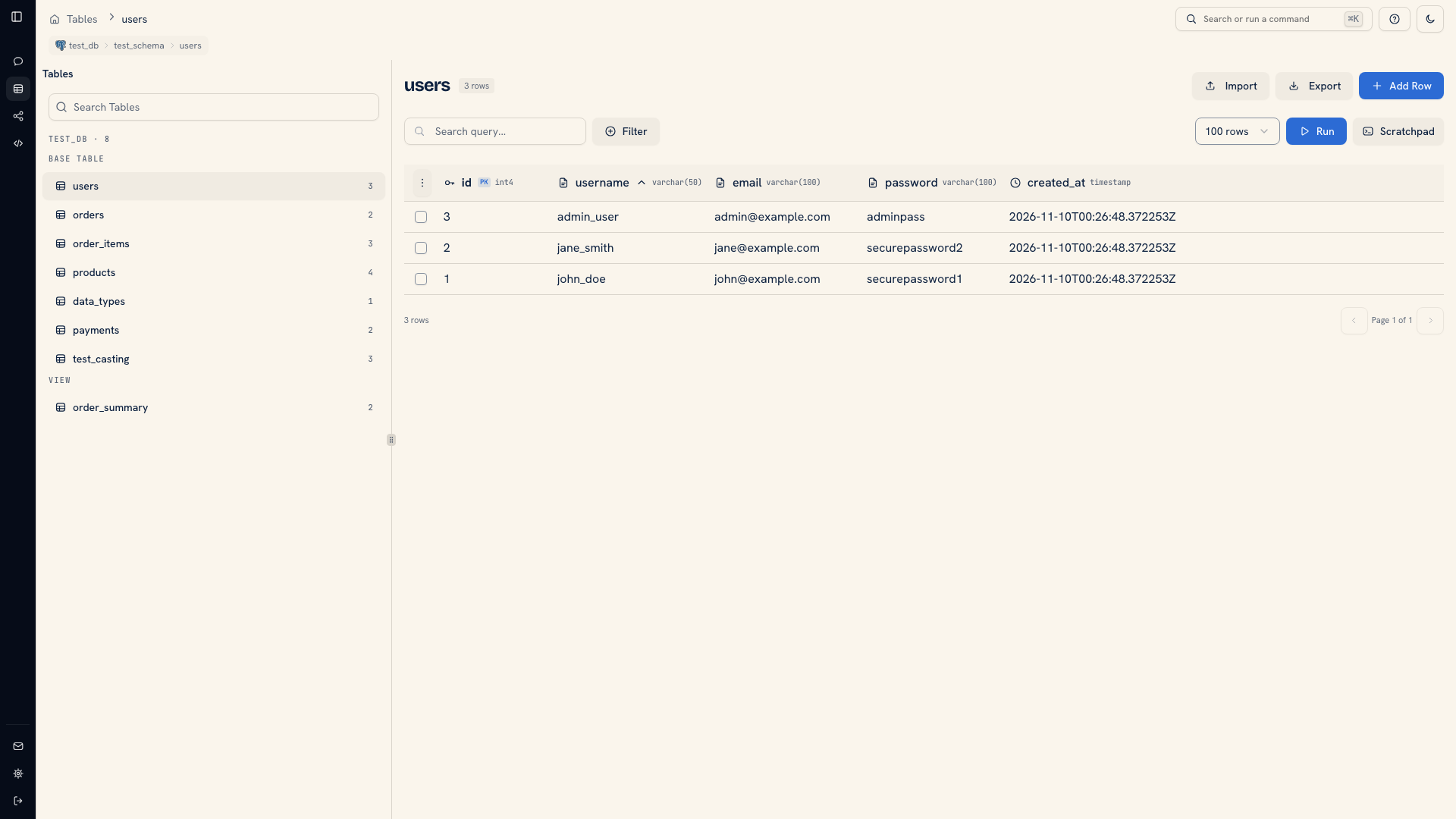 A sorted column in the grid
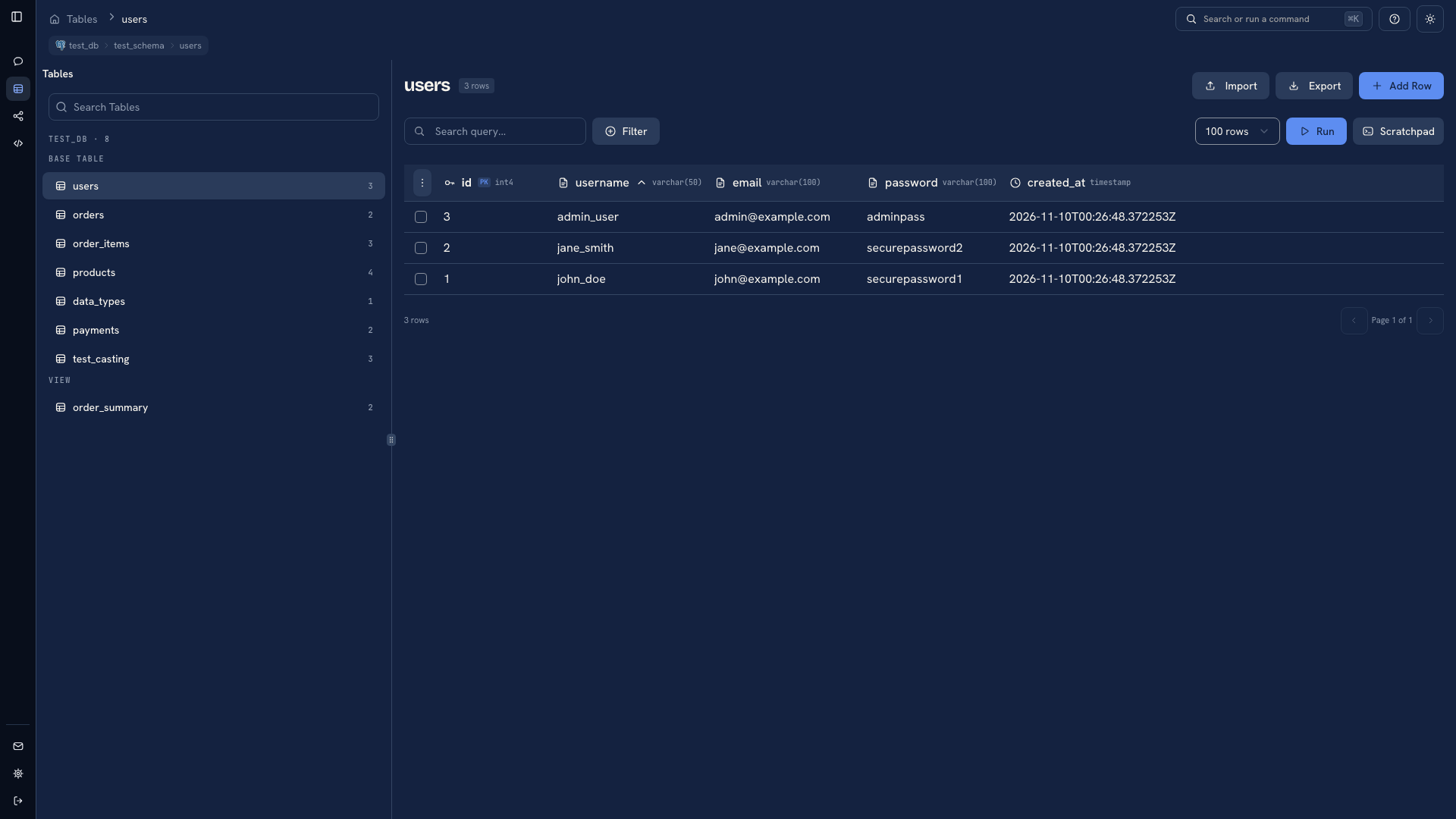 A sorted column in the grid
For example, sort by an order date when looking for recent orders. If several records share the same date and you need a repeatable order, use a query with an additional sort field such as the record's key. Use ORDER BY in Scratchpad when you need explicit ordering across fields.
Set a page size#
Open the row-count selector and choose a preset or Custom. Presets include 10, 25, 50, 100, 250, 500, and 1,000 rows. The server's WHODB_MAX_PAGE_SIZE setting defaults to 10,000 and limits requests.
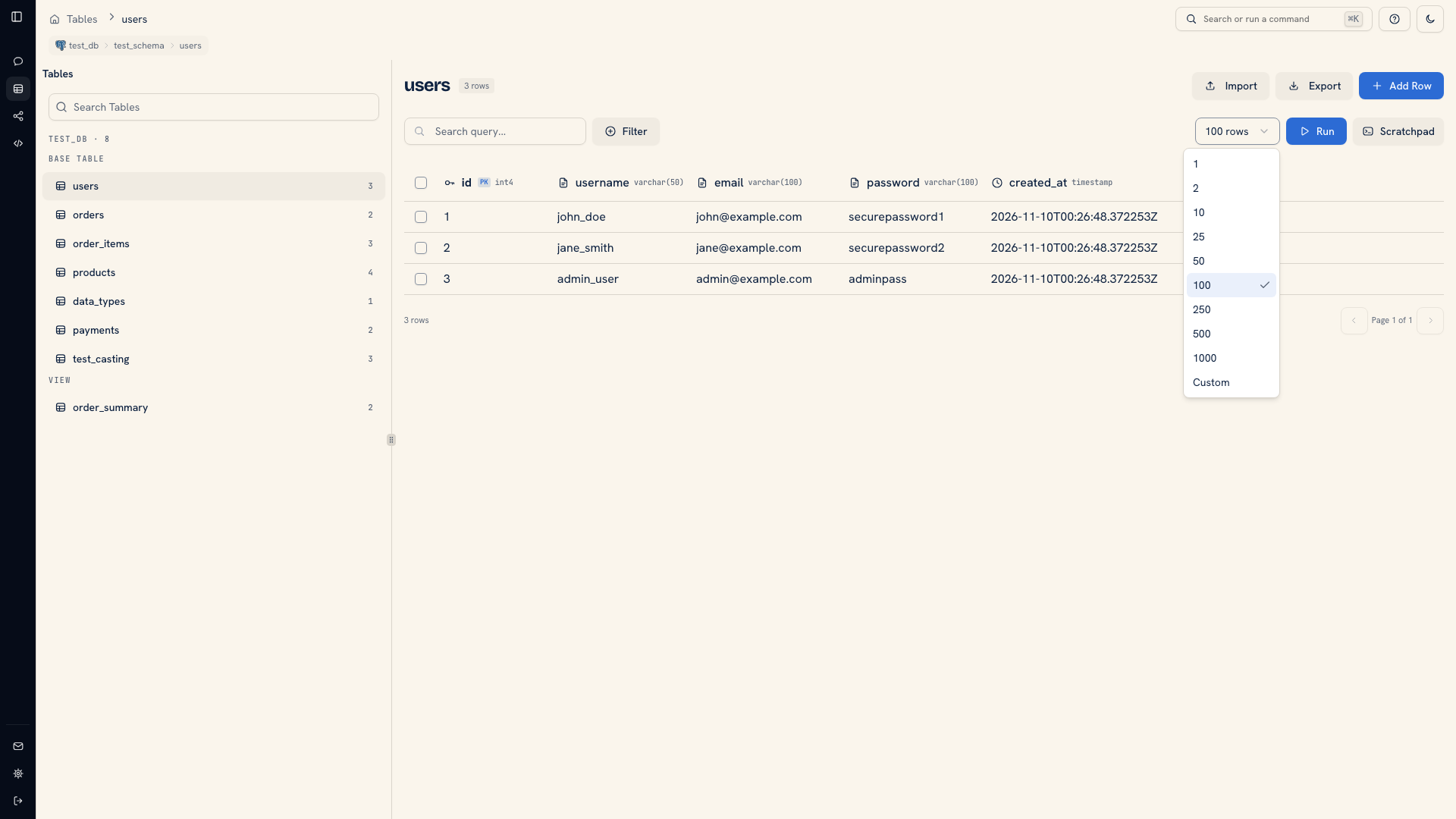 Page size choices
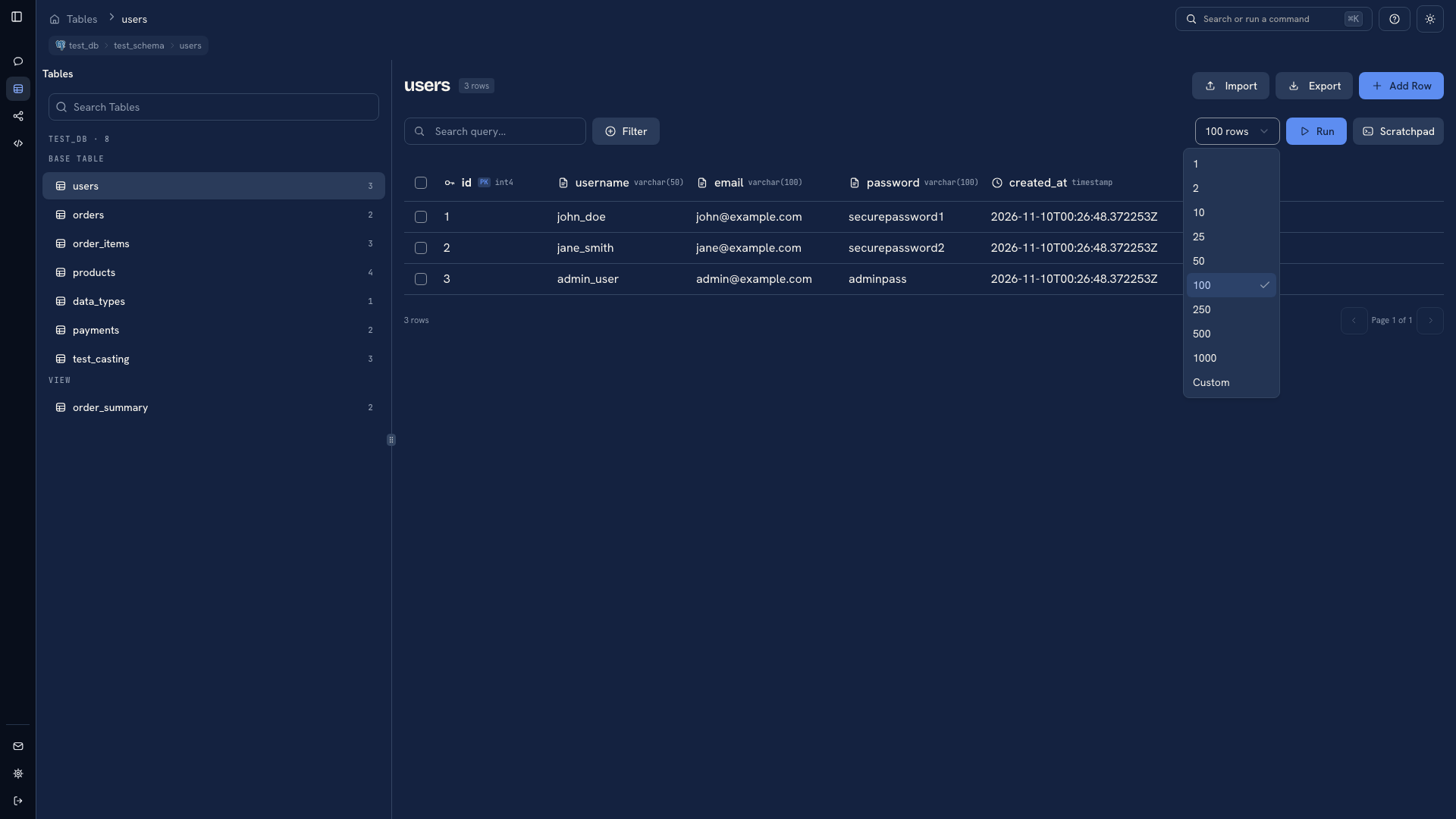 Page size choices
Start with 25 or 50 rows. Increase the page size when seeing more records together helps the investigation. A larger page also transfers and renders more data, which can make a wide table harder to work with.
You can set a preferred default in Settings.
Move between pages#
Use the pagination controls below the grid. Check the displayed page and total when deciding whether you have reached the end of the current result.
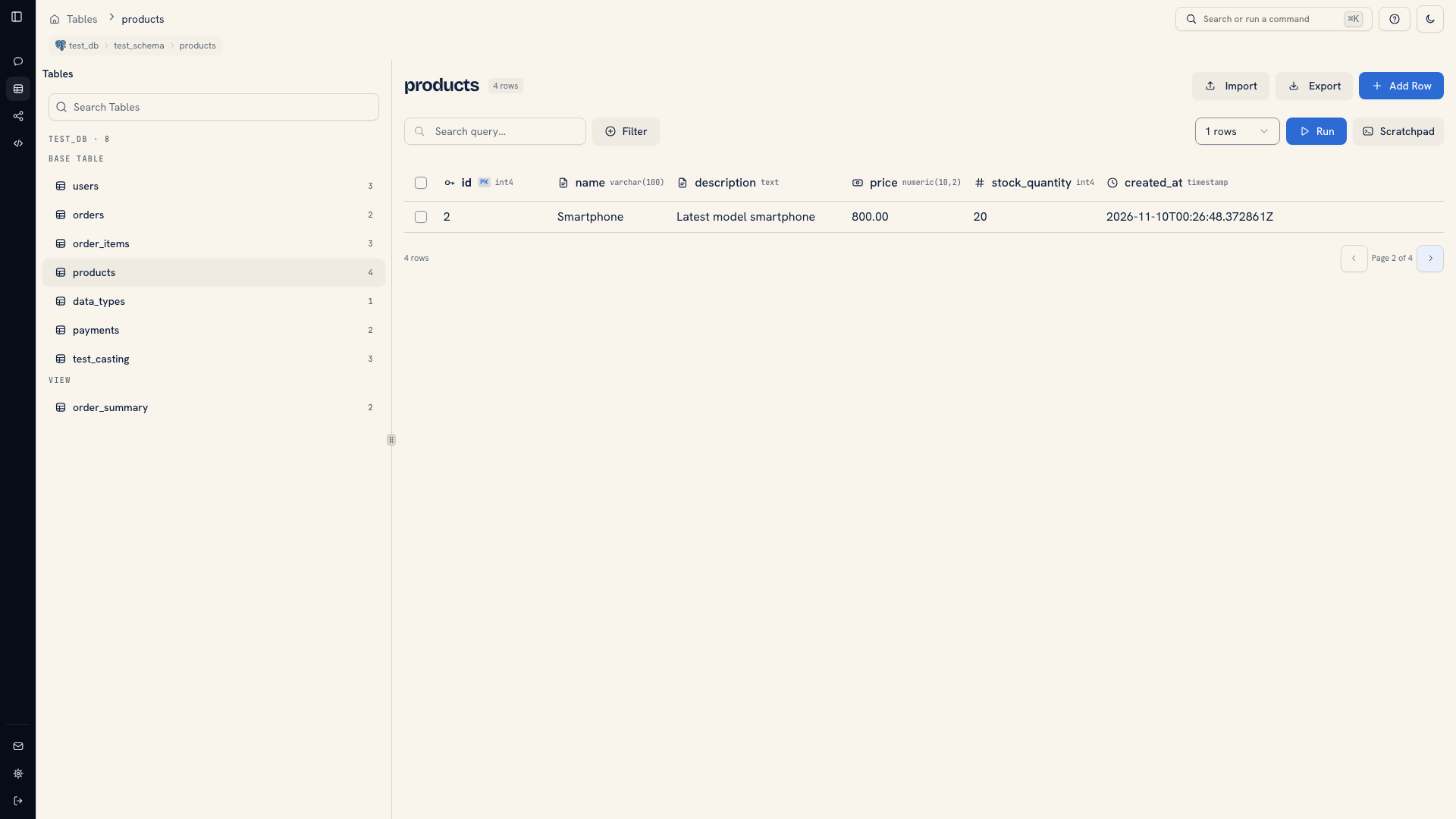 Pagination on a table
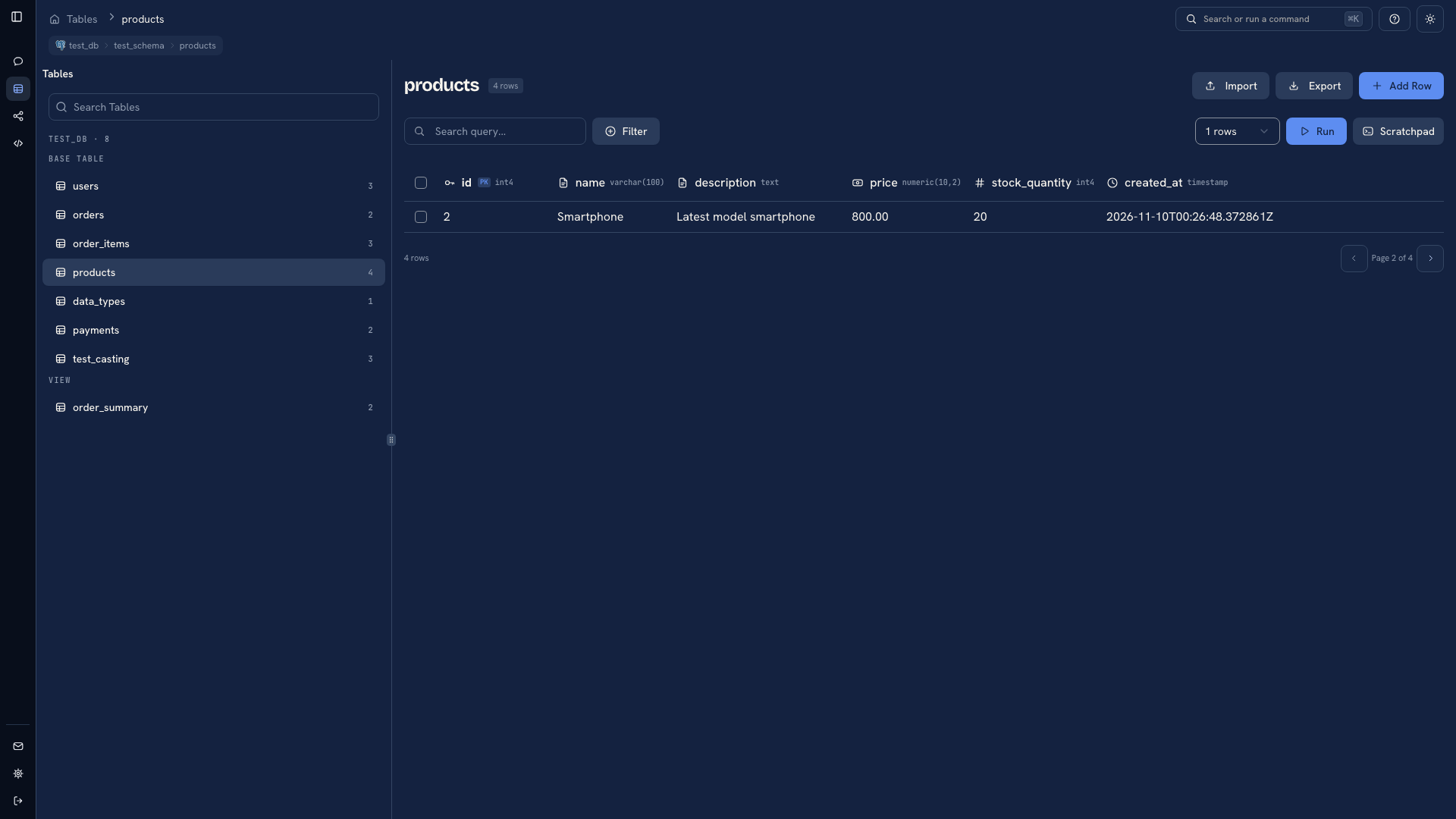 Pagination on a table
If records are being added or changed while you browse, the result can change between requests. Do not use the position of a row on a page as its identity. Use the record's key when making a correction or recording a finding.
Changing a filter changes the result set. Run the revised request and check its count before selecting, exporting, or editing records. Search only locates values in the page currently loaded; use Filter for a lookup across the object.
Was this page helpful?