
WhoDB for developers
When an application behaves unexpectedly, WhoDB helps you follow a request into the database and see the state it actually produced. Use a development connection for experiments and a read-only account when investigating an environment you should not change.
Trace a request to its records#
Take an identifier from the application's response or logs. Open Tables, find the relevant object, and inspect Info to check the identifier's field name and type. In Data, use Filter to retrieve that record from the database.
Follow related records through Graph or a join in Scratchpad. For an order endpoint, this might mean checking the order, its items, and the referenced user. Check the active connection before each investigation, particularly when development and production have similar schemas.
Keep a reproduction you can rerun#
Create a Scratchpad page for the issue. Put the initial lookup, related-record query, and final verification query in separate cells. Rerun the verification after making the application request through your usual API client or test runner.
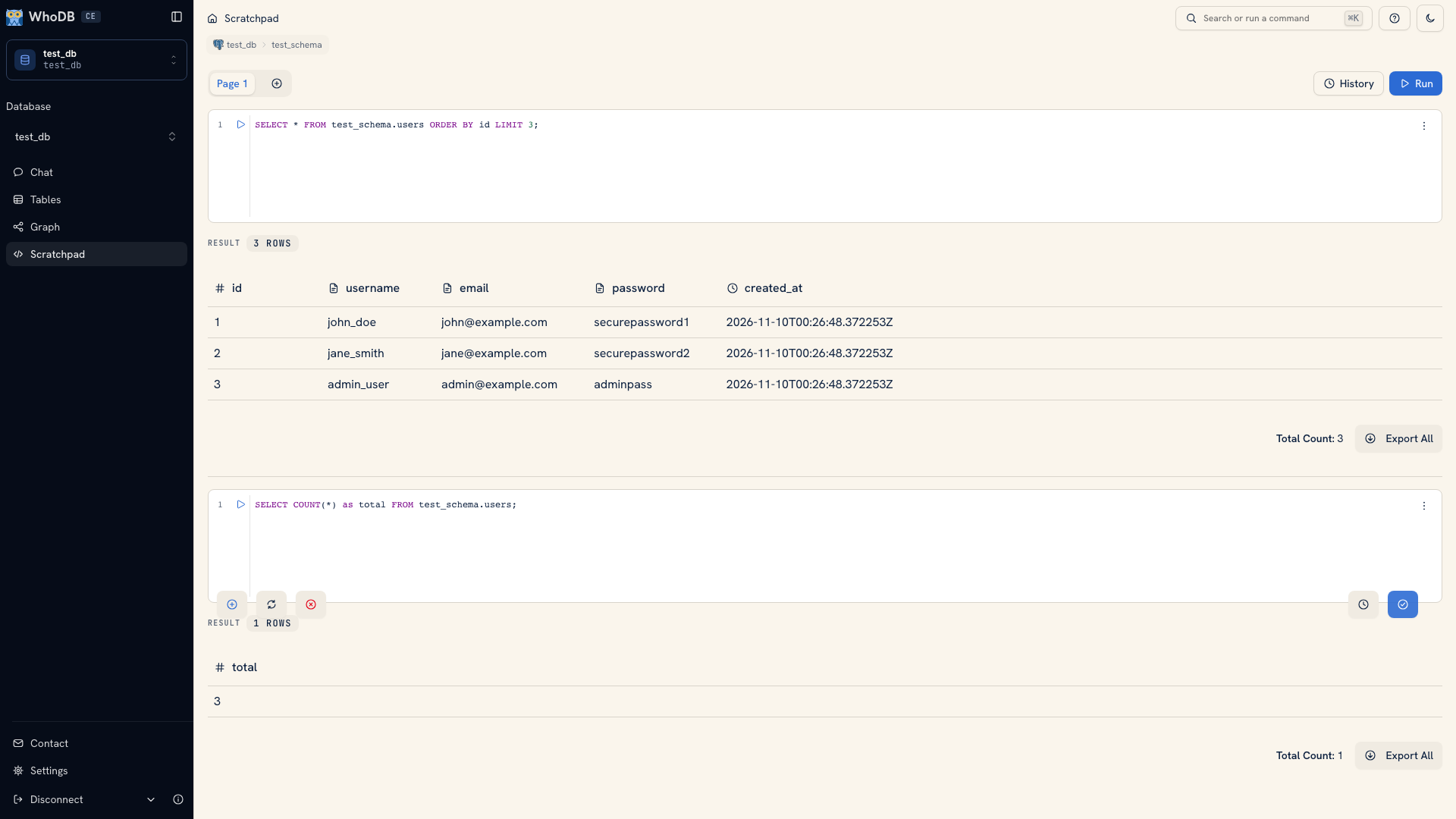 Queries and results kept in separate Scratchpad cells
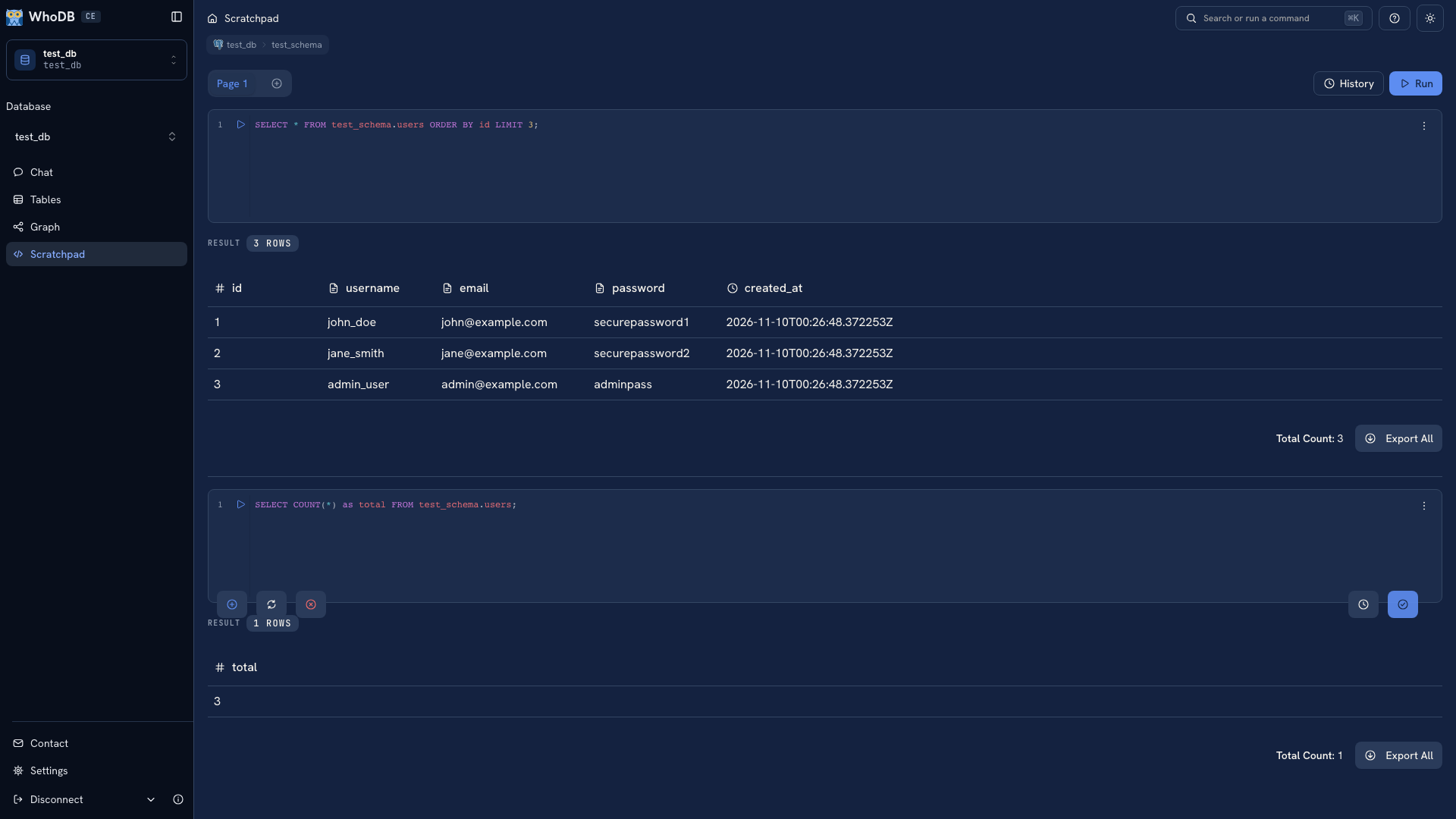 Queries and results kept in separate Scratchpad cells
Copy the final SQL into the issue or test repository with sensitive values removed. Include the fixture and the expected result. Scratchpad pages and history are local to the browser, so another developer does not automatically receive them.
Prepare test state#
Use Import to load a known CSV or Excel fixture into a disposable table. Use mock data when approximate values are enough. Review keys and relationships before using generated data to test application behavior.
Keep application schema changes in migrations under version control. A successful manual edit proves that a database accepted the change; the migration is what lets teammates and deployment environments reproduce it.
For terminal inspection and assistant integrations, continue with CLI & MCP. For an endpoint investigation, use Inspect the data behind an API.
Was this page helpful?