
Scratchpad
Use Scratchpad when a question needs a query rather than a table filter. You can inspect a sample, check a count, and join related data in separate cells while keeping each result next to the query that produced it.
Scratchpad uses the language supported by the connected source: SQL for SQL sources, shell-style commands for MongoDB, and native commands for Redis.
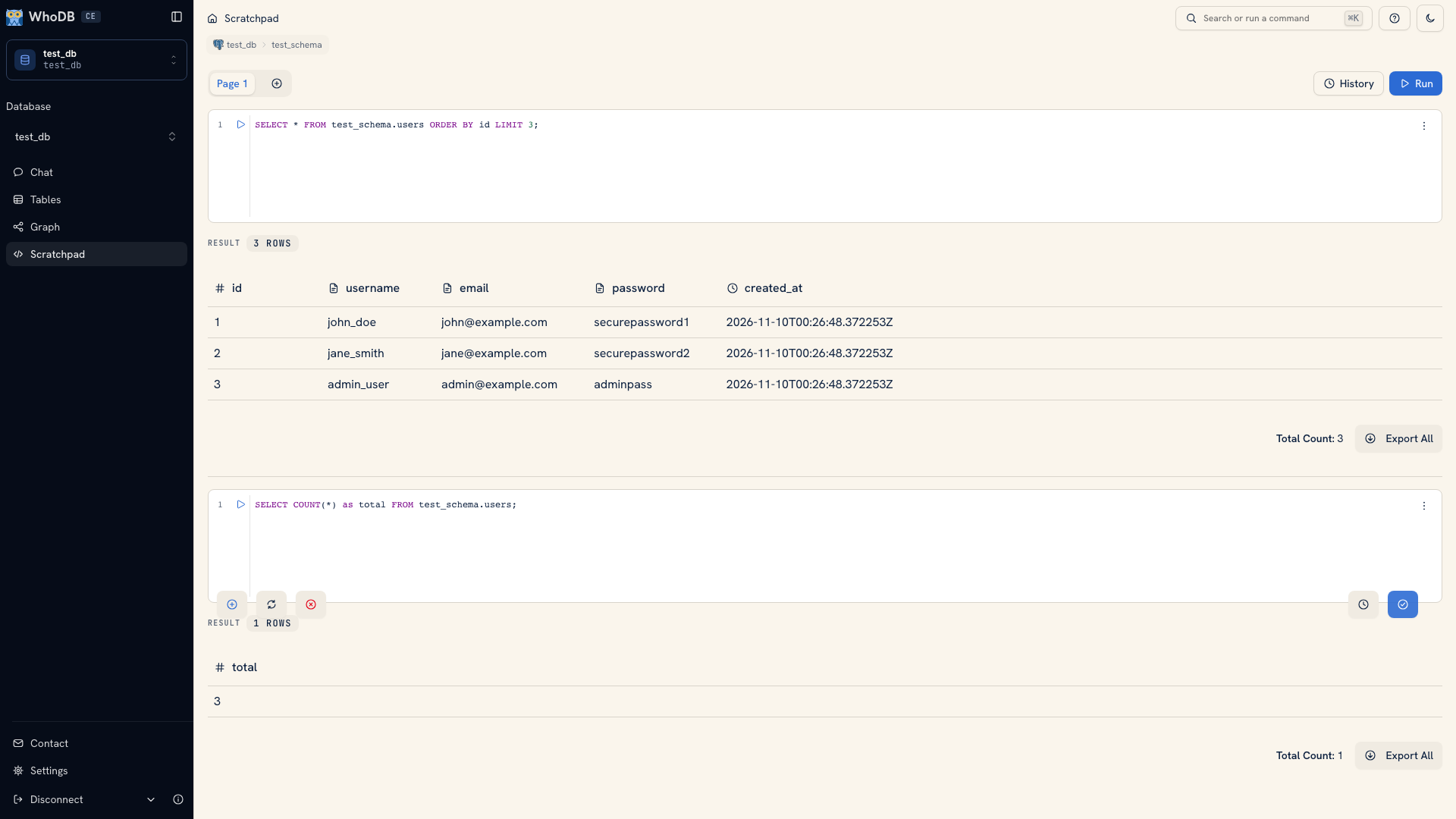 Scratchpad with executed queries and inline results
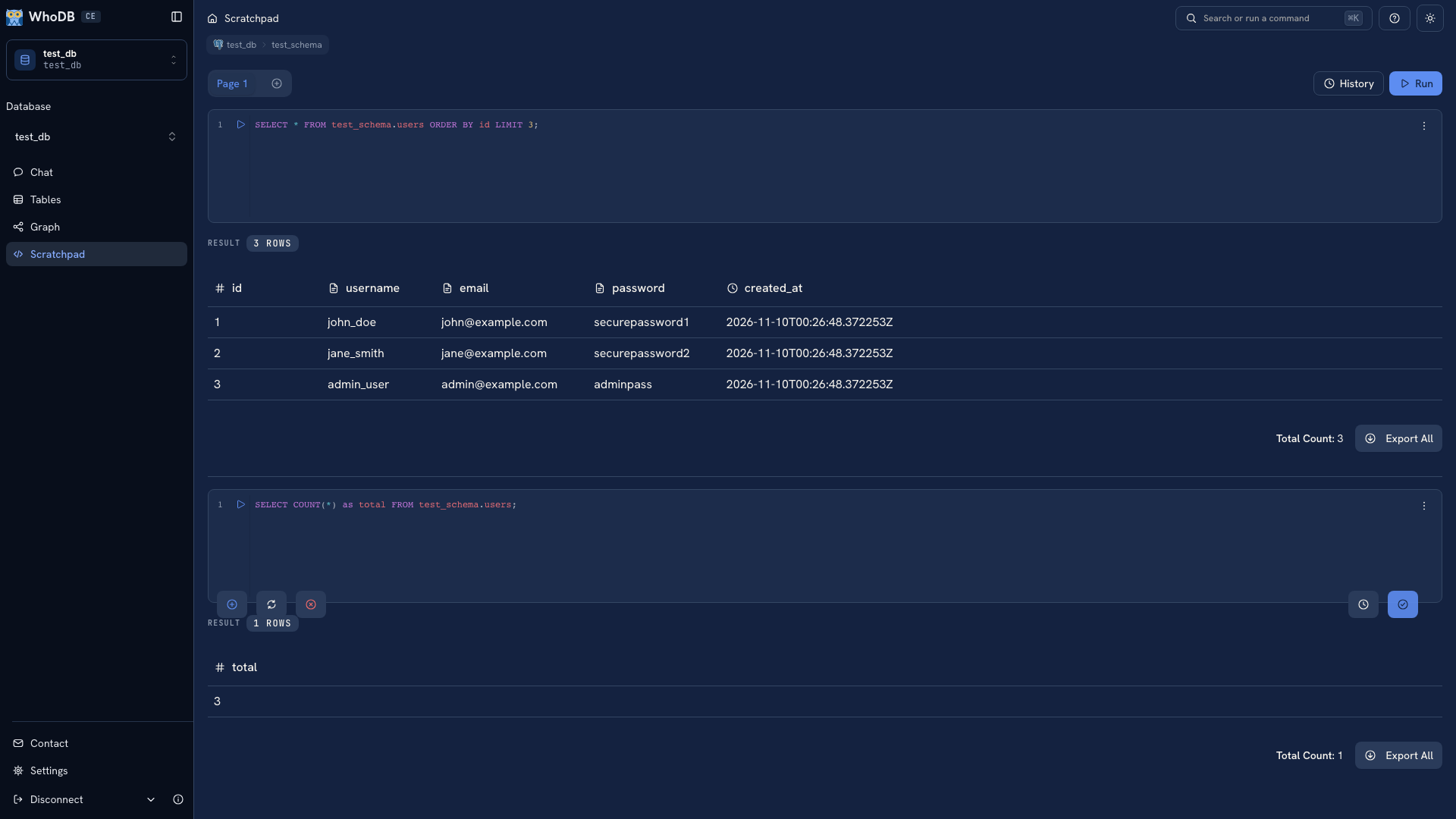 Scratchpad with executed queries and inline results
Run your first cell#
Open Scratchpad from the sidebar. Confirm the connection and schema shown in the page header, then enter a small read query. For the PostgreSQL demo schema:
SQL
SELECT id, username, email
FROM test_schema.users
ORDER BY id
LIMIT 25;
Replace the schema, table, and fields with names from your own source. Click the cell's play button or press Mod + Enter. Returned rows, an action result, or an error appear below that cell.
A small, ordered sample is a useful first check: it confirms the object exists and lets you inspect the values before writing a more complicated query.
Keep related work together#
A page is a tab containing one or more cells. Use a page for an investigation, such as checking a customer's orders. Put the sample query in one cell and the aggregate or join in another. Rename the page so you can recognize the investigation later.
Use the plus tab to create another page and the add-cell control to extend the active page. See Pages and cells for the controls.
Reuse what worked#
Open Query History from a cell's menu to find earlier executions. Copy an entry, load it into the editor, or run it again. Check the active connection before replaying a query: history records the old query, but rerunning it acts on the current source.
Pages and history are browser-local workspace state. Save important queries in a file or repository so they remain available outside that browser.
Review changes before running them#
Scratchpad can execute writes when the source and credentials allow them. Inspect the table, values, and predicate before running a change. WhoDB prompts for queries detected as destructive, but a confirmation does not establish that the statement expresses your intended rule.
Do not assume separate cells share a database transaction. Use a reviewed, source-appropriate script when a change needs transactional guarantees.
Tip
If the same preparation query becomes recurring work, bring the connection to WhoDB Platform and build a reusable pipeline with Transforms. Move from a query to a pipeline.
Next: Write queries · Read results
Was this page helpful?