
Inspect the data behind an API
An API can return a successful response while storing an unexpected value or omitting a related record. Use WhoDB to inspect the database state behind one request and turn the finding into a reproducible test.
Find the record created by the request#
Connect to the application's development database. Take an identifier from the API response, then find the relevant object in Tables. Check its fields in Info before adding an equality filter in Data.
Use the exact identifier rather than searching loaded rows. A record on another page will not be found by the Data view's local text search.
Compare the expected and actual state#
Write a lookup in Scratchpad, using the table's embedded Scratchpad if you want to keep the records beside the query. Save the query before sending another request.
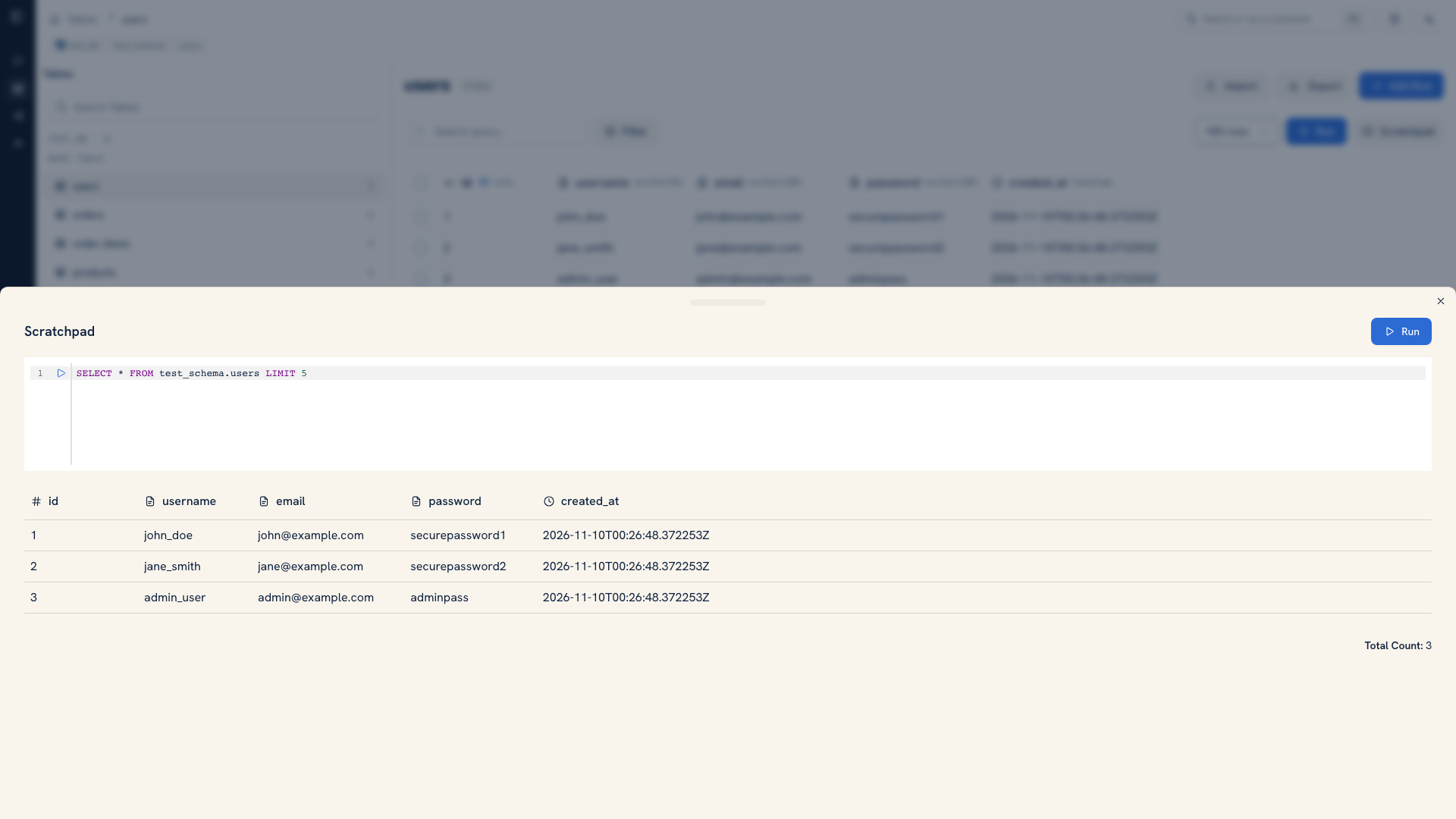 A table and embedded query workspace
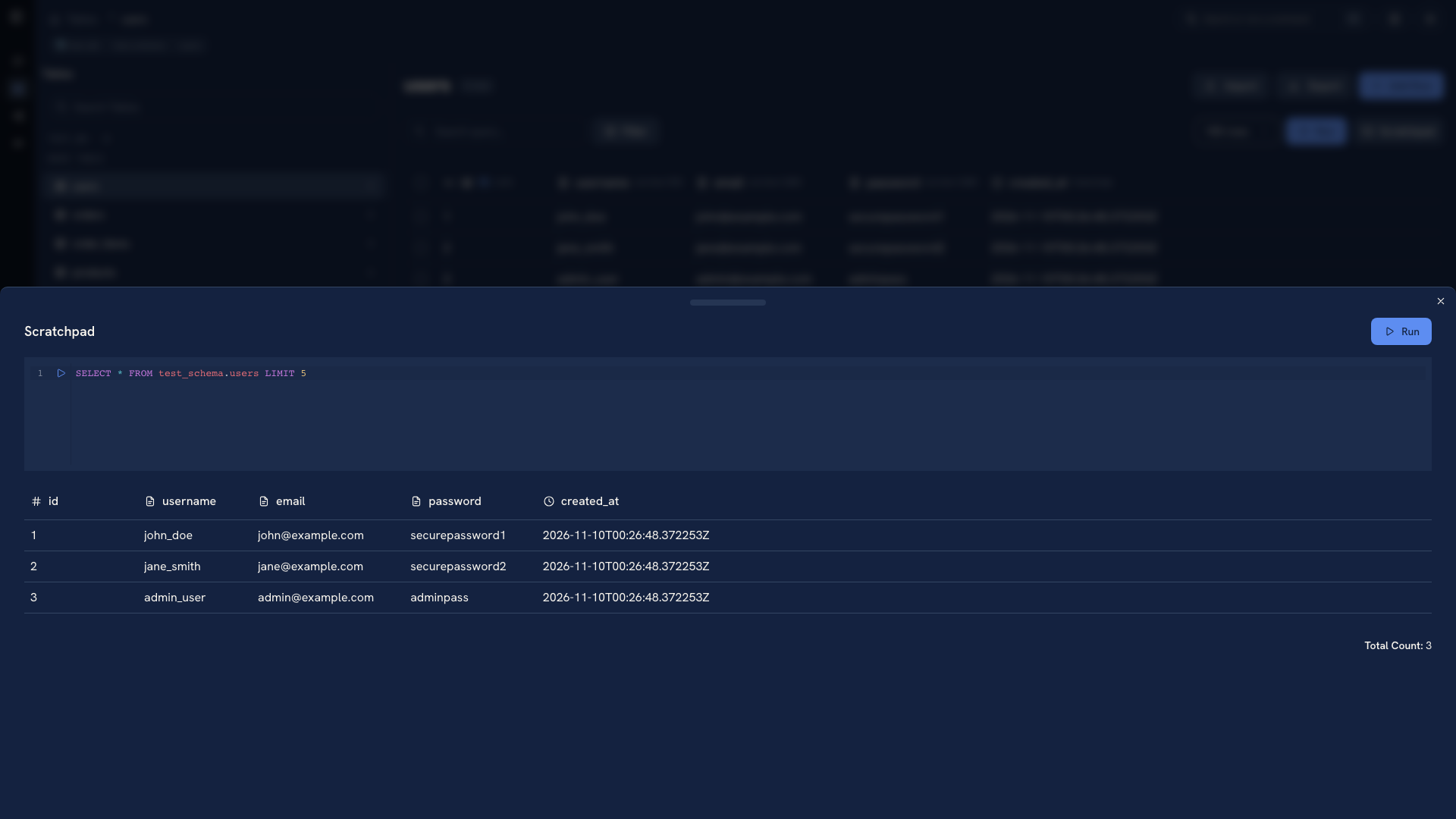 A table and embedded query workspace
Run the request through your API client or application test, then rerun the lookup. Compare the specific fields the endpoint should change. For an update, check the old and new value. For a create operation, inspect related rows and foreign keys as well as the parent record.
If the result differs from the API response, check whether you are reading the same environment and whether the application performs work asynchronously. Keep the timestamp and request identifier with your evidence.
Make the check part of the application tests#
Save the setup fixture, request, and verification query in the test repository. Use Import for bounded CSV or Excel fixtures, or the application's seed tools when setup involves several related tables.
Avoid fixing development records by hand as the only response to a reproducible bug. Capture the incorrect transition, fix the application path that caused it, and rerun the scenario from a known state.
Continue with Developer workflows or Test data.
Was this page helpful?