
Keep a useful conversation
Keep related questions in one conversation when you are working toward a single answer. The context helps you refine a query, but you should still name the records and rules that matter as the investigation changes.
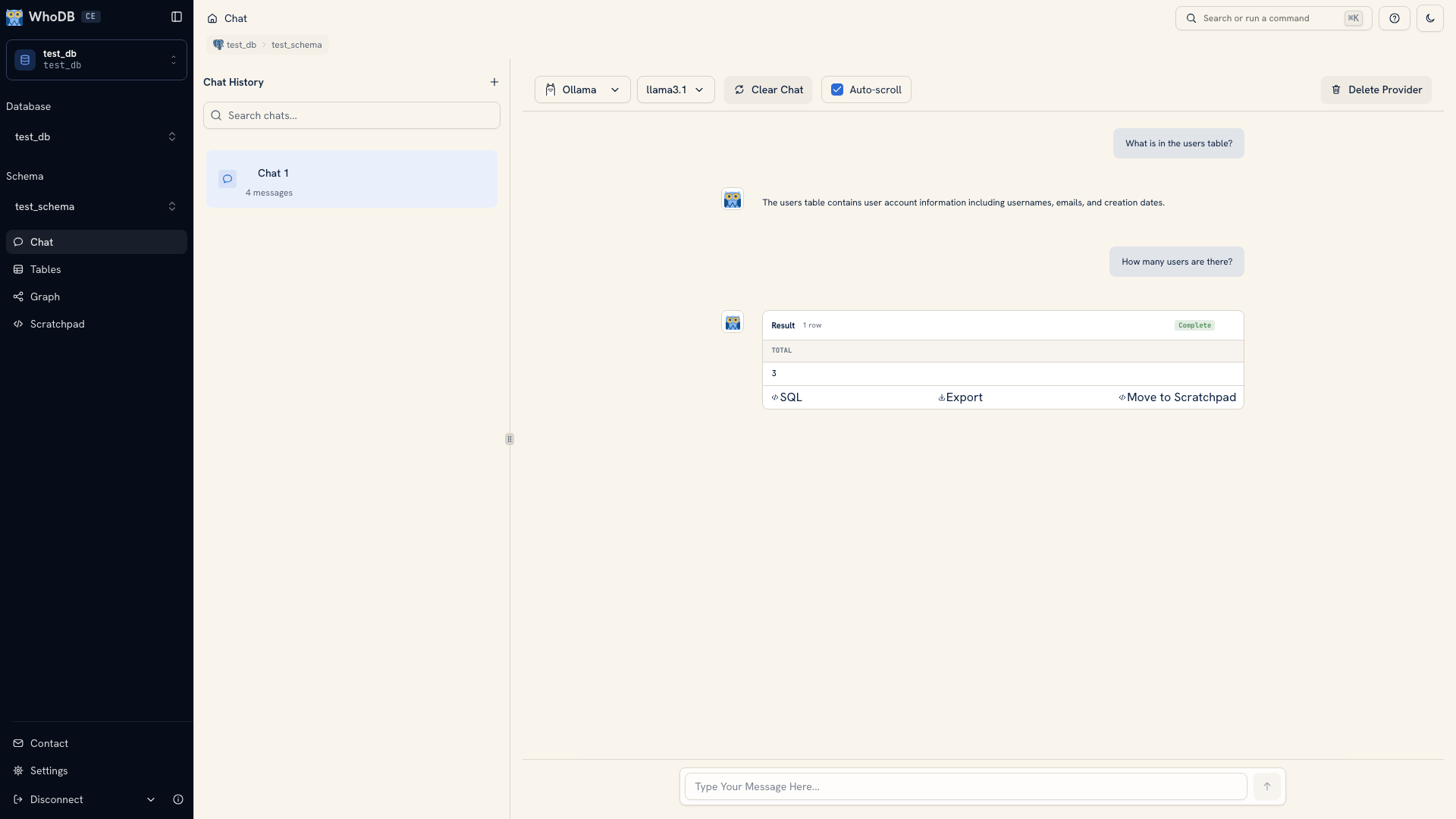 A conversation with follow-up questions
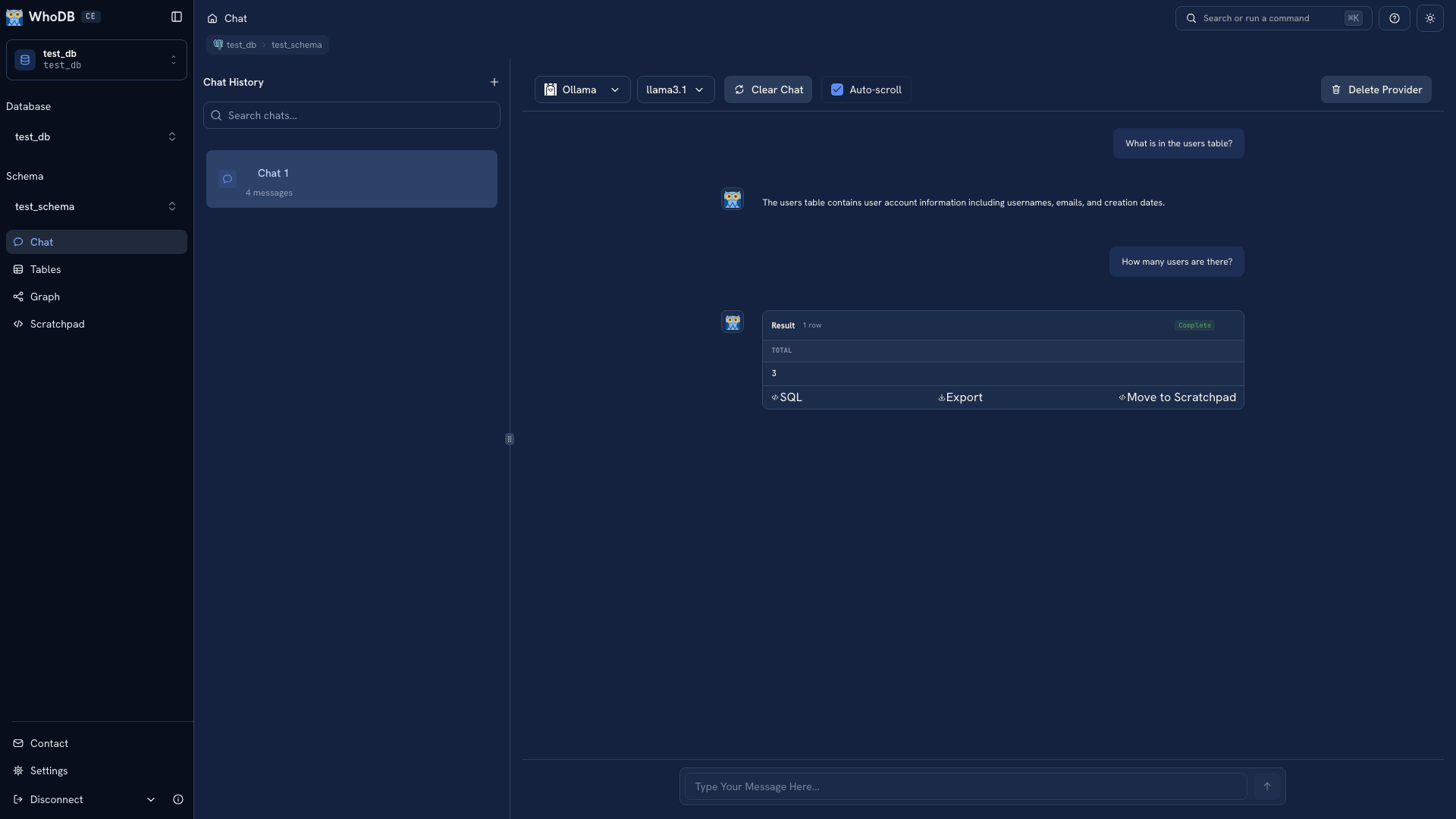 A conversation with follow-up questions
Note
The screenshots use fixed demonstration responses to illustrate the controls.
Refine with context#
Start with a sample, then ask for a specific filter, grouping, or comparison. “Count paid orders only” gives the model a usable rule. “Use the usual revenue definition” leaves that rule unstated.
If a follow-up changes the population, say so directly. For example, moving from all orders to orders in a particular date range changes the meaning of a count, even when the returned columns look the same.
Long conversations can exceed a model's available context. If an answer starts using old assumptions or unrelated objects, start a new session and restate the source, question, and relevant rules.
Manage sessions#
Use the chat history sidebar to create and switch sessions. Rename a session for the question it contains so it is easier to return to later. Choose Rename chat to edit its name; on desktop you can also double-click the name.
Deletion asks for confirmation. Review the selected conversation before deleting it, and copy any query you need to keep. On a small screen, choose Browse items to open the session list.
A new session is useful when the question or source context changes. It also keeps a long exploratory conversation separate from the final query you want to verify.
Continue in Scratchpad#
On a query result, choose Move to Scratchpad where supported and select its destination. You can then edit the query in a normal cell and compare it with your own checks.
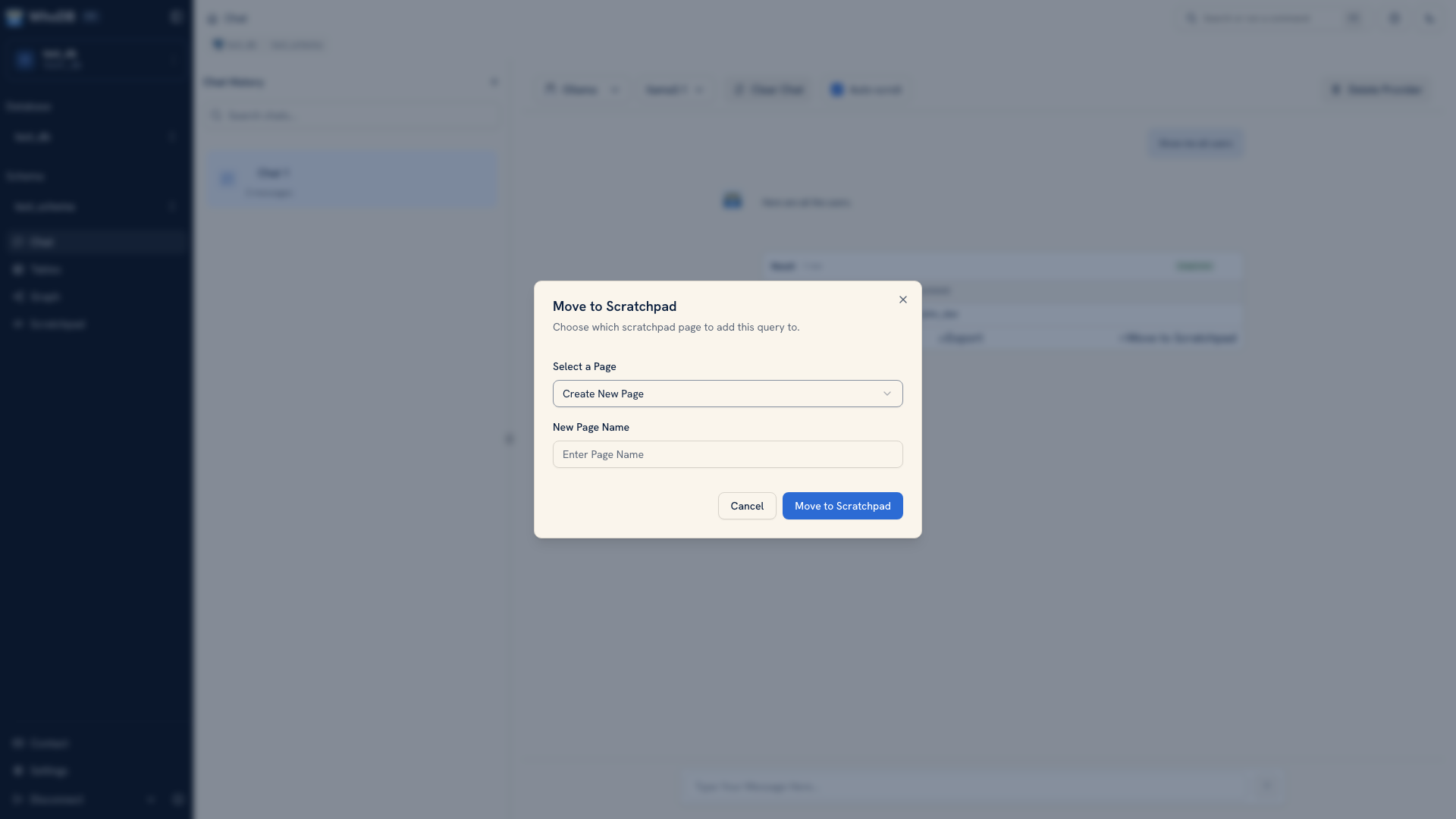 Choosing where to move a Chat query
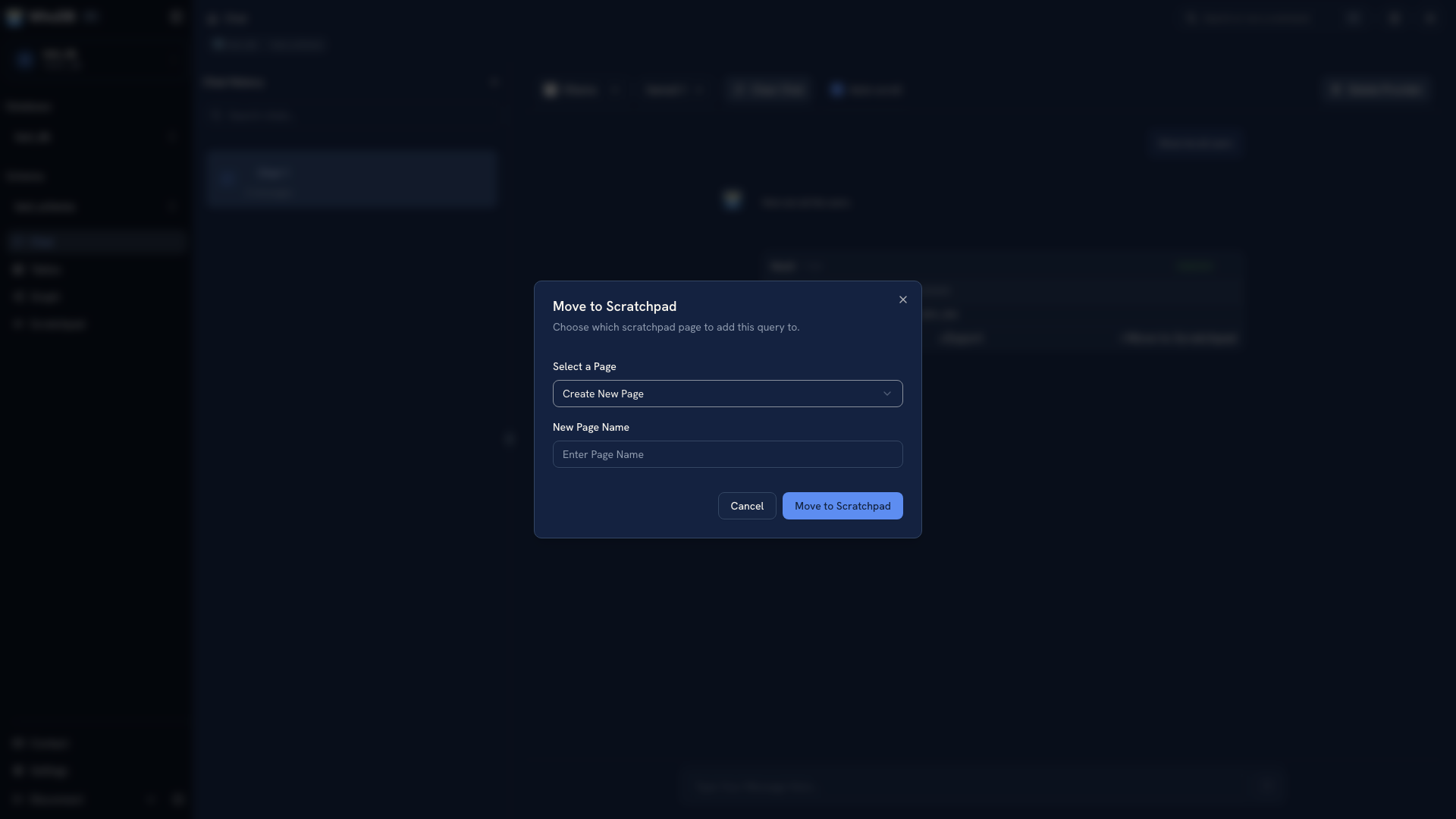 Choosing where to move a Chat query
Use this when you want precise control over a join, a date boundary, or a calculated value. Save the finished query outside browser storage when it needs to be shared or reused.
Change providers#
Use the provider and model controls to select the endpoint for the next request. Check the selection before sending data to a different provider.
Provider-management actions can remove a provider where allowed. Environment-defined provider settings remain managed by the server configuration. See Provider setup when the intended model or endpoint is missing.
Was this page helpful?