
Inspect a schema
Inspect an object's structure before deciding which fields to query or change. Info shows metadata supplied by the connected source, including the field and key information it exposes. This helps you avoid guessing from a table name or a sample row.
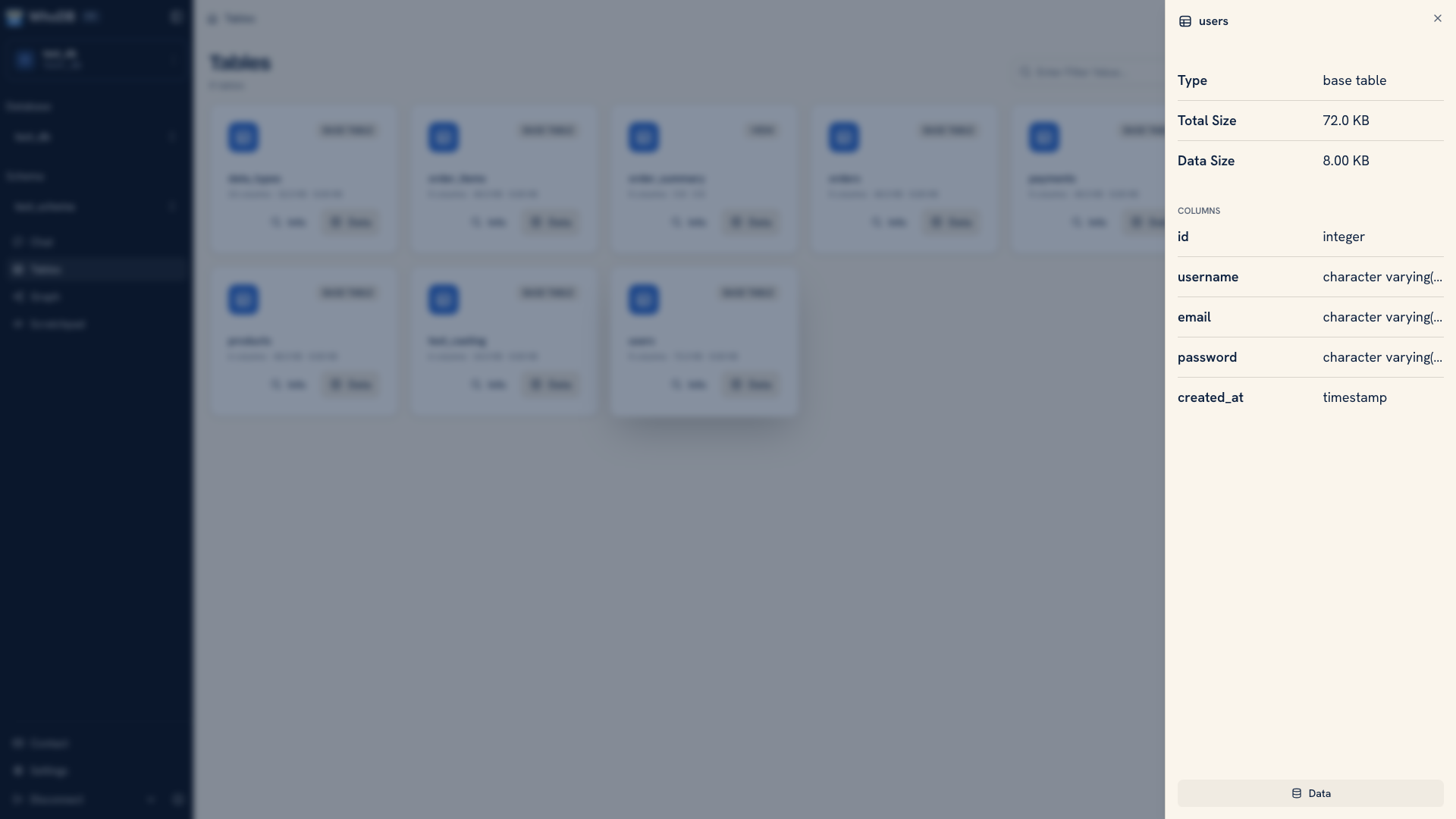 Table metadata and columns in the Info view
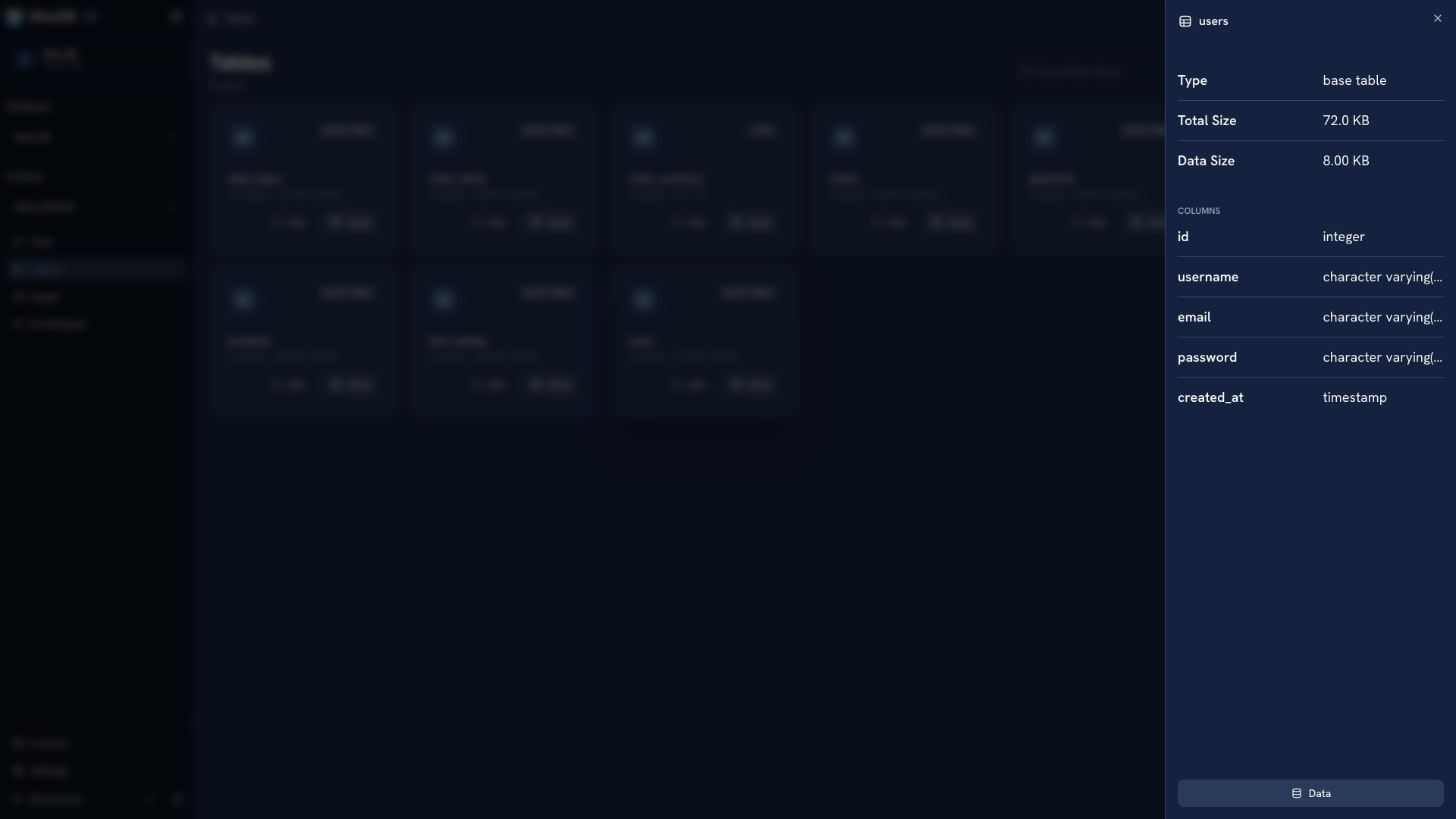 Table metadata and columns in the Info view
Inspect an object#
- Open Tables and find the object.
- Switch to card view if necessary.
- Choose Info to expand its metadata and fields.
- Read the field names, types, and available key information.
- Choose Data when you need to compare that structure to actual records.
For an unfamiliar users table, start by finding the identifier and the fields your question needs. A readable username can be useful in a report, but it may not be the field other objects use as a reference.
Types and metadata vary across sources. Use the information reported for the actual object rather than assuming every connector exposes the same attributes.
See relationships in context#
Open Graph and select the related objects. Foreign-key edges help identify which fields connect them.
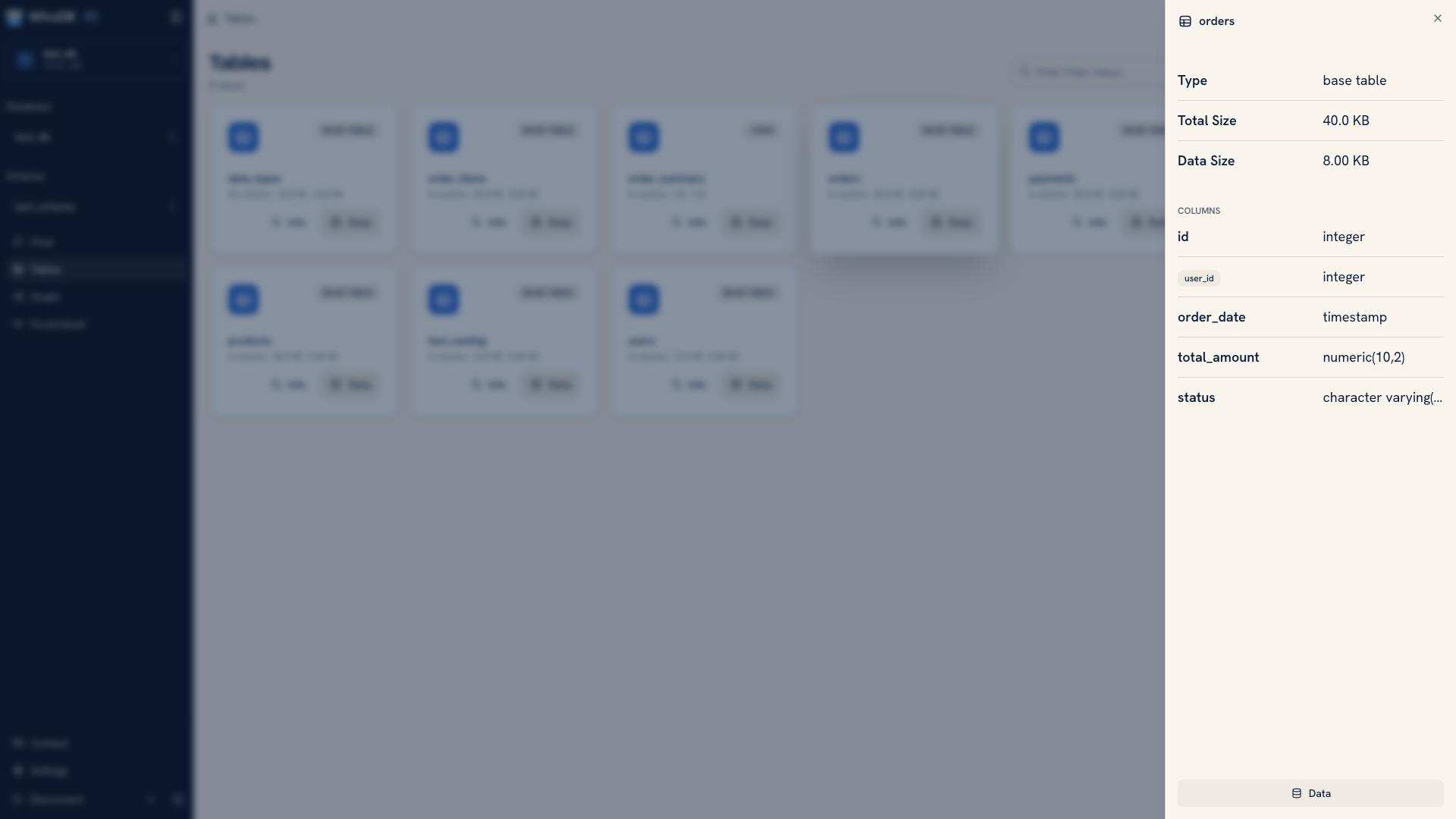 Foreign-key fields on an expanded object
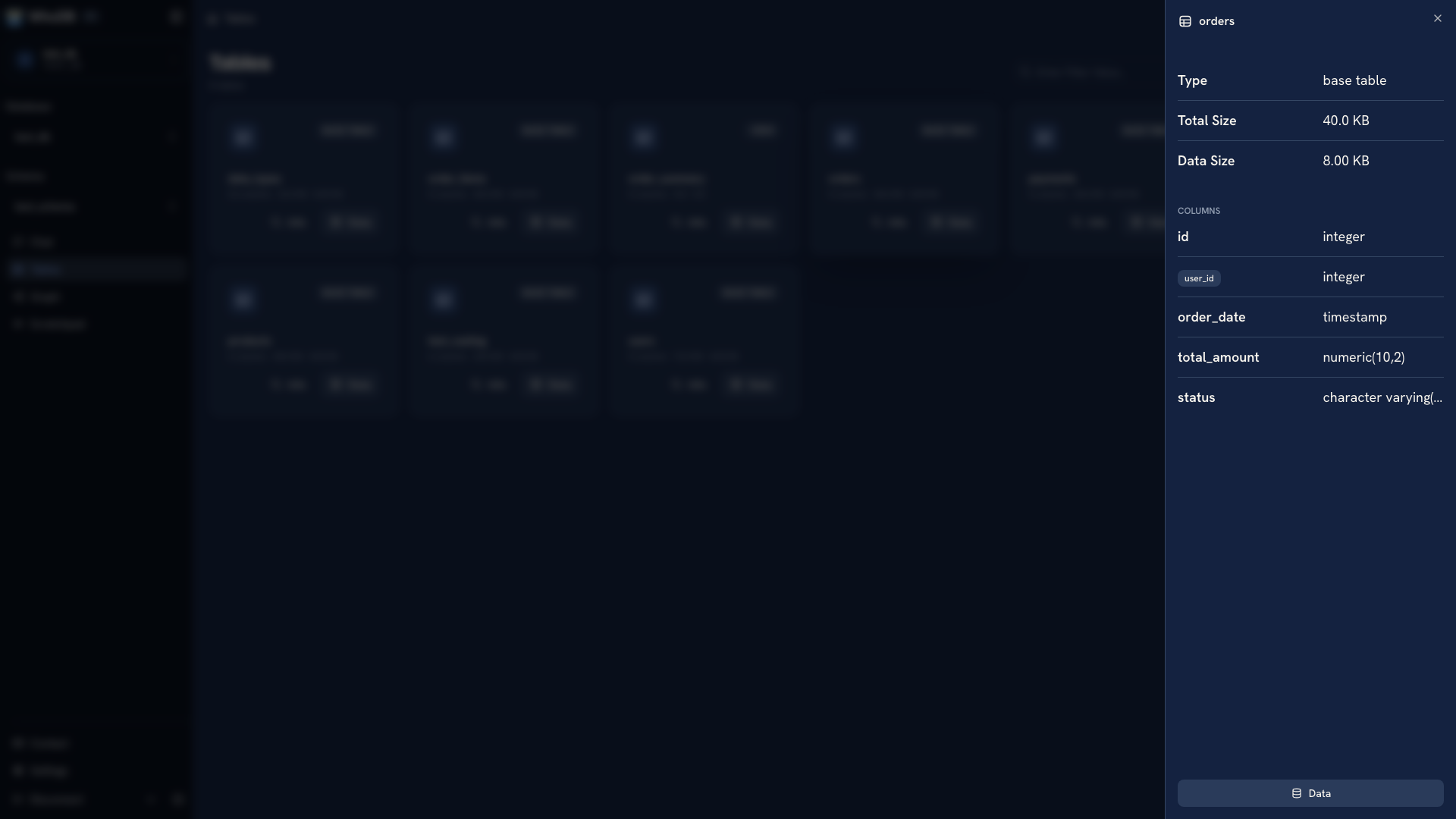 Foreign-key fields on an expanded object
If an edge is missing, inspect the database metadata. The application might join two fields without a declared foreign key, or the source might not expose the relationship. Similar field names alone do not establish a constraint.
Inspect more detail with a query#
Use Scratchpad when you need metadata that is easier to read as a query result. This PostgreSQL example lists the columns of one table in their defined order:
SQL
SELECT column_name, data_type, is_nullable
FROM information_schema.columns
WHERE table_schema = 'public'
  AND table_name = 'users'
ORDER BY ordinal_position;
Replace the schema and table names with the object you are inspecting. Other sources have their own metadata queries and syntax.
Use the structure to plan a change#
Before adding or editing a record, check required fields, keys, and generated values. Before changing the schema, consider the application queries and imports that depend on it. Keep application schema changes in migrations so the definition can be reviewed and reproduced.
To create a new object through the UI, see Create tables and fields.
Was this page helpful?