
Review changes proposed by Chat
Use Chat to help draft a data change when you can state exactly which records should change and what the new values should be. Treat the generated statement as a proposal to review, just as you would a query written by another person.
Chat can propose writes and schema changes where the source supports them. Statements that require approval appear in an execution card before they run.
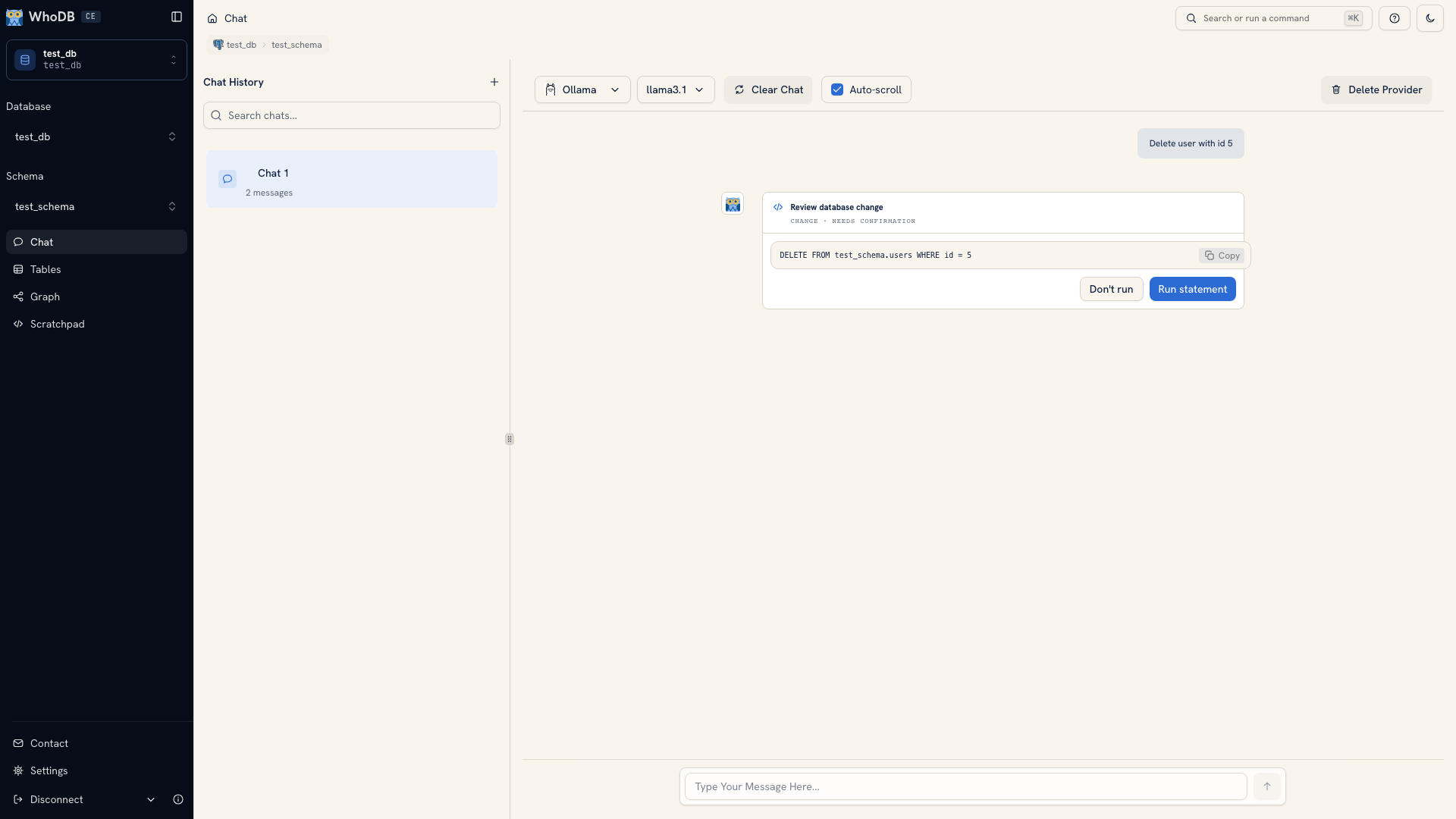 A generated statement waiting for review
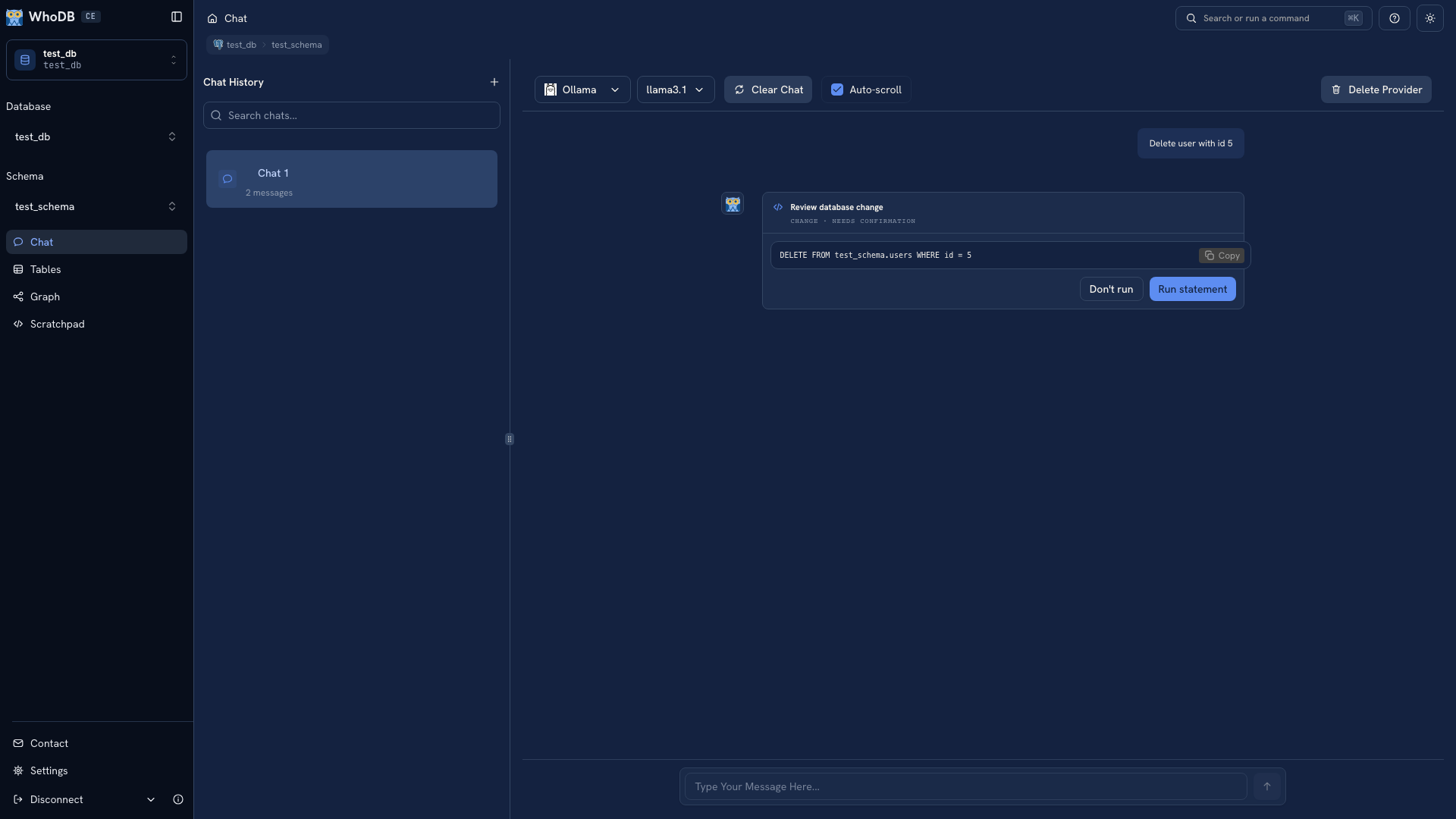 A generated statement waiting for review
Note
The illustration uses a fixed demonstration response to show the review controls.
Review the proposed statement#
Read the statement shown in the card, not just the model's explanation. Check:
- The active source, database, and schema.
- The object being changed.
- The predicate identifying the target records.
- The values being written or the structure being changed.
For example, a request to change one order's status should identify that order by its key. A statement filtering only on a common status could affect many unrelated orders.
Choose Run statement only when the proposal matches the intended change. Choose Don't run to cancel. A conversational reply saying “yes” is not a replacement for reviewing the execution card.
Inspect the target before writing#
Ask for a read of the intended records first, or inspect them in the object's Data view. Check both the identifiers and the count. Use a development connection when trying the workflow for the first time.
The connected database account determines which operations can succeed. A review card does not grant permissions or turn a production connection into a safe test environment.
Verify the result#
After execution, read the action result and query the affected records again. Confirm the actual stored values.
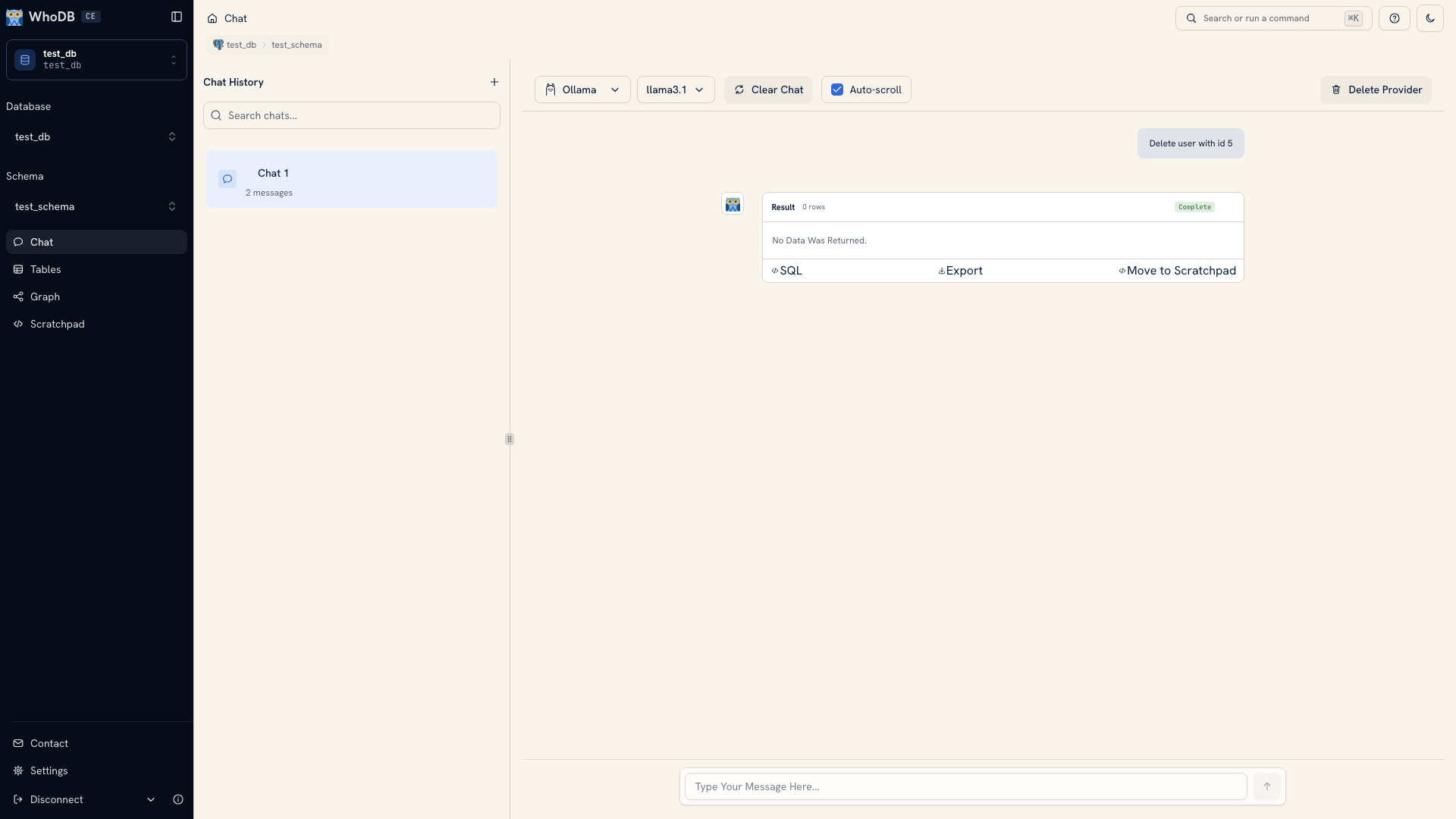 An executed action shown in Chat
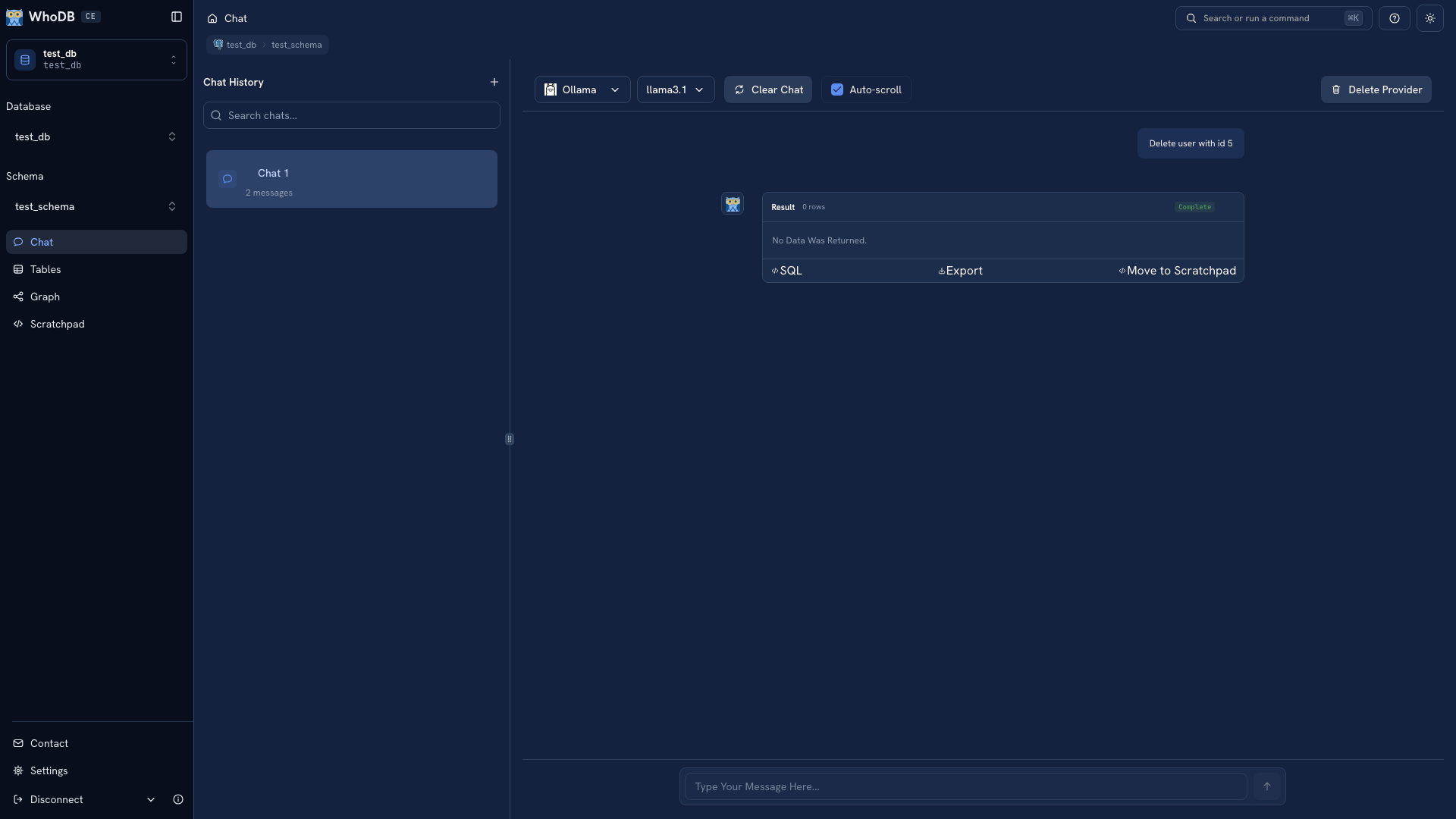 An executed action shown in Chat
A successful statement can still apply an incorrect business rule. Keep the verification query with the change so the outcome is reviewable later.
Keep recovery and repeatability explicit#
Chat does not provide a general rollback of executed statements. Do not rely on a conversation to restore previous data. Use your normal backup and change process when the records matter.
For an application schema change or a repair you will repeat, put the reviewed statement in a migration or script. See Scratchpad for manual query work and row editing for small corrections.
Was this page helpful?