
Evaluate WhoDB alongside TablePlus
If you use TablePlus for local database work, evaluate both WhoDB's desktop app and its browser deployment according to where you want to work. Use a familiar development connection and a query with a known result.
Try the core record workflow#
Connect with the same database account, inspect a table's Info, and use Data to find a record. Test the edits you actually need on a disposable target, including how you verify the result after saving.
Run the familiar query in Scratchpad, then keep a related lookup or aggregate in another cell.
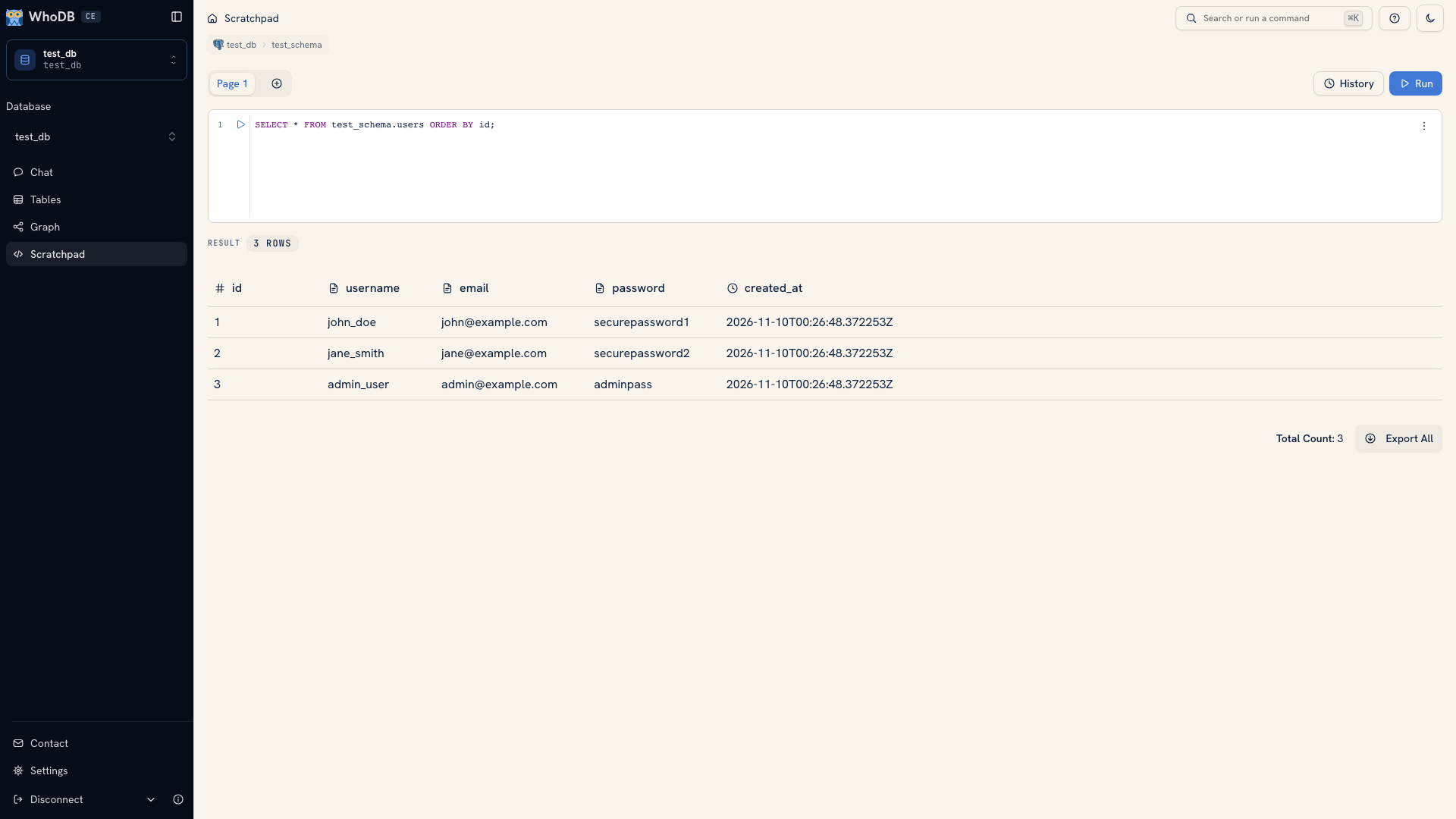 A query result in WhoDB
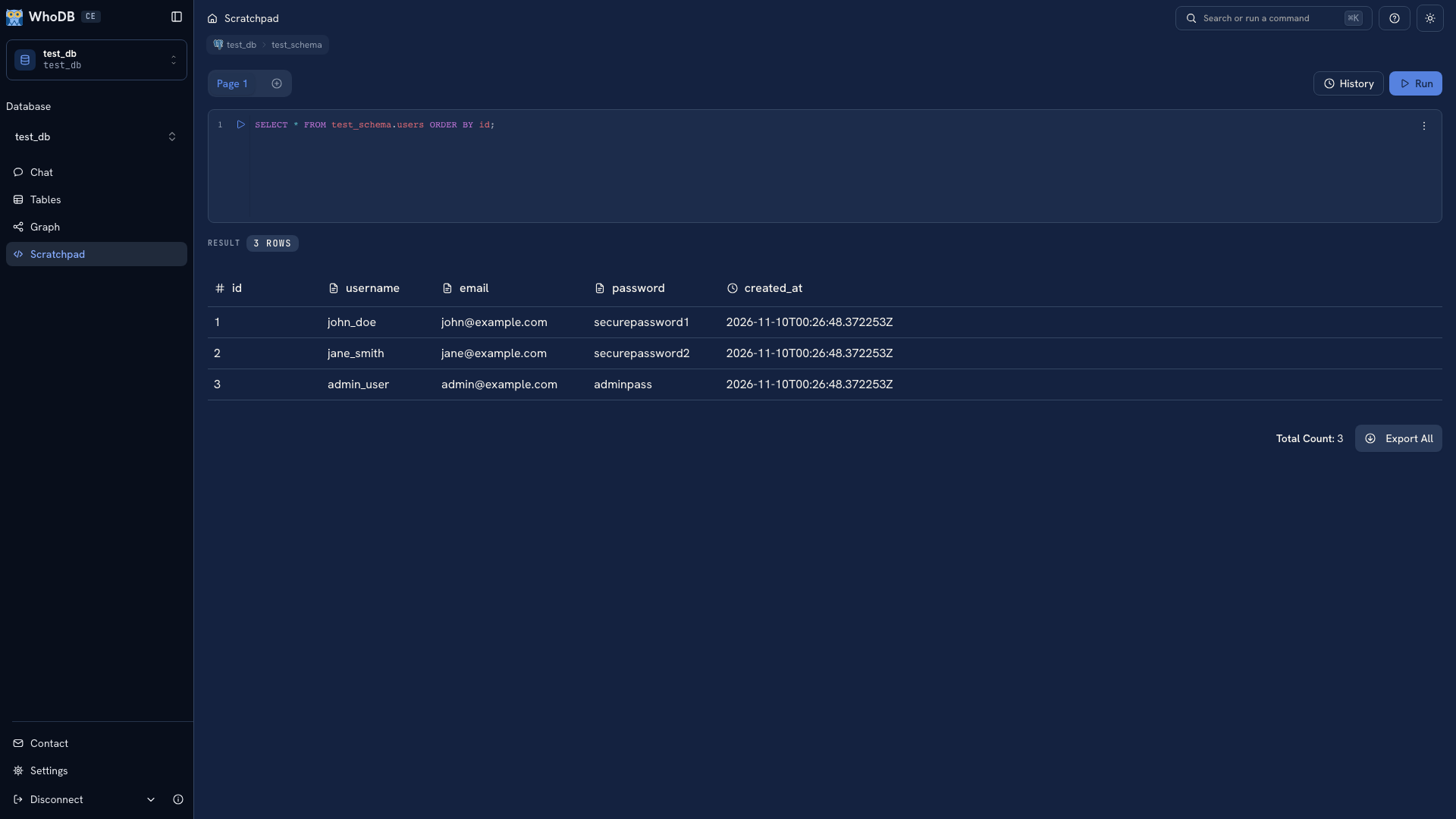 A query result in WhoDB
Check keyboard navigation, result inspection, and export handling with representative data. Use WhoDB's shortcut reference rather than assuming another client's key bindings carry across.
Test files and network access#
For local SQLite or DuckDB files, try the desktop app's file picker. In a hosted browser deployment, the database file must instead be accessible to the WhoDB server. A path on your laptop is not automatically a path on that server.
The same distinction applies to database endpoints: a local connection may need a different reachable hostname when used by a container or remote host.
Evaluate the extra work you need#
Try Graph if you investigate related tables, Chat if you want help drafting queries, and the CLI or MCP server if you need terminal or assistant workflows. Check the generated SQL and real output rather than judging only the setup experience.
Use TablePlus's official documentation for its current features, platform support, and configuration. Keep reusable SQL and migrations in your own files so either client can be evaluated against the same work.
Was this page helpful?