
Move a PostgreSQL workflow to WhoDB
You can try WhoDB against the PostgreSQL database you already use in pgAdmin. Changing clients does not move or copy the database. Start with the browsing and query tasks you use most, then keep any specialist administration tools you still need.
Recreate the connection#
Collect the host, port, maintenance or application database, username, and TLS settings from the existing connection. You may need to obtain the password separately rather than copying a saved credential.
Open WhoDB, select Postgres, and enter the connection details. If WhoDB runs on another machine or in a container, verify that the same host is reachable from there. A local socket or localhost connection in one client may need a different endpoint in the other.
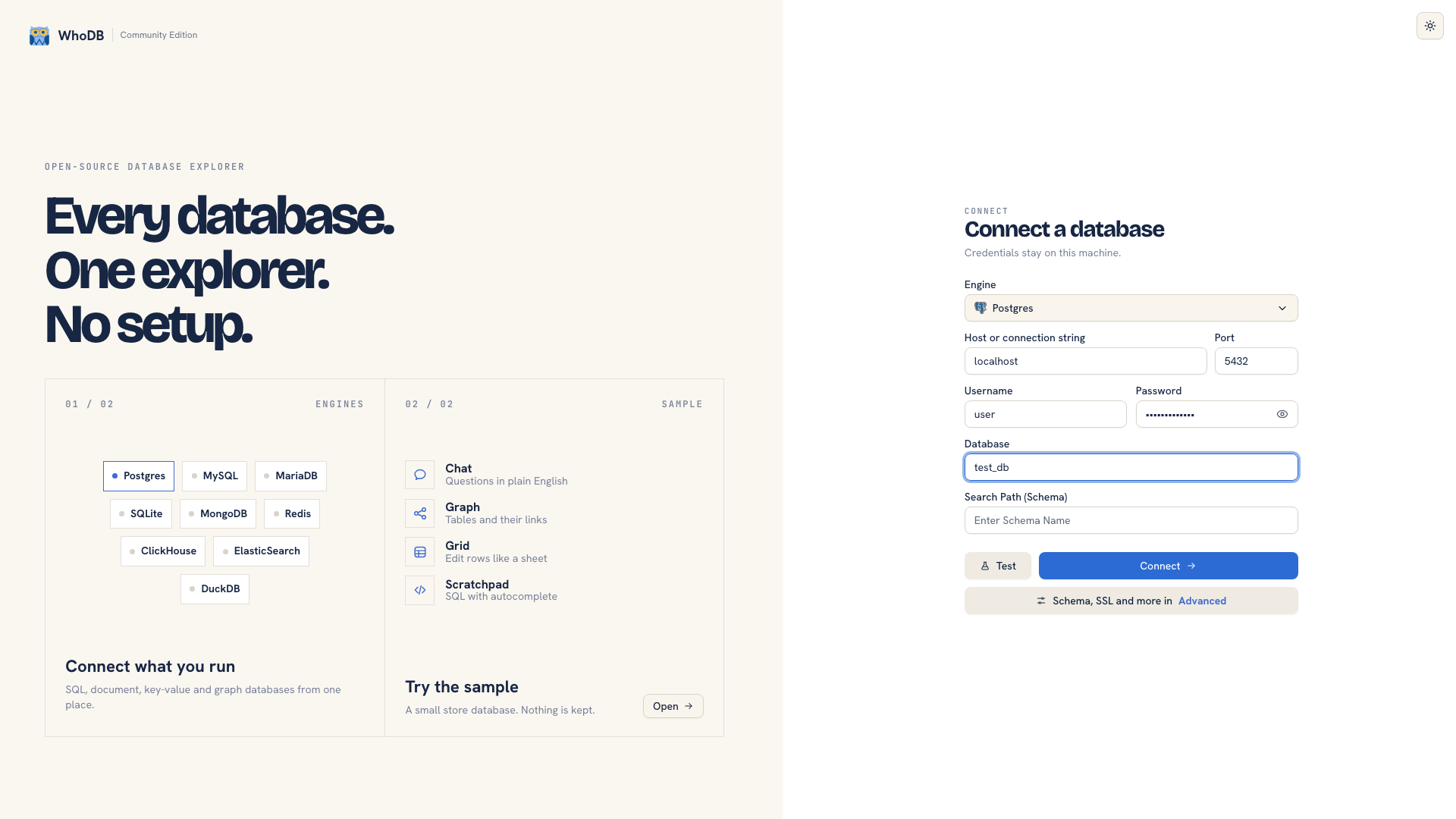 Connection settings in WhoDB
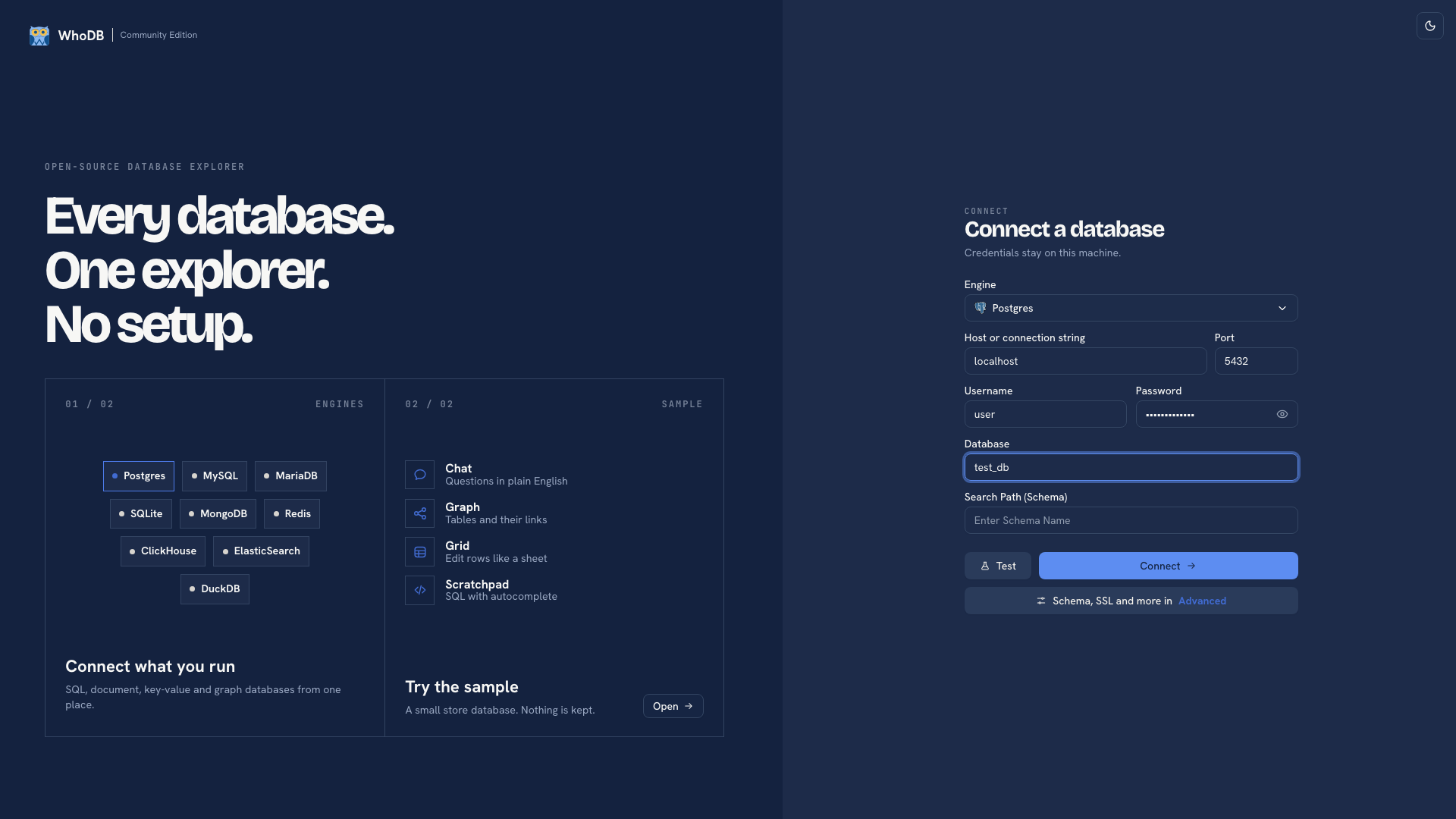 Connection settings in WhoDB
Select the intended database and schema. Compare a known table's columns and a few records before continuing.
Bring over a query#
Open Scratchpad and paste a PostgreSQL query you already understand. Run a bounded read first. Qualified names such as public.orders make the intended schema explicit when several schemas contain similar objects.
Keep related queries in separate cells. Each cell has its own result and history. Copy scripts you need to retain into your repository as well; Scratchpad state is local to the browser.
Rebuild the daily workflow#
| Task | WhoDB location |
|---|---|
| Find a table | Tables, then search by name |
| Inspect columns and keys | Info on the object |
| Read or edit rows | Data, subject to source support and account permissions |
| Explore declared foreign keys | Graph |
| Export a report | Run the report in Scratchpad and export its result |
Check exports by their scope: a whole-object export does not inherit a grid filter. Use a query result for a filtered report.
Use your existing PostgreSQL tools for server administration and complete backup or restore workflows. See PostgreSQL usage and native backups.
Was this page helpful?