
Add a record
Use Add Row when you need to create one record and want to see the object's fields before writing it. This is useful for a small development fixture or a deliberate data correction. For a file containing many records, use Import instead.
Open the form#
Open the object's Data view and choose Add Row in the toolbar. The action appears when the source supports inserting records. The write uses the current connection's database permissions.
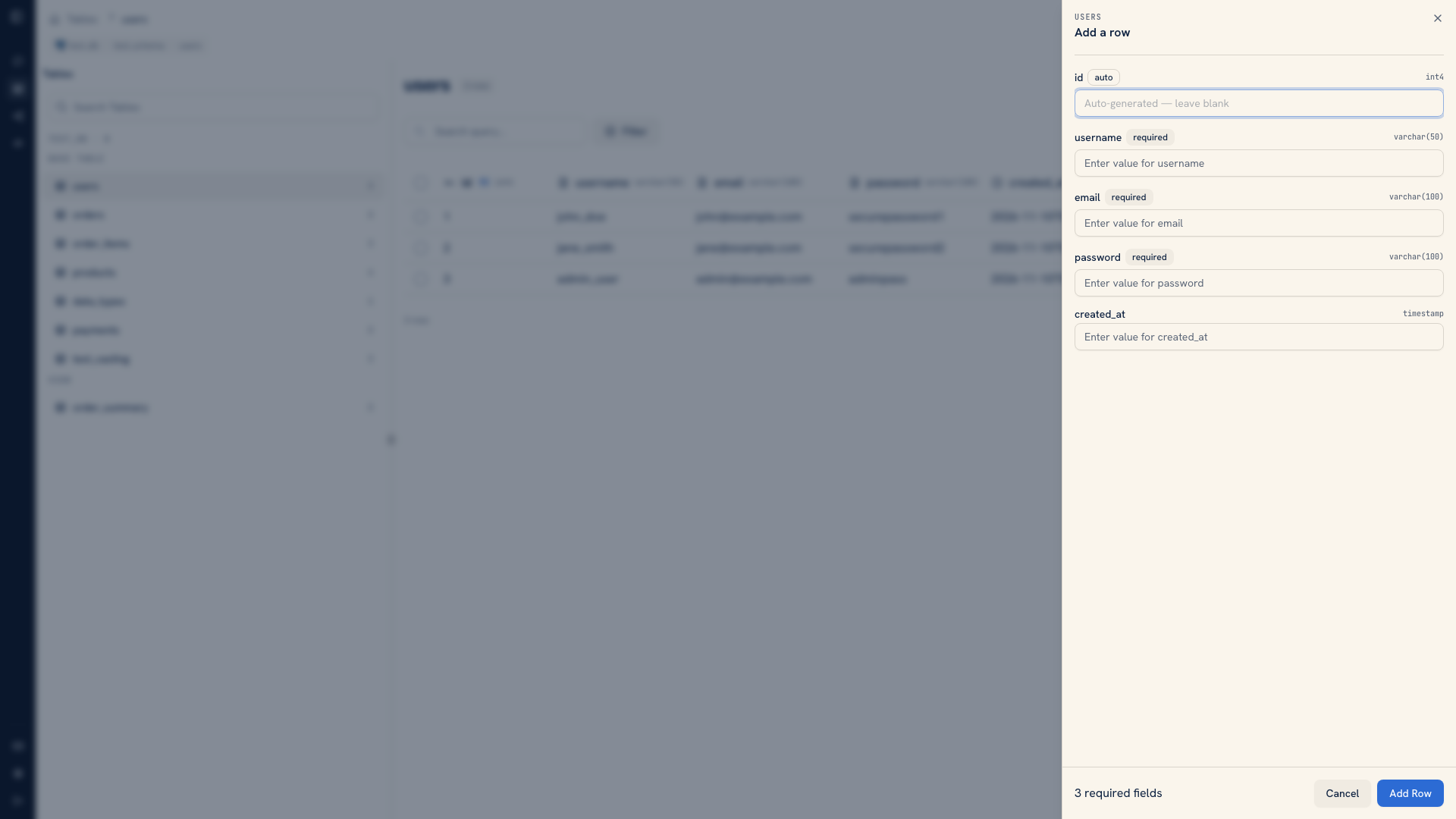 The Add Row sheet open beside the table
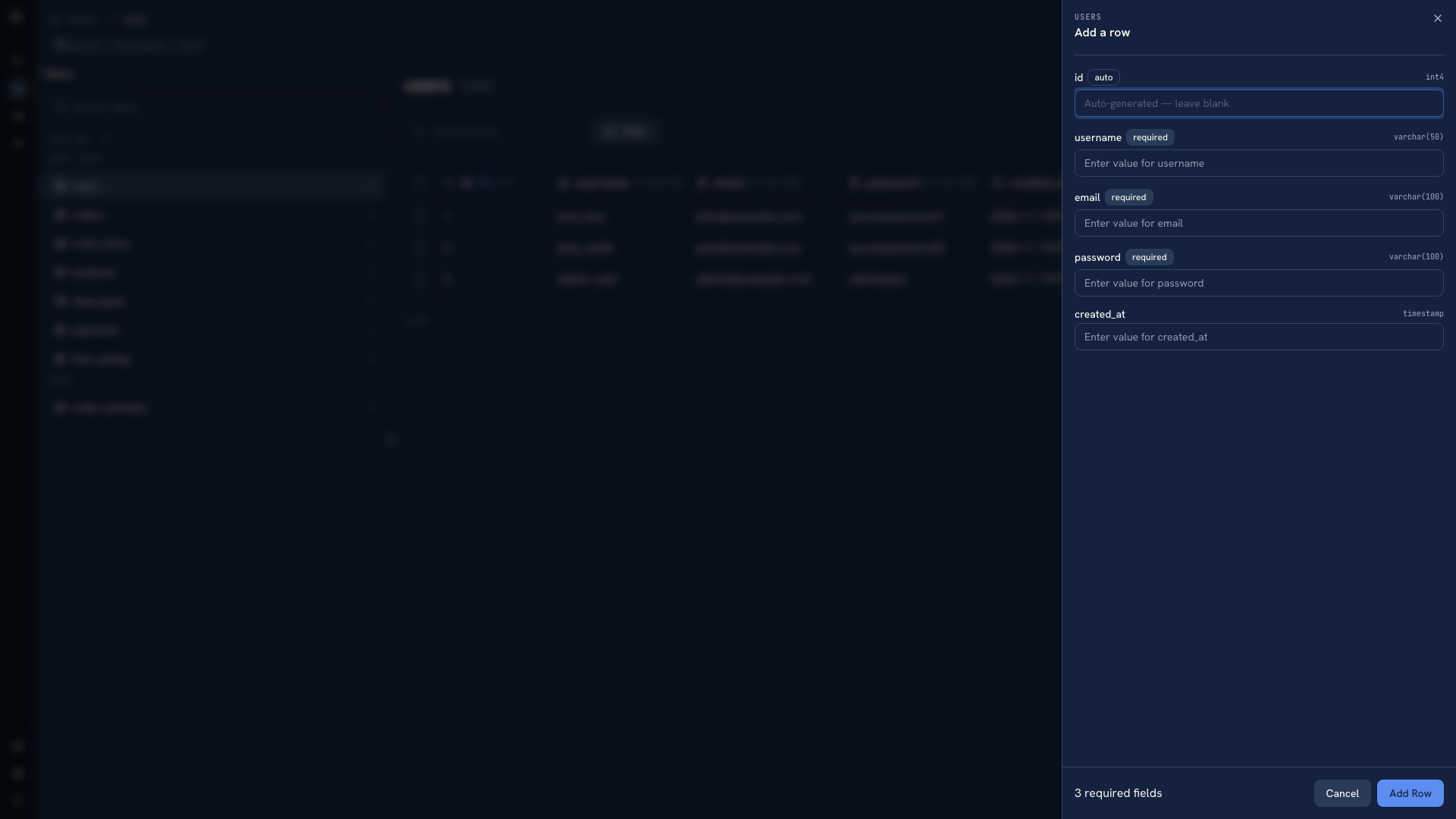 The Add Row sheet open beside the table
Before entering values, check the object name and connection context. An object with the same name can exist in more than one environment or schema.
Fill the record#
Review the field names, types, and any required values. Let the database generate identity values where the form marks them as generated. Do not copy an ID from an existing record just to make the form look complete.
For example, when creating a test user, enter a new username and email address, and leave a generated ID to the database. Use values that distinguish this fixture from real records so you can find and remove it later.
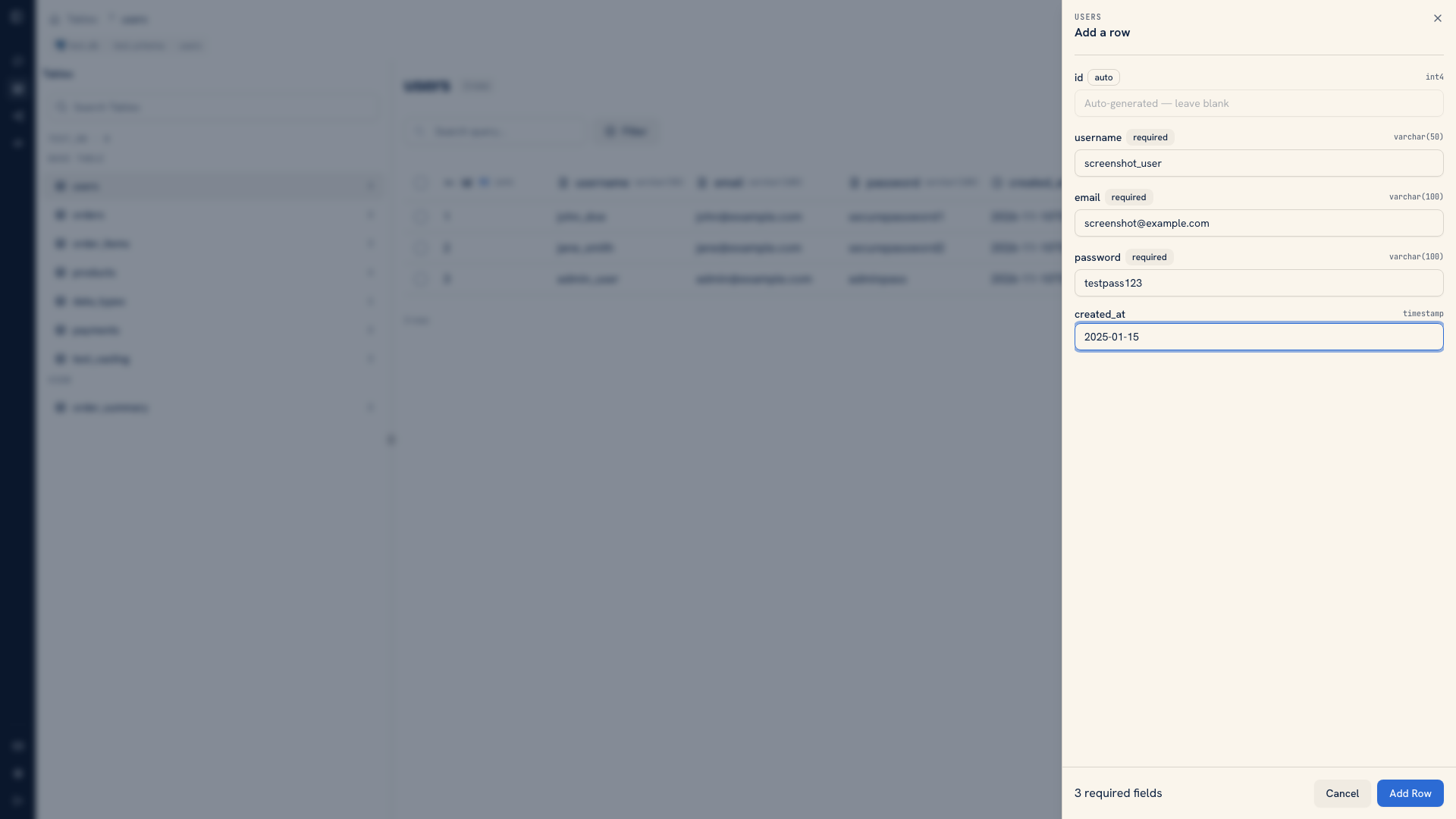 A completed Add Row form
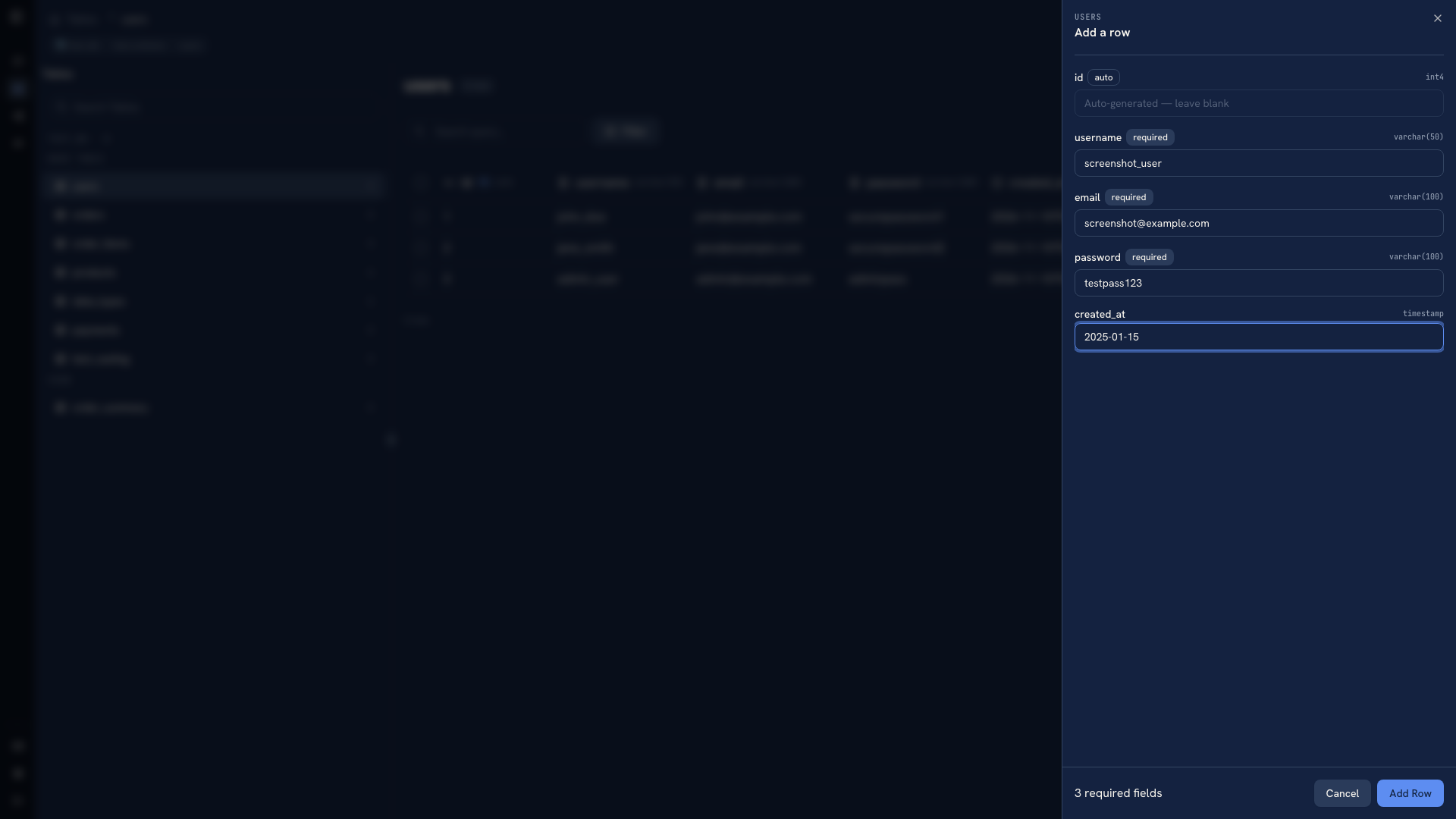 A completed Add Row form
The database's rules still apply. A value that looks like a date in a spreadsheet may not be valid for the target field, and a non-empty value can still violate a unique constraint. For document sources, use the JSON controls provided by the source rather than treating the object as a fixed SQL row.
Submit and verify#
Submit the form and read any validation error. If the write succeeds, refresh the grid or filter for the new record using a value you entered. Check the stored result, including values supplied by the database.
If the new row is not on the current page, that alone does not mean insertion failed. The grid's sort order, filters, and page size determine which records are visible. Use an exact lookup before submitting the same record again.
For repeatable tests, keep the fixture in a file or script as well as creating it in the UI. See testing and development.
Was this page helpful?