
WhoDB for database administrators
WhoDB provides a browser and CLI workspace for checking source access, inspecting objects, and verifying the effect of a change. Use database-native tools alongside it for backups, server administration, and deeper diagnostics.
Establish the active context#
Check the selected connection, database, and schema before running a query. Inspect Info for column and key metadata, then use Graph when an investigation depends on declared relationships.
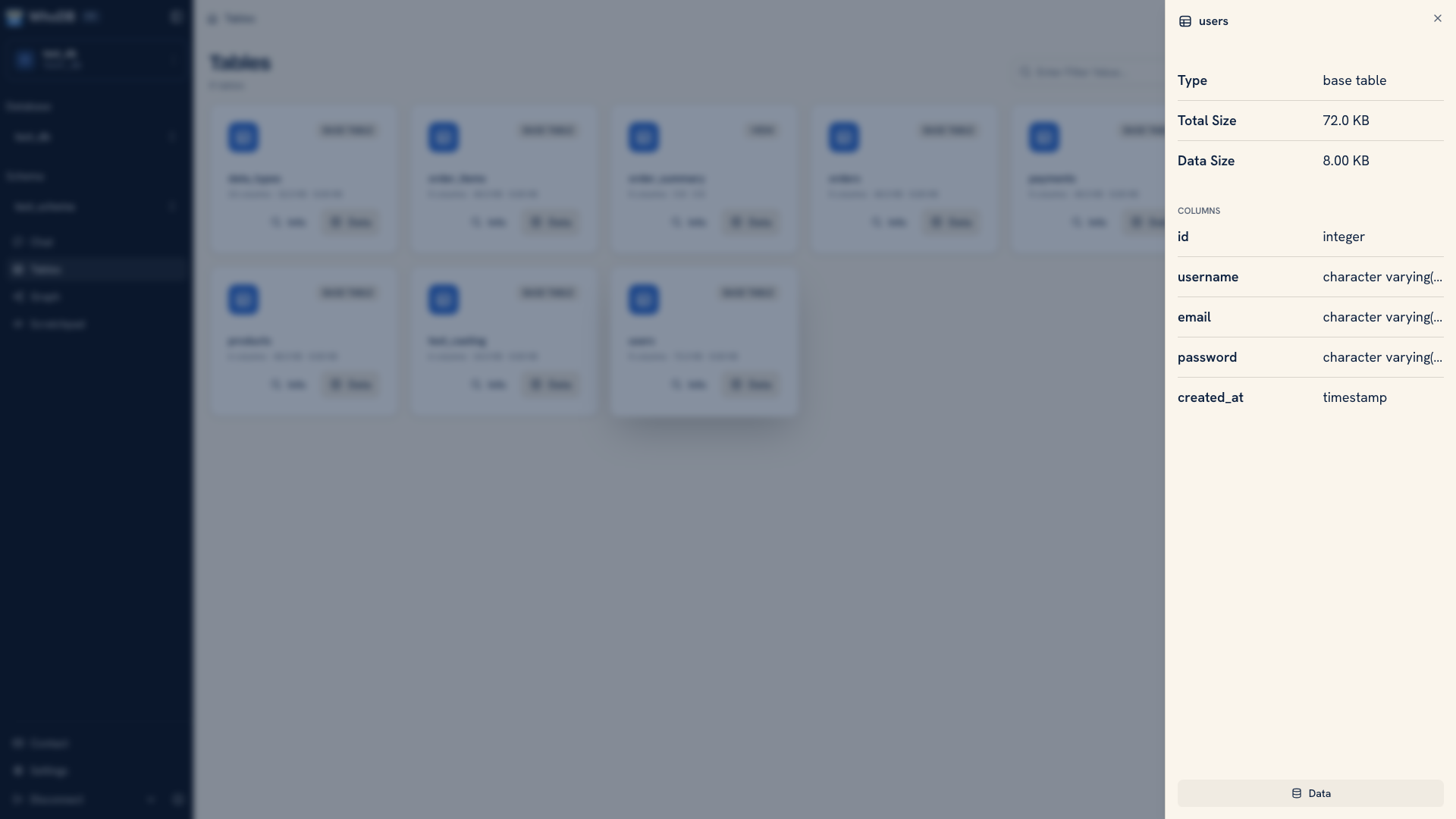 Object metadata and column details
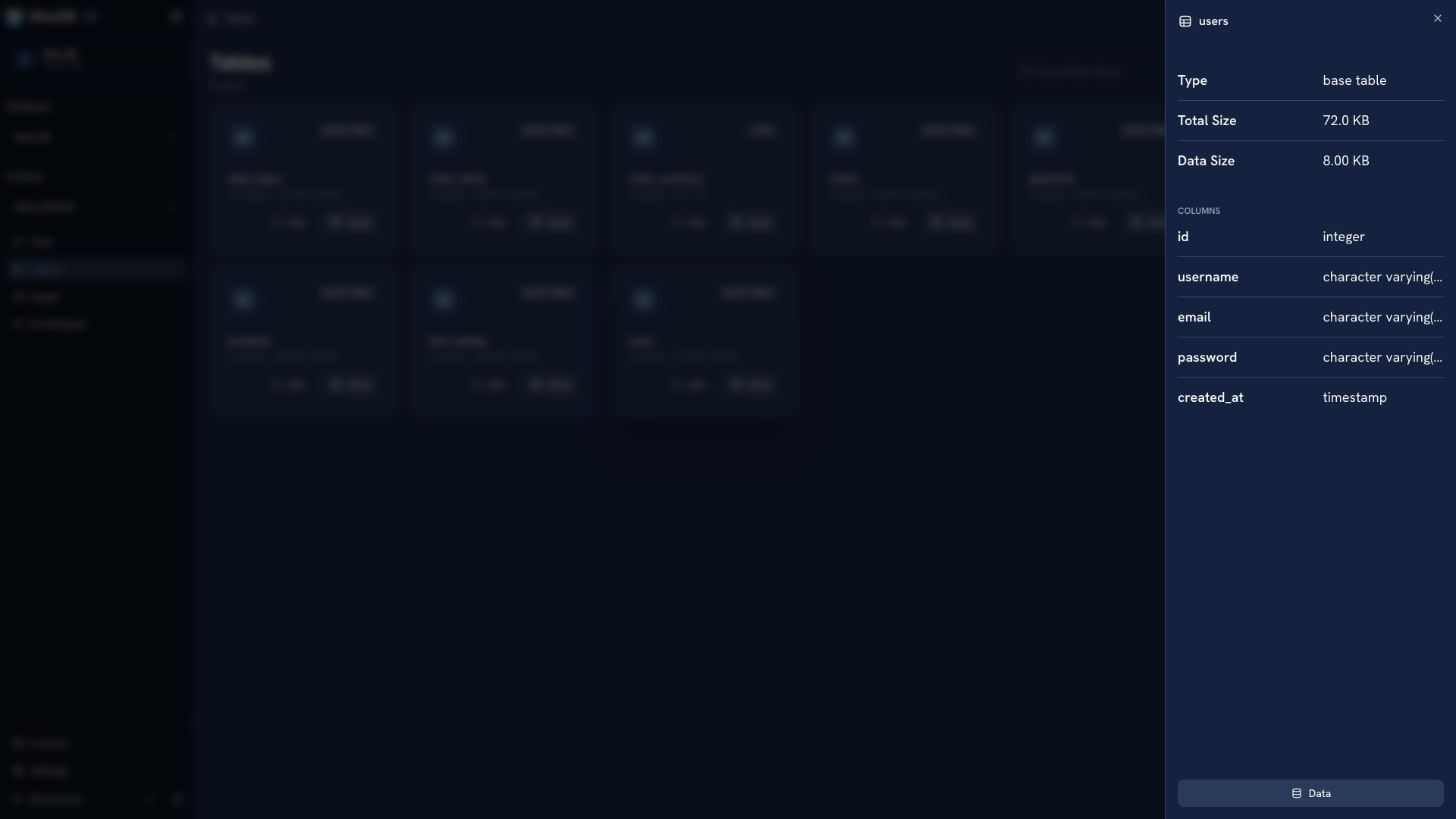 Object metadata and column details
If an object is missing, check the account's database permissions and the selected schema before treating the object as deleted. An empty browser view can reflect the account's visibility rather than the complete database.
Diagnose access problems#
For a failed connection, distinguish network reachability, authentication, TLS, and object permissions. Test reachability from the machine or container running WhoDB. Browser access to WhoDB does not prove that the server can reach the database.
The CLI's whodb doctor provides redacted connection diagnostics. Use the CLI help to inspect available runbooks and their inputs before running a repeated check. See CLI & MCP for installation and command workflows.
Verify a planned change#
Record the exact query or migration and capture a bounded before-and-after check. Confirm affected identifiers, row counts, and relevant relationships. If you use the visual schema tools, preserve an equivalent migration when the change needs to be applied elsewhere.
Use the database account's permissions to limit operations. A named connection profile makes credentials convenient to use, but it does not create a separate WhoDB user permission boundary.
Keep recovery separate from inspection#
Use native backup and restore tools for a recoverable database copy. A row export is useful for comparison and analysis, but it does not preserve all schema objects, privileges, or recovery metadata.
Continue with Access control, Schema changes, or Backup tools.
Was this page helpful?