
Evaluate WhoDB alongside phpMyAdmin
If your current work starts in phpMyAdmin, test WhoDB against the same MySQL or MariaDB database. Focus on the records, queries, and transfer tasks you perform rather than changing the database just to evaluate a client.
Confirm the connection path#
WhoDB may run on a different machine or container from phpMyAdmin. Use an endpoint reachable from the WhoDB backend and an account with the same intended database permissions. Check TLS and hosting access rules before comparing the interfaces.
Open Tables, inspect a known table's Info, and retrieve a familiar record in Data. Then paste a bounded MySQL query into Scratchpad.
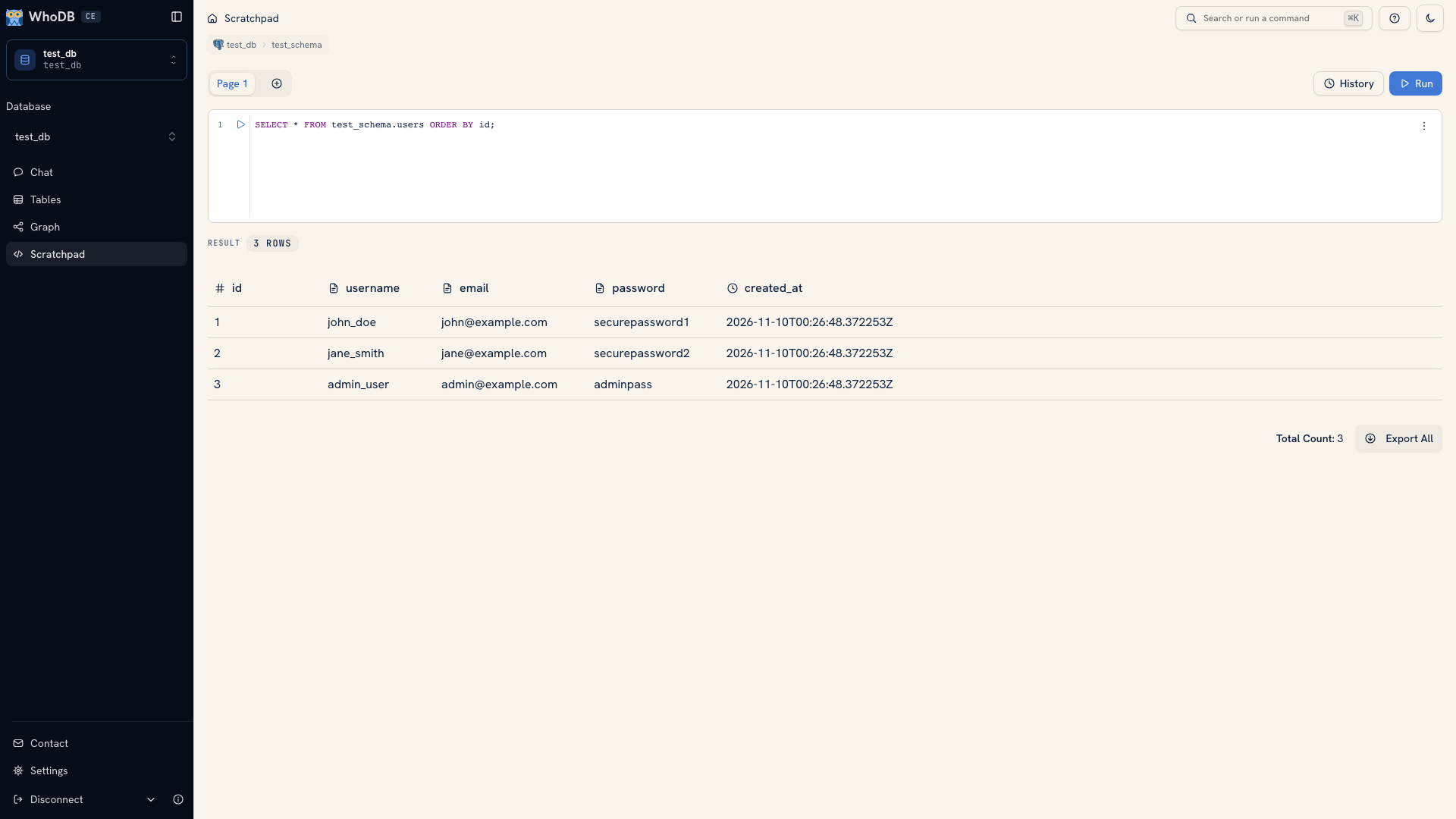 A query result in WhoDB
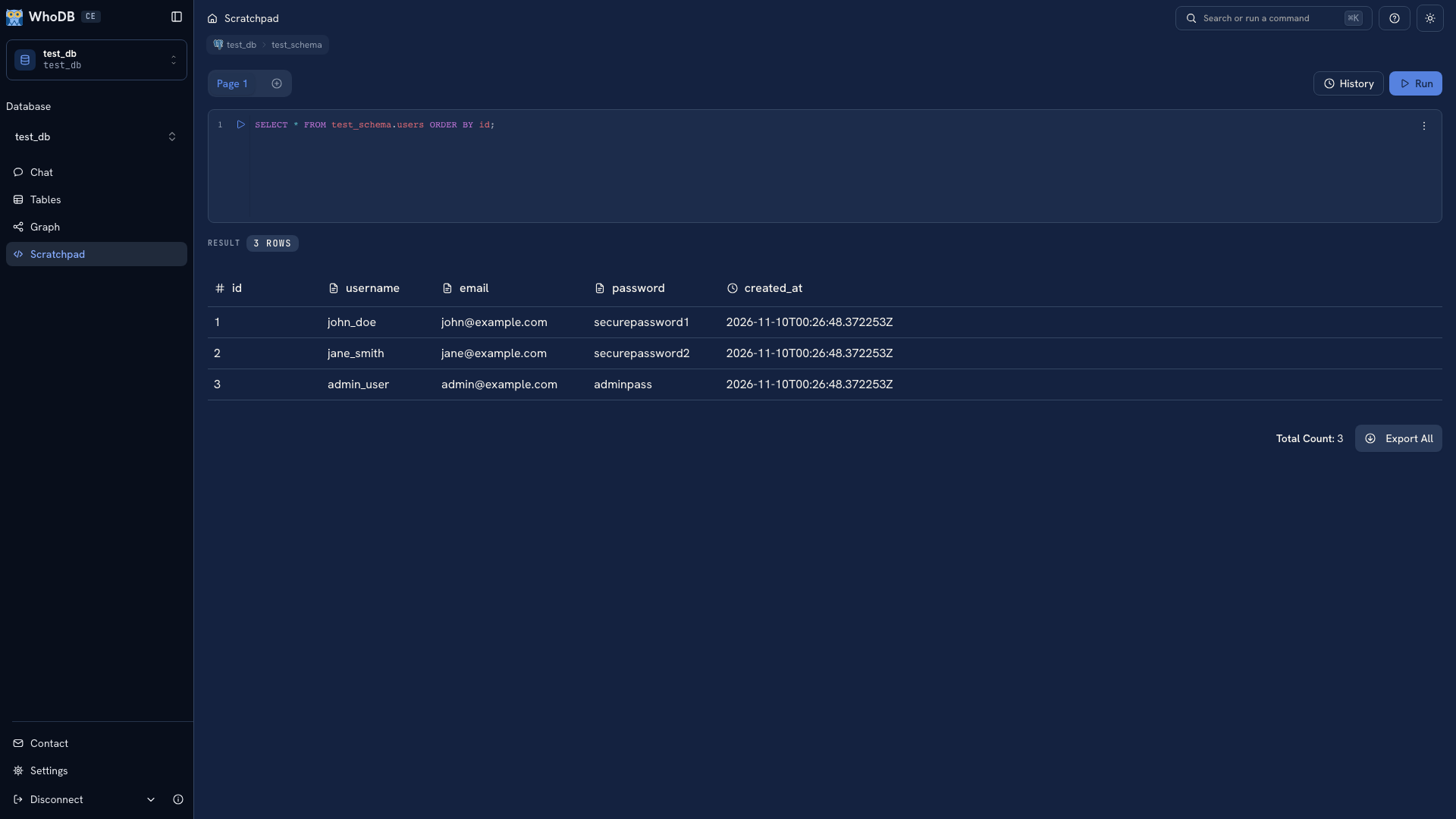 A query result in WhoDB
Test the data movement you need#
Try a representative CSV or Excel import into a disposable target. Review its preview, field mapping, key handling, and mode. Verify the target records after execution.
For a filtered report, export a query result. A whole-object export does not inherit the Data grid's filters. For a full SQL dump or database recovery, check the appropriate native tool and restore procedure rather than treating a row export as equivalent.
Check your wider workflow#
If you also inspect non-MySQL sources, compare them with the CE catalog. Try Graph for declared relationships and the CLI if you need a terminal path for repeated checks.
Use phpMyAdmin's official documentation to verify its current browsing, querying, import, export, and administration behavior. Keep any required server administration tasks in the evaluation as separate requirements.
Follow Move a MySQL workflow to WhoDB for the connection steps and import considerations.
Was this page helpful?