
Ask questions about your data
Use Chat when you know the question you want to ask but need help turning it into a query. For example, you might want to find a customer's recent orders without remembering every table and field name.
Chat works with your connected source and a configured AI provider. Its usefulness depends on the question, the available schema context, and the selected model. Inspect the query as part of the answer.
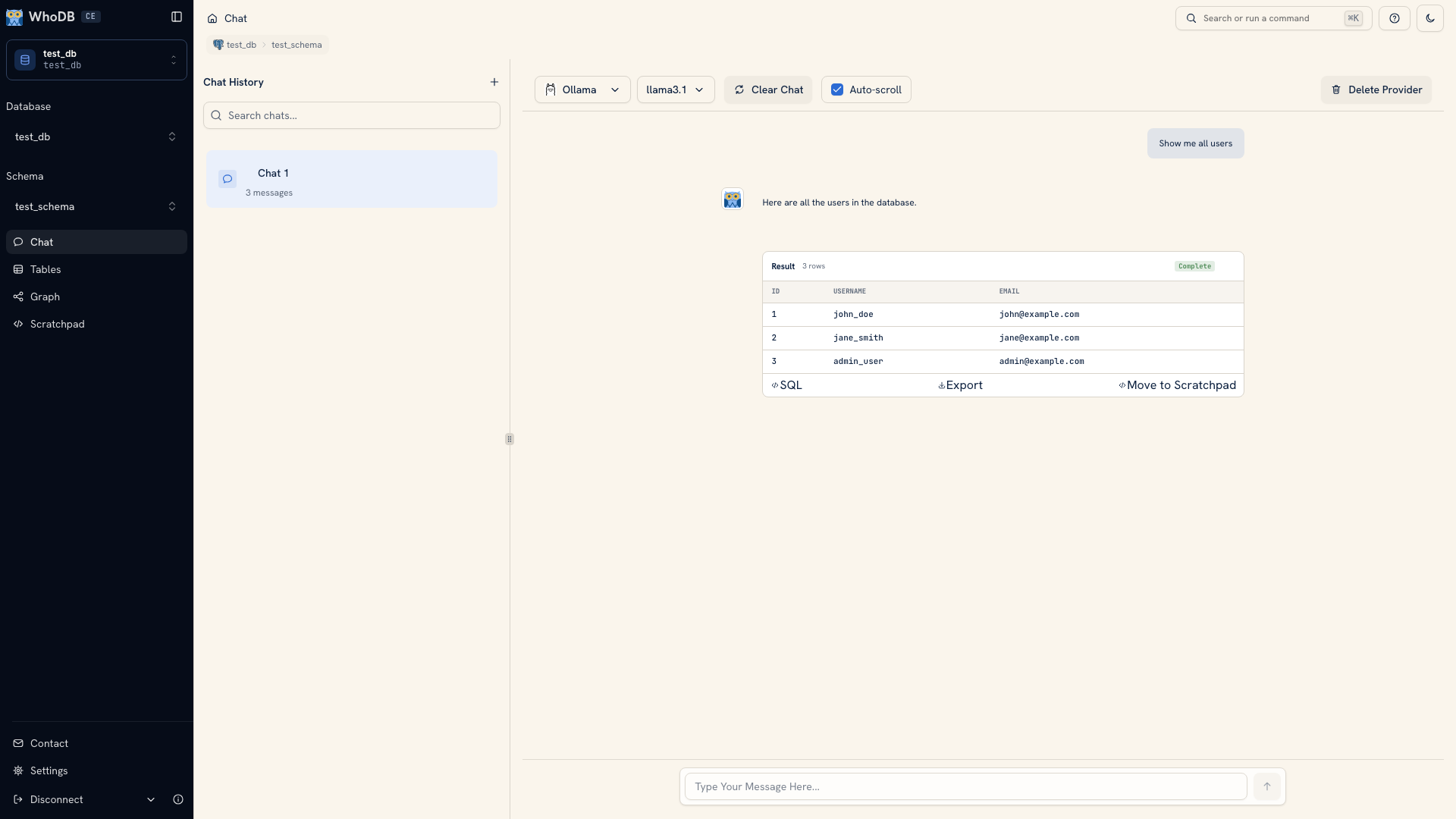 Chat showing a question and generated result
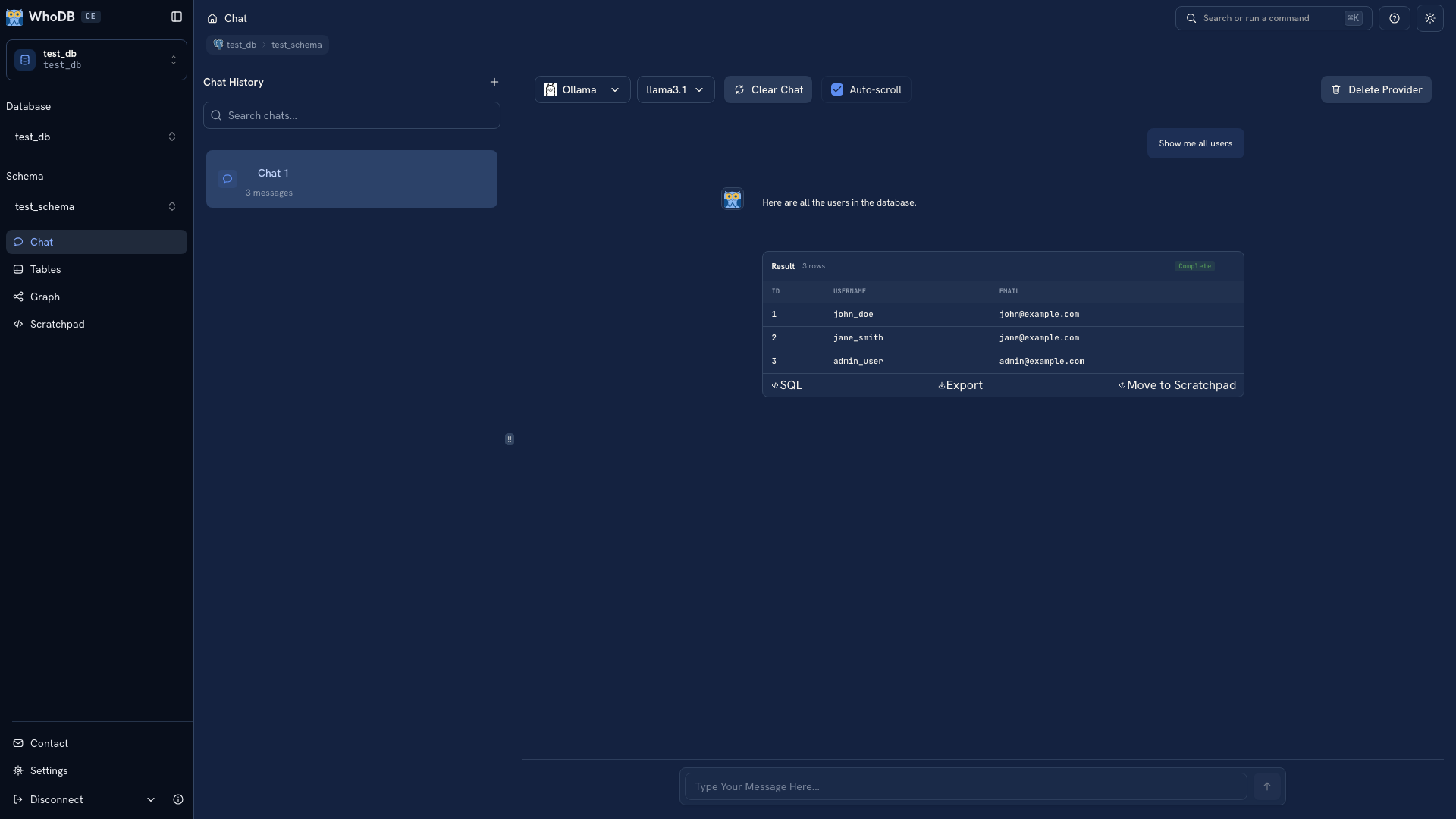 Chat showing a question and generated result
Note
Screenshots use fixed demonstration responses to show the interface. Your provider and database determine the results of a live request.
From question to result#
Connect to your database, open Chat, and select a provider and model. Start with a small request that names an object you can inspect, such as “Show the first ten users ordered by ID.”
Read the result, then use its SQL control to inspect the generated query. Check that the table, selected fields, filters, and ordering match the question. A result that looks plausible can still come from the wrong join or definition.
Once that first request is correct, ask a related follow-up. State the change you want, such as adding a date condition or returning a count by user, rather than asking the model to “make it better.”
Choose where the model runs#
WhoDB supports remote providers and local model endpoints. The backend must be able to reach the configured endpoint. A local model running on your laptop and WhoDB running in a container can need an explicit network address.
Schema context, prompts, and data included in a request can reach the provider. Choose the endpoint for the data you intend to query, and read that provider's current terms for retention and usage. See Provider setup.
Keep useful queries#
Export a result when you need a file. Use Move to Scratchpad, where supported, when you want to edit the generated query directly or keep it beside other investigation queries. Save important work outside browser storage as well.
Review proposed changes#
Chat can propose statements that change data or structure. Queries outside the automatic-read path require review. Read the statement and its target before choosing to run it. Database permissions continue to govern what can execute.
Start with your first AI query, or read Review proposed changes before asking Chat to write data.
Was this page helpful?