
Organize pages and cells
Use separate Scratchpad cells to keep the steps of an investigation visible. A sample, a count, and a join answer different questions; placing them in their own cells makes it easier to compare each statement with its output.
A page is a Scratchpad tab. Each page contains one or more query cells. Use pages to separate investigations and cells to organize the questions within one investigation.
Manage pages#
Click the plus tab to create a page. Double-click its name to rename it, for example “Order count check” instead of leaving several indistinguishable numbered tabs.
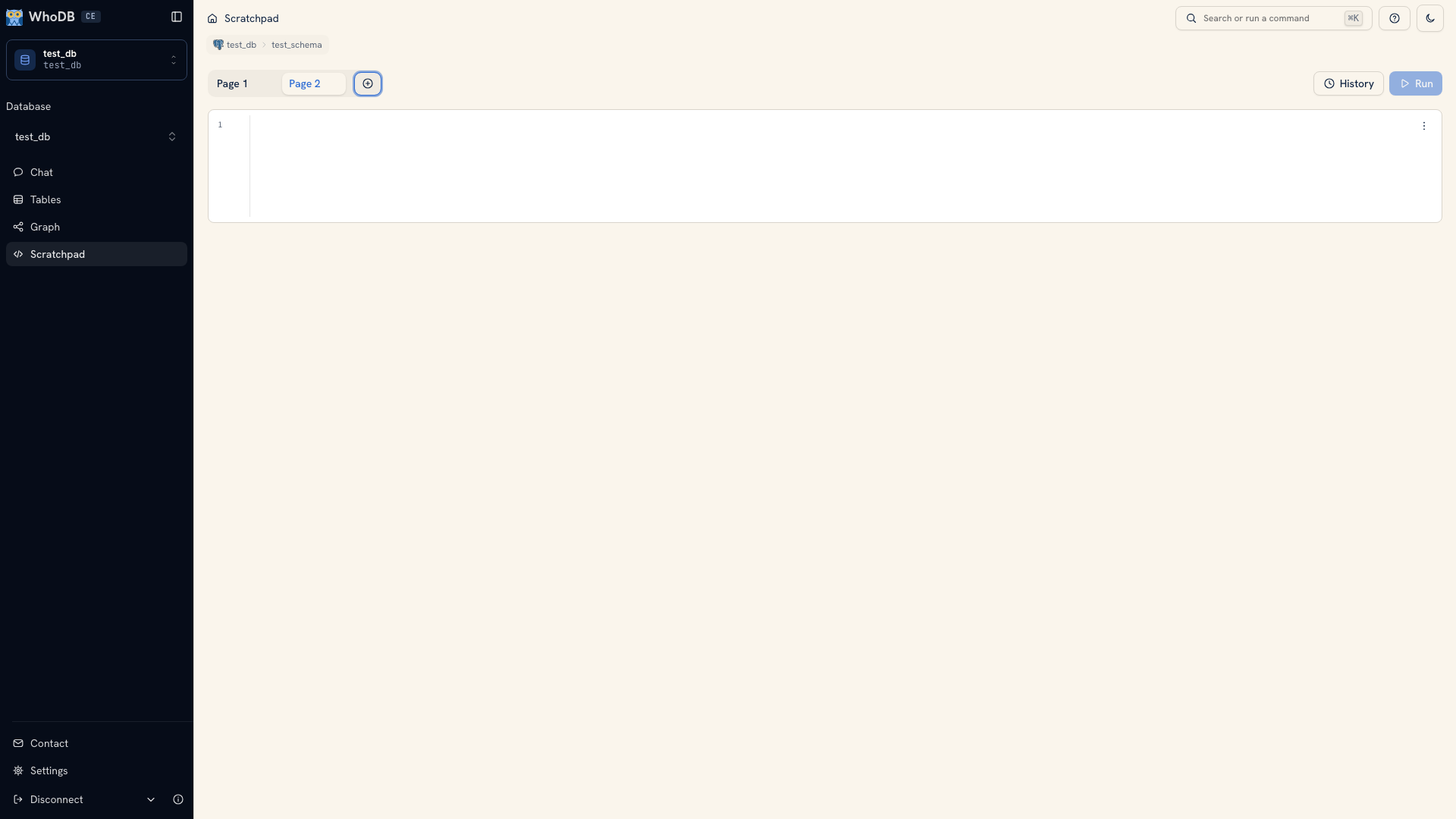 Several Scratchpad pages
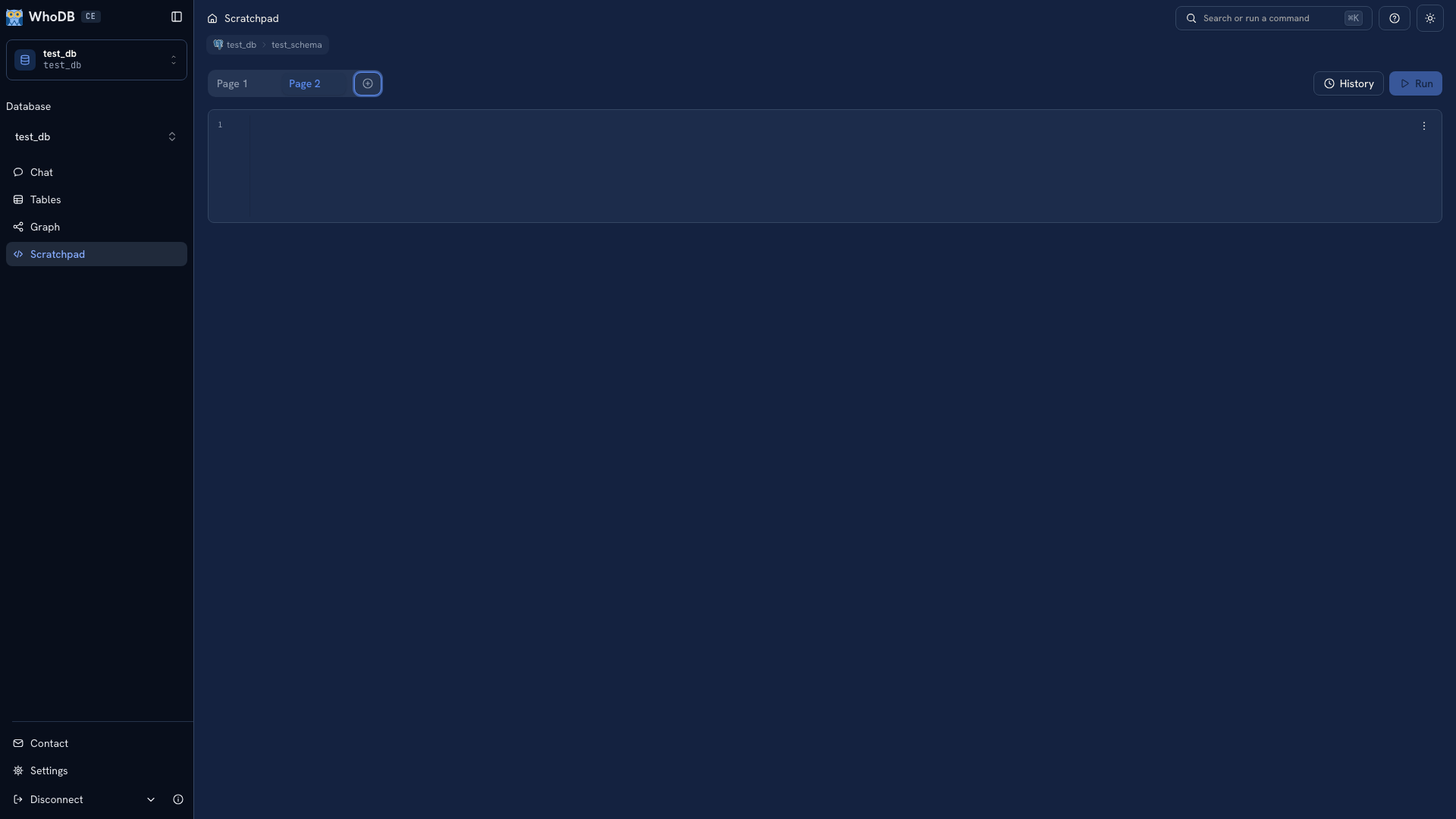 Several Scratchpad pages
Use a page's close action to delete it and review the confirmation. If the queries matter beyond the current investigation, copy them to a file before deleting the page.
Manage cells#
Hover over a cell to reveal its controls. You can add a cell below it, run it, clear it, or delete it. A page keeps at least one cell. The cell menu also provides Clear, Copy Code, and Query History.
Running a cell updates that cell's result. It does not mean the other cells have been rerun against the same version of the data. When comparing results, remember which queries you executed after a data change.
An investigation layout#
For an order-count problem, try this sequence:
- Read a few orders and inspect their user identifiers.
- Count orders by user to find an unexpected total.
- Join the affected user to its orders to inspect the individual records.
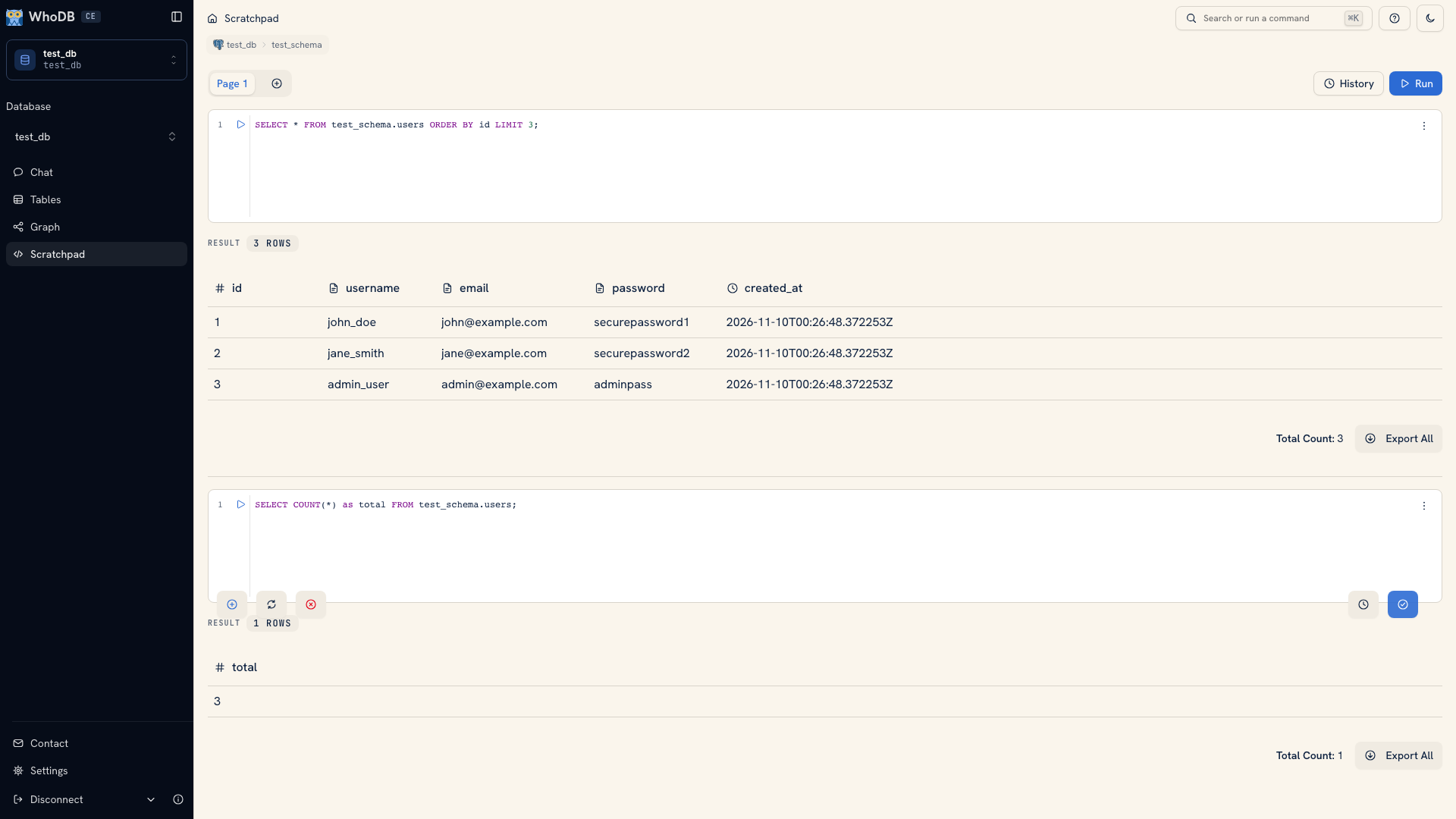 Multiple cells and their independent results
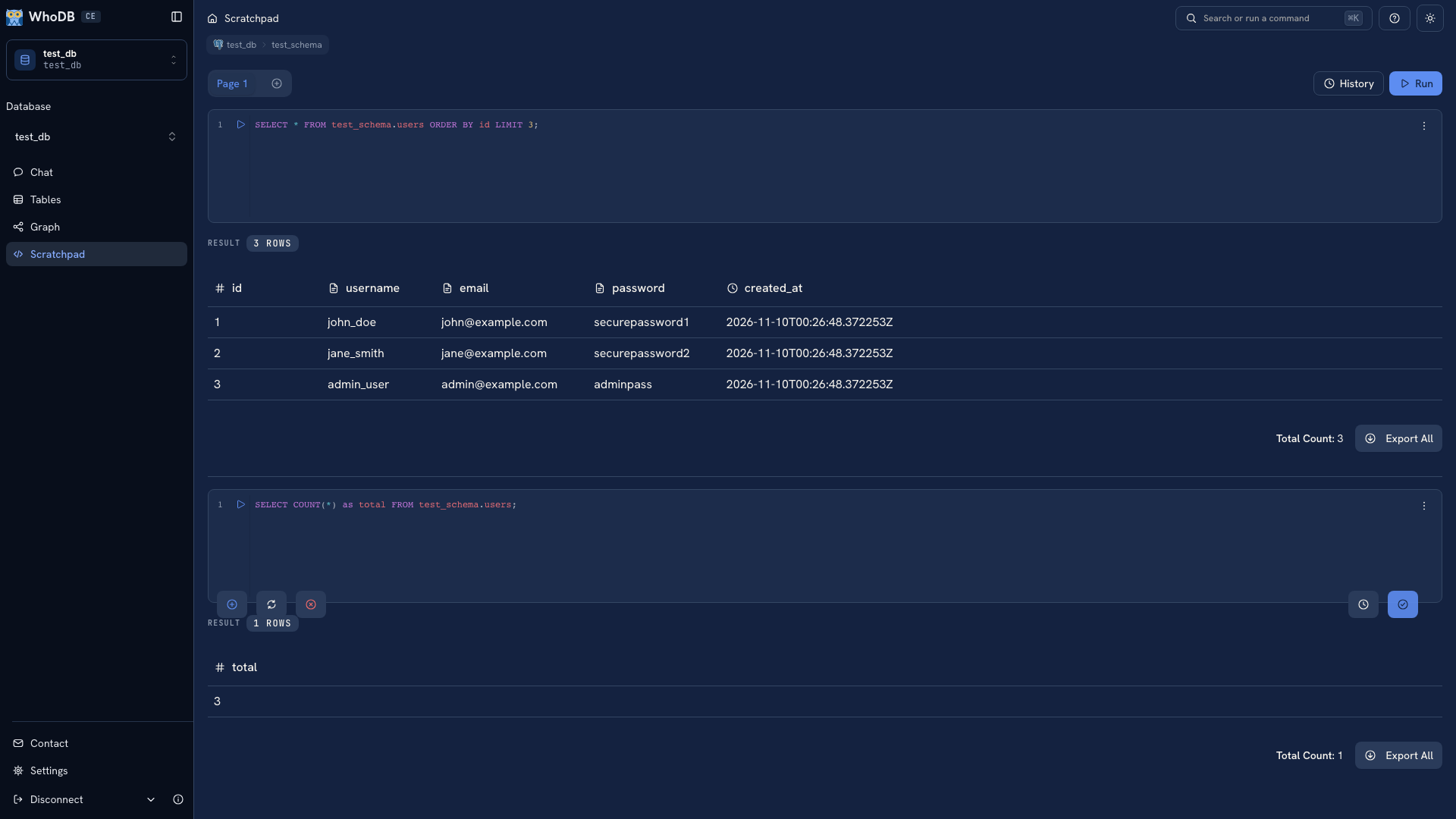 Multiple cells and their independent results
Keep a working query in one cell while testing a revision in another. This gives you a visible baseline instead of repeatedly overwriting the only version that worked.
Cells do not promise a shared database transaction. A statement in one cell can change what a later cell reads, but you should not spread a BEGIN and COMMIT sequence across cells and assume they use one database session.
Keep a durable record#
Scratchpad pages and per-cell history live in browser storage. Save the final query, the source environment, and the interpretation of its result in your usual repository or investigation note. See Document an investigation.
Was this page helpful?