
Read query results
Read the output below a Scratchpad cell to see what that execution returned. WhoDB distinguishes returned records, action results, and errors. Understanding which kind of output you have helps you decide whether to inspect data, verify a write, or correct the statement.
Returned rows#
A read query displays a grid with the returned field names and records. Compare a few values to records you already understand before relying on an aggregate or join.
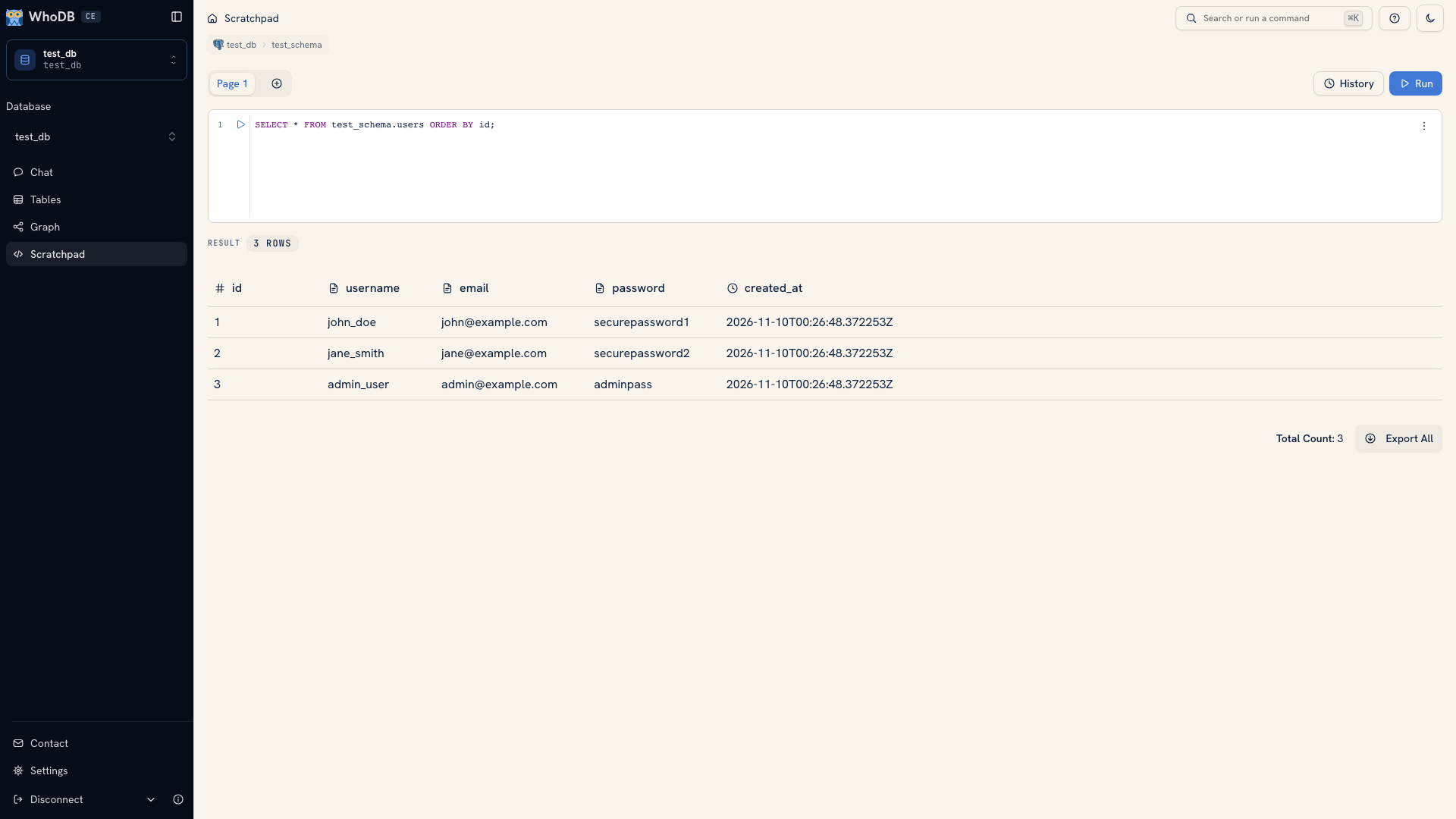 A Scratchpad result grid
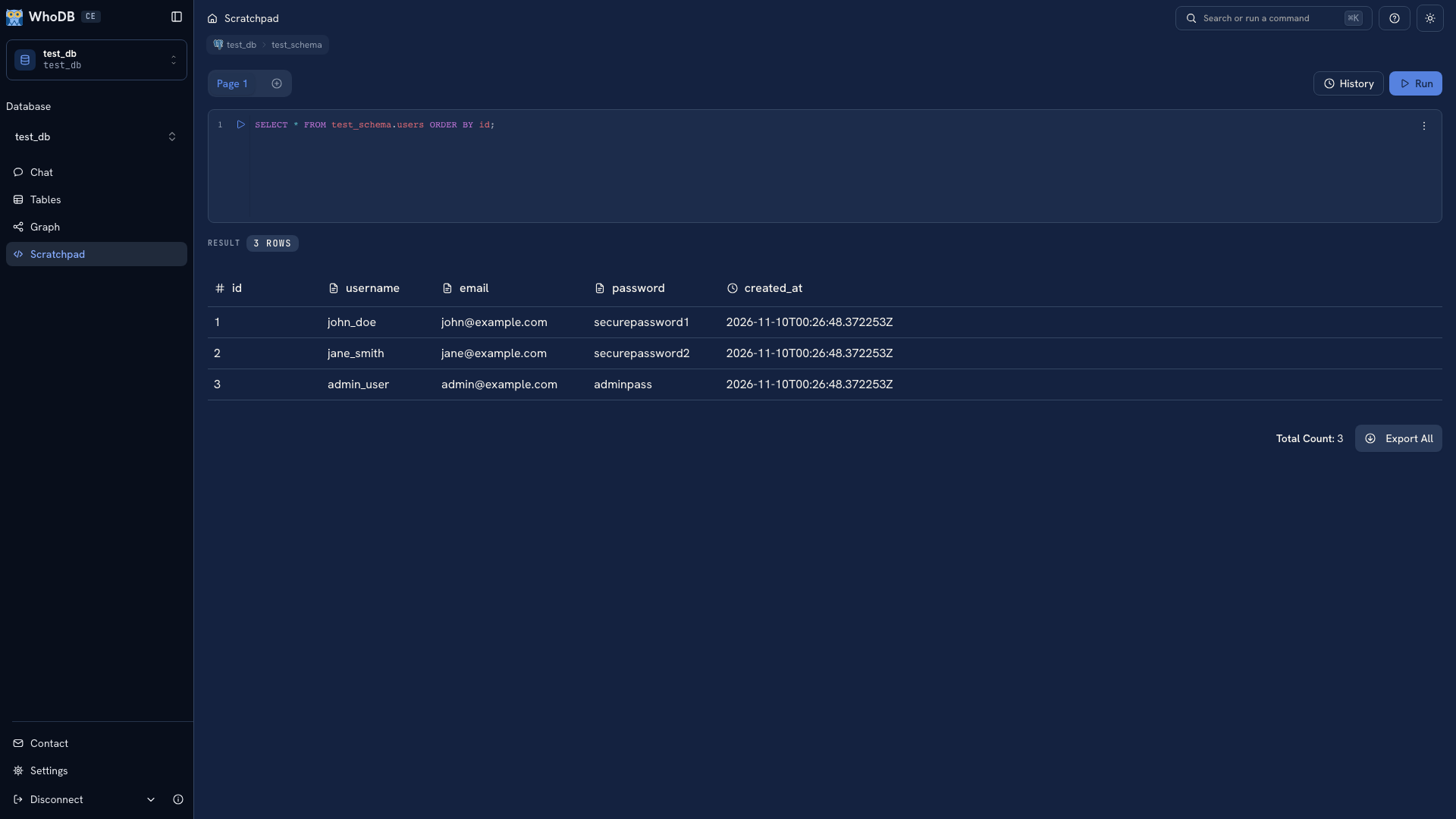 A Scratchpad result grid
Pay attention to the query itself. A result from LIMIT 25 contains the requested sample, not every record in the object. A count after a join can be larger than a count of orders if each order joins to several items.
You can copy values and rows and export the result. Query result grids are read-only. To change a stored record, open the object's Data view and identify it by its key.
A successful query with no records displays an empty state. Check its predicate, joins, and active schema before concluding that data is missing.
Action results#
An update, deletion, or other write displays an action result after execution.
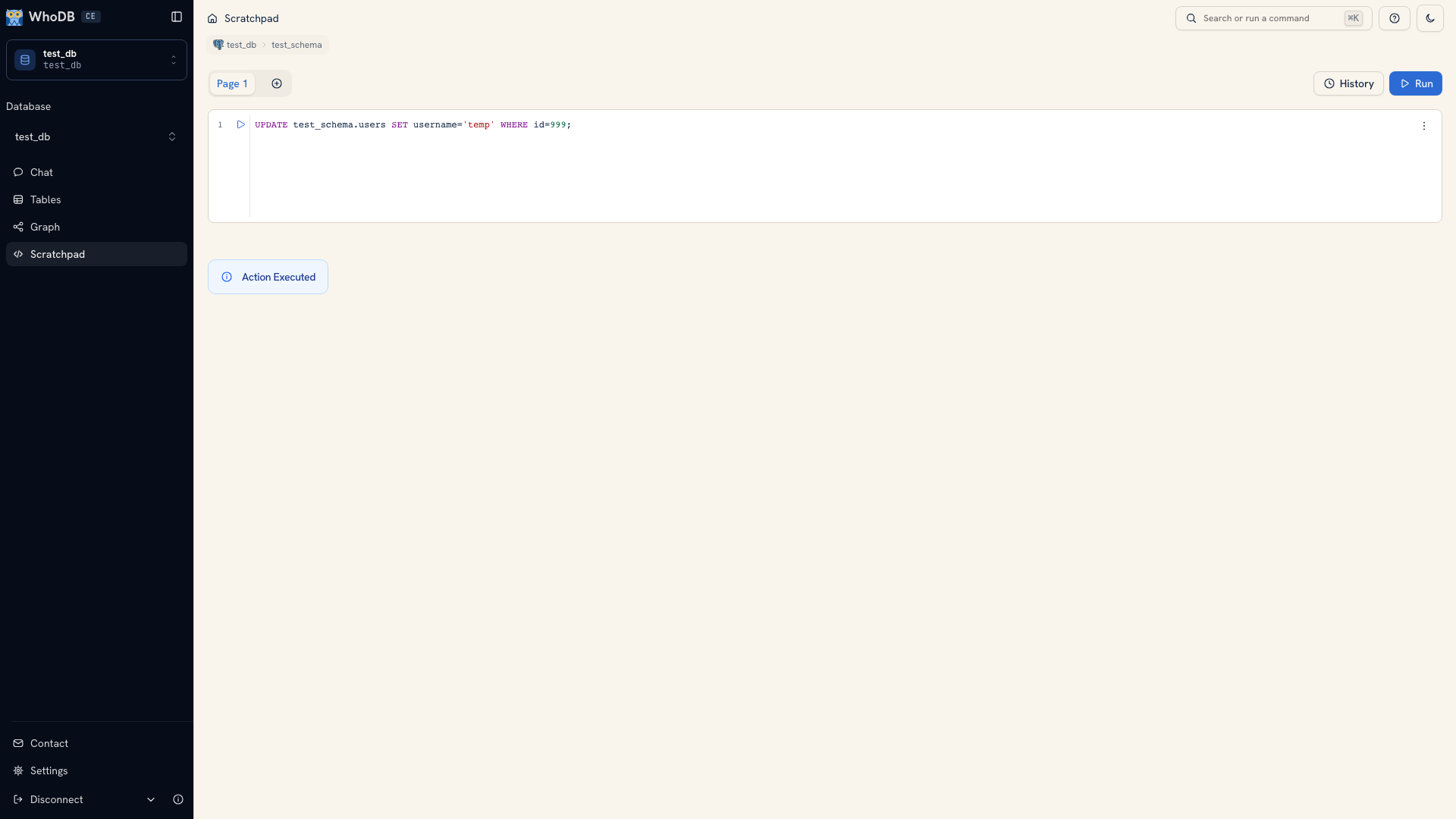 An action query result
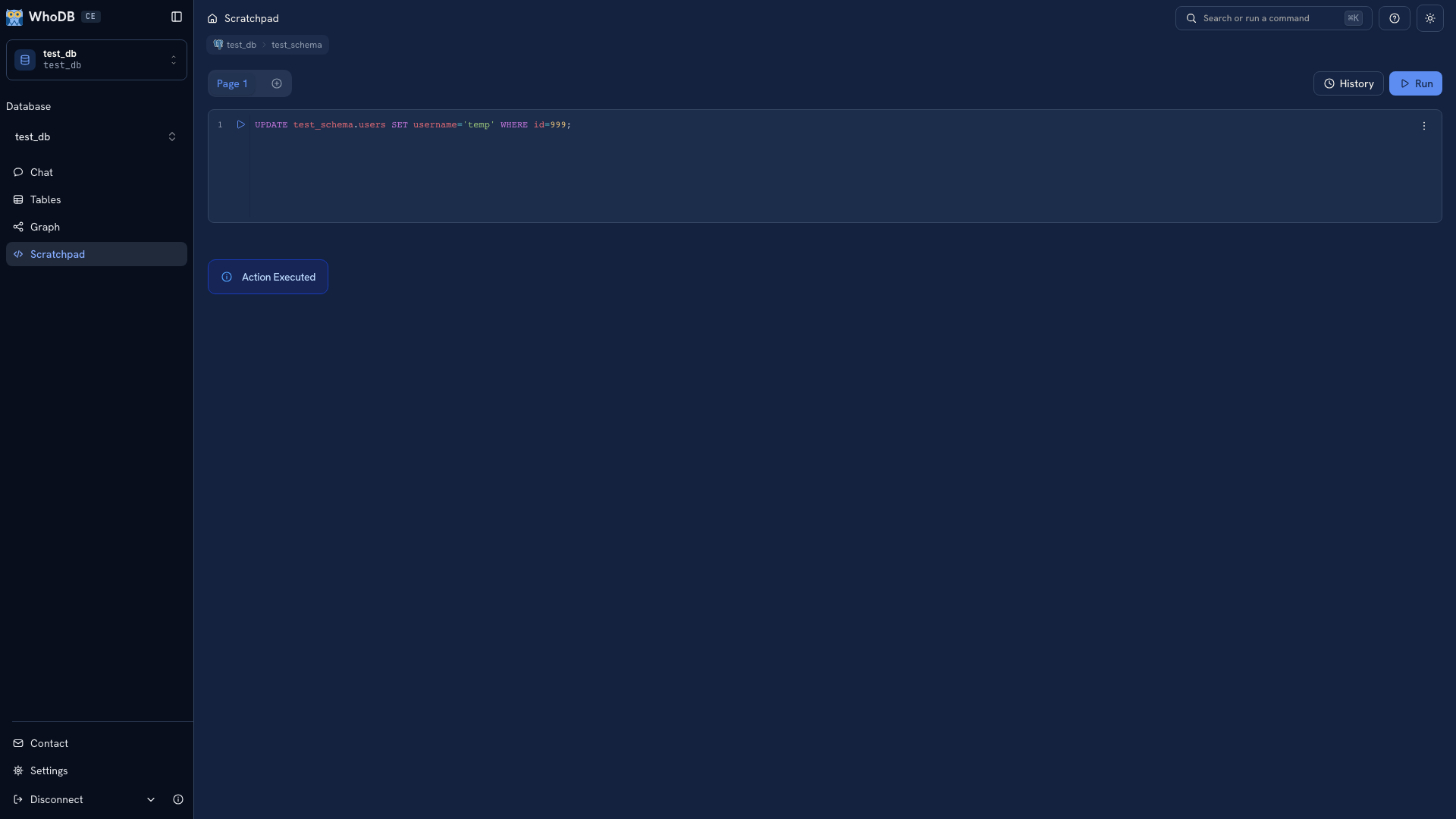 An action query result
A success message means the statement executed. Read the affected records again to check that it changed the intended set and values. Keep the verification query beside the write so you can explain the result later.
Errors#
Errors appear below the editor that ran the query. Read the message together with the query and the current connection context.
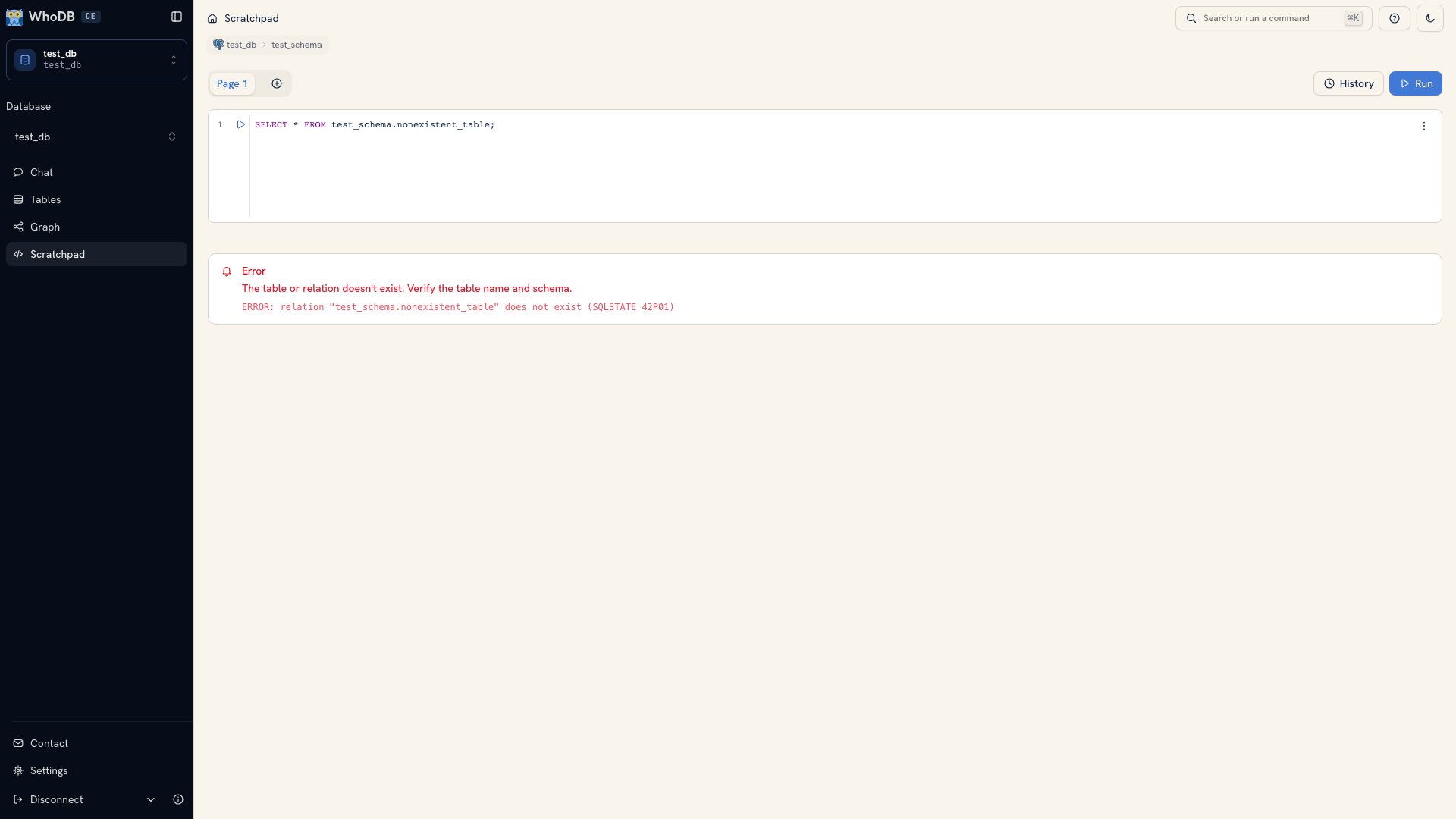 A database error below a Scratchpad cell
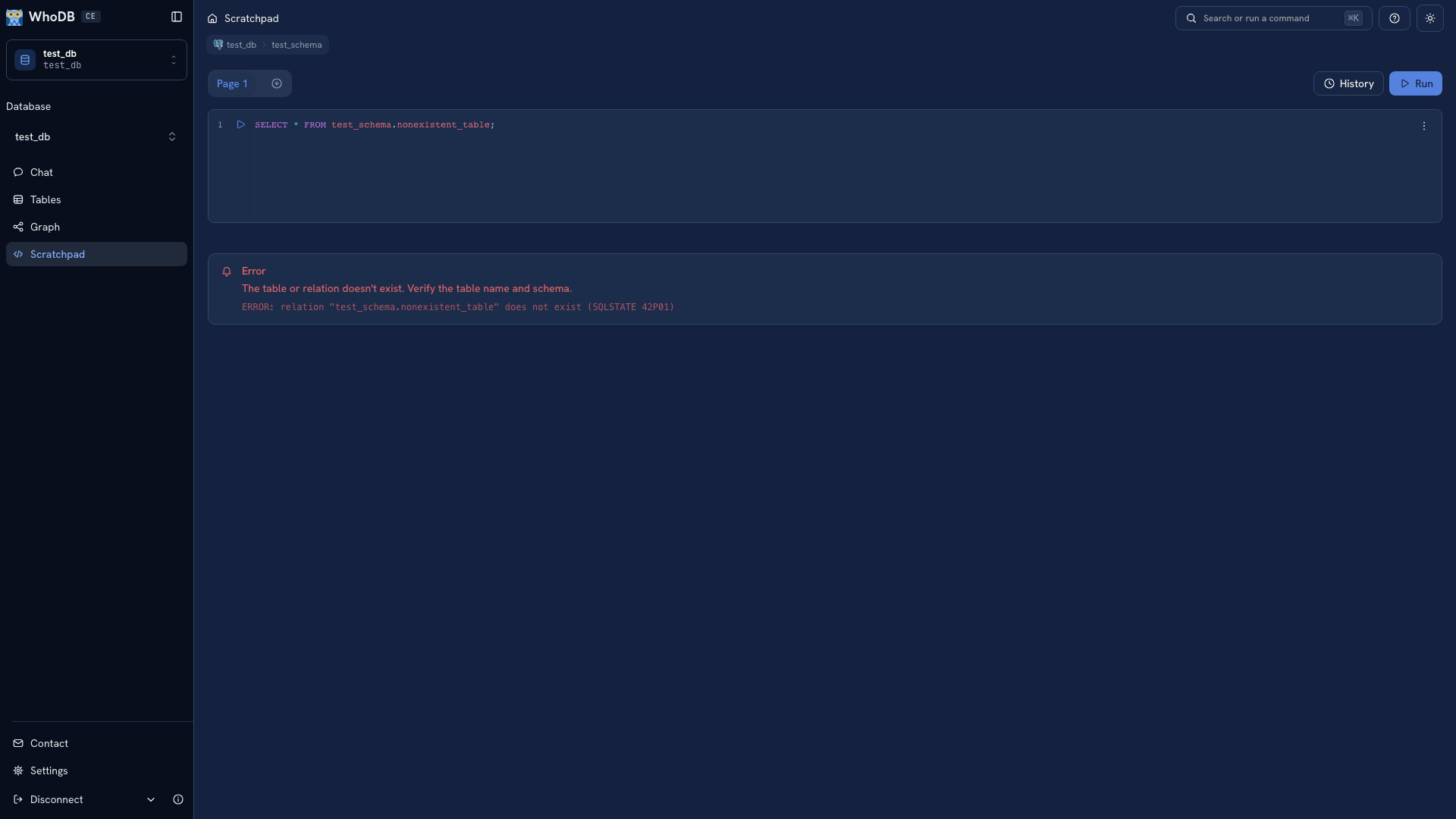 A database error below a Scratchpad cell
For an unknown field or object, inspect its metadata and check spelling and qualification. For a permissions error, check the database account rather than changing the query until it happens to succeed. Reduce a complicated statement to a smaller read when the cause is unclear.
Export the answer#
Use the result grid's export action when the returned set is what you want to share. CSV and Excel are available for tabular output; supported document results can use JSON Lines.
Check the file's headers and a known record after downloading. Keep the query and extraction date with the result so another person can reproduce the answer. See Export options for object, selection, and result-export scopes.
Was this page helpful?