
Explore an unfamiliar database
Suppose you need to find an order's owner in a database you have never used. Start by finding the relevant records and checking their relationship. You do not need to understand every table before answering this question.
Use a connection with read access to the development or reporting database. This walkthrough only reads data.
Find the starting table#
Open Tables and search for the name that best matches your question, such as orders. Expand Info to inspect its fields and types. Look for the order identifier and a field that may refer to its owner, such as user_id.
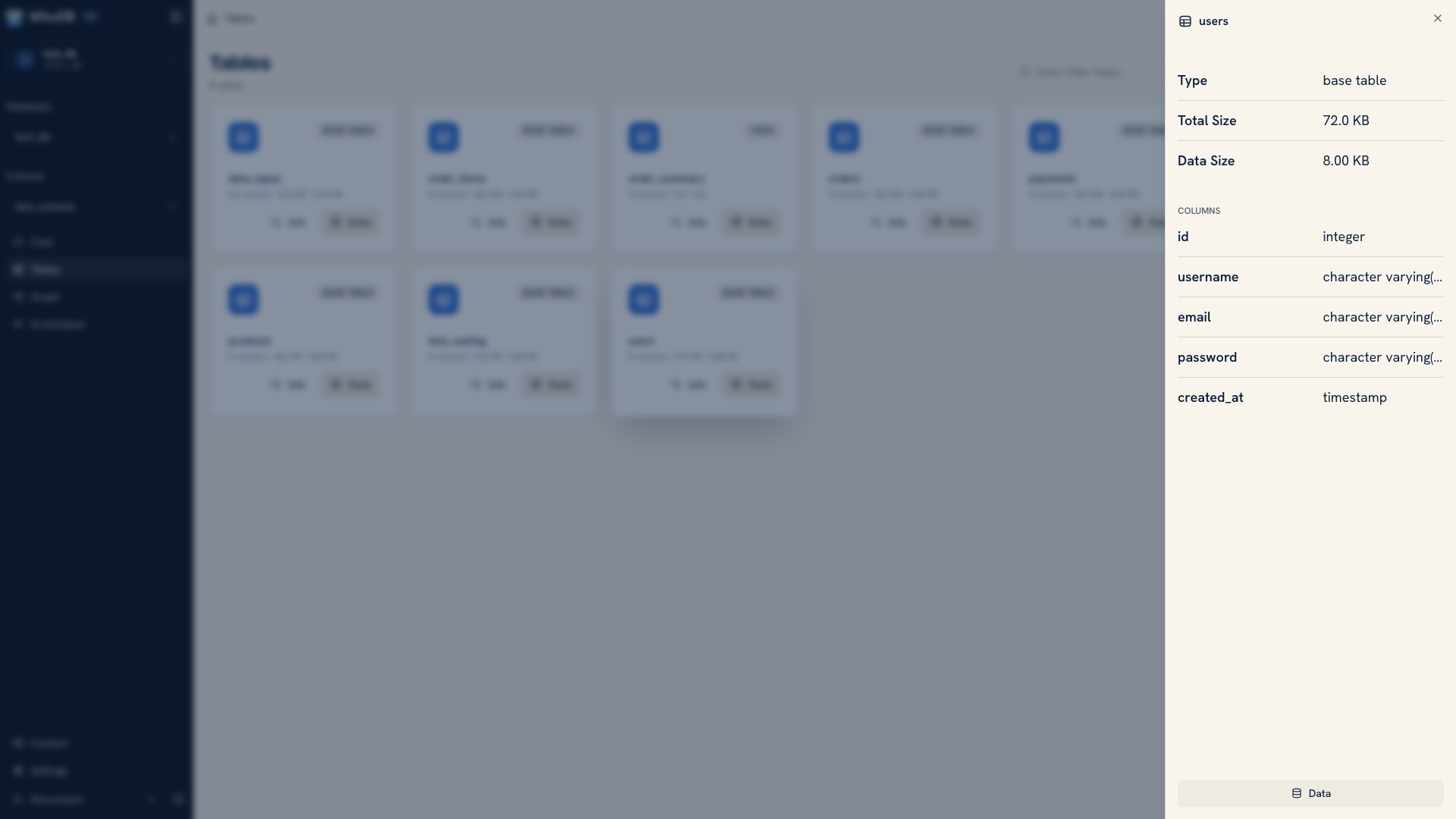 Inspecting table structure
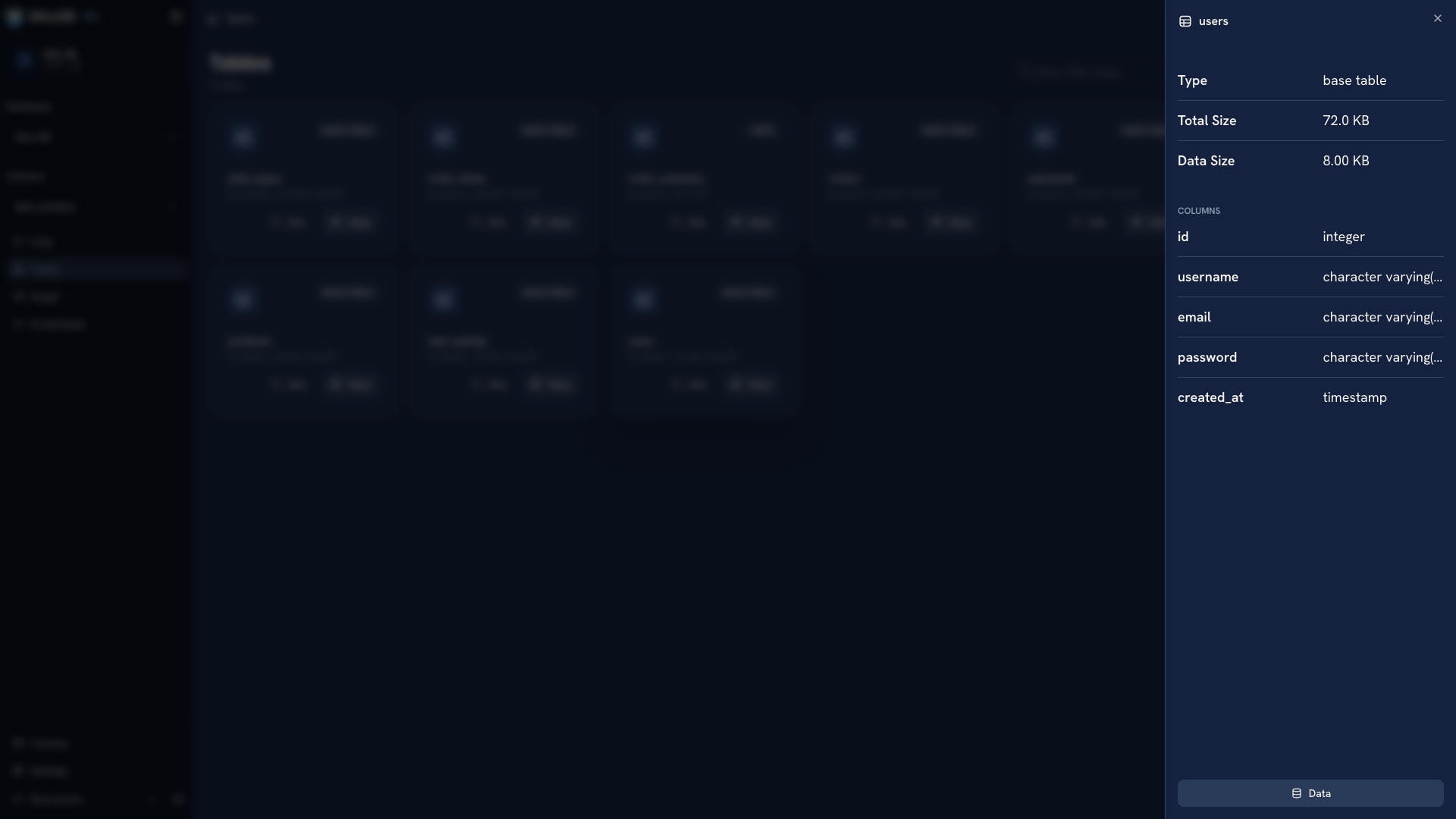 Inspecting table structure
Open Data and inspect a small page of records. Check whether identifiers, dates, and missing values look as expected. The screenshots use a sample users table; follow the same process with your own objects.
Isolate the record#
Open Filter and add an equality condition for the order ID you are investigating. Click Run. Confirm the returned identifier before following any related record.
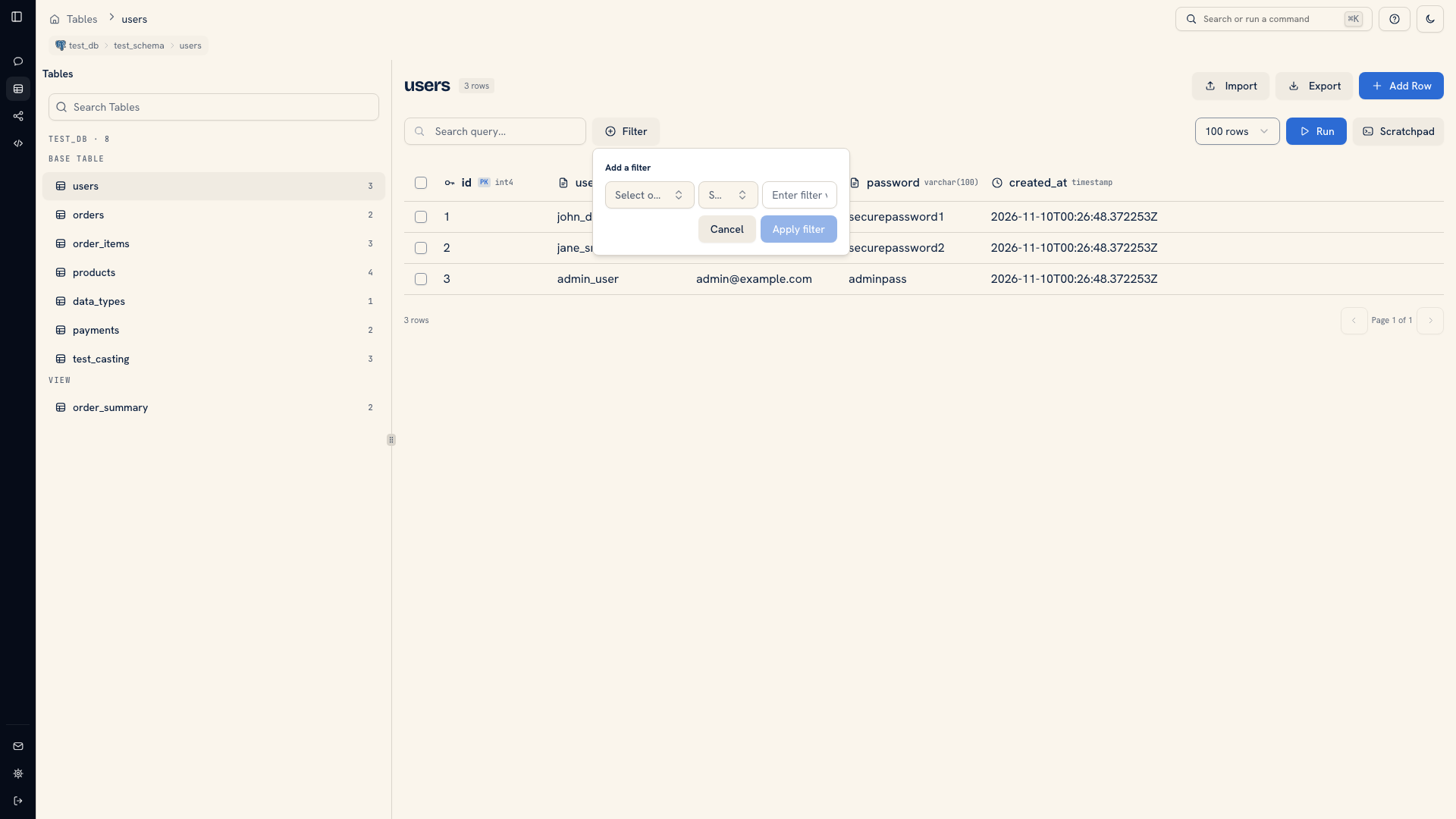 Filtering rows in the data view
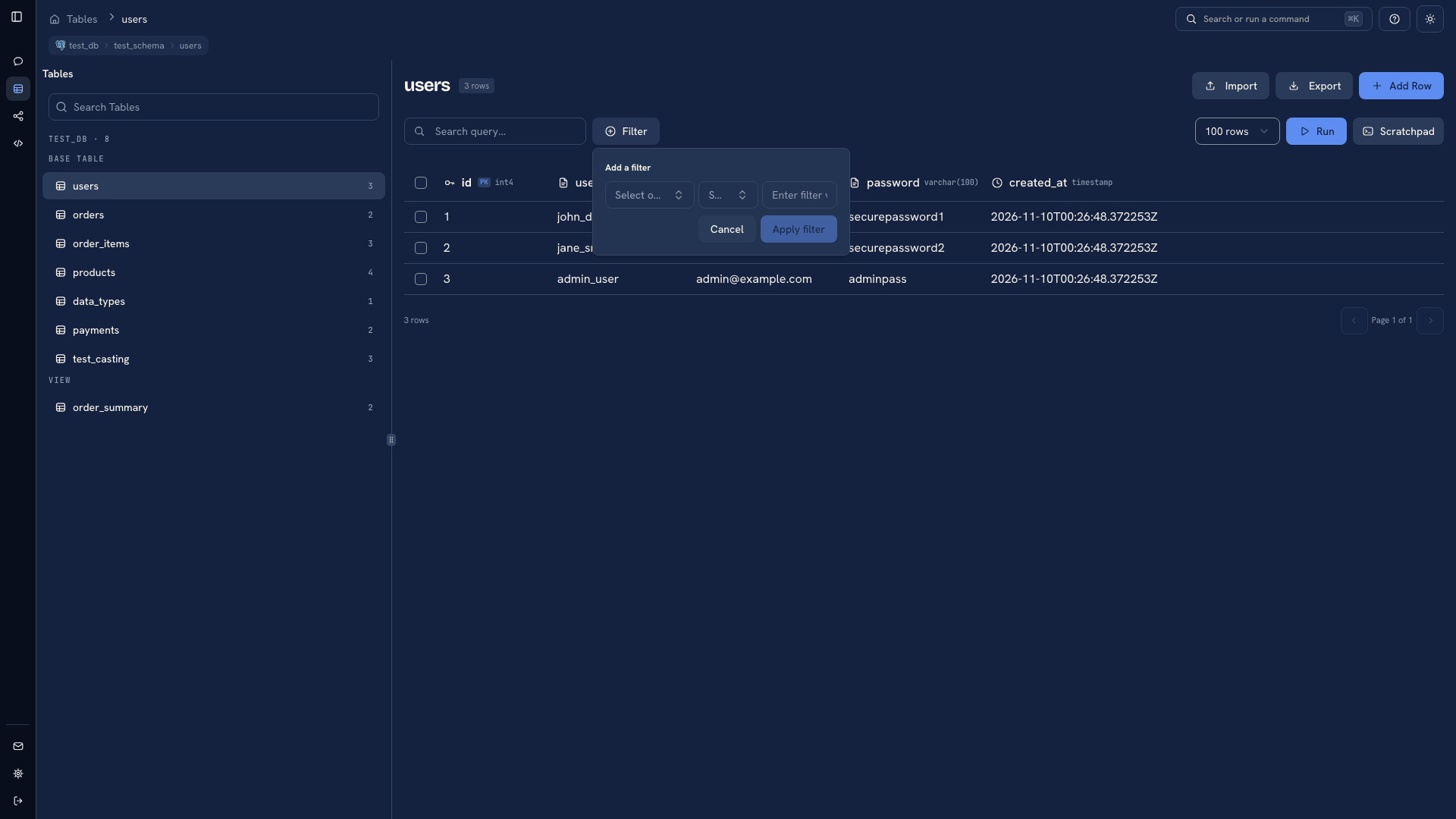 Filtering rows in the data view
The separate Search field helps locate text in loaded rows. It does not search the whole database. Use Filter when the matching record may be on another page.
Check the relationship#
Open Graph and select the order and user tables. A declared foreign key can show which fields connect them. If there is no edge, inspect the schema or application code before assuming that similarly named fields form a relationship.
Return to Data and look up the referenced user. You should now be able to explain which record owns the order and which key establishes that connection.
Save the answer as a query#
Put the lookup in Scratchpad using the names you verified. Save an initial sample in one cell and the related-record query in another. Test against a known order before using the query for other cases.
Copy the useful SQL into your issue, report, or repository with the connection context. Scratchpad helps you work through the question, but its browser-local state should not be the only copy of a query your team needs.
Continue with Build a query one step at a time to combine the records in a join.
Was this page helpful?