
Write and run queries
Start with a query that returns a few known records. Once the object names, fields, and values are correct, add the conditions or joins needed to answer your question. This makes errors easier to locate than starting with a large statement and guessing which part is wrong.
Open Scratchpad and write in the active cell. Confirm the connection and schema before running it.
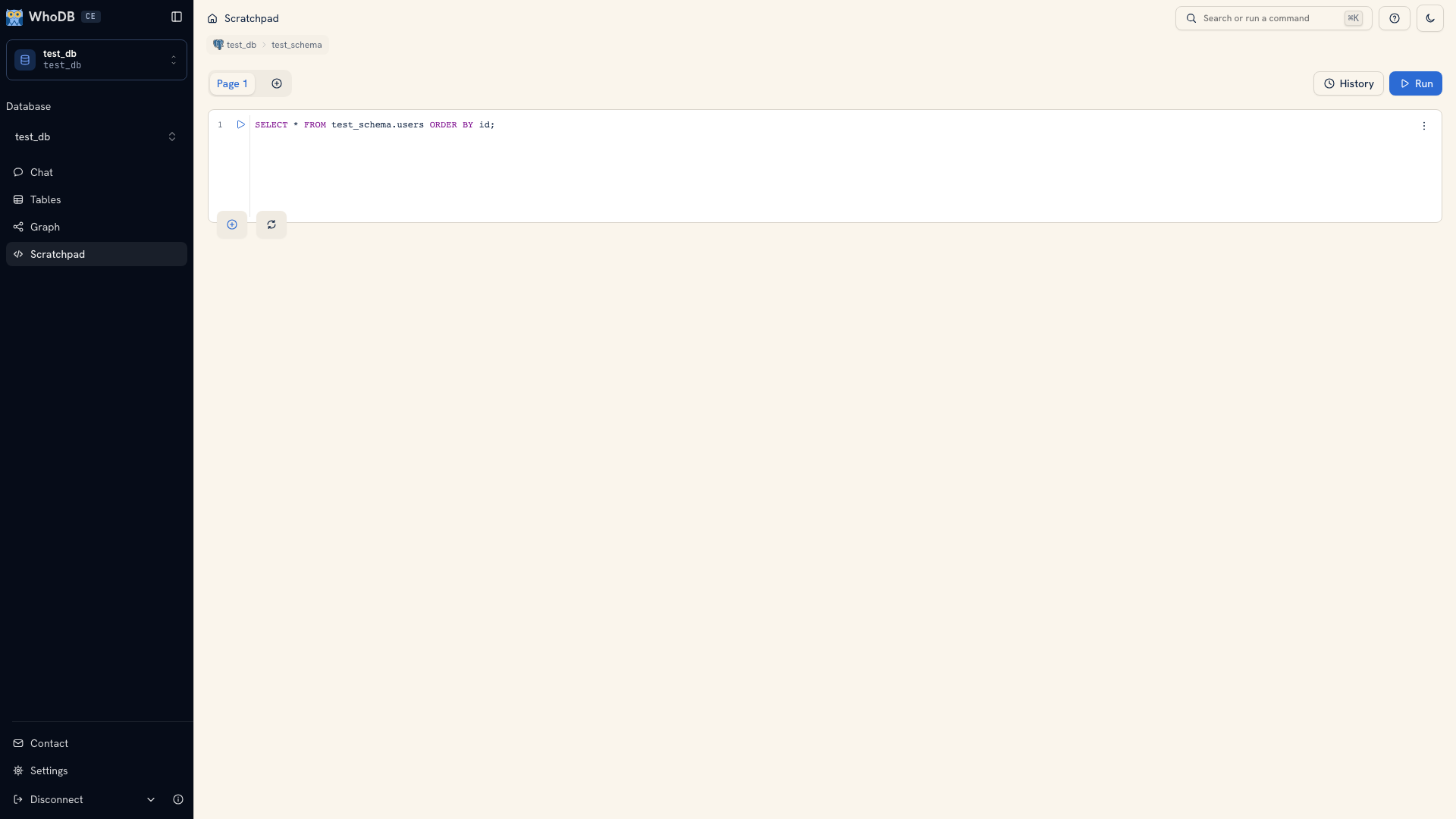 A SQL query in the Scratchpad editor
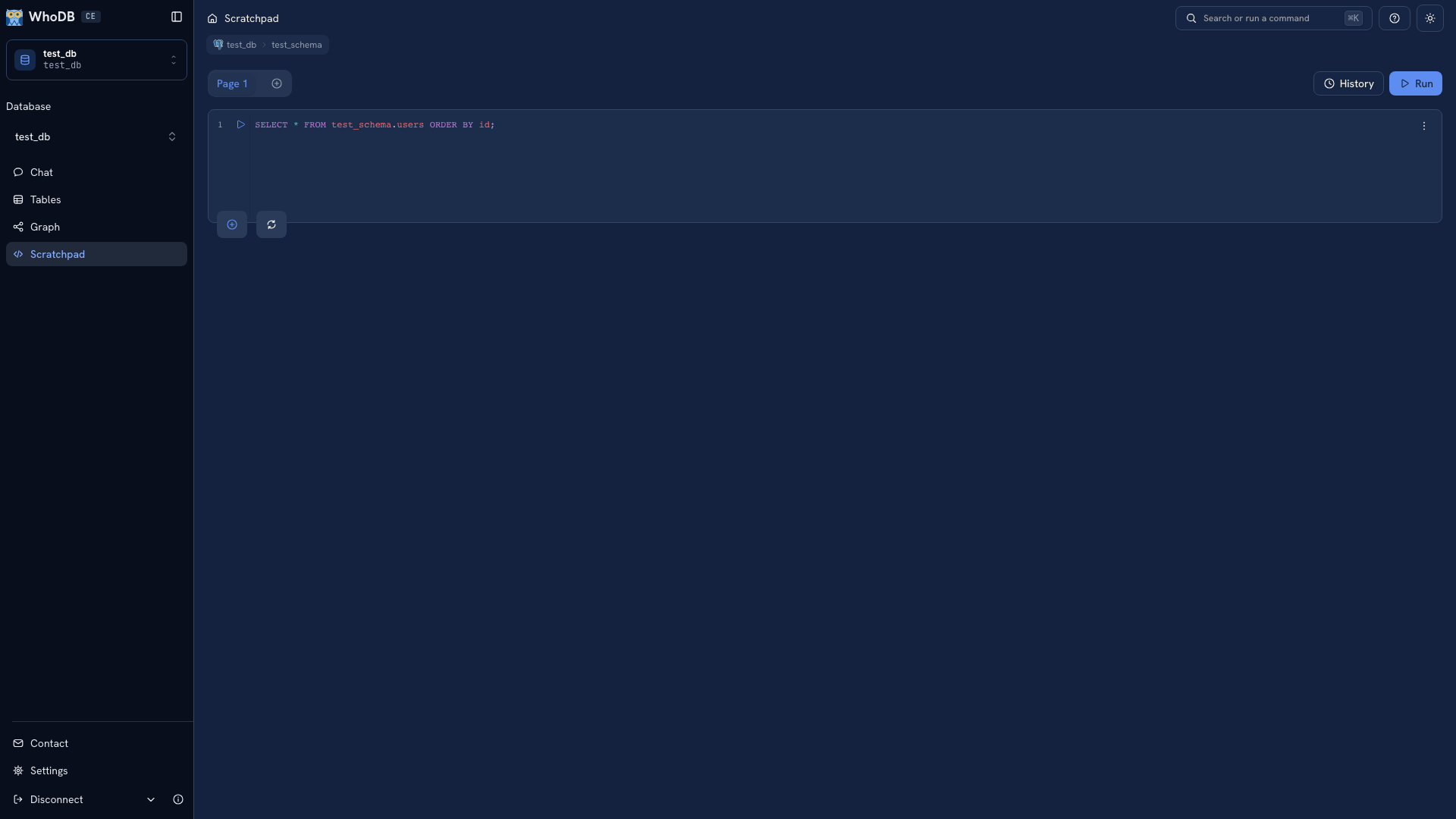 A SQL query in the Scratchpad editor
Choose what to run#
| Action | What runs |
|---|---|
| Cell play button | The cell's query |
Mod + Enter with selected text | Only the selection |
Mod + Enter without a selection | The editor content |
| Play control in the editor gutter | The associated statement |
Selection is useful when checking part of a script. Before pressing the shortcut, look at the selected text so you do not accidentally execute a different statement. Mod + U clears the editor.
Start with a bounded result#
For the PostgreSQL demo schema, this query returns user identifiers and contact fields in a predictable order:
SQL
SELECT id, username, email
FROM test_schema.users
ORDER BY id
LIMIT 25;
Use your source's schema, field names, and syntax. Return the fields needed for the question instead of copying every column into a result or export.
Join related data#
Suppose you need the number of orders belonging to each user. Inspect the declared keys in Graph, then write the join explicitly:
SQL
SELECT u.id, u.username, COUNT(o.id) AS order_count
FROM test_schema.users AS u
LEFT JOIN test_schema.orders AS o ON o.user_id = u.id
GROUP BY u.id, u.username
ORDER BY order_count DESC, u.id;
This PostgreSQL example keeps users with no matching orders because it uses a left join. Counting o.id gives those users a count of zero. Check that this matches the business question before using the result.
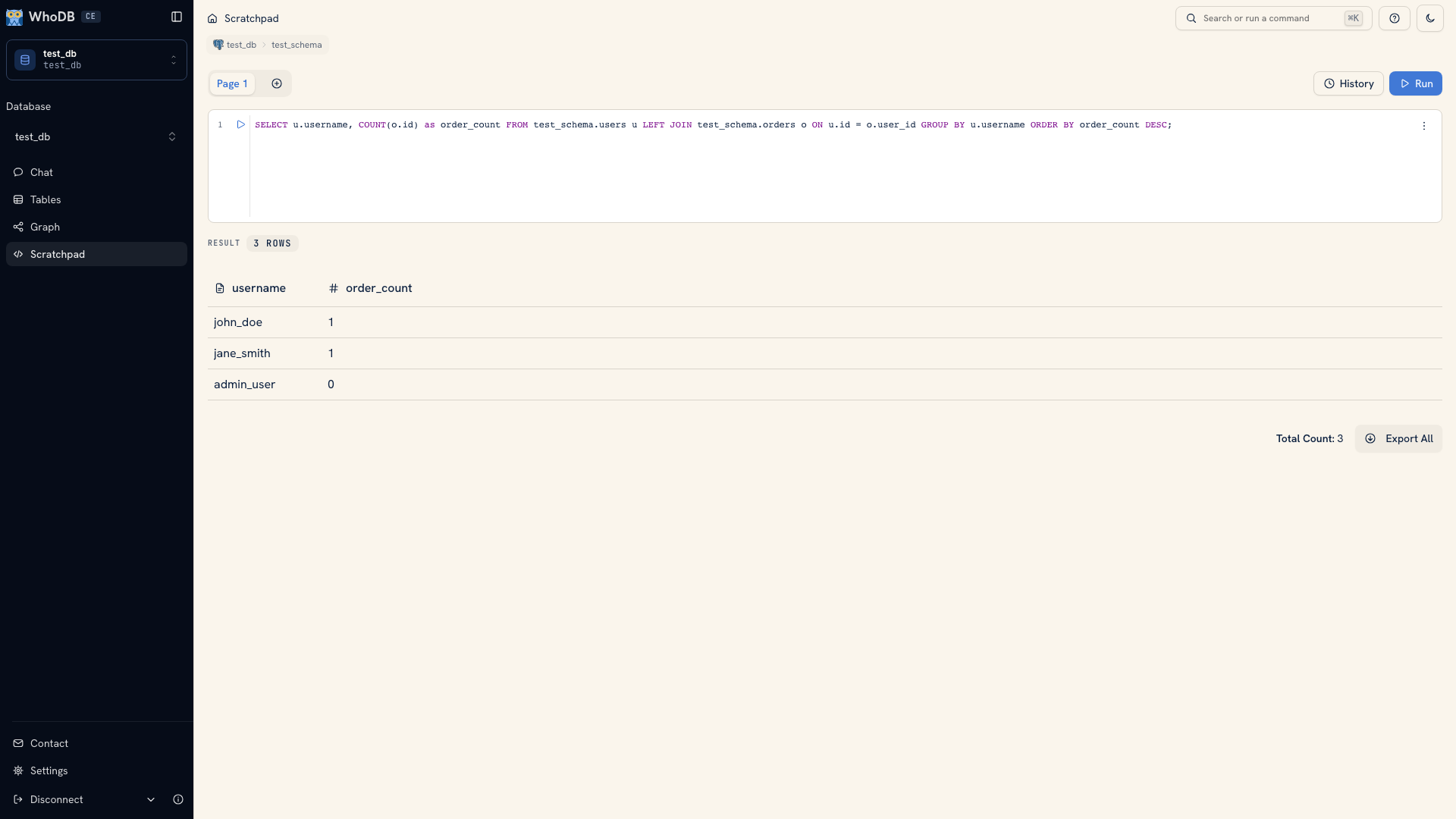 A join query and its result
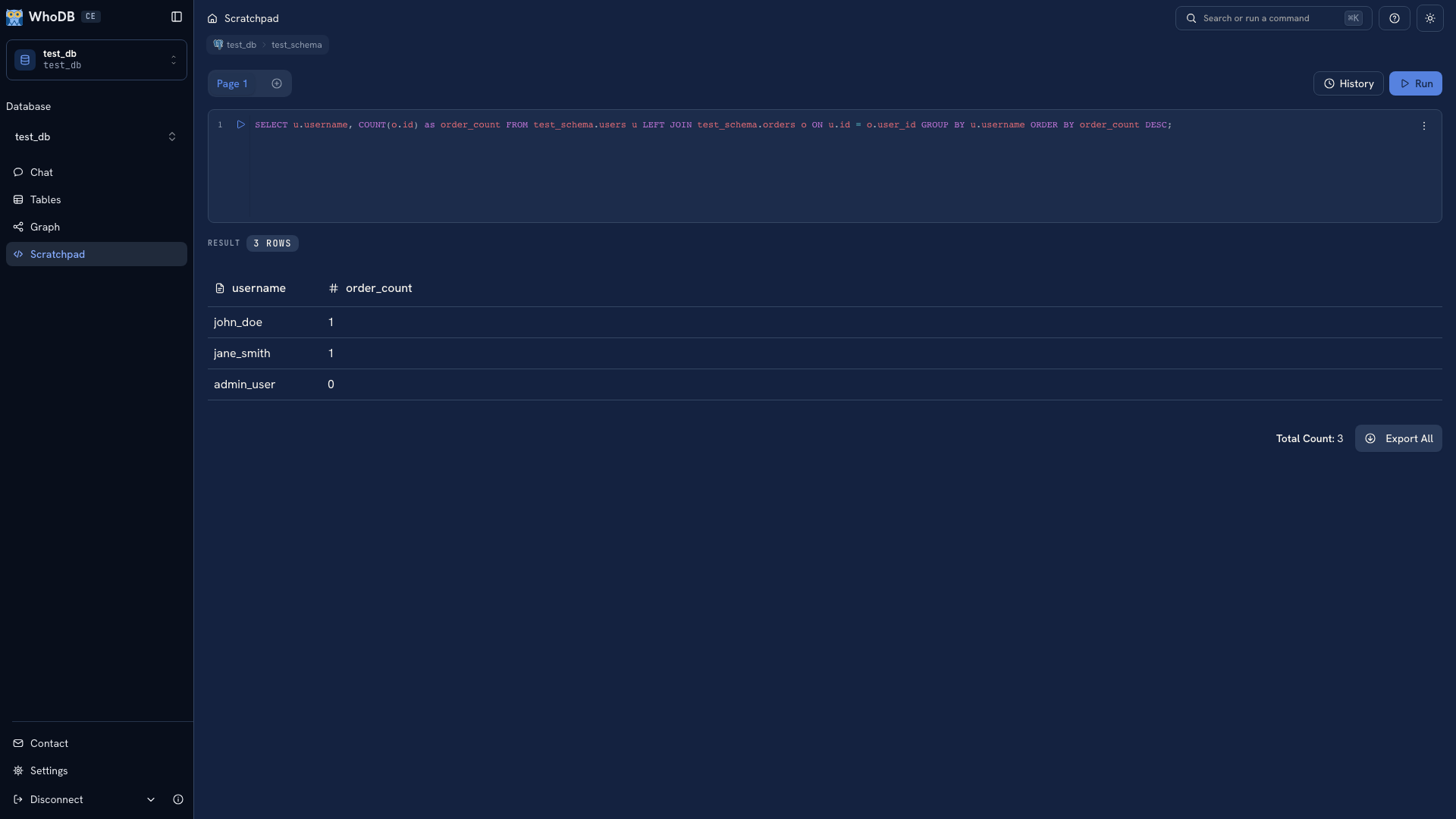 A join query and its result
Handle errors and writes#
Read the error below the failed cell. Check the object names and active schema, then remove the last condition or join you added. Once the smaller query works, add one part at a time until you identify the problem.
Before an update or deletion, run a read query with the same predicate. Inspect the keys and count of its target records, then review the write. Separate Scratchpad cells should not be treated as one persistent database transaction.
Continue with Query results to interpret the output, or Query history to recover an earlier statement.
Was this page helpful?