
Why WhoDB?
A database investigation often moves between a schema browser, row editor, query window, and diagram. WhoDB puts those steps in one workspace so you can follow a question from an object to a verified answer.
Move from an object to its records#
Find a table in Tables, expand Info to check its fields, and open Data to inspect a sample. Use Filter to ask the source for matching rows. If the question involves another table, Graph helps you inspect declared relationships before writing the join.
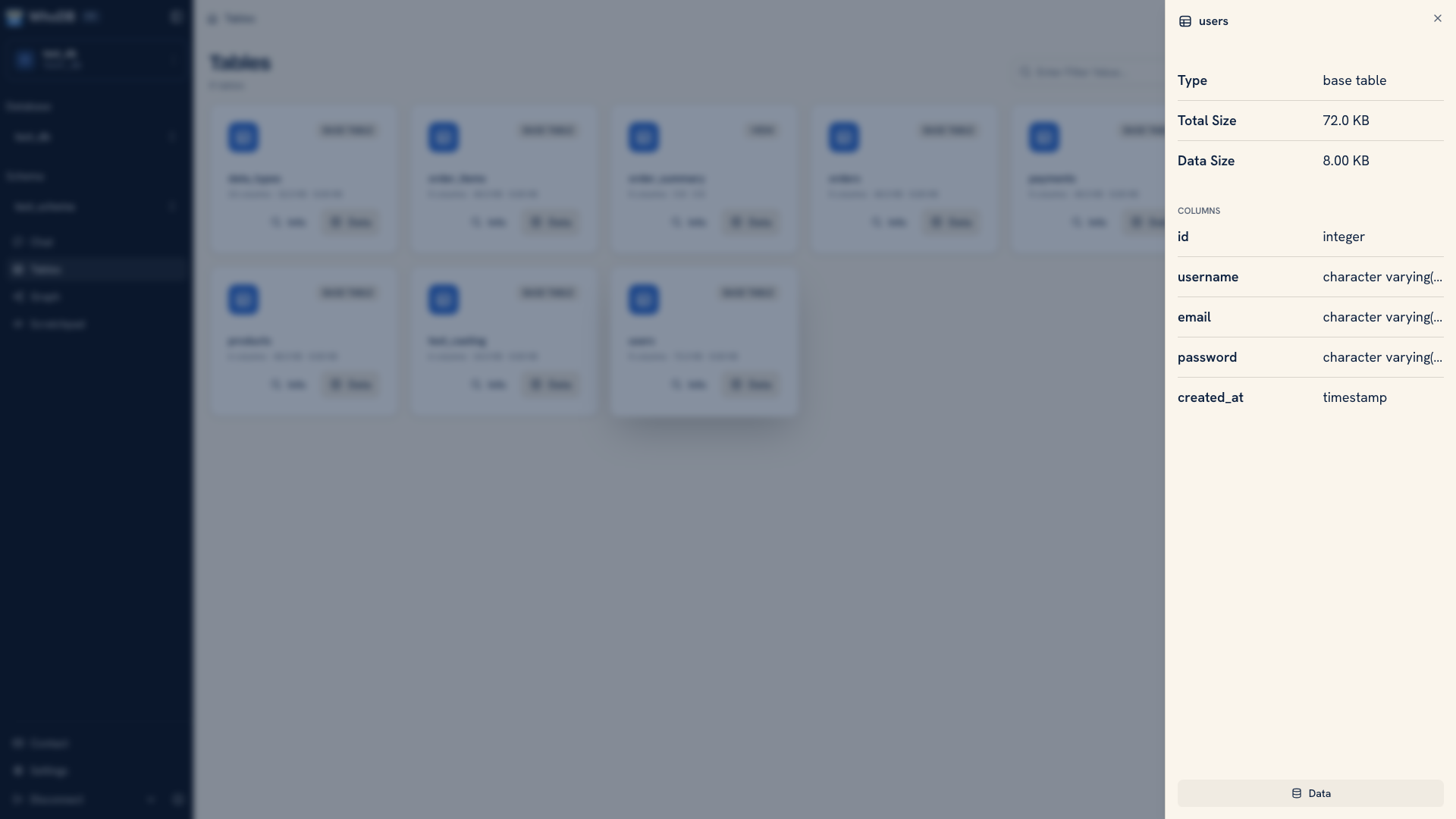 Table metadata expanded inside a storage unit
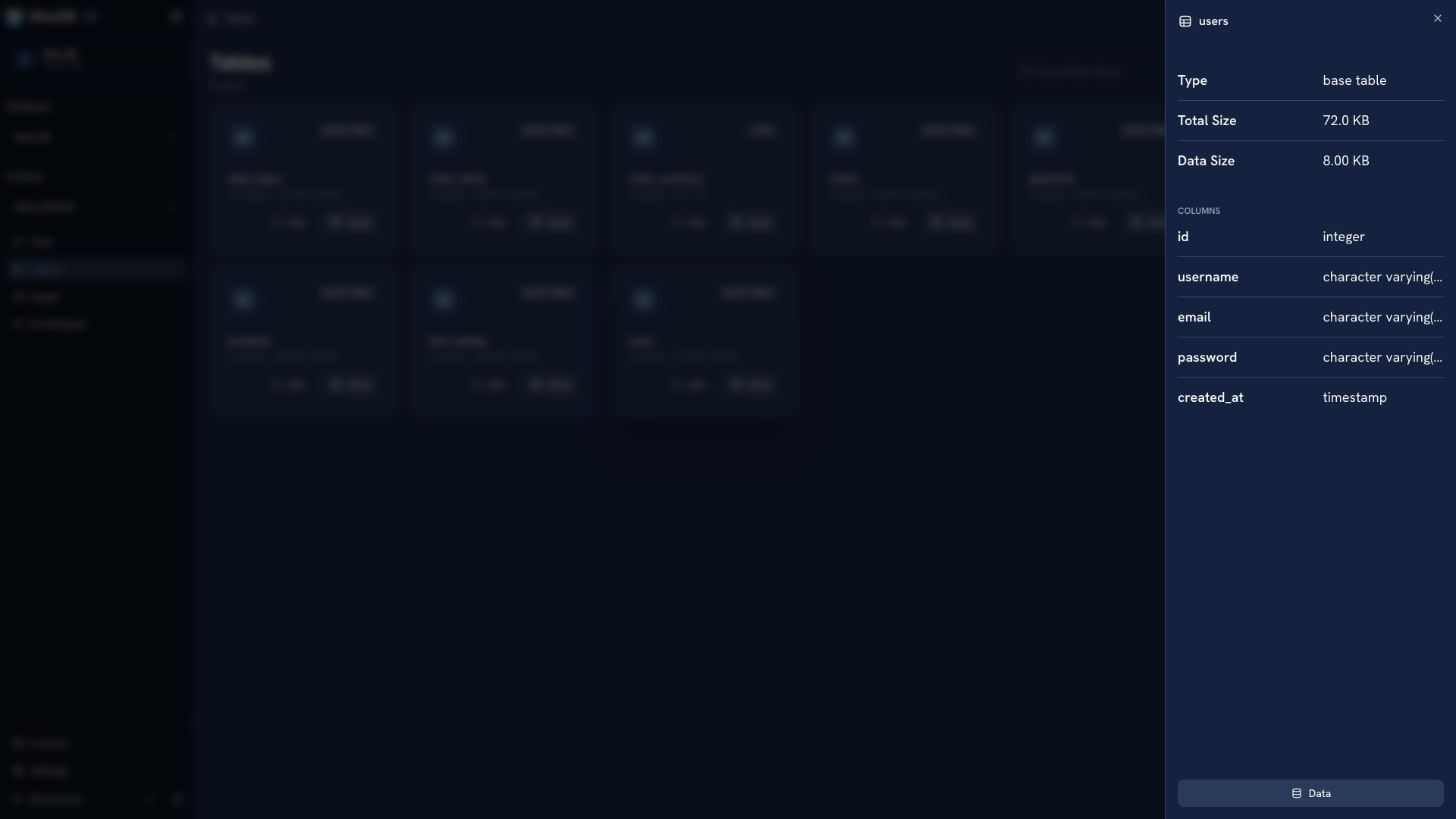 Table metadata expanded inside a storage unit
The same navigation works across supported source families, with actions adapted to the source. You can inspect PostgreSQL and MySQL tables, SQLite and DuckDB files, MongoDB documents, Redis keys, and search indexes. Check the source catalog for the connection you need.
Keep intermediate queries beside the answer#
Use a Scratchpad page for one investigation. A sample, join, and aggregate can stay in separate cells with their results and per-cell history. This makes it easier to revisit the step that introduced an unexpected count.
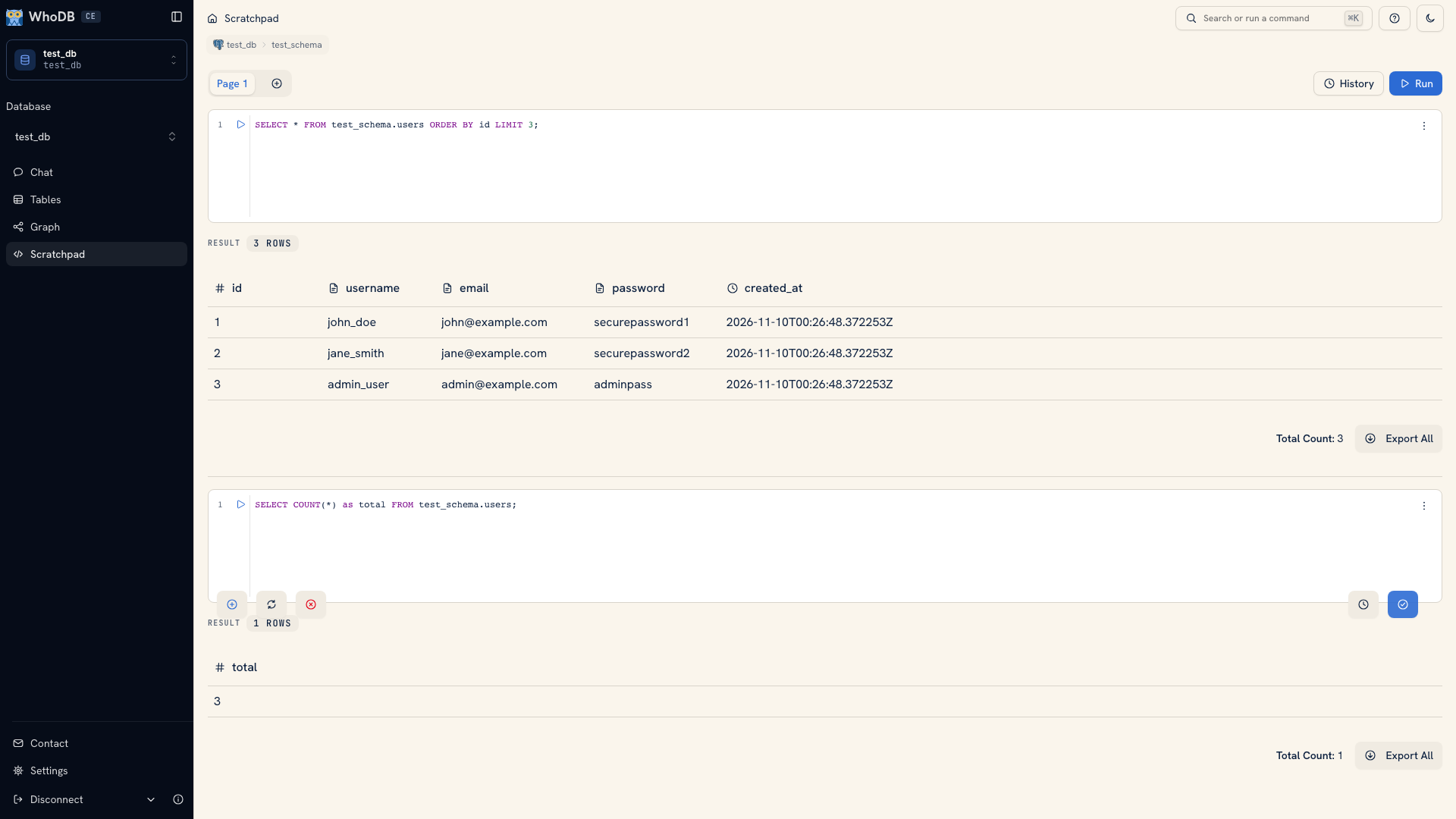 Multiple Scratchpad cells with query results
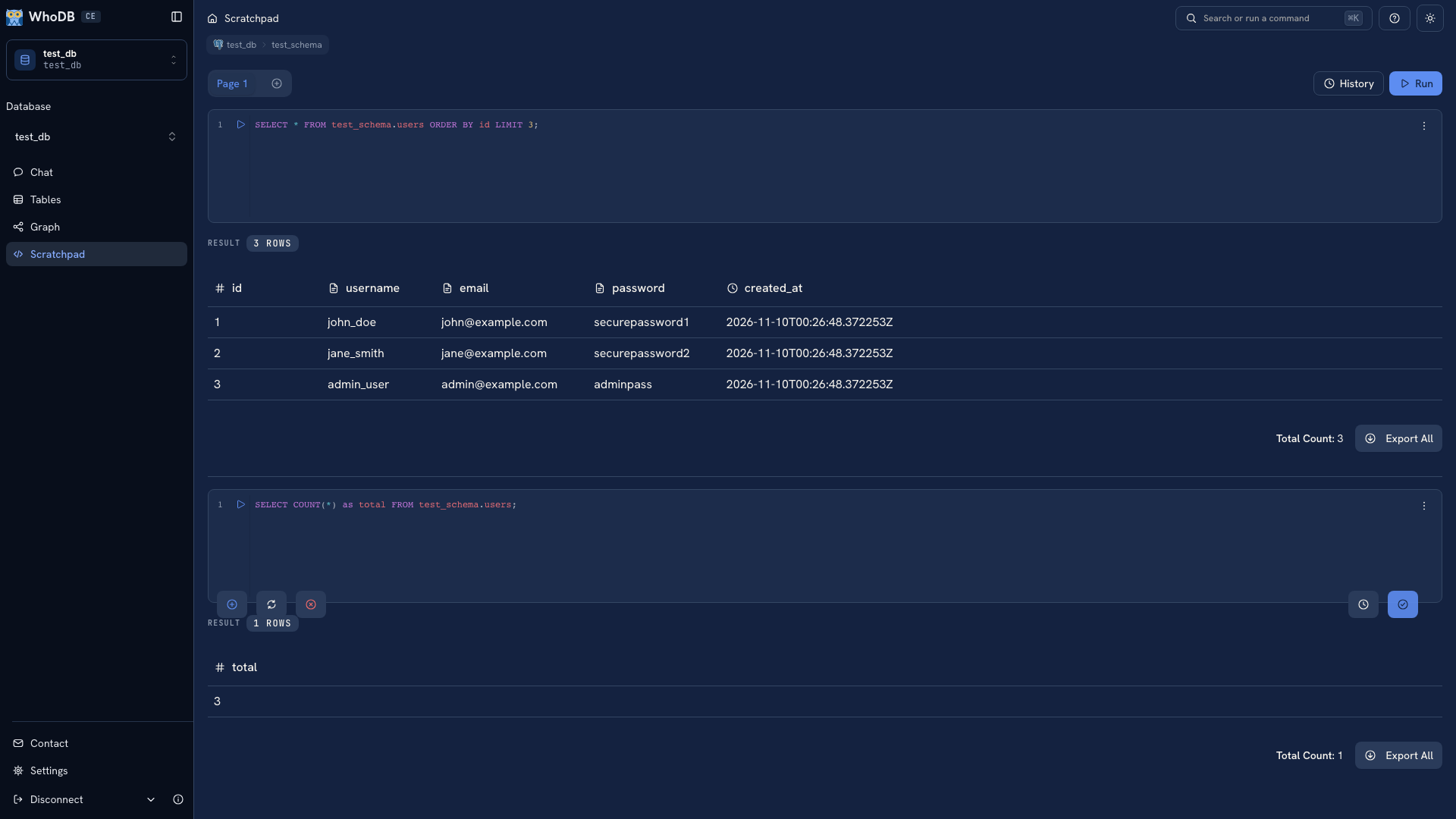 Multiple Scratchpad cells with query results
Save durable SQL externally. The browser workspace is useful while working through a question, but it does not automatically share queries with your team.
Ask for help without losing the query#
Chat can draft SQL from a question and the connected source's context. Inspect that SQL and its result before relying on the answer. Move the query into Scratchpad when you want direct control of it.
You choose the provider, including a reachable local Ollama or LM Studio endpoint. Set up Chat if you want to use it; the rest of the workspace does not require AI.
Choose where to work#
| Surface | When it fits |
|---|---|
| Browser | You want a self-hosted workspace reachable from a browser |
| Desktop | You want the core workflow with native file dialogs and application menus |
| CLI | You need terminal inspection, repeatable commands, imports, or diagnostics |
| MCP | You want an assistant to use database tools with explicit query permissions |
Try the quick start with a development database to see whether the workflow fits your daily work.
Was this page helpful?