
Move a MySQL workflow to WhoDB
WhoDB can connect to the MySQL or MariaDB server you already use through phpMyAdmin. You do not need to export and reimport the database just to change the client you use for daily inspection.
Connect from the WhoDB server#
Get the database host, port, database name, account credentials, and required TLS settings. Open WhoDB and choose the corresponding source type. Use First connection for the connection form.
A hostname used by phpMyAdmin may only be valid inside its hosting network. If WhoDB runs in a different container or on another machine, use an endpoint reachable from that location. A hosting control panel may need to allow the new client's address.
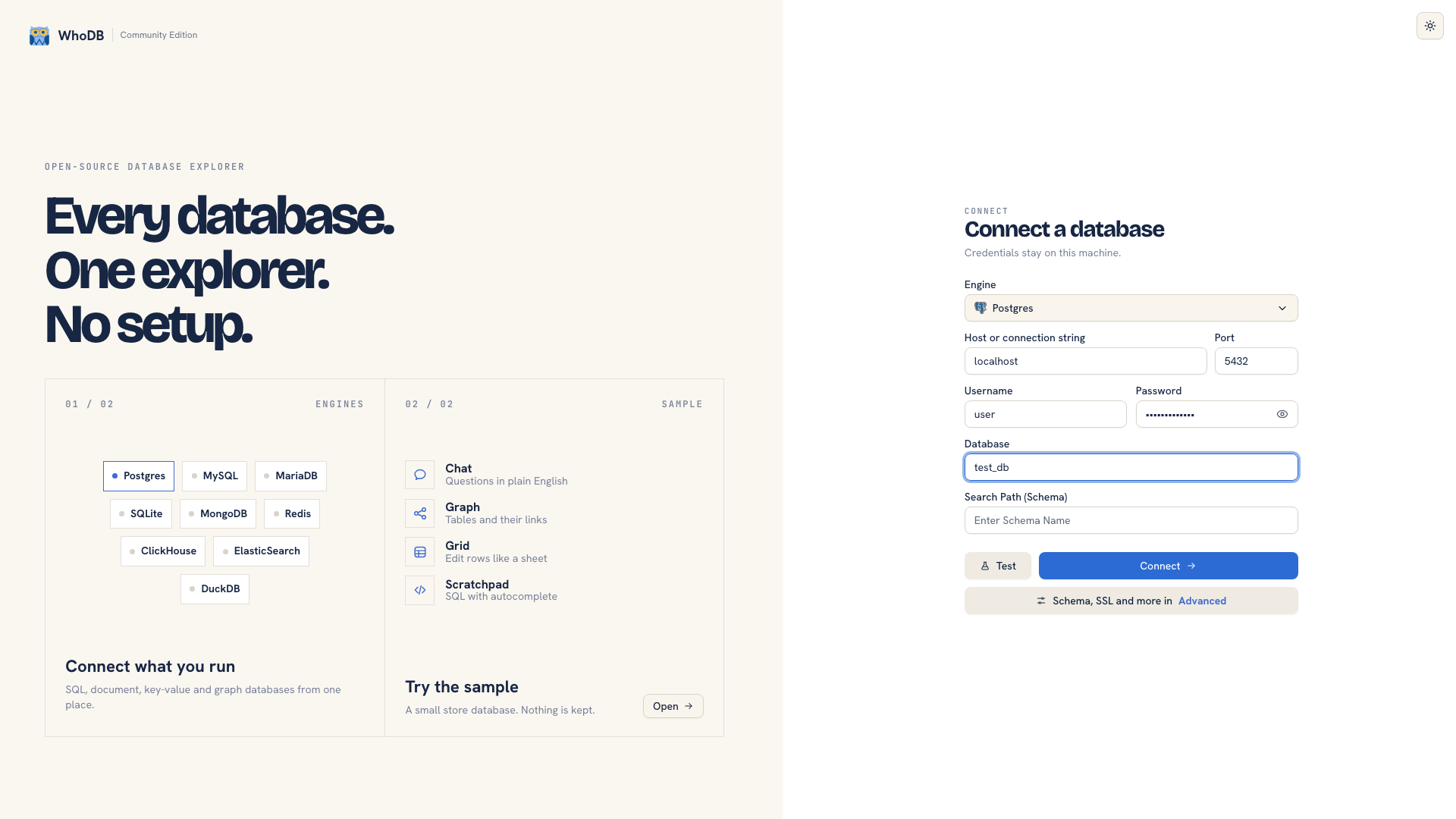 Connection settings in WhoDB
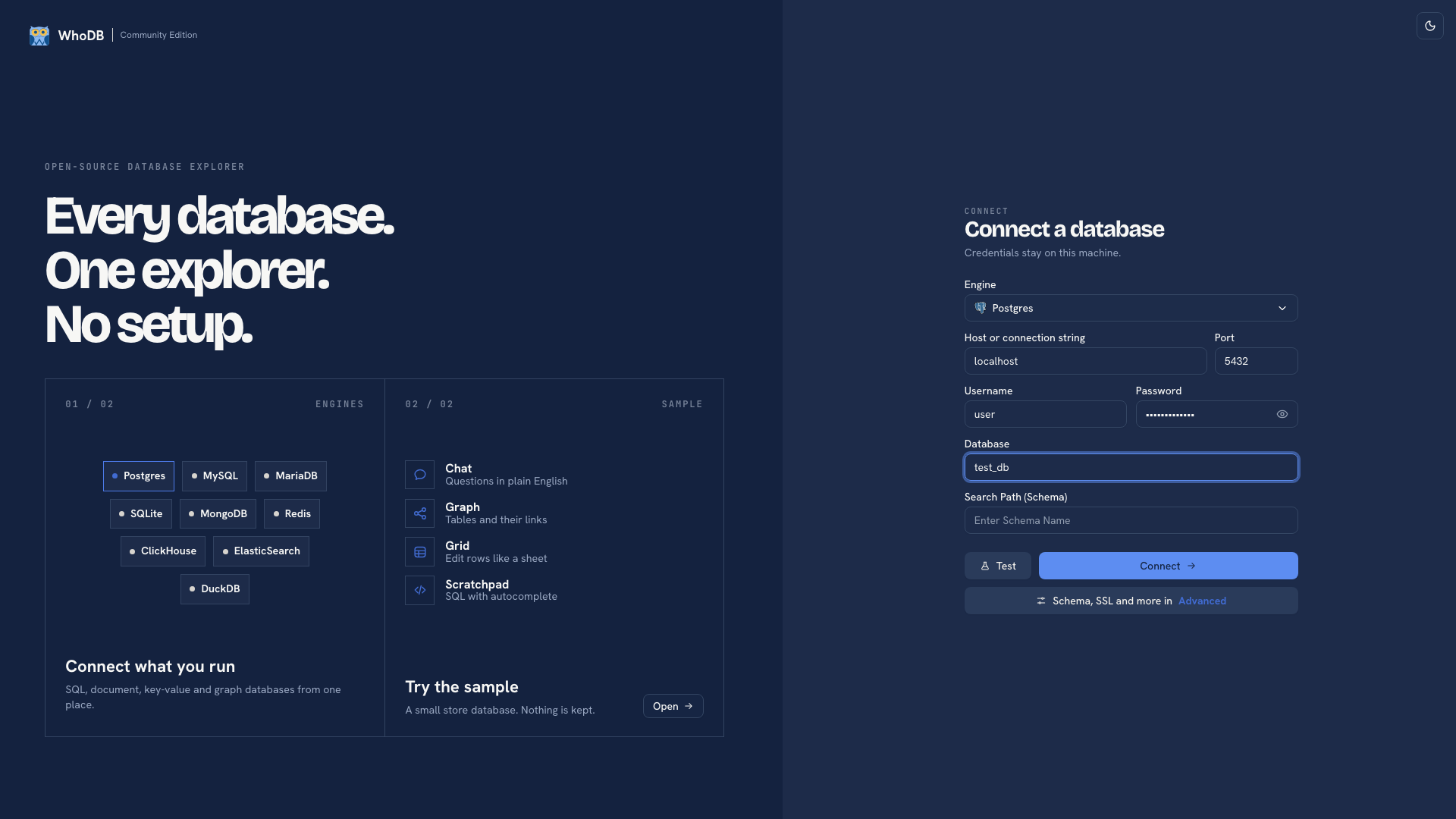 Connection settings in WhoDB
After connecting, select the application database. Find a known table and compare its fields and a few records. The account must have access to that database even if connection to the server succeeds.
Inspect and query the same data#
Open a table's Info to check fields and Data to inspect rows. Use Filter to retrieve a particular record from the database; text Search only checks loaded rows.
Paste an existing MySQL query into Scratchpad and test a small read. WhoDB sends source-specific query syntax, so keep MySQL quoting and functions in queries for this connection. Save important scripts outside the browser.
Choose the right transfer path#
For a spreadsheet-sized set of records, run a bounded query and export its result. To load CSV or Excel, open Import on the target object and inspect the preview and mode before execution.
A SQL dump needs different handling from a table of records. Review Importing data for SQL import behavior and limits, and use database-native tools for a complete backup or restore. Do not assume a CSV export preserves schema, routines, or permissions.
Continue with MySQL usage, schema changes, or data exploration.
Was this page helpful?