
Build WHERE conditions
Use the condition builder when you know which records you need but do not want to write a query. A condition is a rule such as “ID equals 12” or “order total is greater than 100.” WhoDB sends that rule to the source when you run the data request.
Add a condition#
- Open the object's Data view and click Filter.
- Choose a field from the list.
- Choose an operator offered for that field.
- Enter the comparison value, if the operator needs one.
- Add other conditions if needed, then click Run on the data page.
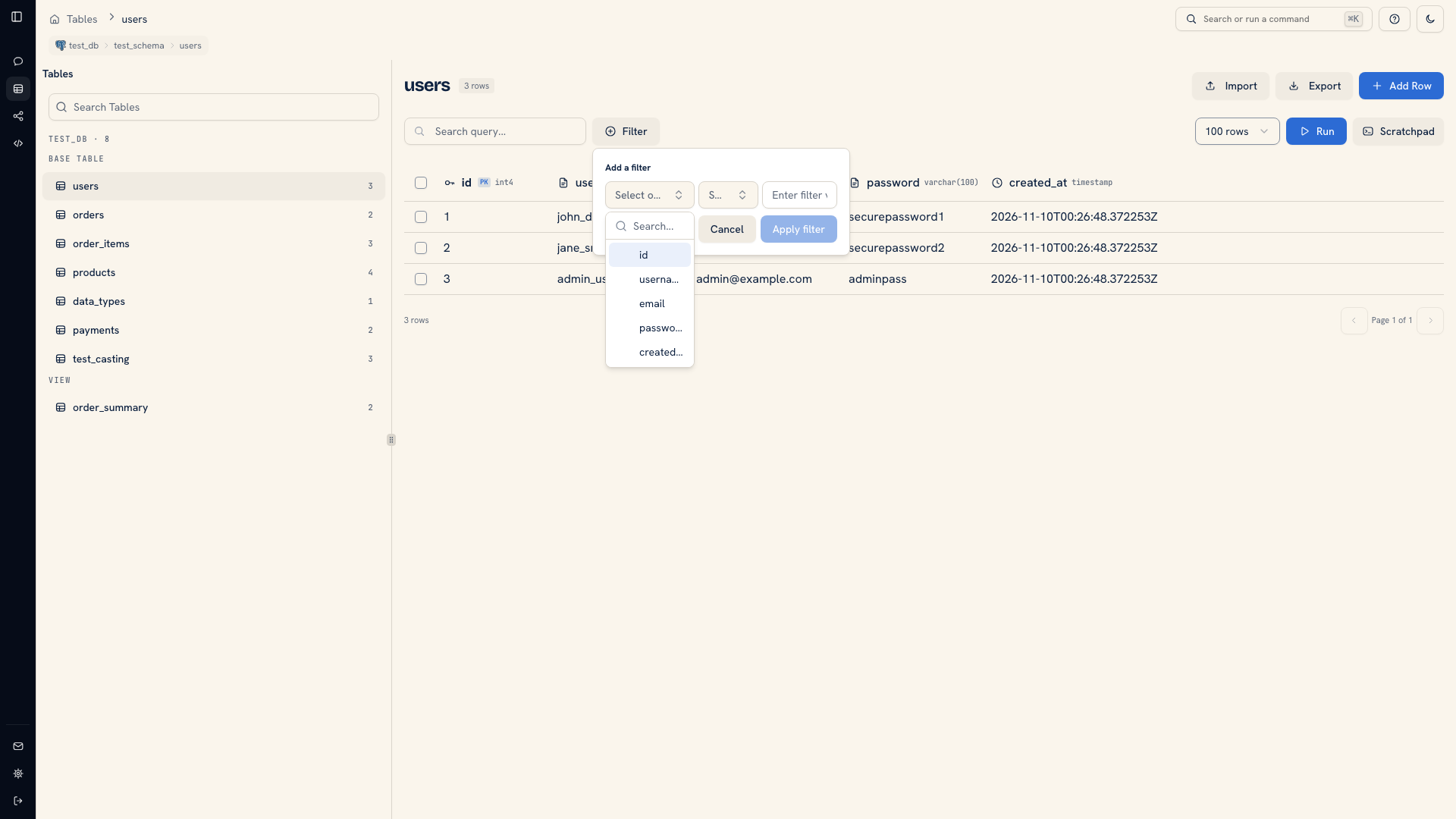 A field selector inside the condition builder
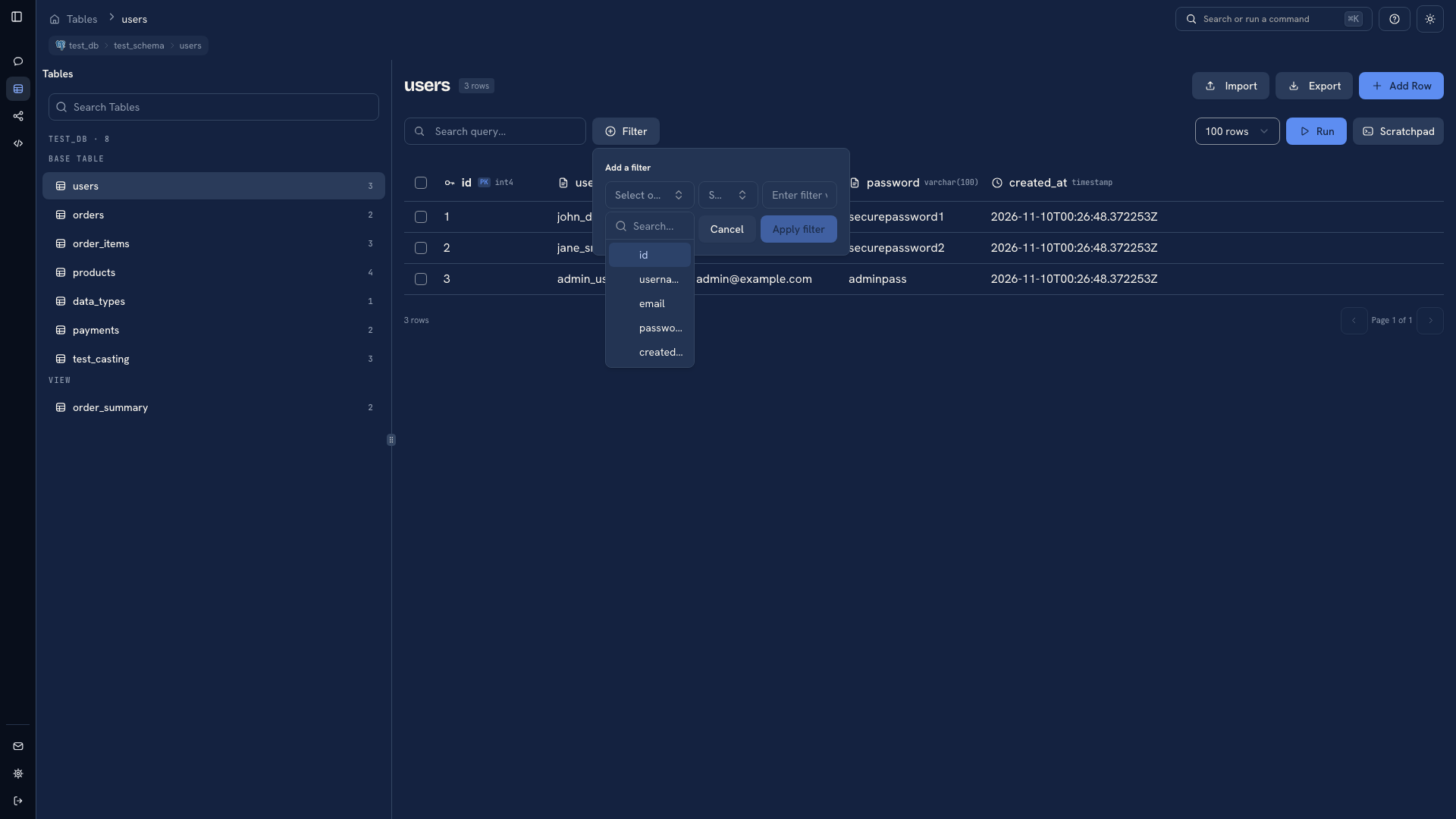 A field selector inside the condition builder
Choose the field first. The source and field type determine which comparisons are available. A numeric comparison on an amount has a different meaning from a text comparison on a name.
Check the rule against known records#
For an exact lookup, use an identifier and equality. For a range, choose the boundary deliberately. “Greater than 100” excludes 100, while “greater than or equal to 100” includes it.
When combining conditions, review how the builder groups them. A rule that requires both conditions can return a very different set from a rule that accepts either one. Run the filter and compare a few records to the question you are trying to answer.
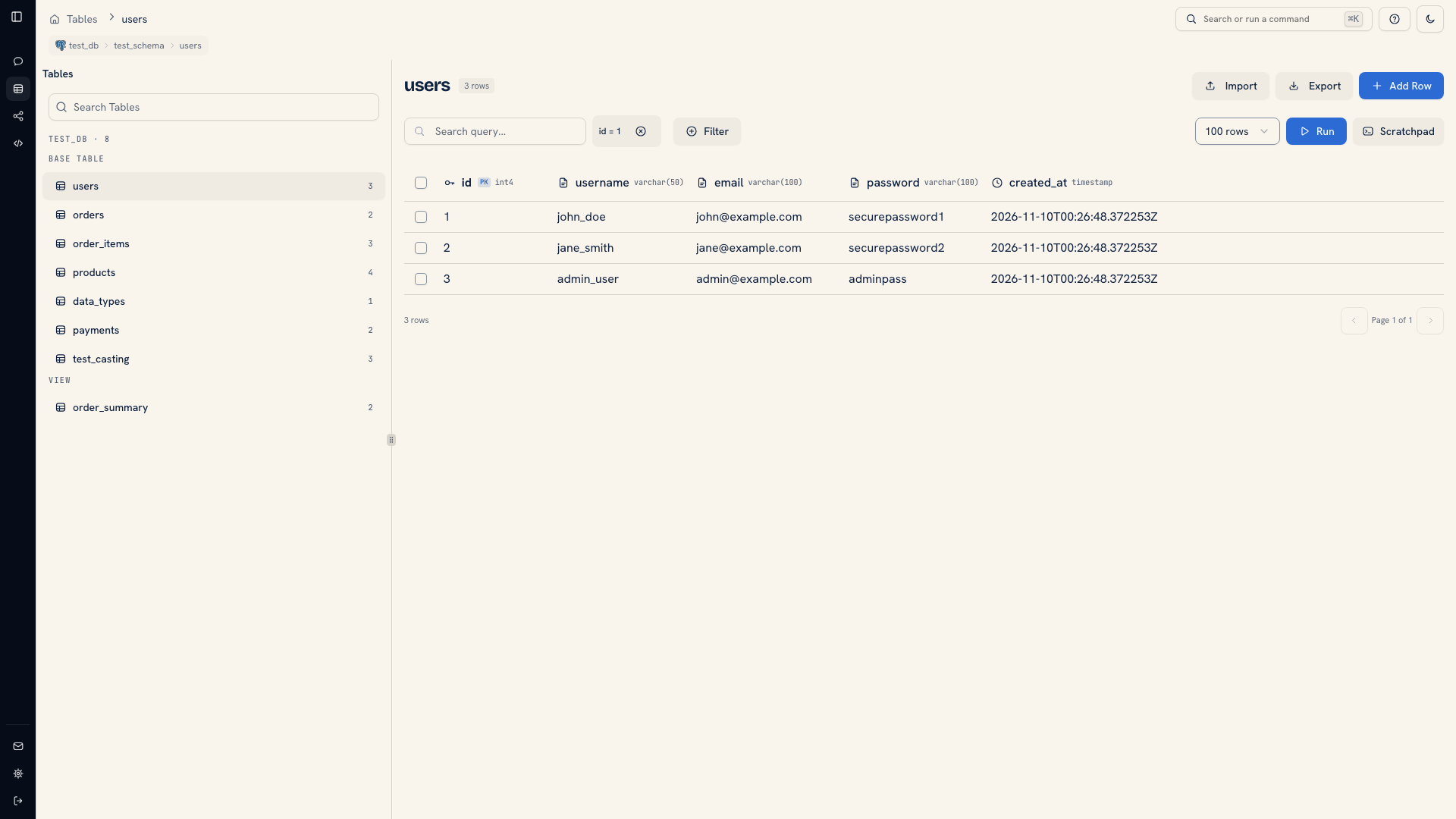 An applied condition badge
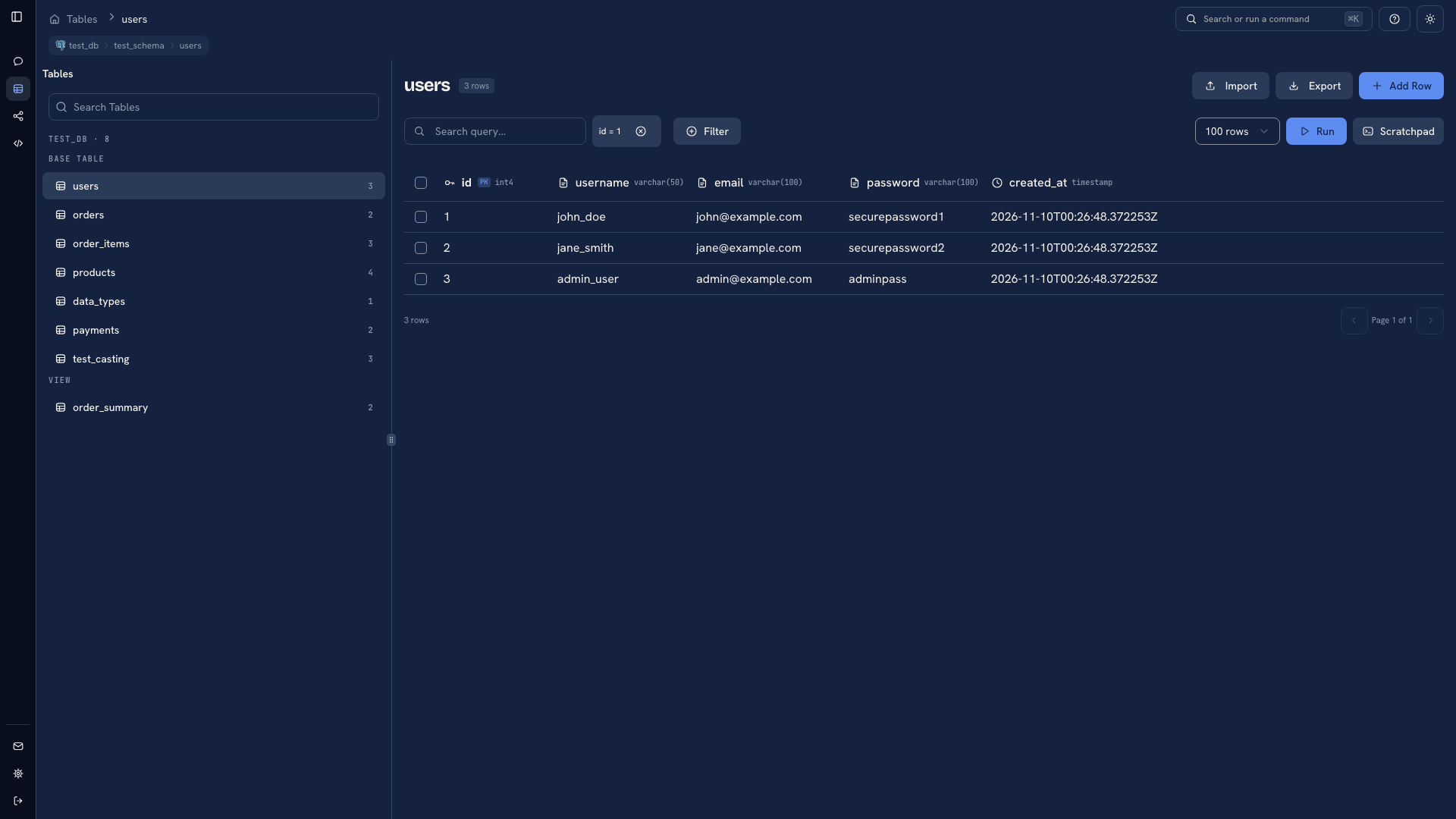 An applied condition badge
The condition badge tells you filters are configured. It does not tell you whether the values are correct or whether you have run the revised request yet. After editing a condition, click Run again.
Remove or troubleshoot a condition#
Remove the condition and run the request again to return to the unfiltered result. If a filter returns no records, try one condition at a time. Check the value's type and spelling, and confirm you are viewing the intended database and schema.
The builder can open in a popover or a larger sheet. Change that preference in Settings.
Choose a query for more complex work#
Use Scratchpad for joins, grouping, calculated fields, or a predicate that is easier to read as a query. The grid's Search field serves a different purpose: it locates text in the page already loaded and does not add a database condition.
Was this page helpful?