
Reuse query history
Use query history when you need a statement that ran earlier, such as the last working version before a change or a failed query whose error you want to investigate. Each Scratchpad cell has its own history of query text, timestamps, and execution status.
Open and reuse an entry#
Open the cell's history control, or choose Query History from its menu. Look for the relevant execution by its text, time, and status.
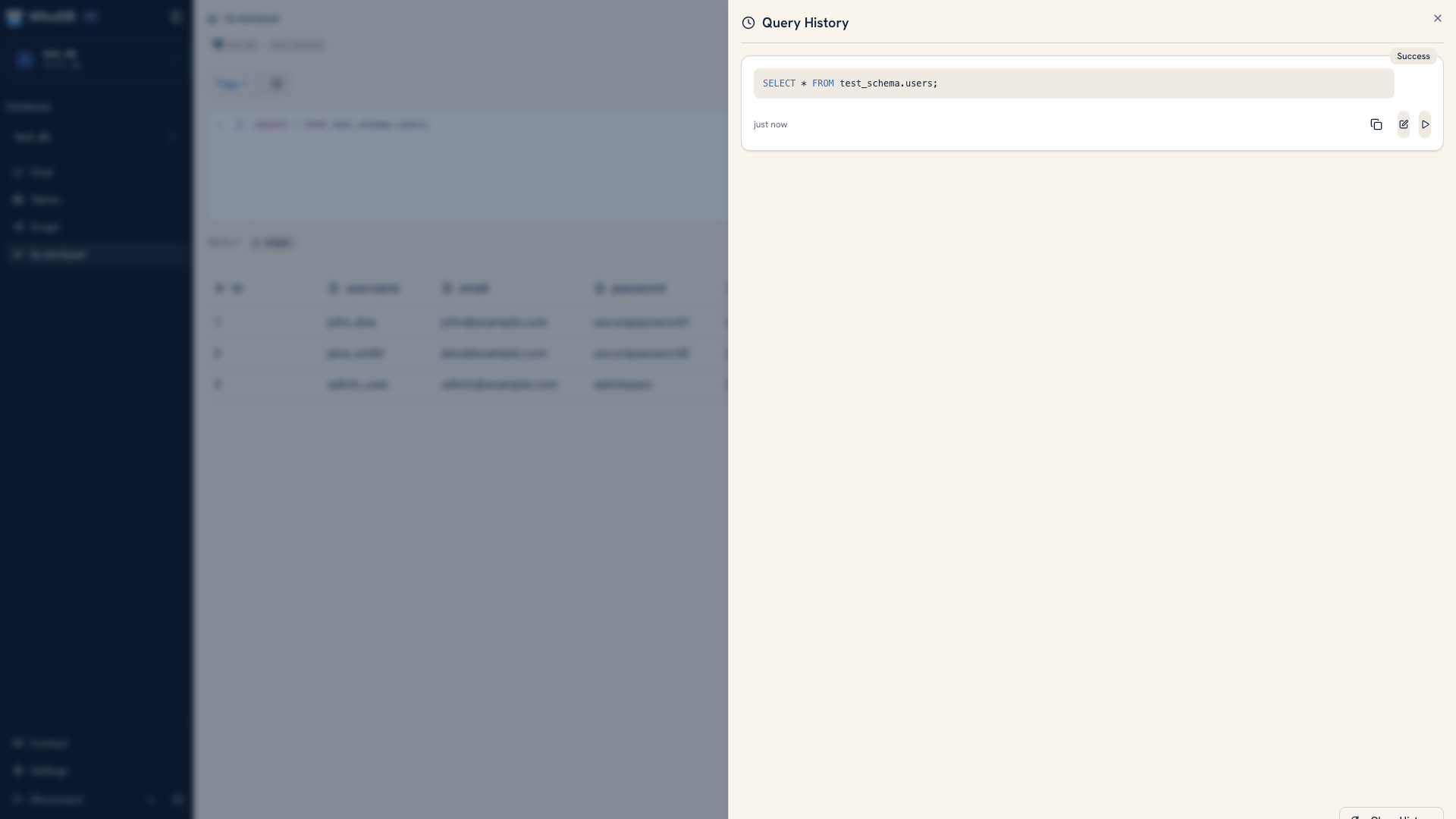 History entries for a Scratchpad cell
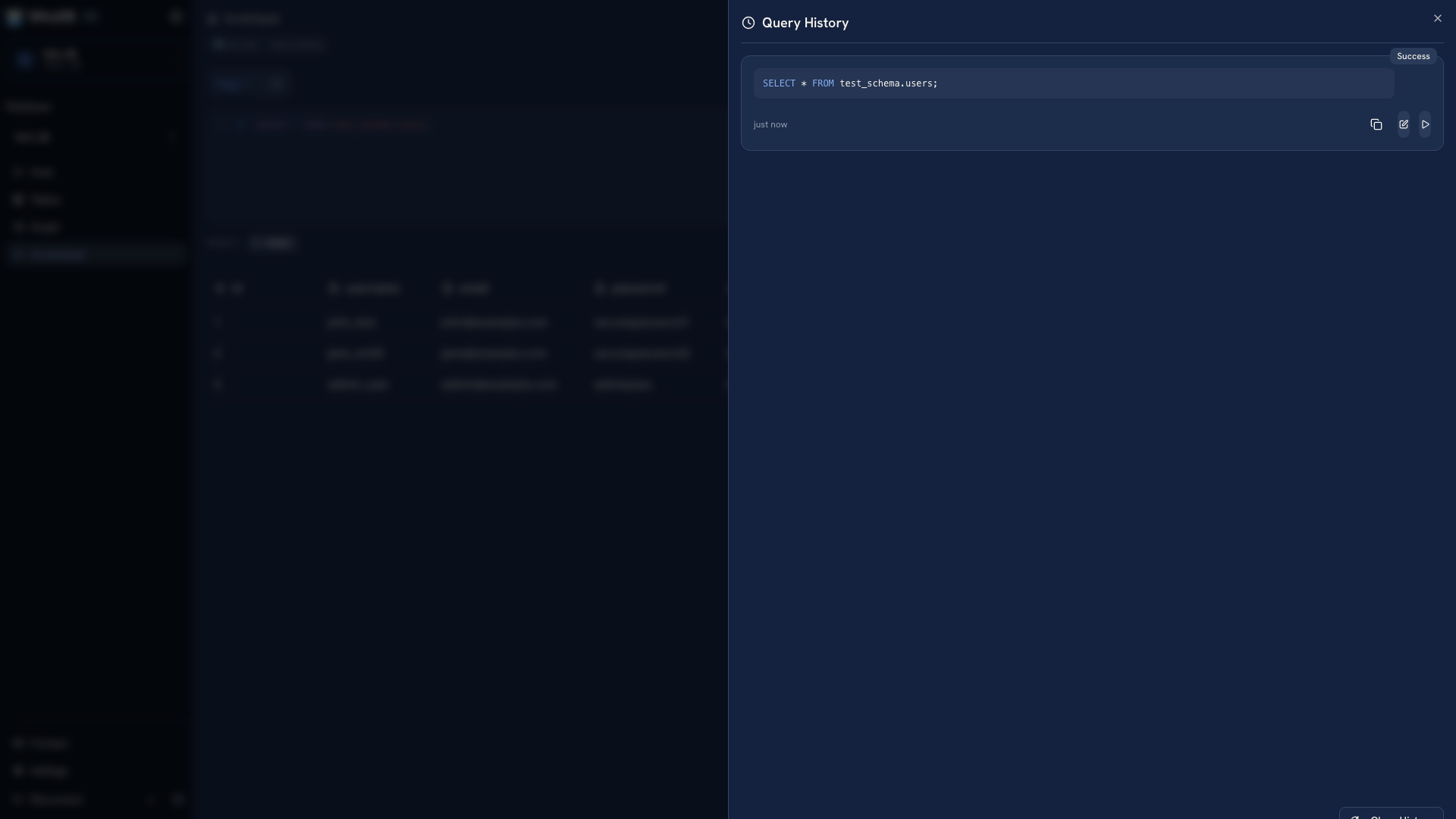 History entries for a Scratchpad cell
Copy an entry when you want to inspect it somewhere else. Load it into the editor when you want to revise it. Loading replaces the current editor content, so keep a copy of an unfinished query before replacing it.
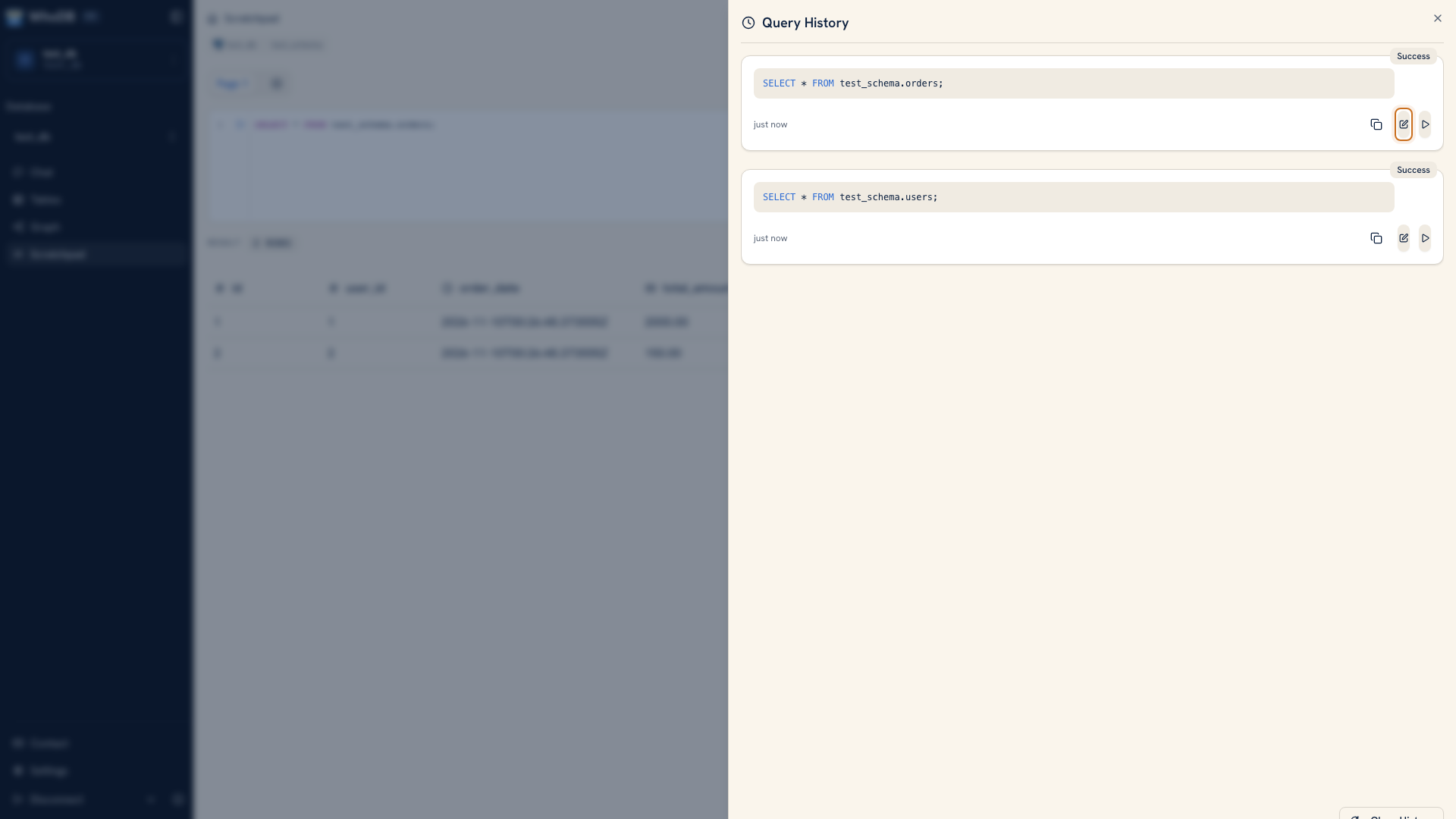 Load a historical query into the editor
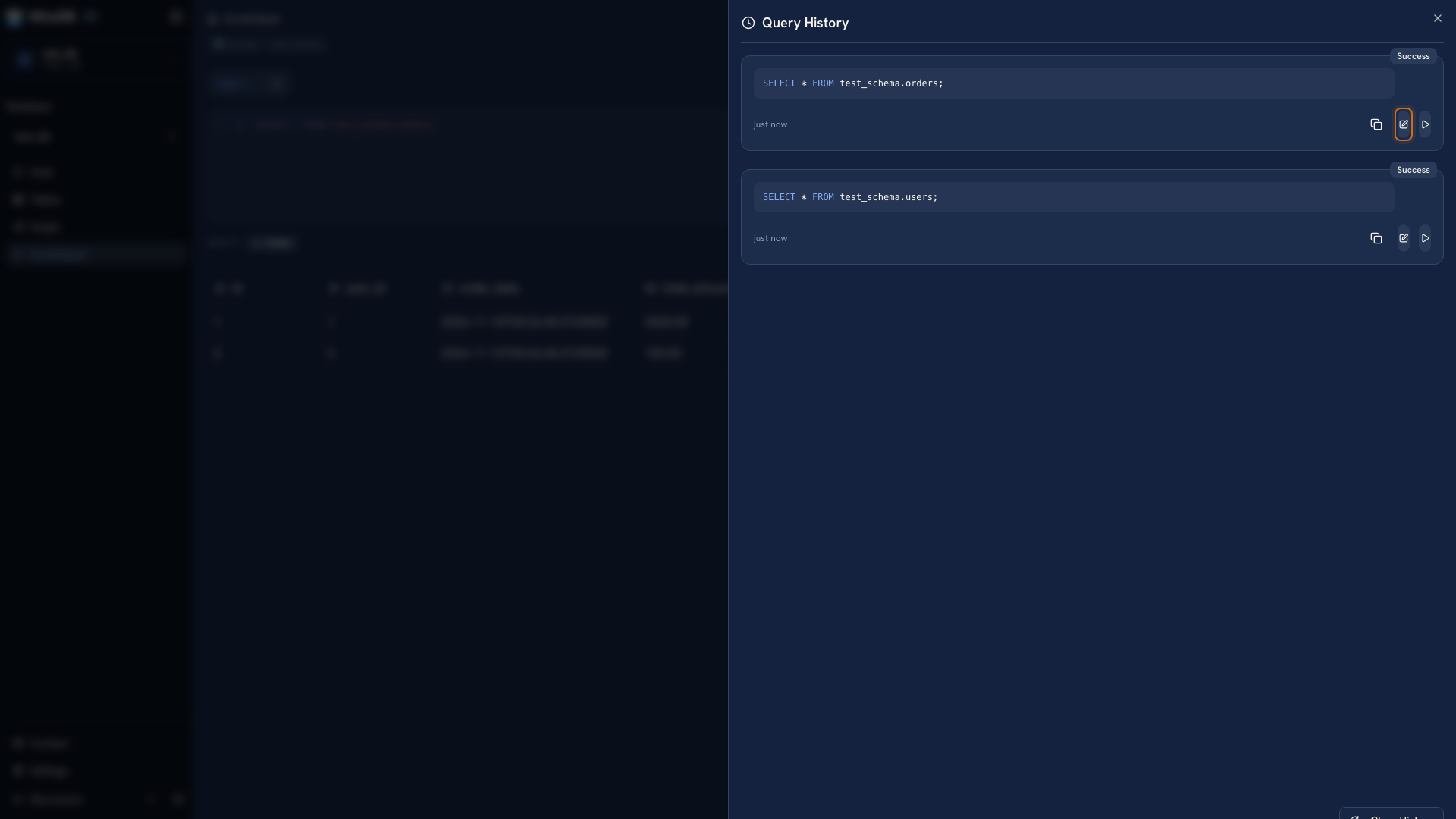 Load a historical query into the editor
You can also run an entry again. Check the active connection and query before doing so, especially for a write. A previously successful query may fail or have a different effect after a schema or data change.
Use status as a starting point#
A successful entry tells you the source accepted that execution. It does not prove that its join, filter, or business definition was correct. Compare a result to known records before treating a successful query as the final answer.
A failed entry is still useful. Load it into a new working cell, reduce it to a smaller statement, and use the displayed error to find the problem.
Keep durable copies#
History and Scratchpad state are local to the browser. They survive an ordinary reload, but they are not shared team documents or a server-side audit log. Clearing browser storage can remove them.
Save important SQL in a file or repository with the source environment, purpose, and any input parameters. This also makes it possible for someone else to review the query without using your browser.
The history panel's clear action removes the current cell's history. Export or copy useful entries before clearing it.
Was this page helpful?