
Connect your sources
Connect WhoDB to the source that contains the records you need to inspect. For a browser deployment, the WhoDB backend makes the connection. It needs access to the database's network address or file path even if your own browser can already reach it.
Before filling the form, identify the source type and where WhoDB is running. These two details explain many connection failures.
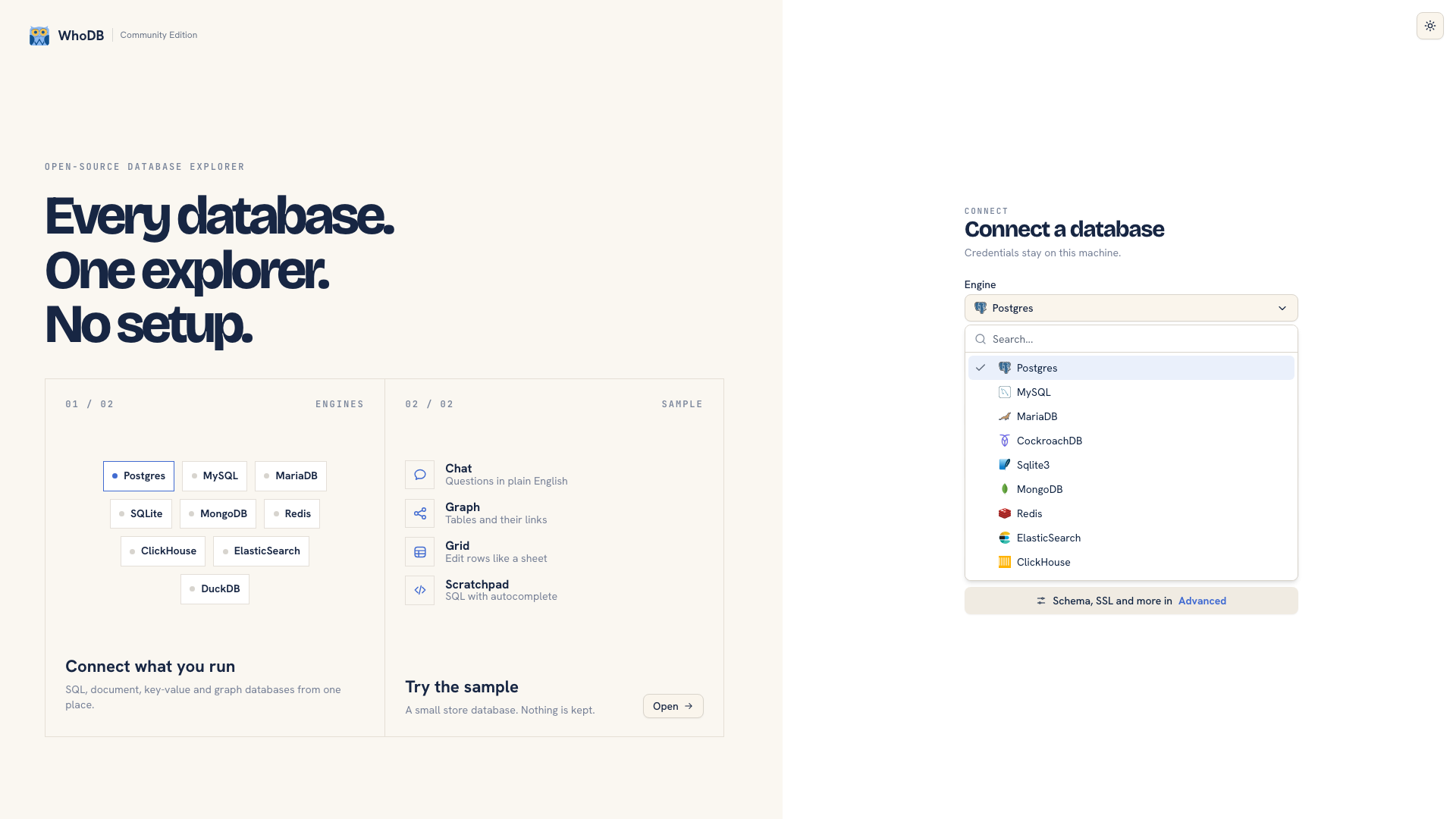 Database types in the connection form
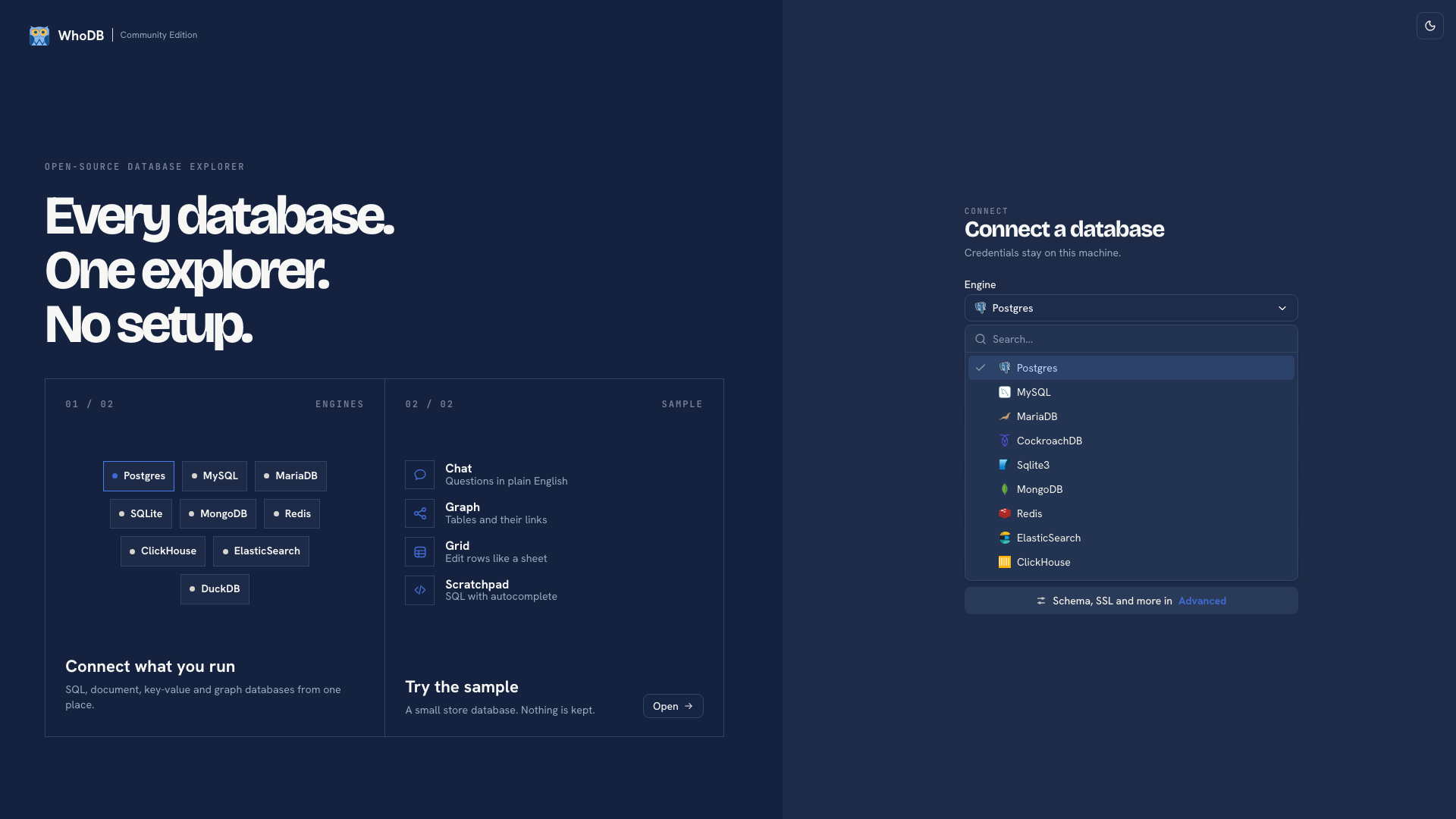 Database types in the connection form
Choose a connection method#
| Method | Use it when |
|---|---|
| Manual form | You have the host, port, database name, and credentials |
| Connection string | You have a URI that the form can parse |
| Server-configured profile | An administrator has provided connection details under an alias |
| File path | You use SQLite or DuckDB and the file is accessible to WhoDB |
| CLI discovery | You have enabled a cloud provider in the local CLI and want to find an endpoint |
Choose the entry for the actual database or compatible product. The source type determines the form fields and the tools available after connection. The database reference lists the CE catalog and explains availability.
For a first connection, follow Connect your first database. After using a connection string, review the parsed fields rather than assuming every URI option was interpreted as intended.
Configure TLS#
Open Advanced for the SSL/TLS options supported by the connector. Depending on the source, these can include an SSL mode, CA certificate, client certificate, client key, and server name.
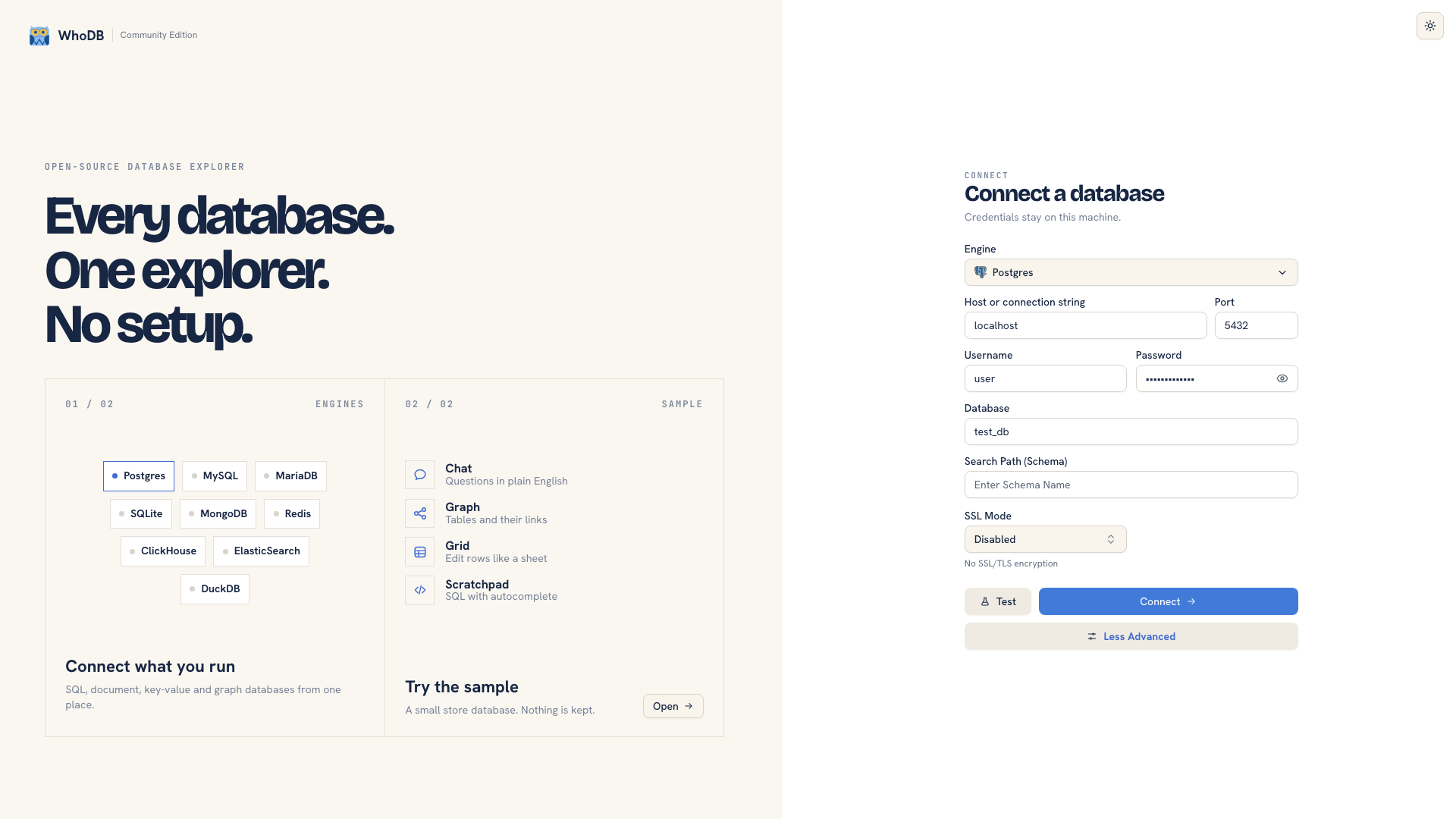 Advanced connection settings
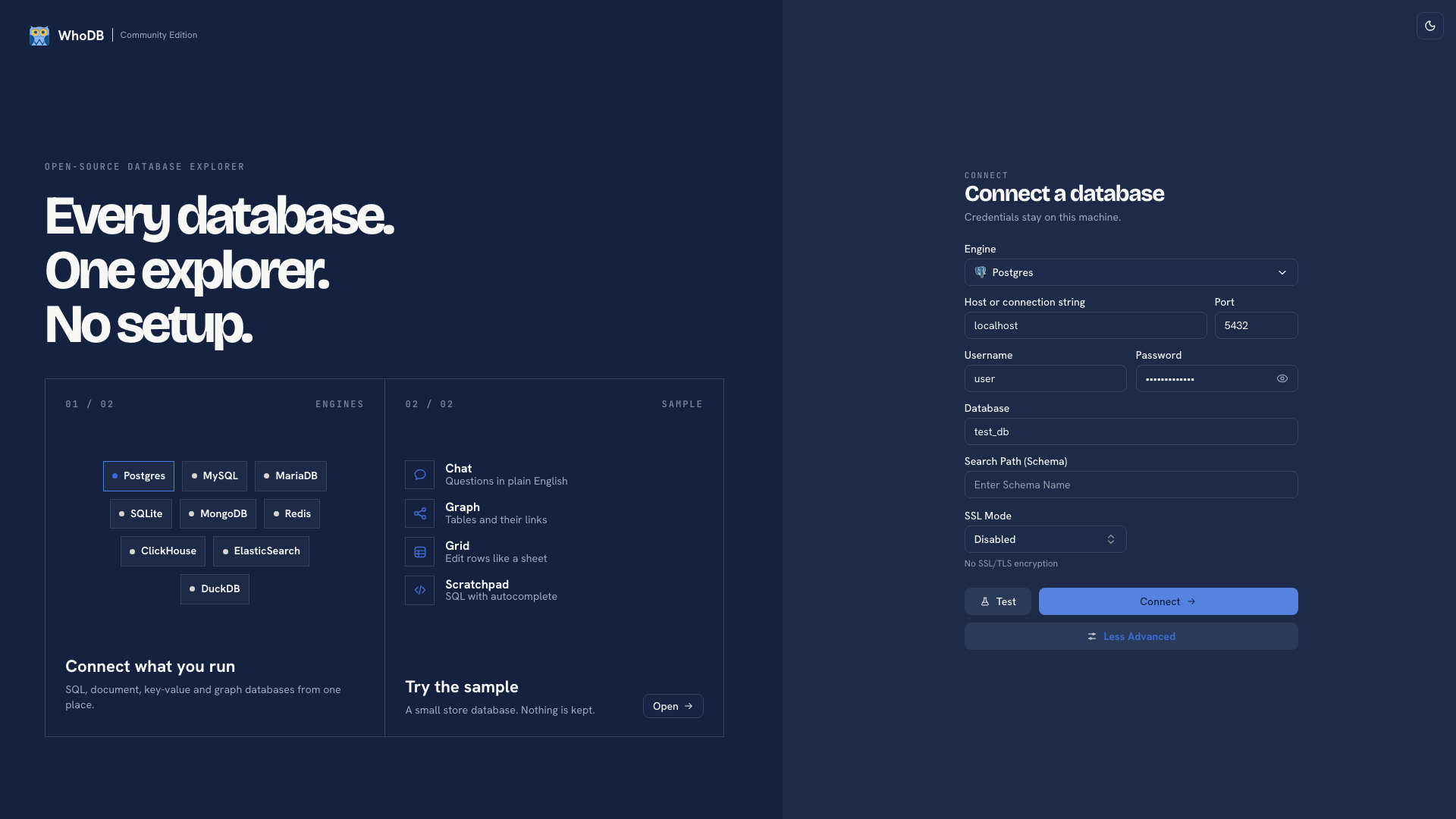 Advanced connection settings
Use the requirements supplied for the endpoint. Do not switch off verification simply because a certificate error disappears when you do. Check the intended trust chain and hostname instead.
Environment profiles can also specify server-side certificate paths, including SSL CA Path, SSL Client Cert Path, and SSL Client Key Path. Those paths refer to the WhoDB host. In a container, mount the required files and use their paths inside the container.
Reuse profiles#
Administrators can configure shared profiles with WHODB_<TYPE> JSON arrays or numbered variables such as WHODB_<TYPE>_1. A profile lets a person select an alias instead of entering all connection details.
These server-configured profiles are available to people who can reach that CE instance. They are different from browser-local saved workspace state, and an alias is not a per-user access rule. See profile configuration before sharing an instance.
Reach private databases#
Use a network path available to the WhoDB backend, such as your existing VPN, private network, or externally managed forwarding. For terminal work, the CLI/TUI also supports SSH tunneling.
Cloud discovery finds endpoints through the local CLI. It does not add cloud-provider administration to the CE browser form or make a private endpoint reachable.
Tip
The same connection can become a managed source for pipelines, apps, and an ontology in WhoDB Platform. Bring your connection across.
Was this page helpful?