
Export an answer for analysis
Use this workflow when someone needs a spreadsheet containing a specific answer, such as a list of customers with their order counts. First define the result in a query, then export and check the file.
Prepare exactly the records you need#
Open Scratchpad and run a query that selects the required columns. Add the filters, joins, and ordering needed for the report. Avoid exporting fields such as passwords or private notes when the recipient only needs names and totals.
For the demo PostgreSQL database, this produces a small user list:
SQL
SELECT id, username, email
FROM test_schema.users
ORDER BY id
LIMIT 10;
Use your own schema and fields. Review the result's column names, count, and a few known values before exporting.
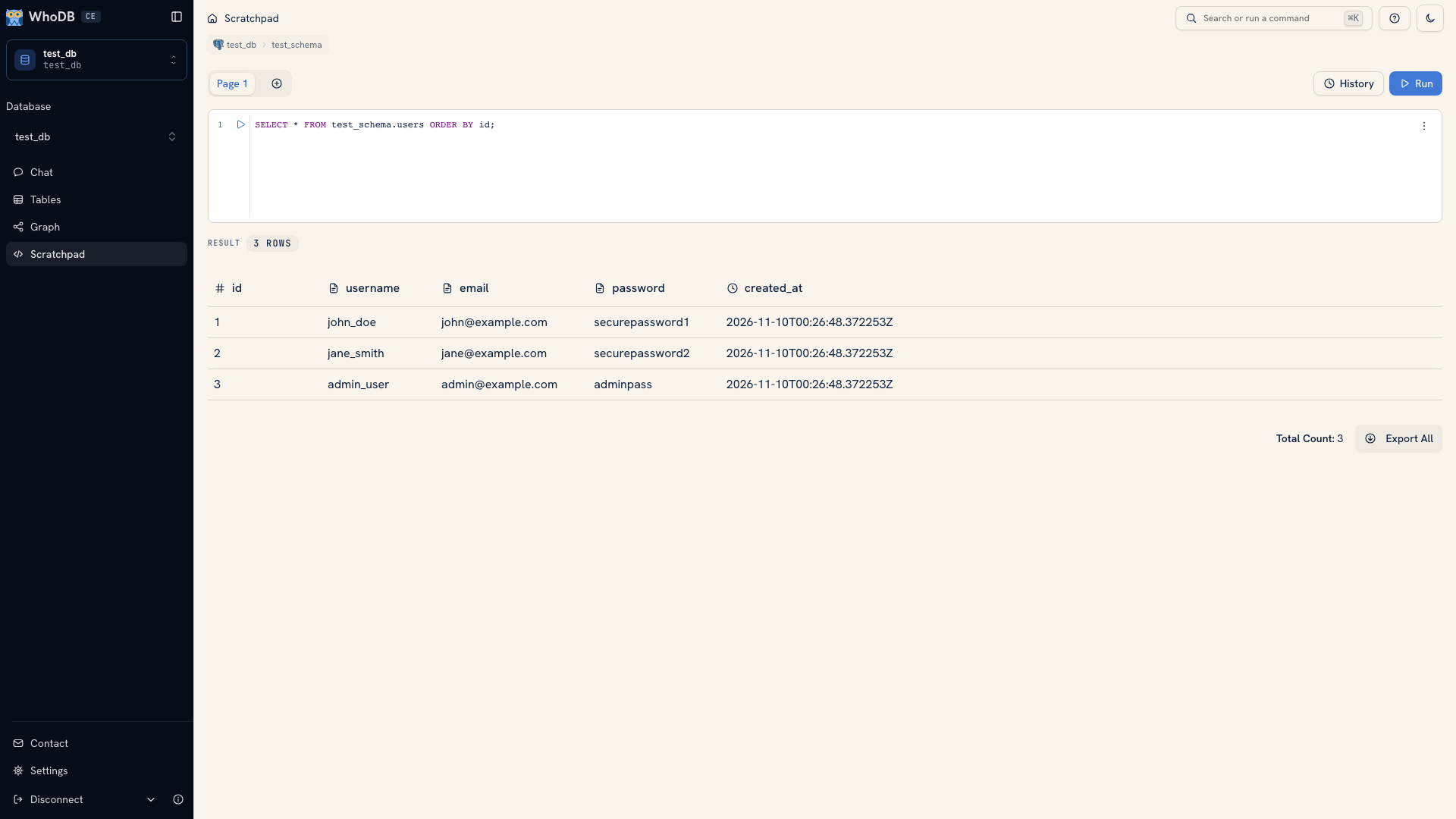 A query result ready for inspection
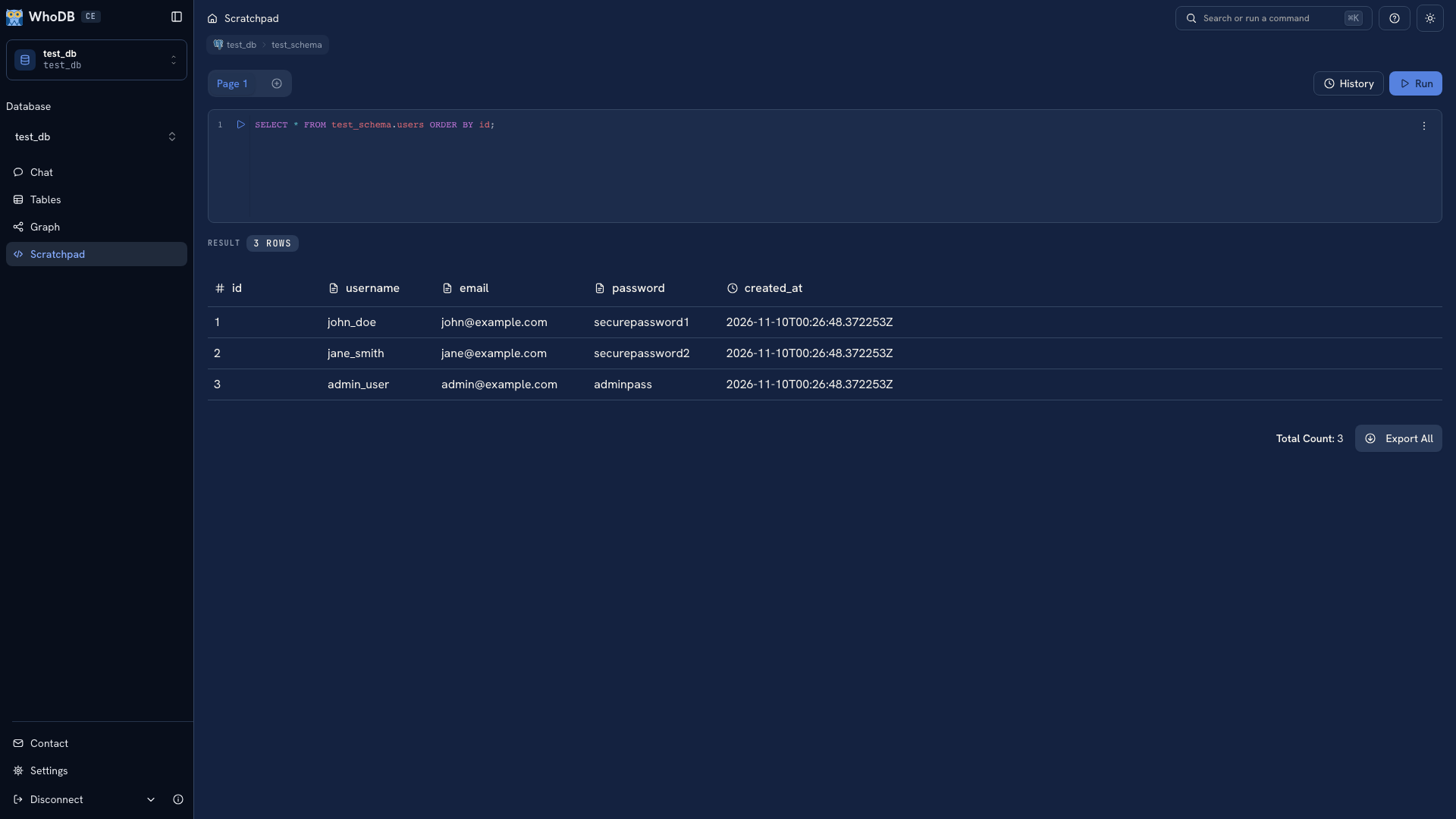 A query result ready for inspection
Note
An object's whole-table export does not inherit the Data view's filters. Use a query result for a filtered report, or select specific rows in the object's Data view and use their selection export action. See Export options for the scope of each action.
Choose the file format#
Use Export All on the query result to export that result. Choose CSV for a text file that other data tools can read, or Excel for an XLSX workbook. For CSV, select the delimiter expected by the receiving tool.
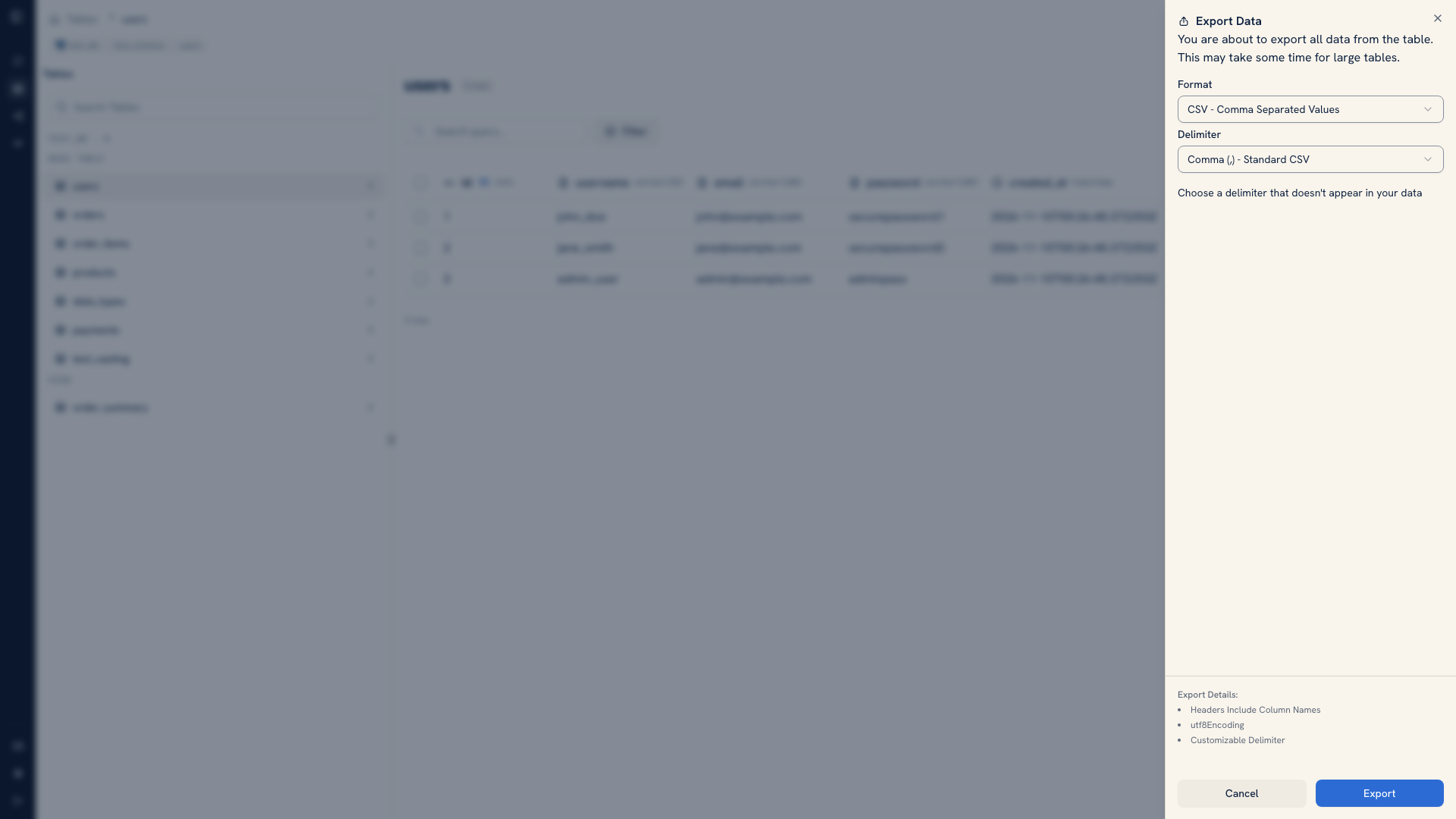 Export settings
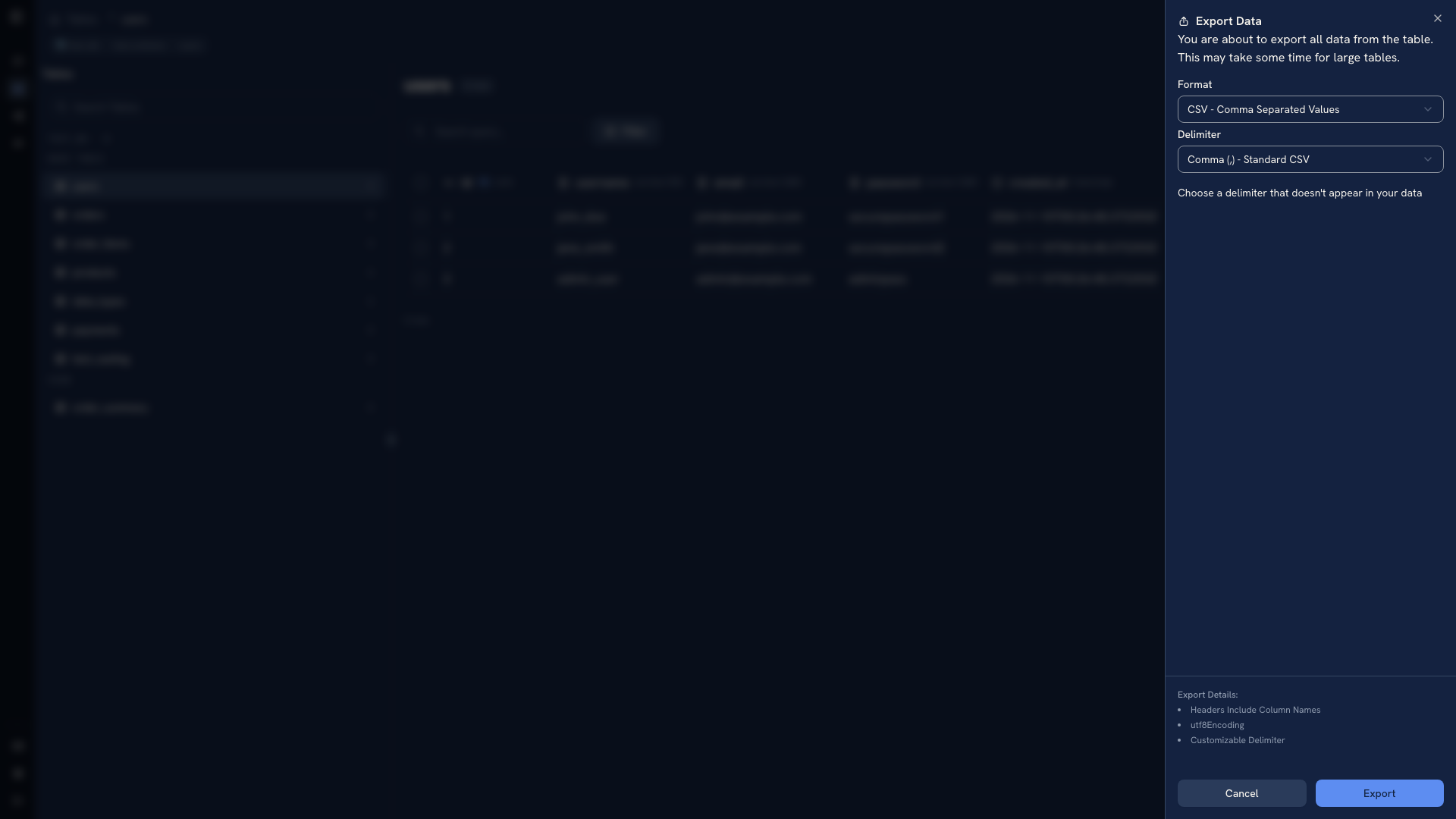 Export settings
If the file needs fewer records, narrow the query with the appropriate condition or limit and run it again before exporting. For a few individual stored records, use row selection in the object's Data view instead.
Validate and deliver the file#
Open the downloaded file. Confirm its headers, row count, and several known records. Check values that spreadsheet software may reinterpret, such as identifiers with leading zeroes and date fields.
Keep the query, source environment, and extraction date beside the file so another person can reproduce it. Share the file through the channel appropriate for that data's sensitivity. The export is a copy of the data and will not update when the source changes.
Use native backup tools when you need a restorable database backup.
Tip
If preparing this file has become recurring work, use Transforms in WhoDB Platform to build a reusable data pipeline. Move beyond a manual export.
Was this page helpful?