
Explore a database
Use WhoDB to understand the part of an unfamiliar database that answers your question. Start with one object and a known record, then follow the fields and relationships you need.
Locate the starting object#
Check the active database and schema, open Tables, and search for a likely name. Expand Info to inspect fields and types. An identifier, creation date, or foreign-key field often gives you a useful starting point.
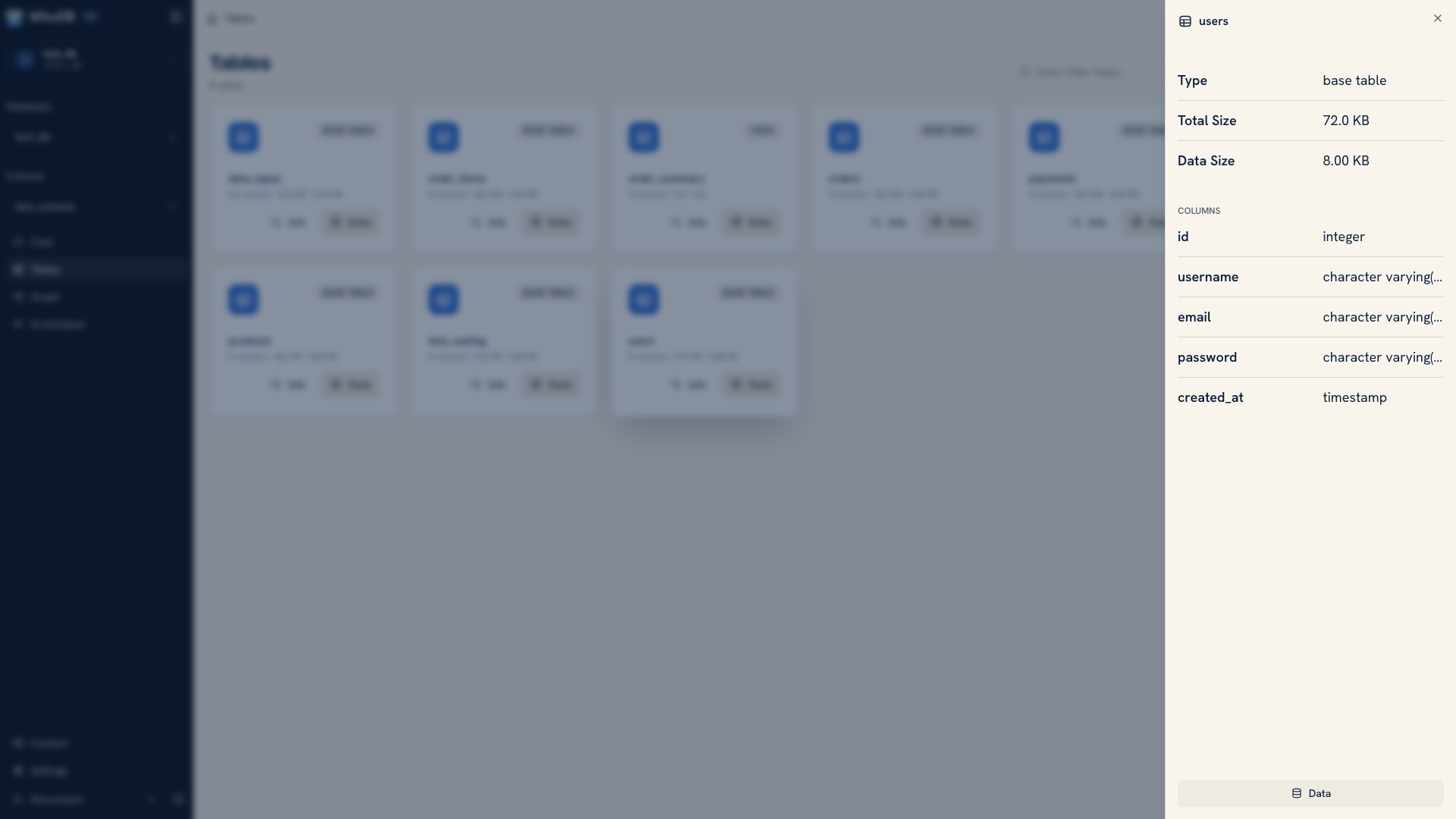 Inspecting an object before querying
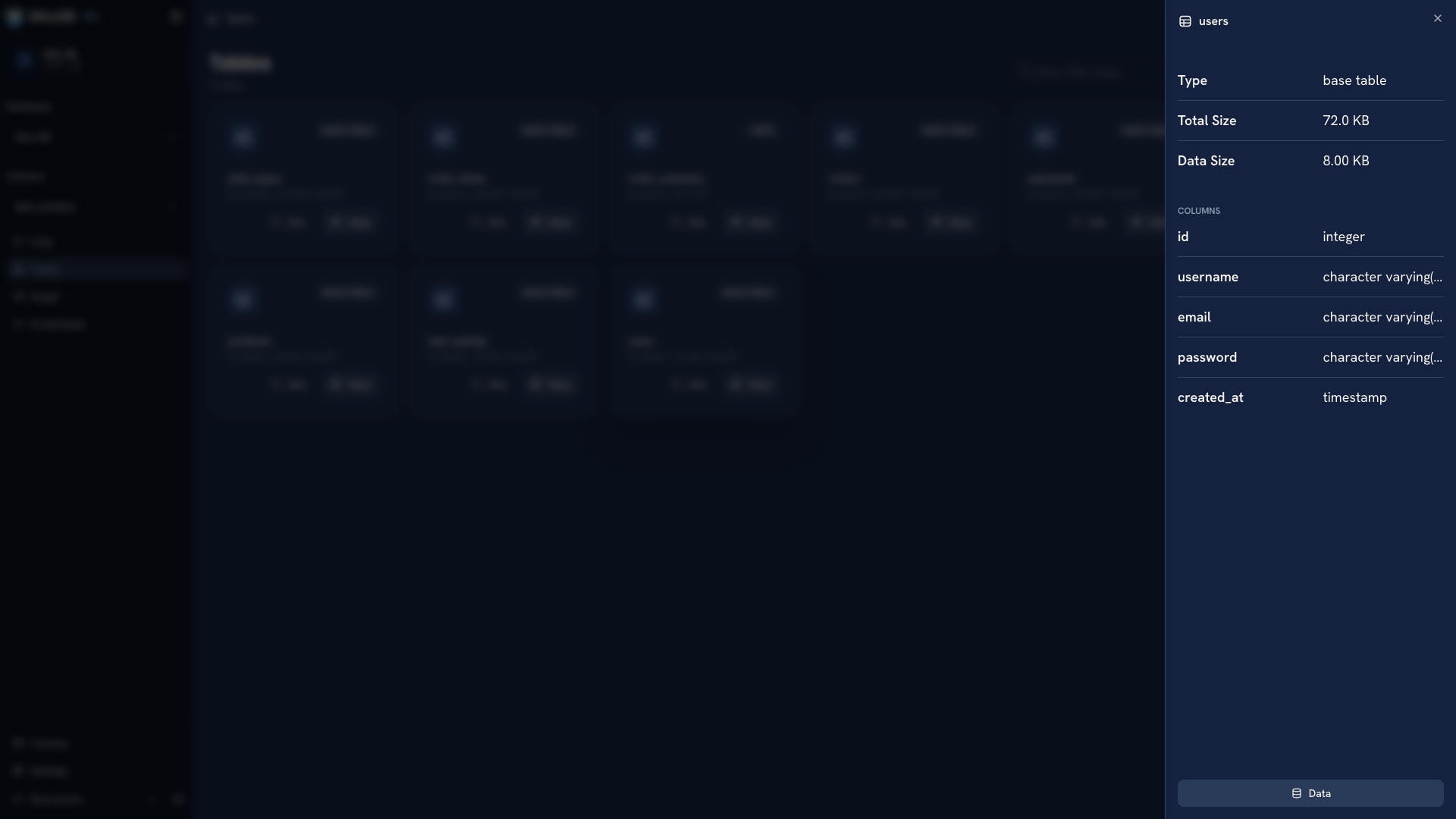 Inspecting an object before querying
Open Data for a small sample. Note which values are missing, how identifiers are represented, and whether dates include a time component. These details affect the filters and comparisons you write next.
Follow a specific record#
Use Filter to retrieve a known identifier from the source. The separate text Search only highlights loaded rows, so it is not a substitute for a database filter.
If the question spans tables, open Graph and select the relevant objects. Check the fields on both ends of a declared relationship. Missing edges can mean the application uses a relationship without declaring a database foreign key; inspect the schema or application definition before guessing the join.
Keep a repeatable answer#
Move the lookup into Scratchpad. Keep the initial sample and the refined query in separate cells so you can see how the answer was reached. Verify at least one known record before using the query more broadly.
Save the useful SQL outside the browser with the source context and a short explanation. The outcome is a query another person can run, together with enough context to interpret its result.
Follow Explore an unfamiliar database for a worked investigation, or Map a schema visually for a diagram you can share.
Was this page helpful?