
Evaluate WhoDB alongside DBeaver
If your DBeaver workflow spans several source types, evaluate WhoDB with that same mix. Begin with a familiar query, then test how each workspace handles the investigation around it.
Check the sources you use#
Compare your required connections with the CE catalog. Test the exact source product and authentication settings rather than assuming that compatible connector families behave identically.
Connect to a development source with the same account you use for the comparison. Inspect a known object's fields in Info and retrieve a record with Filter in Data.
Try an investigation in cells#
Paste a familiar query into Scratchpad. Keep a sample, a join, and the final summary in separate cells. Check whether this arrangement helps you revisit the step behind an unexpected result.
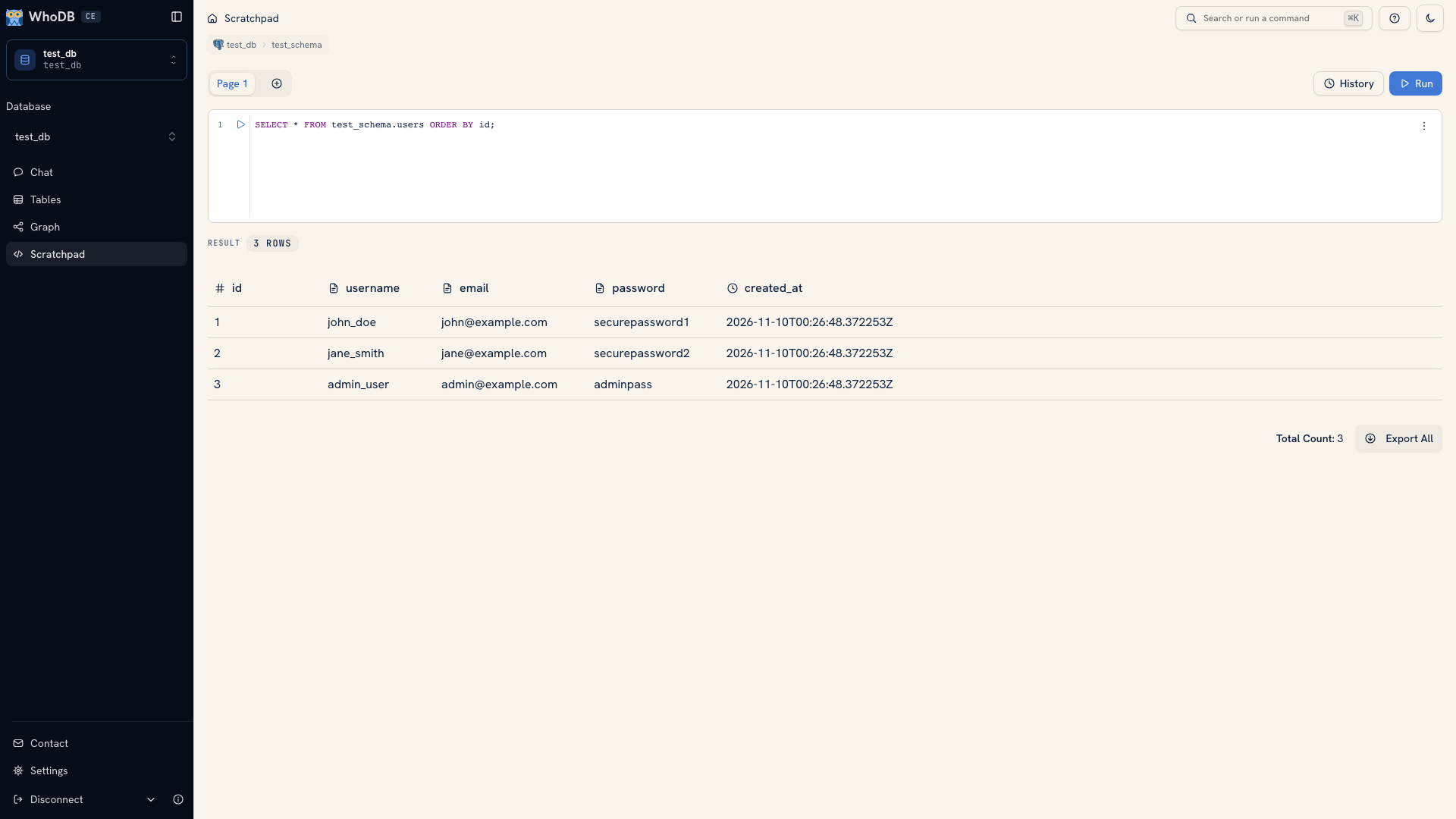 A query result in WhoDB
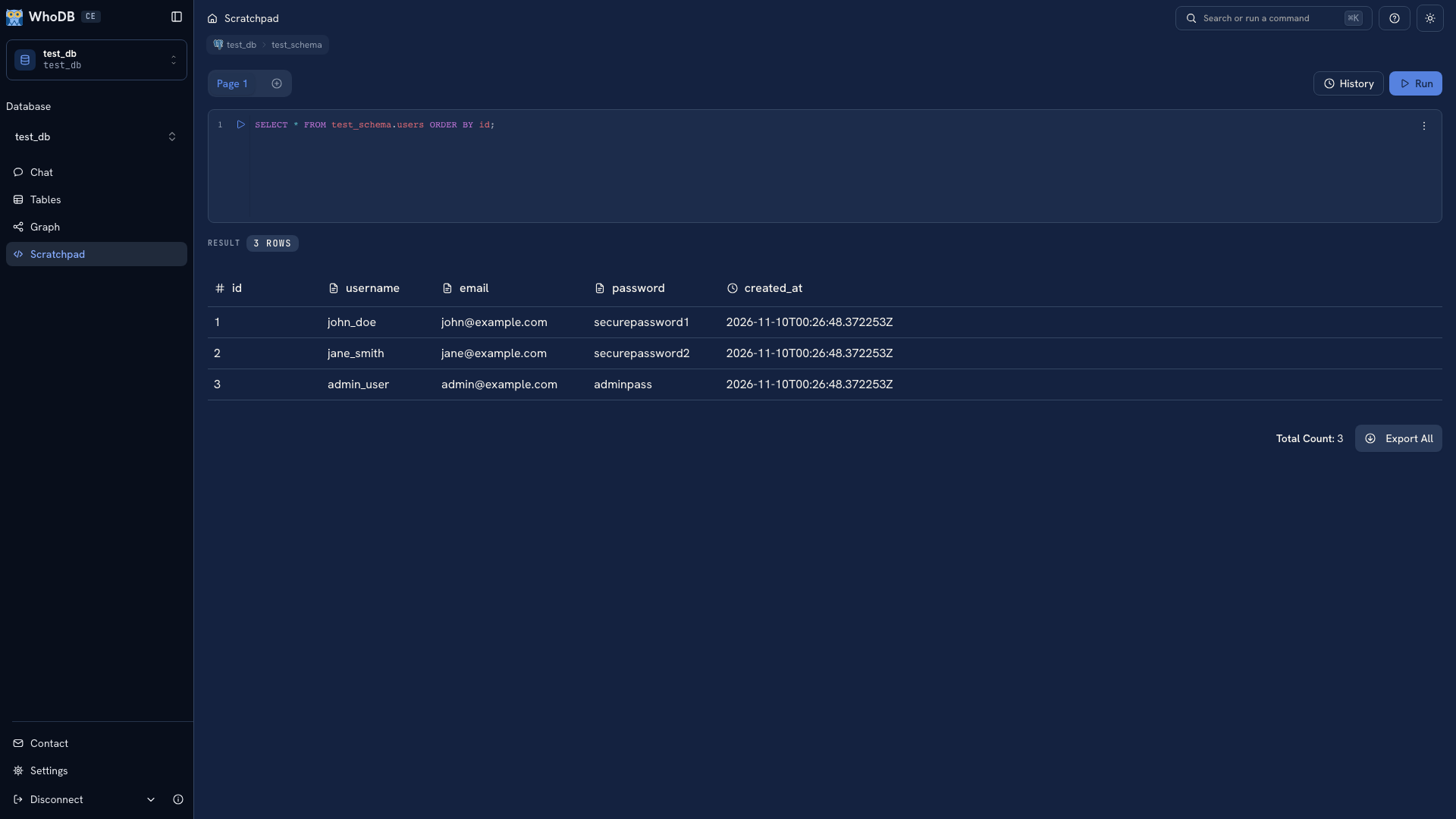 A query result in WhoDB
Test the workflows you rely on around the editor, such as inspecting metadata, viewing declared relationships, and exporting the result. Save important SQL in your own files because Scratchpad pages and history are browser-local.
Include the deployment in the evaluation#
Try the browser, desktop app, or CLI according to where you want the work to happen. A self-hosted browser server must reach the database and files from its own environment. Verify those paths rather than copying a local connection and assuming it will work remotely.
Use DBeaver's SQL editor documentation and the documentation for your edition to check the other side of the comparison. Record whether each tool completes your required tasks and what configuration it needs.
Continue with Desktop, CLI & MCP, or the evaluation checklist.
Was this page helpful?