
Create tables and fields
Create an object through the UI when you need a new development table or want to define its fields without starting from a handwritten statement. The form uses the connected source's types and supported constraints.
Creating an object changes the database. Use the intended database and schema, and check that the name will not conflict with an existing object.
Define the object#
Open Tables and choose its create action when the source supports object creation. Enter a name, add fields, and choose their types.
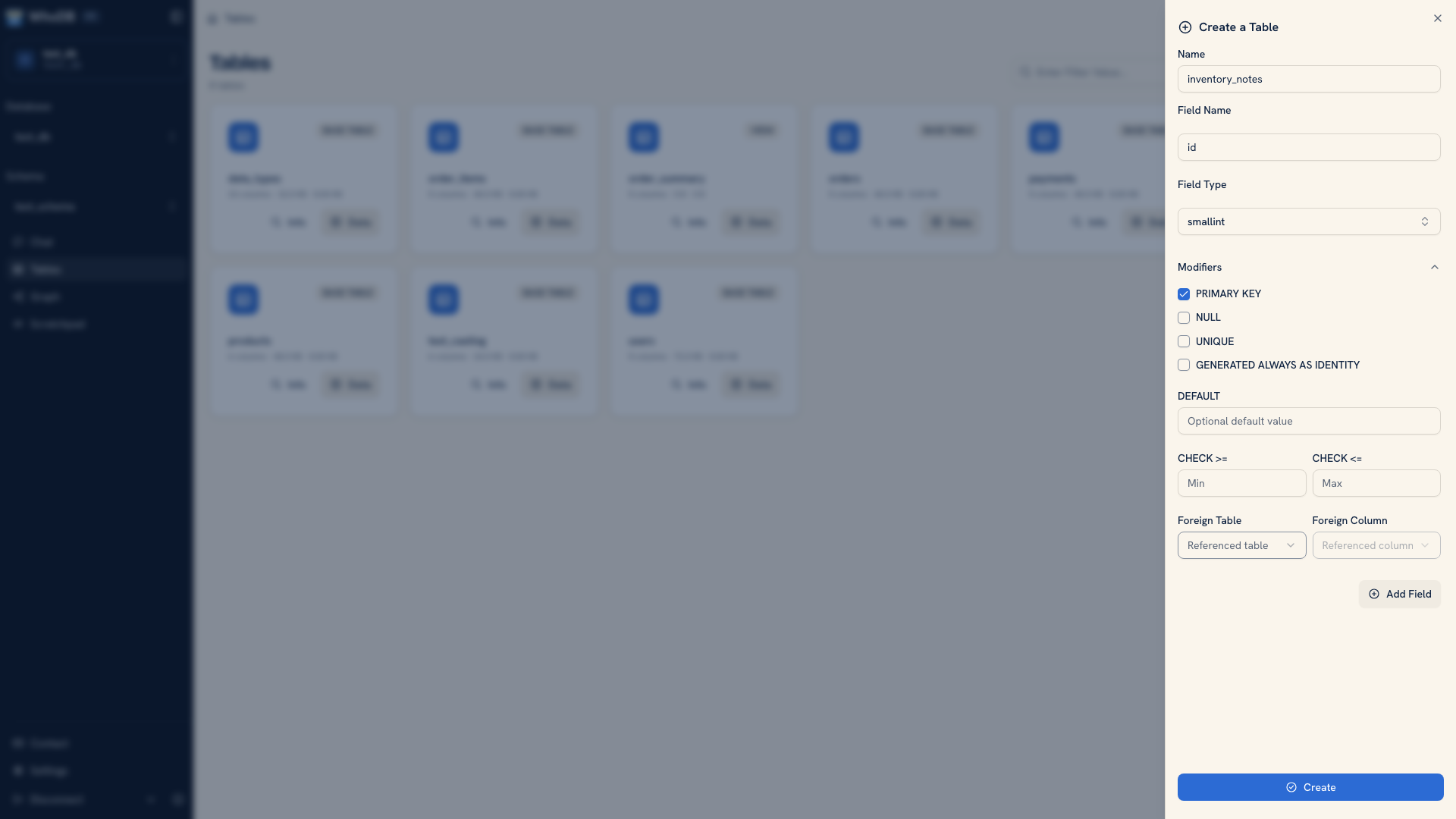 The create-table form with field definitions
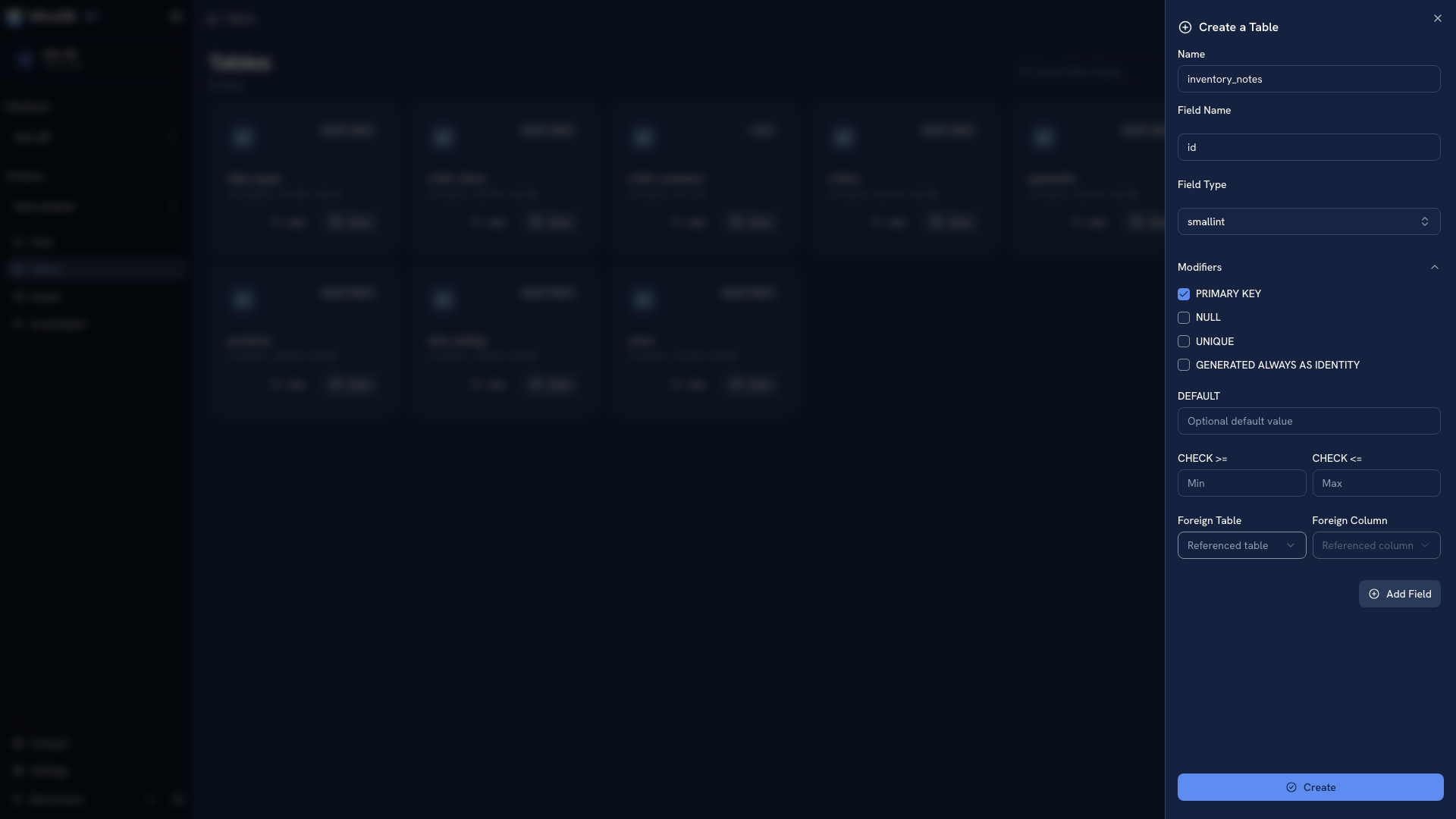 The create-table form with field definitions
For each field, decide what the value represents. An identifier, a display name, an amount, and a timestamp need different type and constraint choices. Use a small definition you can verify rather than adding speculative fields for future work.
Expand the field's options to see the constraints supported for that source and type. Options can include primary keys, nullable or unique values, identity generation, defaults, ranges, allowed values, and foreign-key references.
A primary key identifies a record; a default supplies a value when the database applies that default. Check which fields should be generated rather than requiring people or import files to provide their values.
Choose relationships deliberately#
When defining a reference, inspect the existing object's key and field type first. A name such as user_id is only a label until the database definition establishes the intended relationship.
The available controls vary by connector. An option offered for one database is not a promise that another engine implements the same behavior.
Create and inspect#
Submit the definition and read any returned validation error. After creation, find the object in the browser and open Info. Compare its actual fields, types, and keys to the definition you intended.
Open Data and add a small test record if the object is writable. Check generated values and required fields, then inspect the relationships in Graph where supported.
Keep a reproducible schema#
For an application database, record the equivalent change in a versioned migration. The UI is useful for creating and inspecting a development definition, but a team still needs a reviewable way to apply it to other environments.
Next: Add a record · Inspect a schema
Was this page helpful?